
AI-powered video creation is transforming how individuals and businesses produce compelling visual content. From automated avatars to voice synthesis and dynamic editing, artificial intelligence is making high-quality video production faster, cheaper, and more accessible than ever. Whether you're a marketer, educator, or content creator, mastering AI video tools can give you a competitive edge. This guide walks through the entire process—from concept to final output—with proven techniques, tool recommendations, and insider tips.
1. Define Your Objective and Audience
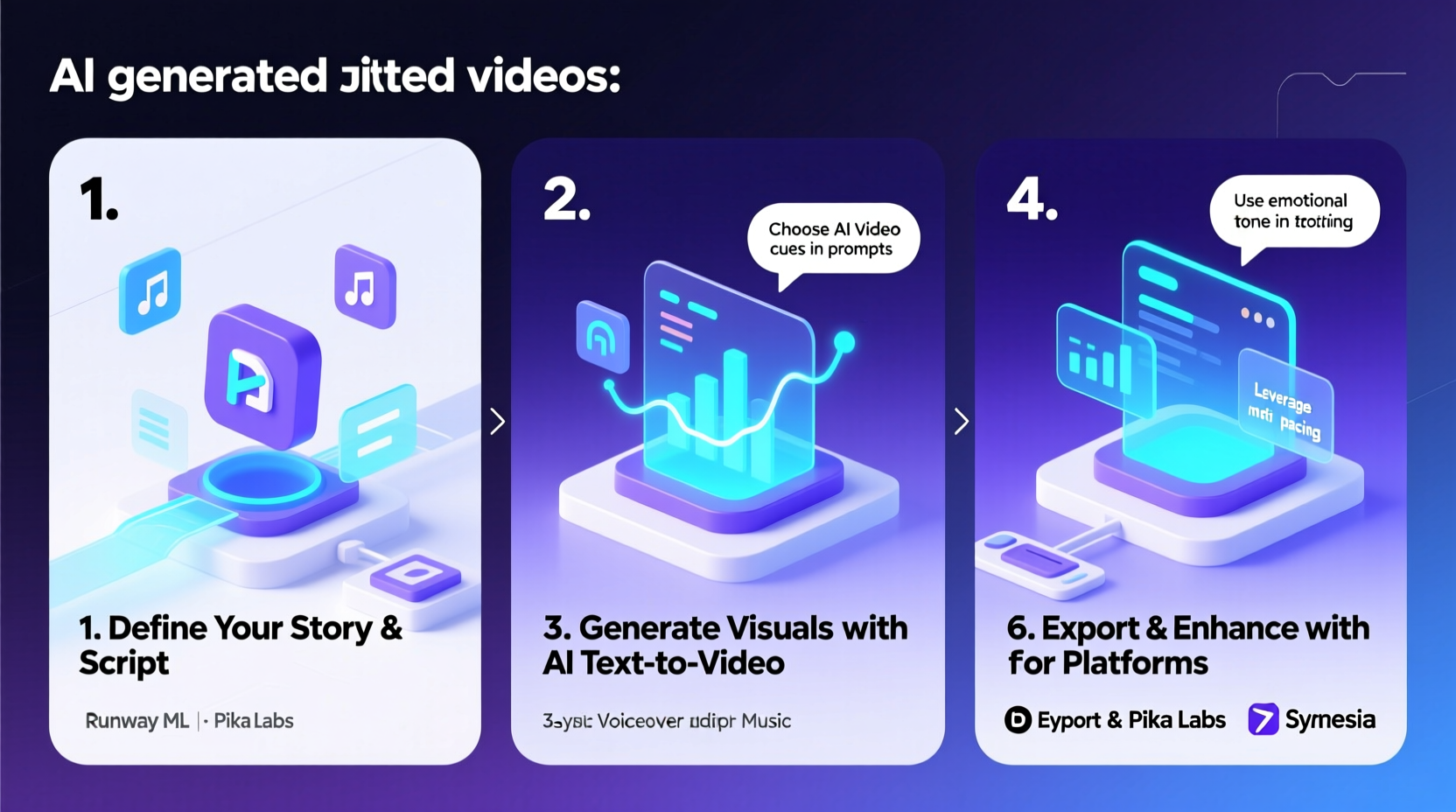
Before touching any software, clarify your video’s purpose. Are you explaining a product? Teaching a skill? Promoting a brand? Each goal shapes the tone, structure, and style of your video. Equally important is understanding your audience: their preferences, pain points, and viewing habits.
For example, a B2B explainer targeting executives will differ significantly from a TikTok-style tutorial aimed at Gen Z. Use this clarity to guide scriptwriting, visuals, and pacing.
Tip: Write down your video’s one-sentence objective before starting. If you can’t define it clearly, refine your idea.2. Craft a Script Optimized for AI Narration
The script is the backbone of any AI-generated video. Unlike human narration, AI voices require precise punctuation, natural phrasing, and minimal ambiguity. Avoid complex sentence structures, idioms, or sarcasm—these often confuse text-to-speech engines.
Break your script into short, conversational segments. Use active voice and emphasize key points with repetition or emphasis cues (if supported by your tool). Always read the script aloud during editing to catch awkward phrasing.
“AI narration works best when the script mirrors real speech patterns. Think like a podcast host, not a textbook writer.” — Dr. Lena Patel, Voice Technology Researcher at MIT Media Lab
3. Choose the Right AI Video Platform
Selecting the right tool depends on your needs: avatar realism, multilingual support, editing flexibility, and budget. Below is a comparison of top platforms as of 2024:
| Tool | Best For | Avatar Quality | Pricing (Starting) | Notable Feature |
|---|---|---|---|---|
| Synthesia | Corporate training, explainers | High (HD photorealistic) | $30/month | Custom avatars, multi-language support |
| Pictory | Blog-to-video, social clips | Low (text + stock media) | $19/month | Auto-summarizes articles into videos |
| HeyGen | Marketing, personalized videos | High (lifelike expressions) | $24/month | One-click translation with lip-sync |
| InVideo AI | Rapid content creation | Medium (template-based) | Free tier available | Generates full videos from prompts |
| Elai.io | E-learning, internal comms | Medium (animated avatars) | $27/month | Interactive branching videos |
Consider starting with a free trial to test voice quality, interface usability, and rendering speed.
4. Step-by-Step Guide to Producing an AI Video
Follow this structured workflow to create professional-grade AI videos efficiently:
- Outline your message: Break your topic into 3–5 key points. Structure them logically (problem → solution → benefit).
- Write the script: Keep sentences under 15 words. Use contractions for natural flow (“you’re” vs “you are”).
- Select an AI presenter: Match the avatar’s appearance and tone to your audience (e.g., formal for finance, friendly for wellness).
- Generate voiceover: Choose a voice that fits your brand. Adjust pitch, speed, and pauses if the platform allows.
- Add visuals: Pair each segment with relevant background images, B-roll, or animated text. Avoid clutter.
- Edit timing: Sync scene changes with voice inflections. Allow 1–2 seconds of pause after key statements.
- Review and refine: Watch the full video without sound to check visual flow. Then listen with eyes closed to assess audio clarity.
- Export and share: Render in 1080p minimum. Add subtitles for accessibility and better engagement on silent scroll.
5. Real Example: How a Startup Scaled Onboarding with AI Videos
A SaaS company with 50 new hires per quarter struggled with inconsistent onboarding. They used Synthesia to create a 12-minute welcome video featuring a digital HR manager explaining policies, tools, and culture.
The script was written in plain English, avoiding jargon. The avatar wore business-casual attire and smiled naturally during key messages. Background visuals included office scenes and animated org charts.
Result: New employee comprehension increased by 40% (measured via post-training quiz), and HR saved 15 hours per month. The video was localized into Spanish and German using AI voice cloning, maintaining brand consistency across regions.
Essential Tips for Higher Engagement
- Start strong: Open with a question or surprising fact. Example: “Did you know 60% of customers decide within the first 10 seconds?”
- Use motion strategically: Animate only key elements—too much movement distracts from the message.
- Leverage emotion: Choose avatars with expressive faces. A smile during a success story increases relatability.
- Keep it concise: Aim for 60–90 seconds for social videos, up to 3 minutes for tutorials.
- Add branding: Include logo watermark, brand colors, and consistent intro/outro music.
Checklist: Pre-Publish Review
Run through this checklist before exporting your final video:
- ✅ Script reviewed for clarity and tone
- ✅ Voiceover matches brand personality (friendly, authoritative, etc.)
- ✅ Visuals align with spoken content (no mismatched scenes)
- ✅ Subtitles enabled and accurately synced
- ✅ Branding elements added (logo, color overlay, end card)
- ✅ Video tested on mobile and desktop
- ✅ File size optimized for platform (e.g., under 250MB for email)
Frequently Asked Questions
Can AI videos replace human presenters entirely?
In many cases, yes—especially for standardized content like training modules, FAQs, or product demos. However, human-led videos still perform better for emotionally sensitive topics or high-trust branding. The best approach is often hybrid: use AI for scalability and humans for connection.
Are AI-generated avatars ethical to use?
Ethical use depends on transparency and consent. If the avatar resembles a real person, obtain permission. Avoid misleading viewers into thinking a digital figure is a real spokesperson unless disclosed. Most reputable platforms provide guidelines for responsible usage.
How do I make my AI video feel less robotic?
Focus on three areas: script rhythm, voice selection, and visual pacing. Insert slight pauses after key points, choose voices with natural intonation, and vary background visuals every 5–7 seconds. Adding subtle background music can also warm up the tone.
Making the Most of AI Video Tools
AI video creation isn’t about replacing creativity—it’s about amplifying it. By automating repetitive tasks like recording, editing, and localization, these tools free you to focus on storytelling and strategy. The most successful creators don’t just use AI; they direct it with intention.
As platforms evolve, expect even more advanced features: real-time personalization, emotion-aware avatars, and seamless integration with CRM systems. Staying ahead means experimenting early, measuring results, and refining your approach based on audience feedback.
🚀 Ready to create your first AI video? Pick a tool, write a 60-second script, and generate a draft today. Share your experience or ask questions in the comments—let’s build smarter content together.