
Filing taxes doesn’t have to be a stressful or time-consuming ordeal. With the right preparation and tools, you can complete your tax return online in just a few hours—accurately and confidently. Millions of taxpayers now use digital platforms to file their returns, benefitting from automated calculations, real-time error checks, and direct deposit refunds. Whether you're self-employed, a salaried worker, or managing household income, this guide walks you through each stage of the process with precision and clarity.
1. Gather Your Essential Tax Documents
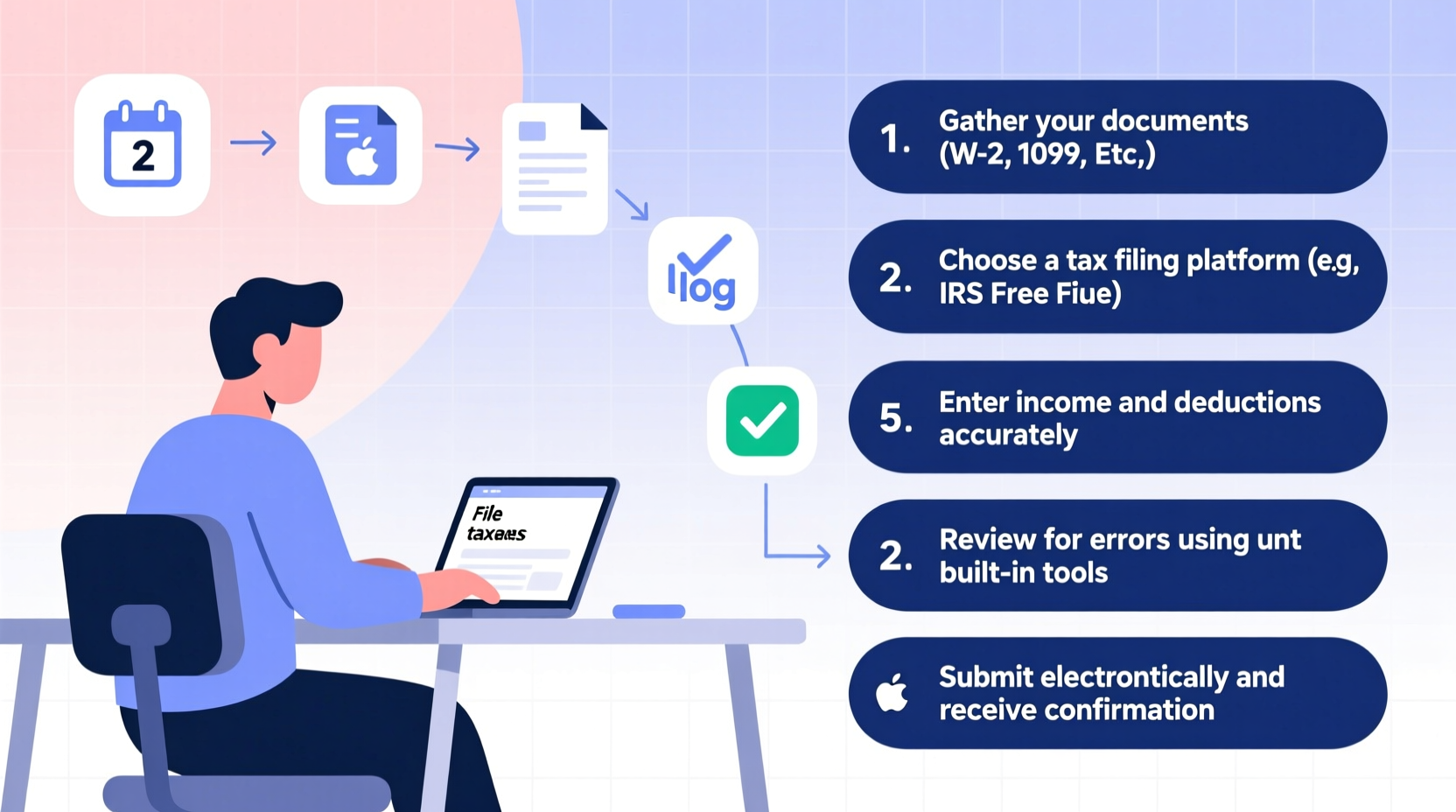
Before logging into any tax software, collect all necessary documents. Missing forms are the most common cause of delays or IRS inquiries. Having everything ready ensures a smooth filing experience.
Tip: Scan and save digital copies of all tax documents in a secure folder labeled with the tax year.Key documents include:
- Form W-2: From your employer(s), showing wages and taxes withheld.
- Form 1099 series: For freelance income (1099-NEC), interest (1099-INT), dividends (1099-DIV), or retirement distributions (1099-R).
- Receipts for deductions: Charitable contributions, medical expenses, education costs, or home office use (if applicable).
- Previous year’s tax return: Helps verify carryovers like capital losses or education credits.
- Social Security numbers: For yourself, spouse, and dependents.
“Starting with complete documentation reduces errors by over 70% and speeds up refund processing.” — IRS Taxpayer Advocate Report, 2023
2. Choose the Right Online Tax Filing Platform
Not all tax software is created equal. Selecting the right platform depends on your income sources, filing status, and desired level of support.
| Platform | Best For | Free Option? | Support Level |
|---|---|---|---|
| TurboTax | Beginners & complex filers | Yes (simple returns) | In-app guidance + live CPA access (paid) |
| H&R Block Online | Moderate complexity, rental income | Yes (up to basic forms) | Live chat + phone help |
| Free File Alliance (irs.gov) | Low-to-moderate income earners | Yes (income under $73,000) | Self-guided only |
| TaxAct | Budget-conscious users | Yes (federal free, state paid) | Email and FAQ-based |
If your adjusted gross income (AGI) is below $73,000, visit IRS Free File to access certified software at no cost. These platforms meet strict security and usability standards set by the IRS.
3. Enter Your Information Accurately and Systematically
Once you’ve selected your platform, begin entering data section by section. Most software follows a logical flow: personal info, income, deductions, credits, and payment options.
Follow This Sequence:
- Personal details: Name, SSN, address, filing status (Single, Married Filing Jointly, etc.).
- Income reporting: Input W-2 and 1099 data exactly as shown. Software often allows direct import from employers or banks.
- Deductions: Decide between standard and itemized. Over 90% of filers take the standard deduction, but if you paid high medical bills, mortgage interest, or charitable gifts, itemizing may save more.
- Credits: Claim eligible ones like the Earned Income Tax Credit (EITC), Child Tax Credit (CTC), or education credits (American Opportunity or Lifetime Learning).
- Review summaries: Check the summary page for inconsistencies—e.g., unreported 1099 income or mismatched names.
4. Real Example: How Sarah Filed Her Taxes in Under Two Hours
Sarah, a graphic designer earning $58,000 annually through a mix of full-time employment and freelance gigs, used TurboTax Free Edition to file her 2023 return. She began by organizing her W-2 from her day job and three 1099-NEC forms from client payments. After uploading them via TurboTax’s mobile scanner, the software auto-filled her income fields.
She then reviewed her eligibility for the Home Office Deduction. Since she used a spare bedroom exclusively for work, she measured the square footage (150 sq ft out of a 1,000 sq ft apartment) and claimed $1,500 in deductions using the simplified method ($5 per sq ft). The software calculated it automatically.
Sarah also qualified for the Child Tax Credit for her 7-year-old daughter. By answering a few questions about residency and relationship, the platform confirmed her eligibility and added $2,000 to her refund. After a final review, she e-filed her return on February 10 and received her $3,842 refund via direct deposit on February 17.
5. Submit, Track, and Secure Your Records
E-filing your return is fast and secure. Once submitted, the IRS typically acknowledges receipt within 24–48 hours. You’ll receive a confirmation email or notification from your software provider.
After Filing Checklist:
- ✅ Save a PDF copy of your completed return.
- ✅ Print and store supporting documents for at least three years.
- ✅ Use the IRS “Where’s My Refund?” tool to track your payment status.
- ✅ Monitor your email or account portal for any IRS notices.
Refunds are usually issued within 21 days for accurate, e-filed returns with direct deposit. If you owe money, schedule payment before the April 15 deadline to avoid penalties and interest.
“The fastest way to get your refund is to e-file with direct deposit. No paper, no waiting.” — Internal Revenue Service, Official Filing Guide
Common Mistakes to Avoid
Even small errors can trigger audits or delays. Stay clear of these frequent pitfalls:
| Mistake | Consequence | How to Prevent |
|---|---|---|
| Incorrect Social Security number | Return rejected | Cross-check with original cards |
| Math errors | IRS recalculates, delays refund | Use software—never manual math |
| Signing omission (e-signature) | Processing halt | Confirm e-sign step before submitting |
| Forgetting to update bank details | Refund sent to old account | Verify routing and account numbers twice |
FAQ
Can I file my taxes for free if I have self-employment income?
Yes. The IRS Free File program includes several platforms that support self-employed filers with Schedule C. Look for providers like FreeTaxUSA or TaxSlayer Free Edition, which allow business income reporting at no cost for federal returns.
What if I make a mistake after filing?
You can correct most errors by filing Form 1040-X, the Amended U.S. Individual Income Tax Return. Many tax software platforms offer amendment tools. However, don’t amend unless necessary—many discrepancies are resolved automatically by the IRS during processing.
Is it safe to file taxes online?
Yes, provided you use IRS-certified software with encryption and two-factor authentication. Reputable platforms like TurboTax, H&R Block, and IRS Free File partners comply with federal security standards. Avoid public Wi-Fi when submitting sensitive data.
Final Steps and Moving Forward
Filing your taxes online isn’t just convenient—it’s the most accurate and efficient method available today. By preparing early, choosing the right software, and reviewing every entry carefully, you gain control over your financial picture and reduce stress come April.
Set a reminder for next year: Start gathering documents in January, file by mid-February, and enjoy peace of mind knowing your obligations are met—and your refund is on its way.
🚀 Ready to file with confidence? Pick your platform today, gather your documents, and complete your return this week. Share this guide with someone who dreads tax season—you might just save them hours of frustration.