Pokemon Go raids are a core part of the game’s social and competitive experience. When raids suddenly stop appearing on your map, it can be frustrating—especially if you're preparing for a legendary encounter or coordinating with your local community. The issue may stem from your device, network settings, app configuration, or even broader server-side disruptions. This guide breaks down every possible cause and provides actionable steps to restore raid visibility quickly and reliably.
Understanding Why Raids Disappear
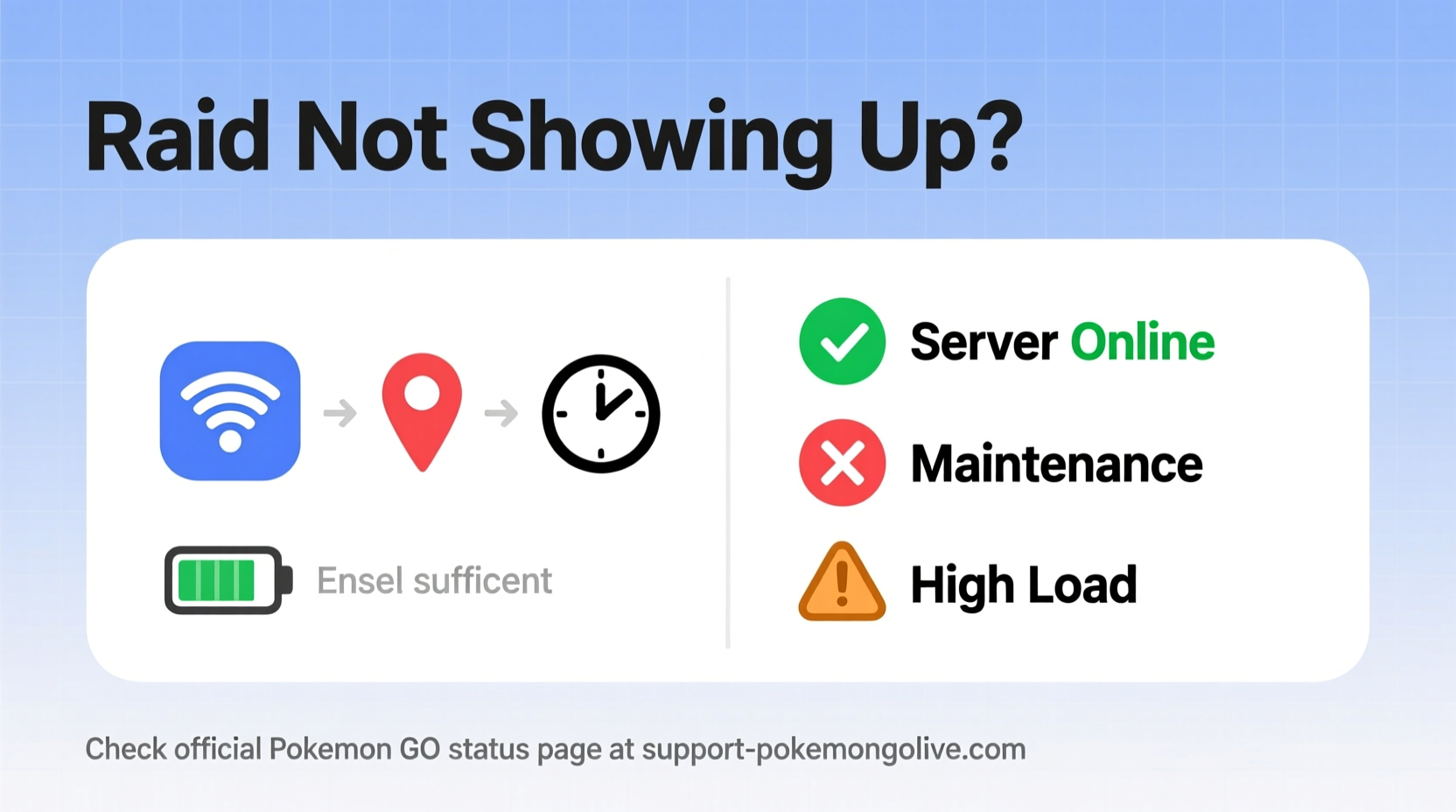
Raids in Pokemon Go depend on a stable connection between your device, Niantic’s servers, and real-time data synchronization. Unlike static map elements such as PokeStops or Gyms, raids are time-sensitive events that require precise coordination across multiple systems. When any link in this chain fails, raids may not load—or worse, vanish entirely from view.
Common triggers include:
- Unstable internet connectivity (Wi-Fi or mobile data)
- Outdated app version
- GPS inaccuracies or location spoofing detection
- Niantic server maintenance or outages
- App cache corruption
- Account restrictions or soft bans
Before assuming the worst, it's important to methodically rule out local issues before concluding that the problem lies with Niantic’s infrastructure.
Tip: If raids aren’t showing up, try walking toward a known gym first. Sometimes proximity forces the app to refresh nearby events.Step-by-Step Troubleshooting Guide
Follow this sequence of actions to diagnose and resolve the issue efficiently. Start with basic fixes and progress to more advanced solutions.
- Check Your Internet Connection
Ensure you’re connected to a stable Wi-Fi network or have strong cellular signal. Open a browser and load a webpage to confirm connectivity. Weak or intermittent signals prevent the app from downloading raid data. - Restart the Pokemon Go App
Close the app completely from your phone’s app switcher and relaunch it. This clears temporary glitches and re-establishes the connection to Niantic’s servers. - Update the App
Visit your device’s app store (Google Play Store or Apple App Store) and check for updates. An outdated version may lack compatibility with current server protocols, causing raids not to display correctly. - Enable Location Services
Make sure GPS is turned on and set to “High Accuracy” mode. On Android, go to Settings > Location > Mode. On iOS, navigate to Settings > Privacy & Security > Location Services > Pokemon Go > While Using the App. - Clear App Cache (Android Only)
Go to Settings > Apps > Pokemon Go > Storage > Clear Cache. Do not select “Clear Data” unless absolutely necessary, as it may log you out and reset preferences. - Force Sync Game Data
In the Pokemon Go menu, tap your trainer profile icon, then press the Settings gear. Scroll down and tap “Sign Out.” After signing back in, the app will re-sync all active events, including raids. - Reinstall the App
As a last resort, uninstall Pokemon Go and reinstall the latest version. Re-login using your original account (ensure you remember your login method—Google, Apple, or Pokemon Trainer Club).
When to Suspect a Server-Side Issue
If multiple players in your area report missing raids, the cause is likely external. Niantic occasionally experiences backend disruptions during peak hours, special events, or emergency maintenance.
How to Check Pokemon Go Server Status
You don’t need to guess whether the servers are down. Several reliable tools provide real-time status updates:
- Downdetector – Tracks user-reported outages by region and service type.
- Niantic Status Page – Official dashboard at status.nianticlabs.com showing system health for Pokemon Go, Ingress, and Pikmin Bloom.
- Reddit Communities – Subreddits like r/PokemonGo and r/TheSilphRoad often have live threads during widespread issues.
- Twitter/X Hashtags – Search #PokemonGoDown or #PokeDown to see if others are reporting similar problems.
On the Niantic Status page, look for indicators under \"Pokemon Go Game Platform.\" A green dot means all systems are operational. Yellow indicates partial outage; red means major disruption.
“We monitor server stability continuously, especially during high-traffic events. Temporary sync delays can affect raid visibility until caches refresh.” — Niantic Support Team, via official Twitter response (2023)
Do’s and Don’ts: Common Mistakes That Worsen the Problem
| Do | Don’t |
|---|---|
| Verify internet connection before troubleshooting | Spam-refresh the map repeatedly—it increases lag |
| Wait 5–10 minutes after launching the app for full load | Use third-party apps or root/jailbreak tools—they risk bans |
| Check Downdetector for regional outage patterns | Assume your account is permanently broken without evidence |
| Join local Pokemon Go groups to confirm if others see raids | Modify system time or location settings manually |
| Report the issue via in-game support with logs | Ignore app update notifications—they often contain critical fixes |
Real Example: Missing Raids During a Regional Event
In July 2023, during a Europe-exclusive Tundra-themed event featuring Articuno raids, several players in Germany reported that scheduled raids were not appearing despite gyms being occupied. Initial panic spread through Discord channels, with some trainers believing they had been shadowbanned.
One player, Lena from Munich, followed standard troubleshooting: she restarted her phone, updated the app, and verified her location accuracy. Still, no raids appeared. She then checked status.nianticlabs.com and noticed a yellow alert under “Game Login Service.” Cross-referencing with Downdetector, she saw over 1,200 reports in her region within the past hour.
Lena posted in her local Facebook group asking others to confirm. Within minutes, ten trainers replied that they also couldn’t see raids. One shared a tweet from Niantic acknowledging a “temporary delay in raid propagation due to increased load.” By waiting two hours and reopening the app, Lena found all previously missing raids had synced correctly.
This case illustrates how combining technical checks with community verification prevents unnecessary stress and wasted effort.
Advanced Fixes for Persistent Issues
If basic steps fail, consider these deeper interventions:
Reset Network Settings
Corrupted network configurations can interfere with secure connections to Niantic’s API. Resetting them often resolves silent failures.
- iOS: Settings > General > Transfer or Reset iPhone > Reset > Reset Network Settings
- Android: Settings > System > Reset Options > Reset Wi-Fi, Mobile & Bluetooth
Note: You’ll need to re-enter Wi-Fi passwords afterward.
Use Airplane Mode Toggle
A quick way to force network renegotiation:
- Enable Airplane Mode for 15 seconds.
- Disable it and wait for full signal return.
- Launch Pokemon Go only after mobile data or Wi-Fi shows active.
This trick resets DNS and TCP handshakes, which can clear stalled requests.
Switch Between Wi-Fi and Data
Sometimes, one connection type works better than the other. Try disabling Wi-Fi and using LTE/5G instead. Conversely, if mobile data is unstable, connect to a different Wi-Fi network—even a hotspot from another device can help isolate the issue.
Troubleshooting Checklist
Print or save this checklist for quick reference when raids disappear:
- ✅ Confirm internet connection is stable
- ✅ Restart Pokemon Go app completely
- ✅ Ensure app is updated to latest version
- ✅ Verify GPS/location services are enabled
- ✅ Clear app cache (Android) or offload app (iOS)
- ✅ Check Niantic Status Page and Downdetector
- ✅ Ask local players if raids are visible to them
- ✅ Perform a full sign-out and sign-in cycle
- ✅ Reinstall the app if all else fails
- ✅ Avoid modifying system settings or using unauthorized tools
Frequently Asked Questions
Why can I see gyms but not raids?
Gyms are static map objects cached locally, while raids require dynamic server polling. If you see gyms but no raids, the issue is likely related to data syncing, internet latency, or a temporary block in fetching real-time events. Try walking closer to a gym or refreshing the app after a restart.
Can a soft ban cause raids not to appear?
Yes. If Niantic detects suspicious activity—such as rapid teleportation or use of location spoofing tools—it may impose a soft ban. During this period, you won’t see new spawns, gifts, or raids. These typically last 12–72 hours. Avoid any behavior that mimics cheating, including unreliable GPS signals or abrupt location jumps.
Will clearing app data fix missing raids?
Clearing app data removes saved login info, preferences, and cached maps. While it can resolve deep corruption, it should be used cautiously. You’ll need to log back in, and the initial reload may take longer. Reserve this action for cases where clearing cache alone didn’t work.
Final Recommendations and Proactive Measures
To minimize future disruptions, adopt preventive habits:
- Keep automatic app updates enabled.
- Regularly restart your device to clear background processes.
- Join a local Pokemon Go community for instant alerts about outages.
- Monitor server status before heading out for raid hunts.
- Avoid using battery savers or task killers that interfere with app operation.
Remember: most raid visibility issues are temporary and resolvable without permanent damage to your account. Patience, methodical testing, and reliance on trusted information sources will get you back into the action faster than frantic tapping ever could.
🚀 Don’t let missing raids derail your gameplay. Use this guide to identify the root cause fast—and share it with fellow trainers who might be struggling too. Stay connected, stay informed, and keep catching!