
Klarna has become a go-to solution for flexible payment options, offering “buy now, pay later” services across thousands of online retailers. But when Klarna stops working—whether you’re denied at checkout, can’t log in, or your payment fails—it disrupts your shopping experience. These issues are more common than you think, but most are solvable with targeted troubleshooting. Understanding the root causes behind Klarna’s glitches empowers users to act quickly and restore functionality without unnecessary stress.
Why Klarna Might Not Be Working
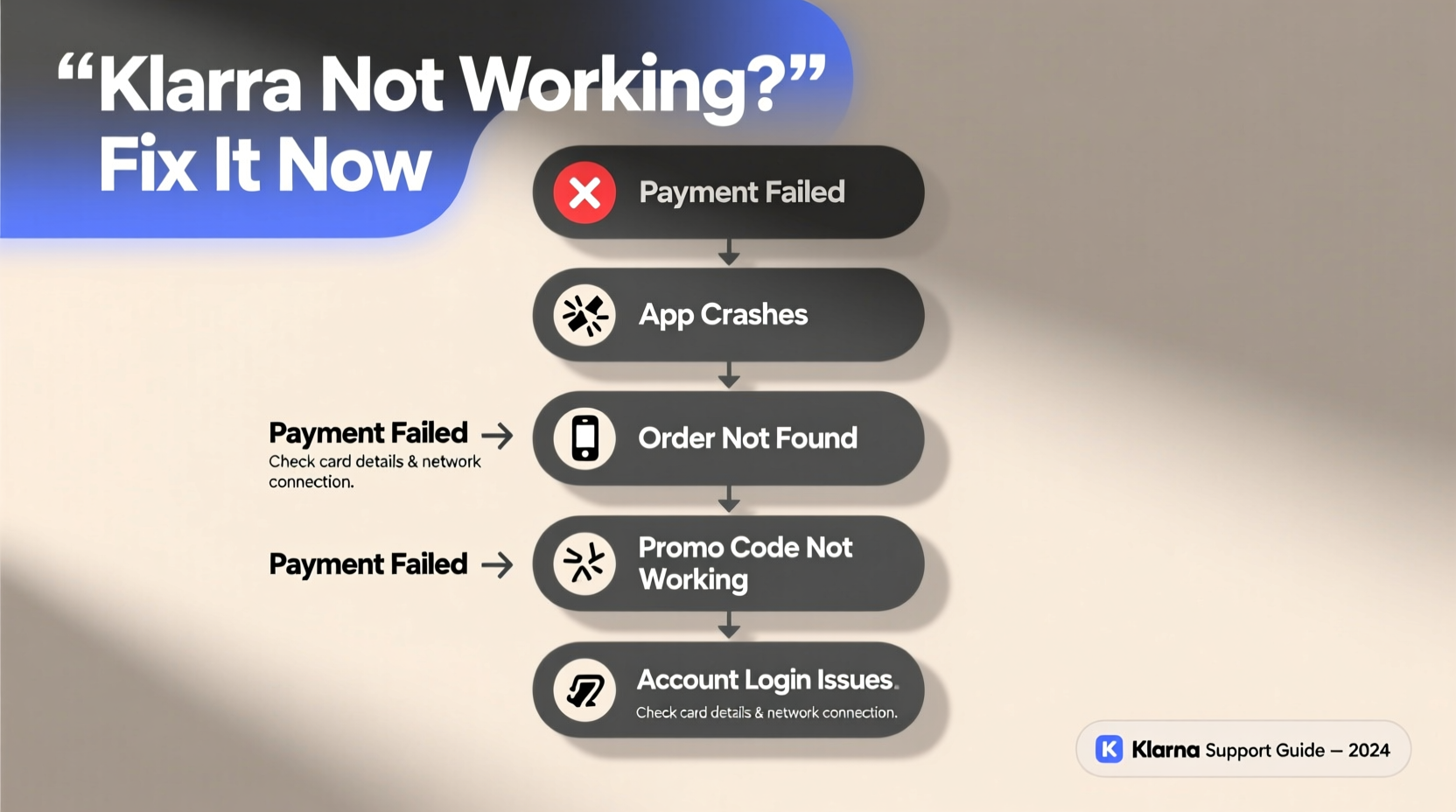
Klarna’s system relies on real-time data from multiple sources: your device, internet connection, browser settings, financial history, and merchant integration. A breakdown in any one of these areas can halt the process. Common culprits include temporary server outages, incorrect personal details, expired payment methods, or declined credit assessments. While some problems stem from user-side errors, others originate within Klarna’s infrastructure or third-party platforms like Shopify or Amazon.
Before assuming the worst, it's important to determine whether the issue is isolated to a single transaction, persistent across all attempts, or limited to a specific device or browser. This helps narrow down potential causes and speeds up resolution.
Tip: Always try a different device or network before concluding that your account is restricted.Common Issues and How to Fix Them
1. Payment Declined at Checkout
One of the most frequent complaints is being denied during checkout despite previous successful transactions. This doesn't always mean your account is suspended. Several factors could trigger an automatic decline:
- Credit assessment failure: Klarna performs a soft credit check each time you make a purchase. High recent usage, missed past payments, or sudden changes in spending behavior may affect approval.
- Exceeded spending limit: Your available spending cap may have been reached based on your financial profile.
- Incomplete order information: Mismatched shipping and billing addresses or incomplete forms can cause failures.
- Merchant-specific restrictions: Some stores don’t support certain Klarna products (e.g., Pay in 4) in specific regions.
To resolve this, wait 24–48 hours before retrying, ensure all entered details match your ID and card records, and consider using a different payment method temporarily to rule out broader account issues.
2. App or Website Won’t Load
If the Klarna app crashes or the website freezes, start by checking Klarna’s official service status page. Scheduled maintenance or unexpected downtime affects users globally. If no outage is reported, the problem likely lies with your device or connection.
- Restart your smartphone or computer.
- Clear the app cache (Android: Settings > Apps > Klarna > Storage > Clear Cache; iOS: Offload and reinstall).
- Update the Klarna app via Google Play or Apple App Store.
- Try accessing Klarna through a desktop browser instead.
3. Login Problems or Account Access Denied
Being locked out of your Klarna account often results from forgotten credentials, multi-factor authentication (MFA) issues, or security flags triggered by unusual login attempts.
First, use the “Forgot password?” option to reset your credentials. Ensure the email or phone number matches the one registered. If two-factor authentication codes aren’t arriving:
- Check spam/junk folders for SMS or email verifications.
- Verify your phone number is active and correctly formatted.
- Contact Klarna support if recovery options fail—especially if you suspect unauthorized access.
4. Scheduled Payments Not Processing
Even with sufficient funds, automatic payments sometimes fail due to outdated card details or bank processing delays. Klarna typically retries failed payments after 2–3 days, but repeated failures can lead to late fees or suspension of future purchases.
Ensure your linked debit or credit card hasn’t expired and that there are no holds or limits blocking recurring transactions. You can also manually initiate a payment through the app under \"Financing\" or \"Pay Now\" sections.
5. Refunds Not Showing Up
Refunds processed through Klarna usually take 5–10 business days to reflect in your bank account. However, discrepancies occur when merchants delay initiating refunds or enter incorrect banking information.
If a refund hasn’t appeared after two weeks, contact both the retailer and Klarna customer service. Provide order numbers, refund confirmation emails, and screenshots of transaction history to expedite resolution.
Troubleshooting Checklist: Step-by-Step Guide
Follow this systematic approach to identify and resolve most Klarna issues efficiently.
- Confirm Internet Connection: Test other websites or apps to verify connectivity.
- Check Service Status: Visit Klarna’s system status page for known outages.
- Verify Personal Information: Ensure name, address, and date of birth match official documents.
- Update Payment Method: Replace expired cards or add a new one as backup.
- Clear Browser/App Data: Remove cached files and cookies; reinstall the app if necessary.
- Test on Another Device: Rule out hardware-specific bugs.
- Contact Support: Use live chat or email for unresolved technical or financial concerns.
Do’s and Don’ts When Facing Klarna Errors
| Do’s | Don’ts |
|---|---|
| Double-check spelling and formatting in forms | Submit multiple applications in quick succession |
| Keep your contact info updated in the app | Ignore payment reminders or due dates |
| Monitor your spending against your limit | Use fake or temporary email addresses |
| Reach out early if you anticipate payment issues | Assume every decline means permanent rejection |
Real Example: Maria’s Checkout Failure
Maria had used Klarna successfully for months while shopping at her favorite fashion site. One evening, she tried purchasing a winter coat but received a message: “We couldn’t complete your purchase.” Frustrated, she attempted again with another card, only to face the same result.
After reviewing her Klarna account, she noticed a small unpaid balance from a previous return that hadn’t fully processed. Although the amount was minor, Klarna’s system flagged it until resolved. She contacted support, submitted proof of the original refund, and within 12 hours, the block was lifted. Her next purchase went through smoothly.
This case highlights how even minor discrepancies can trigger system-wide restrictions—and why proactive communication matters.
“Many users don’t realize that outstanding balances—even pending ones—can temporarily suspend purchasing power. Staying on top of your financing tab prevents surprises.” — Daniel Reeves, FinTech Customer Experience Analyst
Frequently Asked Questions
Why does Klarna keep saying 'Oops, something went wrong'?
This generic error usually indicates a backend processing failure. It could be due to a momentary server glitch, unstable internet, or corrupted session data. Try closing the app, switching networks, or waiting 30 minutes before retrying. If the message persists, clear app data or contact support with the exact wording of the error.
Can I still use Klarna if I’ve missed a payment?
Past missed payments impact eligibility. Klarna may restrict further purchases until the overdue amount is settled. However, once paid, normal access often resumes within 24 hours. Repeated defaults may lead to longer-term limitations or account closure.
Does using Klarna affect my credit score?
Klarna performs soft inquiries for most purchases, which don’t impact your credit score. However, certain products like long-term financing plans may involve hard checks reported to credit bureaus. Late or missed payments can also be reported, potentially lowering your score.
Conclusion: Take Control of Your Klarna Experience
Klarna’s convenience comes with occasional hiccups—but most issues are fixable with the right knowledge. From verifying your personal details to understanding credit triggers and technical resets, taking prompt action minimizes disruption. Remember, staying informed about your account status, updating payment methods proactively, and reaching out early when problems arise makes all the difference.
💬 Have a Klarna fix that worked for you? Share your experience in the comments to help others overcome similar challenges!