Digital invitations have transformed the way we celebrate special moments. From birthdays and weddings to corporate events and baby showers, e-invitations offer convenience, creativity, and cost-effectiveness. But a generic template won’t leave a lasting impression. To truly stand out, your e-invite must reflect the tone of the event and speak directly to your guests. Creating a stunning, personalized e-invitation is easier than you think—especially when you follow a structured approach. This guide walks you through every stage, from concept to delivery, so your invitation does more than inform—it excites.
Why Personalized E-Invitations Matter
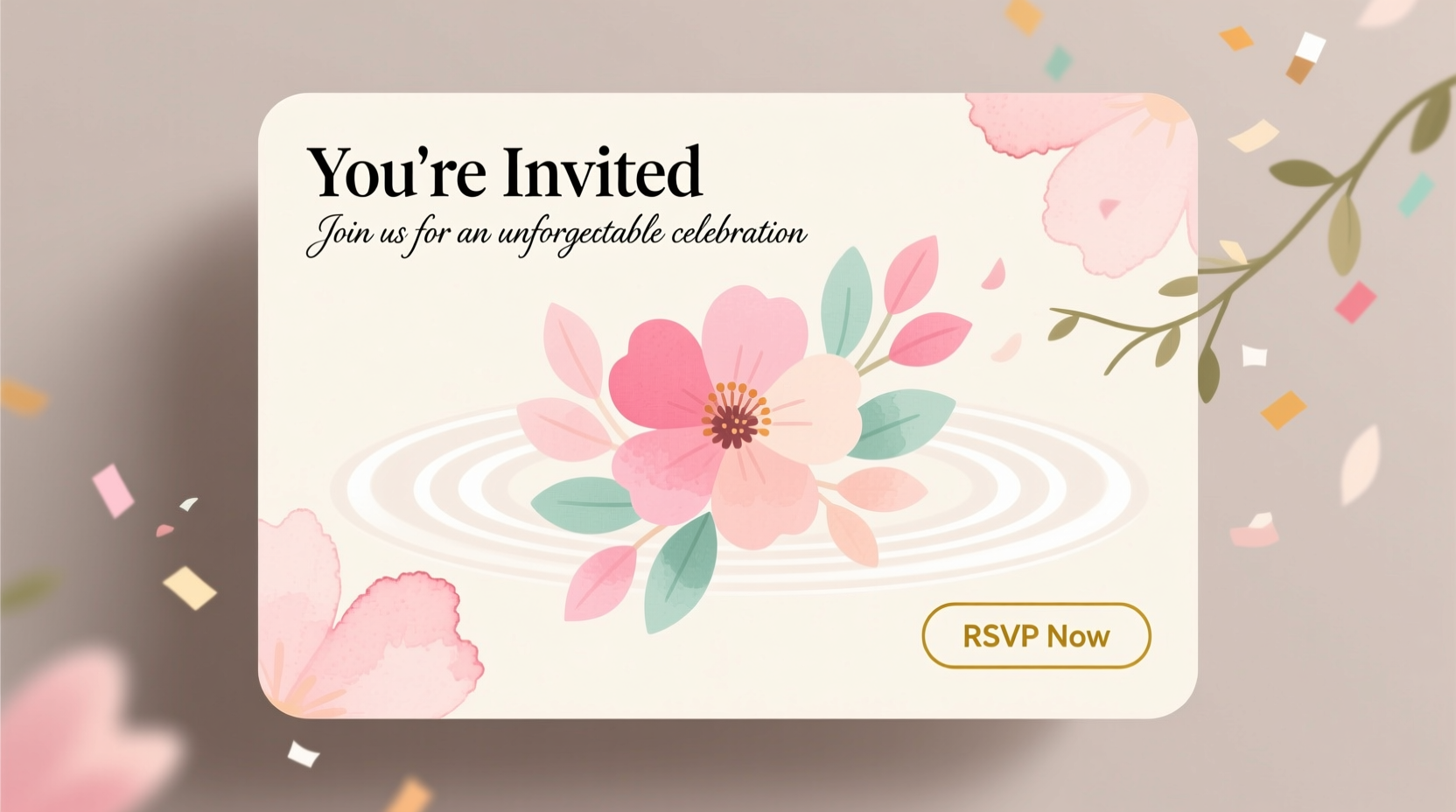
A well-designed e-invitation sets the mood before the event even begins. Unlike mass emails or text messages, a personalized digital card shows effort, attention to detail, and respect for your guests’ time. According to design expert Lila Chen, “The first interaction guests have with your event is often the invitation. If it’s thoughtful and visually engaging, they’ll arrive already feeling included.”
“The invitation is the overture to your event. It should harmonize with the theme, venue, and guest experience you’re creating.” — Lila Chen, Digital Design Strategist
Personalization goes beyond inserting a name. It includes tailored color schemes, relevant imagery, custom fonts, and even interactive elements like RSVP buttons or embedded maps. When done right, these touches increase engagement and response rates significantly.
Step-by-Step Guide to Creating Your E-Invitation
Follow this structured timeline to craft an e-invitation that looks professional and feels uniquely yours.
- Define the Event Theme and Tone: Is it formal, playful, minimalist, or rustic? Decide on keywords like “elegant,” “vibrant,” or “cozy” to guide your design choices.
- Gather Essential Information: Date, time, location (with link), dress code, RSVP deadline, and any special instructions (e.g., bring a dish, parking details).
- Select a Design Platform: Choose tools like Canva, Adobe Express, or Paperless Post based on your design comfort level and budget.
- Customize Layout and Visuals: Upload photos, adjust colors to match your theme, and use high-quality graphics. Avoid clutter—white space enhances readability.
- Add Personal Touches: Include a short message from the host, a fun fact about the couple (for weddings), or a quote that reflects the occasion.
- Incorporate Interactive Elements: Embed an RSVP form, Google Maps pin, or music playlist to boost engagement.
- Proofread and Test: Check spelling, links, and mobile responsiveness. Send a test version to a friend.
- Distribute with Care: Email directly or share via social media or messaging apps. Consider timing—send save-the-dates 6–8 weeks in advance, final invites 3–4 weeks prior.
Choosing the Right Design Tool
Not all platforms are created equal. The best tool depends on your technical skill, customization needs, and budget. Below is a comparison of popular options:
| Platform | Best For | Free Option? | Key Feature |
|---|---|---|---|
| Canva | Beginners & DIY designers | Yes | Drag-and-drop editor with thousands of templates |
| Paperless Post | Formal events (weddings, galas) | Limited free tier | Elegant designs + built-in RSVP tracking |
| Adobe Express | Creative professionals | Yes | Advanced editing + brand kit integration |
| Evite | Simple gatherings & casual events | Yes | Guest list management + reminder system |
| Greenvelope | Luxury events & eco-conscious hosts | No | High-end animations and premium paper options for printables |
Design Do’s and Don’ts
To ensure your e-invitation looks polished and functions smoothly, follow these guidelines:
- Do optimize for mobile—over 70% of users open emails on phones.
- Do use web-safe fonts like Arial, Georgia, or Google Fonts that render consistently.
- Do include alt text for images in case they don’t load.
- Don’t overload with animations or autoplay videos—they can slow loading times.
- Don’t use low-resolution images; pixelation ruins professionalism.
- Don’t skip accessibility—ensure sufficient color contrast for readability.
Real Example: A Wedding That Started with a Click
Sophie and James planned their destination wedding in Tuscany but wanted guests to feel connected from the start. Instead of a traditional paper invite, they used Canva to design a cinematic e-card featuring a slideshow of their engagement photos, soft instrumental music, and a subtle animation of olive branches swaying across the screen. The RSVP button linked directly to a Google Form, and a map showed nearby accommodations.
The result? A 94% response rate within ten days—far above the industry average. Guests raved about the emotional impact of seeing the couple’s journey unfold before accepting the invitation. “It didn’t feel like an email,” one guest said. “It felt like a welcome.”
Essential Checklist Before Sending
Before hitting send, run through this final checklist to avoid last-minute issues:
- ✅ All event details (date, time, time zone) are accurate
- ✅ Location includes a clickable map link
- ✅ RSVP method is clear and functional (email, form, app)
- ✅ Design is responsive on mobile and tablet
- ✅ Spelling and grammar have been reviewed
- ✅ Guest names are correctly personalized (if using mail merge)
- ✅ File size is under 1MB for fast loading
- ✅ Privacy note included if collecting data (e.g., dietary preferences)
Frequently Asked Questions
Can I track who opened my e-invitation?
Yes, many platforms like Mailchimp, Paperless Post, and specialized e-vite services offer open-rate tracking and RSVP analytics. This helps you follow up with guests who haven’t responded.
Is it okay to send e-invitations for formal events like weddings?
Absolutely. As long as the design is elegant and the tone matches the occasion, digital invitations are widely accepted. Many couples now opt for e-invites to reduce waste and streamline planning.
How do I personalize invitations for large guest lists?
Use mail merge features available in Canva (with third-party tools like Mailchimp), Google Sheets with email plugins, or dedicated platforms like Evite that auto-personalize names and messages at scale.
Make Every Invitation Memorable
Creating a stunning e-invitation isn’t just about aesthetics—it’s about crafting the first meaningful touchpoint of your event. With thoughtful design, personal details, and smart technology, you can turn a simple digital card into an experience. Whether you're hosting an intimate dinner or a grand celebration, your invitation should reflect the care and joy behind the gathering.
💬 Ready to design your own e-invitation? Pick a platform, gather your inspiration, and start building today. Share your creation in the comments—we’d love to see how you make your invites unforgettable!