Backlinks remain one of the most influential ranking factors in search engine optimization. They signal authority, trust, and relevance to search engines like Google. While acquiring quality backlinks is essential, regularly monitoring them is equally critical. Knowing who links to your site helps you identify toxic links, discover new outreach opportunities, and assess your SEO progress. Fortunately, Google provides powerful, free tools that allow webmasters to analyze their backlink profile with precision and clarity.
Why Monitoring Backlinks Matters
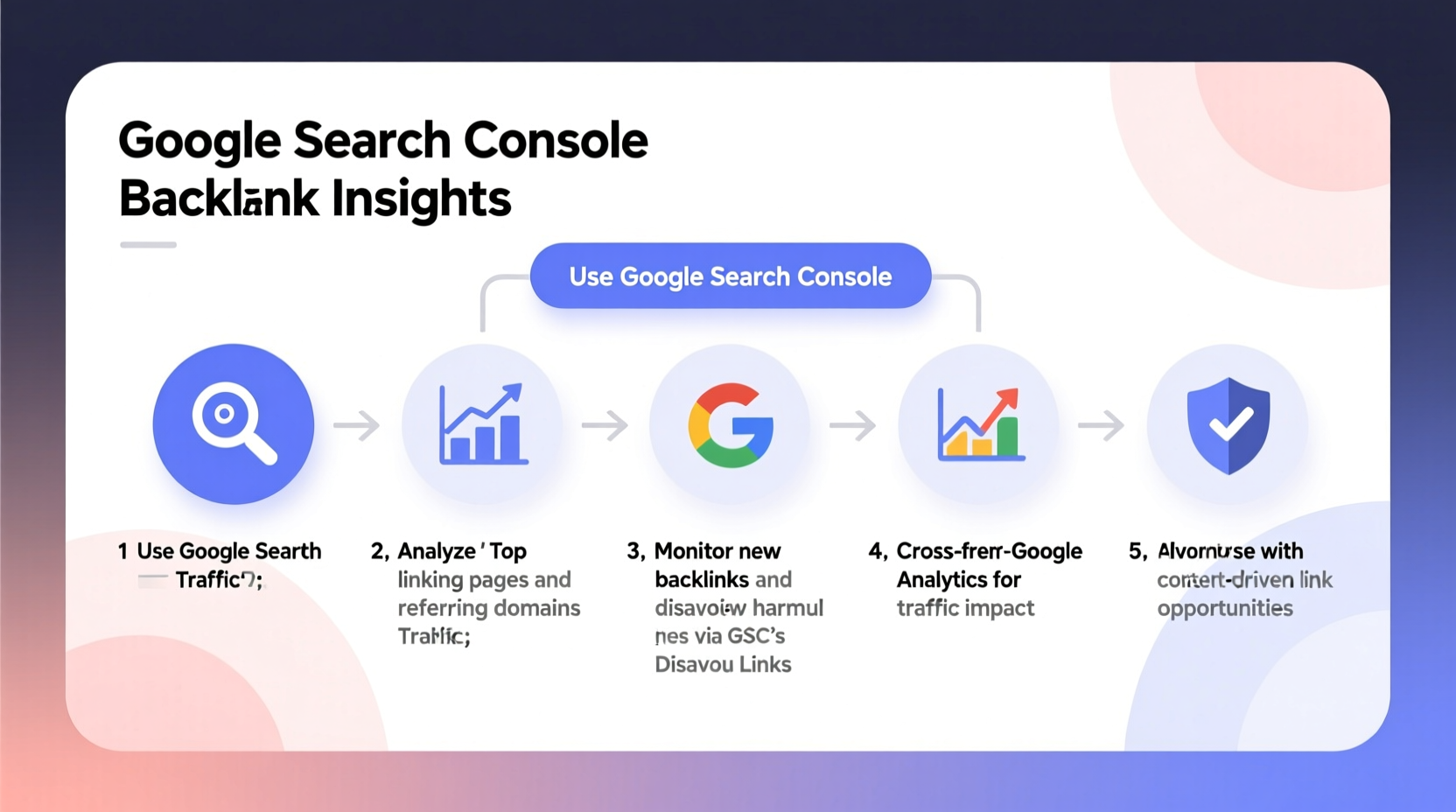
A strong backlink profile can elevate your domain authority and improve organic rankings. However, not all backlinks are beneficial. Spammy or irrelevant links from low-quality sites may trigger penalties or hinder growth. Regularly auditing your backlinks ensures you maintain a healthy profile. Additionally, understanding which pages attract the most links helps refine content strategy and amplify successful assets.
Google Search Console (GSC) is the primary tool for accessing reliable backlink data directly from Google. Unlike third-party platforms that estimate links, GSC reports only what Google has crawled and indexed—making it the most accurate source available at no cost.
Using Google Search Console to Analyze Backlinks
Google Search Console offers a dedicated \"Links\" report under the \"Indexing\" section. This feature breaks down both external and internal linking data. To access backlink information:
- Log into your Google Search Console account.
- Select the property you want to analyze.
- Navigate to the left-hand menu and click on Links.
The Links report includes three key sections:
- Top linked pages: Shows which of your pages receive the most external backlinks.
- Top linking sites: Lists domains that link to you most frequently.
- Top linking text: Displays the anchor text used across inbound links, helping identify keyword associations.
Interpreting the Data Effectively
The value lies not just in collecting data but interpreting it strategically. For instance, if a single page accumulates hundreds of backlinks, examine its content to understand why it's resonating—could it be a guide, infographic, or case study? Replicating that format elsewhere may yield similar results.
Conversely, if certain high-authority sites appear as linking domains, consider building relationships with them for future collaborations. On the flip side, if spammy or unrelated sites dominate your list, those might warrant disavowal through Google’s Disavow Tool after careful evaluation.
“Monitoring your backlink profile isn’t about chasing numbers—it’s about understanding influence and maintaining credibility.” — John Mueller, Google Search Advocate
Step-by-Step Guide to Auditing Your Backlinks
A structured audit helps ensure no critical detail is overlooked. Follow this timeline to conduct a comprehensive review every quarter:
- Week 1: Gather Data
Download the latest Links report from Google Search Console. Save CSV exports of top linked pages, linking sites, and anchor texts. - Week 2: Categorize Links
Sort linking domains by quality indicators such as relevance, domain authority (using free tools like MozBar), and content alignment. - Week 3: Identify Red Flags
Look for patterns indicating manipulation: excessive exact-match anchors, links from adult or gambling sites, or sudden influxes from unknown sources. - Week 4: Take Action
Contact webmasters to remove harmful links when possible. Use Google’s Disavow Tool only as a last resort, uploading a carefully curated list of URLs to ignore.
Complementary Insights from Google Analytics 4
While Google Search Console reveals who links to you, Google Analytics 4 (GA4) shows how those referrals perform once visitors arrive. Although GA4 doesn’t display backlink data per se, it tracks traffic sources under Acquisition > Traffic Acquisition. Filter by “Session source / medium” to see domains sending traffic via referral paths.
This cross-referencing approach adds behavioral context. For example, a site may link to you but send little traffic—suggesting the link is buried or inactive. Alternatively, a minor blog might drive highly engaged users, revealing an underrated partner opportunity.
| Metric | Found In GSC | Found In GA4 |
|---|---|---|
| Number of backlinks | Yes | No |
| Referral traffic volume | No | Yes |
| User engagement (time, bounce rate) | No | Yes |
| Linking domain names | Yes | Limited (referral path only) |
| Anchor text used | Yes |
Real Example: Recovering From a Penalty
A mid-sized e-commerce brand noticed a 40% drop in organic traffic over six weeks. After reviewing Google Search Console, they discovered thousands of spammy backlinks from forum profiles and automated blog networks—likely the result of a past black-hat SEO campaign. Using the Links report, they exported all linking domains, filtered out suspicious ones using manual review and third-party reputation checks, then submitted a disavow file to Google.
Within two months, traffic began recovering. The team also implemented monthly GSC audits to prevent recurrence. This case underscores the importance of proactive monitoring: early detection minimizes damage and accelerates recovery.
Best Practices Checklist
Checklist: Effective Backlink Monitoring Routine- ✅ Verify and maintain ownership of your site in Google Search Console
- ✅ Access the Links report monthly to download updated backlink data
- ✅ Identify top-performing content based on inbound links
- ✅ Investigate sudden increases in linking domains for potential spam
- ✅ Cross-reference referral traffic in GA4 to assess link quality beyond quantity
- ✅ Document and archive historical reports for trend analysis
- ✅ Use the Disavow Tool cautiously and only after thorough review
Frequently Asked Questions
Why doesn’t Google show all my backlinks?
Google only displays backlinks it has successfully crawled and indexed. If a page linking to you hasn’t been indexed yet, it won’t appear in Search Console. Additionally, some links may be ignored due to robots.txt rules or nofollow attributes. This selective reporting ensures accuracy but means the data isn't exhaustive.
Should I disavow all low-quality backlinks?
No. Google is generally capable of ignoring low-value or irrelevant links without manual intervention. Only disavow links that are clearly spammy, part of a negative SEO attack, or associated with penalized networks. Overuse of the Disavow Tool can lead to unintended consequences, including the removal of legitimate signals.
How often should I check my backlinks?
For most websites, a monthly check is sufficient. High-traffic or competitive niches may benefit from bi-weekly reviews. After major marketing campaigns or PR pushes, conduct an immediate audit to capture new referring domains and measure impact.
Maximizing Value Through Proactive Link Management
Effective backlink monitoring goes beyond defense—it fuels growth. By leveraging Google Search Console and integrating insights from Google Analytics 4, you gain a complete picture of your off-page SEO health. You’ll spot emerging threats before they escalate, recognize content successes worth replicating, and uncover partnership opportunities hidden within your own data.
The tools are free, accessible, and deeply integrated into Google’s ecosystem. What separates successful SEOs is consistency and attention to detail. Set calendar reminders, automate exports, and build a habit of reviewing your link landscape regularly. Over time, these small actions compound into stronger authority, cleaner profiles, and more resilient rankings.
🚀 Start today: Log into Google Search Console, open the Links report, and export your current backlink data. Compare it to your last audit—or establish a baseline if you haven’t tracked before. Knowledge is power; take control of your backlink profile now.