
Protecting your smartphone with an OtterBox case is a smart decision—these rugged covers are designed to withstand drops, dust, and daily wear. However, there comes a time when you need to remove the case, whether for cleaning, switching styles, or accessing the device directly. Many users hesitate, fearing they might crack the case or harm their phone in the process. The good news: with the right technique, removing an OtterBox case can be quick, safe, and damage-free. This guide walks you through proven methods, common pitfalls, and best practices so you can confidently handle your protective gear without compromise.
Why Proper Removal Matters
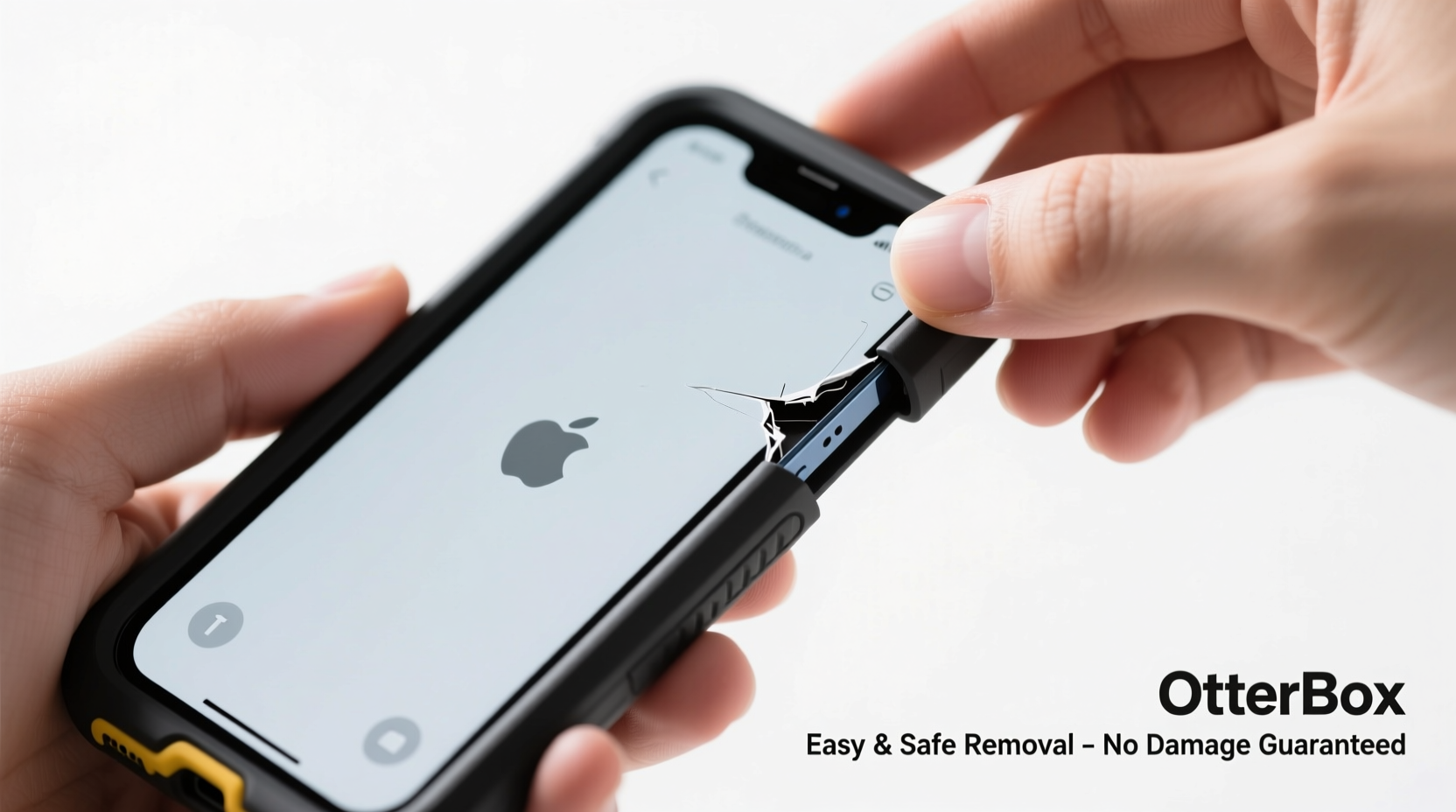
While OtterBox cases are built tough, improper removal techniques can lead to cracked plastic, stretched materials, or even accidental screen impacts when prying too hard. Some models, like the Defender Series or Symmetry Series, have tight tolerances that require careful handling. Over time, repeated forceful removal can weaken the case’s structural integrity, reducing its effectiveness. More importantly, using tools like screwdrivers or keys risks scratching your phone’s finish or damaging sensitive ports and buttons. Taking a deliberate, gentle approach ensures both your device and its protector remain in optimal condition.
“Many customers damage their cases not from use, but from how they take them off. A slow, even release is far safer than aggressive prying.” — Jordan Lee, Mobile Accessory Technician at TechShield Repairs
Step-by-Step Guide to Safely Remove Your OtterBox Case
Follow this logical sequence to remove your OtterBox case safely, regardless of model. These steps apply to most popular series including Defender, Commuter, and Symmetry.
- Power down your device (optional but recommended): While not always necessary, turning off your phone reduces the risk of accidental input during removal, especially if buttons are under tension.
- Clean the edges: Use a dry microfiber cloth to wipe any dirt or debris from the seam between the case and the phone. Grime can increase friction and make removal harder.
- Start at the bottom edge: Hold the phone with the charging port facing up. Gently pinch the lower corners of the case and begin lifting one side slightly. The bottom usually has less structural reinforcement, making it easier to start here.
- Work side to side incrementally: Once a corner is lifted, alternate between left and right sides, gradually increasing the gap. Avoid pulling one side all the way before the other—it creates uneven stress.
- Lift the top last: After the sides and bottom are free, carefully pull the top edge away. Be mindful of the speaker grille or headphone jack area, which may have snug coverage.
- Inspect both case and phone: Once removed, check the case for cracks or warping and ensure no part of the phone’s frame or screen was scratched during the process.
Do’s and Don’ts When Removing Your OtterBox Case
| Do’s | Don’ts |
|---|---|
| Use your fingers to gently pry edges | Never use metal tools like knives or screwdrivers |
| Start at the bottom of the phone | Avoid twisting or bending the case aggressively |
| Remove the case on a soft surface (e.g., bed or couch) | Don’t drop the phone during removal |
| Clean the case and phone after removal | Avoid excessive force—even “just a little more” can crack polycarbonate |
| Check alignment when reattaching | Don’t force the case back on if it doesn’t slide easily |
Real Example: Sarah’s Close Call with Her Defender Series Case
Sarah, a travel blogger based in Denver, relied on her OtterBox Defender Series to protect her phone during hikes and outdoor shoots. After six months, she decided to clean the case and phone separately. In a rush, she used a butter knife to pry the case off, starting at the top near the volume buttons. Midway through, the knife slipped, scratching the phone’s aluminum frame and cracking the corner of the case. Realizing her mistake, she switched to finger-only removal afterward and now keeps a small toolkit reminder in her bag: “No tools. Start at the bottom.” Since then, she’s replaced the case once and removes it weekly for cleaning—without incident.
This example highlights how even experienced users can slip up when convenience overrides caution. A few extra seconds spent doing it right can save money and frustration.
Special Considerations by OtterBox Model
Not all OtterBox cases are created equal. Design differences affect how they should be removed:
- Defender Series: Features multiple layers (inner sleeve, outer shell, belt clip). Remove the outer polycarbonate shell first, then detach the silicone inner layer by peeling from the bottom upward.
- Symmetry Series: Sleeker and more form-fitting. Requires even pressure along the sides. May feel tighter due to precise cutouts.
- Commuter Series: Has a built-in belt clip on some versions. Release the clip first, then proceed with standard removal from the bottom.
- Strada Series (with wallet): Open the front flap fully before attempting removal. The hinge mechanism adds resistance, so extra care is needed at the top edge.
Frequently Asked Questions
Can I use water or lubricant to help remove my OtterBox case?
No. Water can seep into ports and damage internal components. Lubricants like oil or soap may degrade the TPU (thermoplastic polyurethane) material over time. Stick to dry, manual removal only.
My case won’t budge—what should I do?
Stop forcing it. First, ensure you’re starting at the correct edge (usually the bottom). Warm your hands and hold the phone for 30–60 seconds to slightly expand the case material. Then try again with gentle, alternating pressure. If still stuck, consult OtterBox support—your case may have been molded incorrectly or your phone could be warped.
How often should I remove and clean my OtterBox case?
For hygiene and performance, remove and clean the case every 2–3 weeks. Dirt buildup can make removal harder and reduce grip. Use mild soap, water, and a soft brush for cleaning—rinse thoroughly and air dry completely before reattaching.
Checklist: Safe OtterBox Case Removal
- ☐ Power down the phone (recommended)
- ☐ Wipe debris from case edges
- ☐ Place phone on a soft, stable surface
- ☐ Begin lifting at the bottom corners
- ☐ Alternate sides gradually
- ☐ Lift the top edge last
- ☐ Inspect both phone and case for damage
- ☐ Clean both before reassembly
Conclusion: Protect Your Investment with Smart Habits
Your OtterBox case is designed to shield your phone from harm—but only if handled correctly. Removing it doesn’t have to be a stressful or risky task. By following these simple, tested methods, you preserve both the functionality of the case and the integrity of your device. Whether you're a daily remover or only take it off occasionally, adopting a consistent, gentle approach makes all the difference. Take a moment each time to assess the fit, avoid shortcuts with tools, and prioritize patience over speed.
💬 Have a tip or trick that works for your OtterBox model? Share your experience in the comments and help others protect their devices the right way!