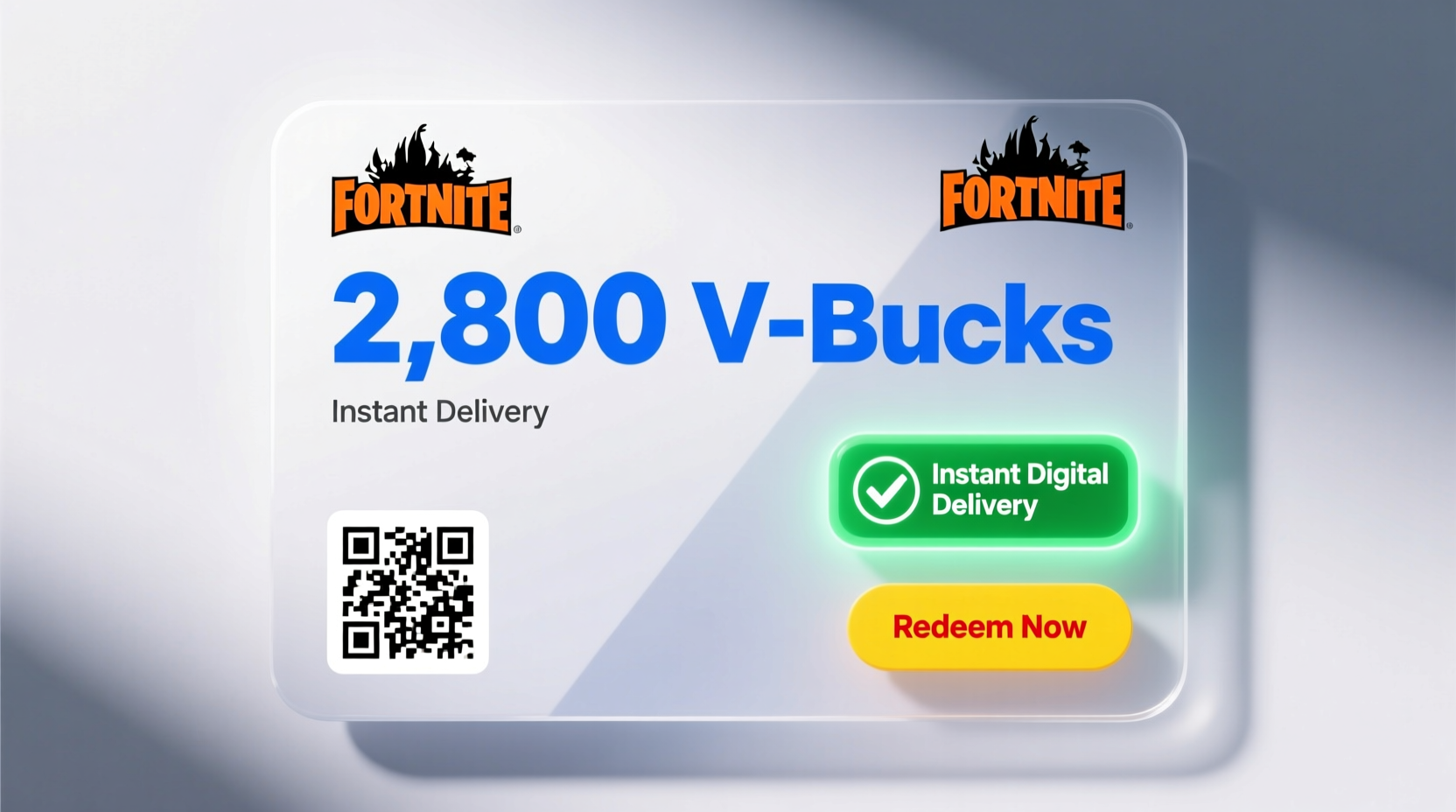
Finding the right way to buy a 2800 V-Bucks gift card for Fortnite with instant digital delivery can be confusing. With so many online marketplaces and third-party sellers, it's easy to fall into traps or end up with delayed access. V-Bucks are the in-game currency used to purchase cosmetic items like outfits, emotes, wraps, and battle passes. A 2800 V-Bucks bundle is one of the most popular choices—offering enough currency for multiple high-tier cosmetics without buying the full 13500 pack.
This guide breaks down everything you need to know before purchasing: trusted retailers, redemption steps, what to watch out for, and how to ensure your transaction is fast, secure, and legitimate.
Where to Buy a 2800 V-Bucks Gift Card Safely
Purchasing digital gift cards requires caution. Not all platforms are created equal, and some may sell expired, stolen, or region-locked codes. The safest approach is to stick with authorized retailers that have direct partnerships with Epic Games or major digital distributors.
- Amazon: Sells official Fortnite V-Bucks gift cards with immediate email delivery. Cards are region-specific (e.g., US, UK), so confirm compatibility with your account.
- Best Buy: Offers digital gift cards through their website, delivered instantly via email after purchase.
- Walmart.com: Provides digital V-Bucks cards with instant delivery; must be redeemed on an account linked to the correct region.
- Xbox Store / Microsoft Store: Direct purchase option if you're playing on Xbox or PC via the Microsoft ecosystem.
- PlayStation Store: Available directly within PS4/PS5 consoles or online for PlayStation users.
Avoid auction sites or resellers offering “cheap” V-Bucks. These often involve scams, such as reused codes or phishing attempts disguised as gift card portals.
Tip: Always check the region of the gift card matches your Epic Games account’s country setting. Mismatched regions will prevent redemption.How to Redeem Your 2800 V-Bucks Gift Card
Once you’ve purchased a digital gift card, the next step is redemption. This process varies slightly depending on where you bought it, but the general flow remains consistent.
- Receive the code: After purchase, you’ll get an email containing a 16-digit alphanumeric code (e.g., XXXX-XXXX-XXXX-XXXX).
- Log into your Epic Games account: Go to epicgames.com and sign in. Ensure you’re using the same account linked to your console or device.
- Navigate to the redemption page: Visit epicgames.com/redeem.
- Enter the code: Input the 16-digit code exactly as shown. No dashes needed—just enter the characters.
- Confirm and add to wallet: If valid, the system will credit 2800 V-Bucks directly to your account balance.
The entire process should take less than two minutes. Once added, open Fortnite and go to the Item Shop or Locker to start spending.
What to Watch Out For: Avoiding Scams
Digital currency is a prime target for fraud. Thousands of players lose money each year to fake websites, phishing emails, and counterfeit gift cards. Here’s how to stay protected.
| Red Flag | Why It’s Risky | Safe Alternative |
|---|---|---|
| Sites offering “free” or heavily discounted V-Bucks | These often require surveys, downloads, or personal info—leading to malware or identity theft. | Stick to official stores like Amazon or Best Buy. |
| Third-party sellers on eBay or social media | No guarantee the code hasn’t been used or revoked. | Buy only from authorized digital retailers. |
| Instant delivery promised via DM or chat | Common scam tactic—payment sent, no code received. | Use secure checkout systems with buyer protection. |
| Unsecured websites (no HTTPS) | Your payment details could be intercepted. | Only purchase from encrypted, reputable domains. |
“Digital gift cards are as valuable as cash. Treat them with the same level of security and skepticism.” — James Reed, Cybersecurity Analyst at NetShield Security Group
Mini Case Study: How One Player Lost $40 on a Fake V-Bucks Site
Mark, a 17-year-old Fortnite player from Ohio, wanted to buy 2800 V-Bucks for a new skin. He found a site advertising “instant delivery” at 30% off. The site looked professional, complete with customer reviews and a shopping cart. He entered his credit card details and completed the purchase.
He never received the code. When he tried contacting support, the email bounced. A quick search revealed dozens of complaints about the same domain. The site had been flagged by cybersecurity watchdogs just three days prior.
Mark’s bank eventually reversed the charge, but it took two weeks. In the meantime, he couldn’t access the in-game items he wanted. His mistake? Skipping verification. He didn’t check the URL against Epic Games’ list of approved partners.
The lesson: Even convincing-looking sites can be fraudulent. Always cross-reference the retailer with Epic’s official network.
Step-by-Step Guide: Buying & Receiving in Under 10 Minutes
If you want speed and reliability, follow this timeline-tested method:
- Minute 0–2: Open Amazon or Best Buy and search for “2800 V-Bucks Fortnite gift card digital.”
- Minute 2–5: Select the correct region version, add to cart, and proceed to checkout. Use a saved payment method for faster processing.
- Minute 5–6: Complete purchase. Check your email—most providers send the code within 60 seconds.
- Minute 6–8: Go to epicgames.com/redeem, log in, and enter the code.
- Minute 8–10: Confirm the 2800 V-Bucks appear in your balance. Launch Fortnite and enjoy.
This sequence ensures you go from purchase to gameplay in under 10 minutes—ideal for last-minute skin drops or limited-time offers.
Frequently Asked Questions
Can I use a US V-Bucks gift card on a European Epic Games account?
No. Gift cards are region-locked. A US code will only work on an account registered in the United States. Attempting to redeem a mismatched code will result in an error message.
Is there a difference between buying V-Bucks directly and using a gift card?
Functionally, no. Both add currency to your wallet. However, gift cards offer flexibility—someone else can buy them as gifts, and they can be purchased during sales (e.g., holiday promotions on Amazon).
What happens if my gift card code doesn’t work?
First, double-check for typos. If the issue persists, contact the retailer’s customer service with your order number. Most legitimate sellers will reissue a valid code or refund your purchase.
Final Checklist Before You Buy
Before clicking “purchase,” run through this checklist to ensure a smooth experience:
- ✅ Confirm your Epic Games account’s region matches the gift card’s region.
- ✅ Purchase only from authorized retailers (Amazon, Best Buy, Walmart, Microsoft, PlayStation).
- ✅ Verify the website uses HTTPS and has a privacy policy.
- ✅ Save your receipt and redemption code until successfully used.
- ✅ Never share your code with anyone—even friends “helping” you redeem.
Conclusion: Smart, Secure, and Instant Access to 2800 V-Bucks
Buying a 2800 Fortnite V-Bucks gift card with instant digital delivery doesn’t have to be risky or complicated. By choosing trusted retailers, verifying region compatibility, and following proper redemption steps, you can unlock premium cosmetics in minutes—not hours. The key is staying informed and avoiding the temptation of “too good to be true” deals.
Whether you're treating yourself or surprising someone with a gaming gift, a legitimate 2800 V-Bucks card offers real value and seamless integration into the game. Take the safe route, protect your personal information, and enjoy every dance, outfit, and victory royale that comes next.
🚀 Ready to upgrade your locker? Head to Amazon or Best Buy now, pick your 2800 V-Bucks card, and be in the Item Shop within minutes. Play smart, play safe.