LED light strips have become a staple in modern lighting design—used in kitchens, bedrooms, under cabinets, and even commercial spaces for their energy efficiency, flexibility, and sleek appearance. But when they start flickering, the effect shifts from elegant to irritating. Flickering isn’t just annoying; it can signal deeper electrical issues or compatibility problems that, if ignored, may shorten the lifespan of your lights or create safety hazards. The good news? Most causes of flickering are diagnosable and fixable without replacing the entire setup. Understanding the root cause is the first step toward a stable, consistent glow.
Understanding LED Flickering: What It Means
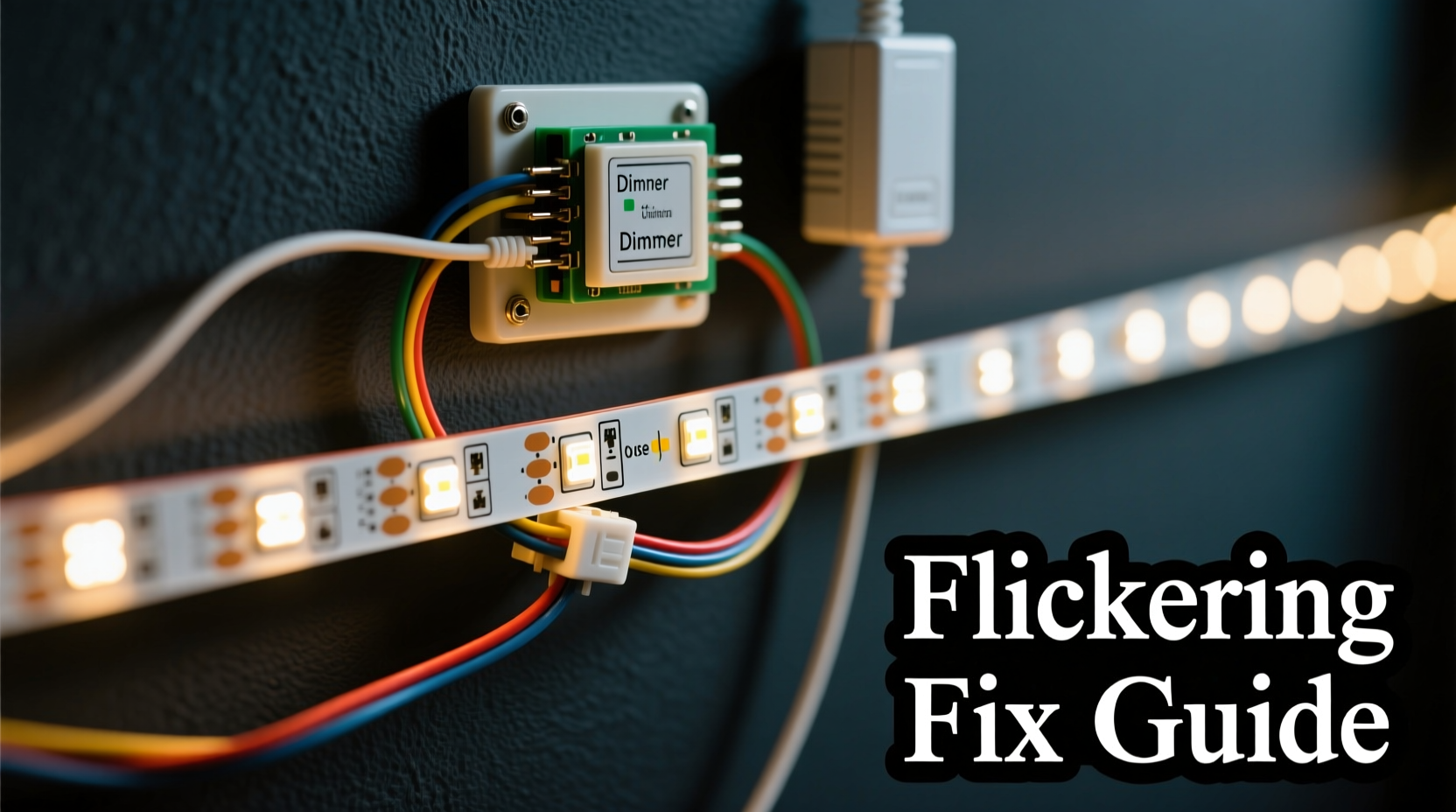
Flickering in LED light strips refers to rapid, often imperceptible changes in brightness. Unlike incandescent bulbs, which maintain a steady glow due to thermal inertia, LEDs respond instantly to current fluctuations. This makes them more prone to visible flicker when something in the circuit is unstable. While occasional flicker during startup might be normal, persistent or rhythmic flickering indicates an underlying problem.
The human eye doesn’t always detect high-frequency flicker, but it can still cause headaches, eye strain, or discomfort over time. According to research by the Lighting Research Center at Rensselaer Polytechnic Institute, prolonged exposure to flickering lights—even sub-visible flicker—can contribute to fatigue and reduced concentration. That’s why resolving flicker isn’t just about aesthetics; it’s about health and functionality.
Common Causes of LED Strip Flickering
Flickering stems from disruptions in the power supply or mismatched components. Here are the most frequent culprits:
- Incompatible dimmer switches: Traditional dimmers designed for incandescent bulbs often don’t work well with low-wattage LEDs.
- Low-quality or overloaded power supplies (drivers): Undersized or poorly regulated drivers can't deliver steady current.
- Voltage drop over long runs: As LED strips extend beyond recommended lengths, voltage decreases at the far end, causing dimming and flickering.
- Poor connections or loose wiring: Gaps in solder joints, damaged connectors, or loose terminals interrupt current flow.
- Using PWM dimming with incompatible controllers: Pulse-width modulation requires precise timing; mismatches cause visible strobing.
- Electrical noise or interference: Nearby appliances or unshielded wires can induce ripple in the DC output.
Step-by-Step Guide to Stop Flickering Instantly
Resolving flickering doesn’t require advanced electrical knowledge—just systematic troubleshooting. Follow this sequence to identify and eliminate the issue quickly.
- Turn off the power and inspect physical connections. Check all wire splices, end caps, and connector clips. Re-seat any loose ends and ensure no exposed copper is touching adjacent circuits.
- Test without a dimmer. Bypass the dimmer switch temporarily by connecting the strip directly to the power supply. If the flicker stops, the dimmer is likely incompatible.
- Measure voltage at both ends of the strip. Use a multimeter to check voltage at the start and end of the run. A drop of more than 0.5V indicates excessive resistance—common in long 12V runs.
- Verify power supply capacity. Add up the total wattage of your LED strip and ensure the driver provides at least 20% more. For example, a 60W strip needs an 80W minimum supply.
- Try a different power supply. Swap in a known high-quality, constant-voltage driver to rule out internal regulation issues.
- Check for shared circuits. If lights flicker when large appliances (like refrigerators or AC units) turn on, you may have voltage sags. Consider a dedicated circuit.
“Most flicker issues stem from poor power quality or component mismatch—not defective LEDs.” — James Lin, Electrical Systems Engineer
Choosing the Right Components: A Compatibility Table
One of the fastest ways to prevent flickering is selecting compatible parts from the start. Use this reference table when planning or upgrading your installation.
| Component | Recommended | Avoid |
|---|---|---|
| Dimmer Type | Trailing-edge (ELV) dimmer rated for LEDs | Leading-edge (incandescent) dimmers |
| Power Supply | Constant-voltage, regulated driver with 20% headroom | Unbranded adapters, phone chargers, or undersized units |
| Controller | PWM-compatible controller matched to voltage | Universal remotes without specs or brand support |
| Strip Length (12V) | Up to 16 ft (5m) continuous run | Longer than 16 ft without mid-power injection |
| Strip Length (24V) | Up to 33 ft (10m) continuous run | Longer than 33 ft without injection |
When to Use Power Injection
For installations longer than the recommended run, voltage drop becomes inevitable. Power injection involves feeding electricity at multiple points along the strip. This balances the load and prevents flickering at the far end.
To implement power injection:
- Cut the positive and negative lines at the midpoint (or every 16 ft for 12V).
- Run separate wires from the same power supply to these points.
- Ensure polarity is correct and connections are insulated.
Real-World Example: Fixing Kitchen Under-Cabinet Flicker
Sarah installed LED strips under her kitchen cabinets for ambient lighting. After three months, the far end began flickering intermittently, especially when she turned on the microwave. She followed a methodical approach:
First, she ruled out the dimmer by bypassing it—flicker persisted. Then she measured voltage: 12.1V at the start, but only 10.8V at the end of the 18-foot run. The drop was too significant for stable operation. Sarah realized her 12V/60W power supply was maxed out (the strip drew 58W), leaving no headroom.
Her solution? She upgraded to a 12V/100W regulated driver and added a second power feed at the middle of the strip using a Y-splitter cable. The flickering stopped immediately. She also discovered that the microwave was causing electrical noise, so she added a ferrite core to the power line near the controller, eliminating residual shimmer.
This case illustrates how multiple factors—voltage drop, insufficient power, and EMI—can combine to cause flicker. Addressing each systematically led to a permanent fix.
Expert Tips to Prevent Flickering Long-Term
Prevention is easier than repair. Implement these practices during installation to avoid flicker before it starts.
- Buy branded components: Reputable brands like Philips, LIFX, or Mean Well invest in stable drivers and clear specifications.
- Follow manufacturer length guidelines: Never exceed maximum run limits without injection.
- Use shielded cables for data lines: In RGB or addressable strips, unshielded signal wires pick up noise, causing erratic behavior.
- Install a capacitor if needed: Adding a 1000–4700µF electrolytic capacitor across the power input smooths out minor ripples.
- Avoid daisy-chaining multiple strips beyond capacity: Parallel connections are safer than long series chains.
“Investing $10 more in a quality driver saves hours of troubleshooting later.” — Carlos Mendez, Home Automation Specialist
Quick Checklist: How to Stop LED Strip Flickering Now
If you're facing flicker right now, use this checklist to diagnose and resolve the issue within minutes:
- ✅ Turn off power and reseat all connectors.
- ✅ Disconnect the dimmer—test with direct power.
- ✅ Measure voltage at start and end of the strip.
- ✅ Confirm power supply wattage exceeds strip requirements by 20%.
- ✅ Replace suspect drivers with a known reliable unit.
- ✅ Add power injection for runs over 16 ft (12V) or 33 ft (24V).
- ✅ Install a ferrite choke on the power cord if flicker syncs with appliances.
- ✅ Ensure controller firmware is up to date (for smart strips).
Frequently Asked Questions
Can a bad power supply permanently damage LED strips?
Yes. An unregulated or failing power supply can deliver inconsistent voltage or spikes, degrading the LEDs over time. In extreme cases, it can burn out sections of the strip or damage the controller. Always use a properly rated, regulated driver.
Why do my LED strips flicker only when dimmed?
This usually points to dimmer incompatibility. Many LED strips use pulse-width modulation (PWM) for dimming. If the external dimmer operates at a different frequency, it interferes with the strip’s internal signal, causing visible pulsing. Use a compatible trailing-edge dimmer or control brightness via the LED controller instead.
Is flickering dangerous?
Occasional flicker is typically not a fire hazard, but chronic flickering caused by loose wiring or arcing connections can generate heat and pose a risk. Additionally, persistent flicker may indicate voltage instability that could affect other electronics. It’s best to resolve the issue promptly.
Conclusion: Take Control of Your Lighting Experience
Flickering LED strips aren’t a mystery—they’re a symptom of mismatched components, poor power delivery, or overlooked installation details. With the right tools and understanding, you can diagnose and fix the problem quickly, restoring smooth, reliable lighting. Don’t settle for compromised ambiance or potential long-term damage. Apply the steps outlined here: verify compatibility, upgrade critical components, and implement clean power practices. Whether you're illuminating a cozy reading nook or showcasing artwork, your lights should perform flawlessly.
💬 Have a flickering issue you solved? Share your experience in the comments and help others troubleshoot their setups!