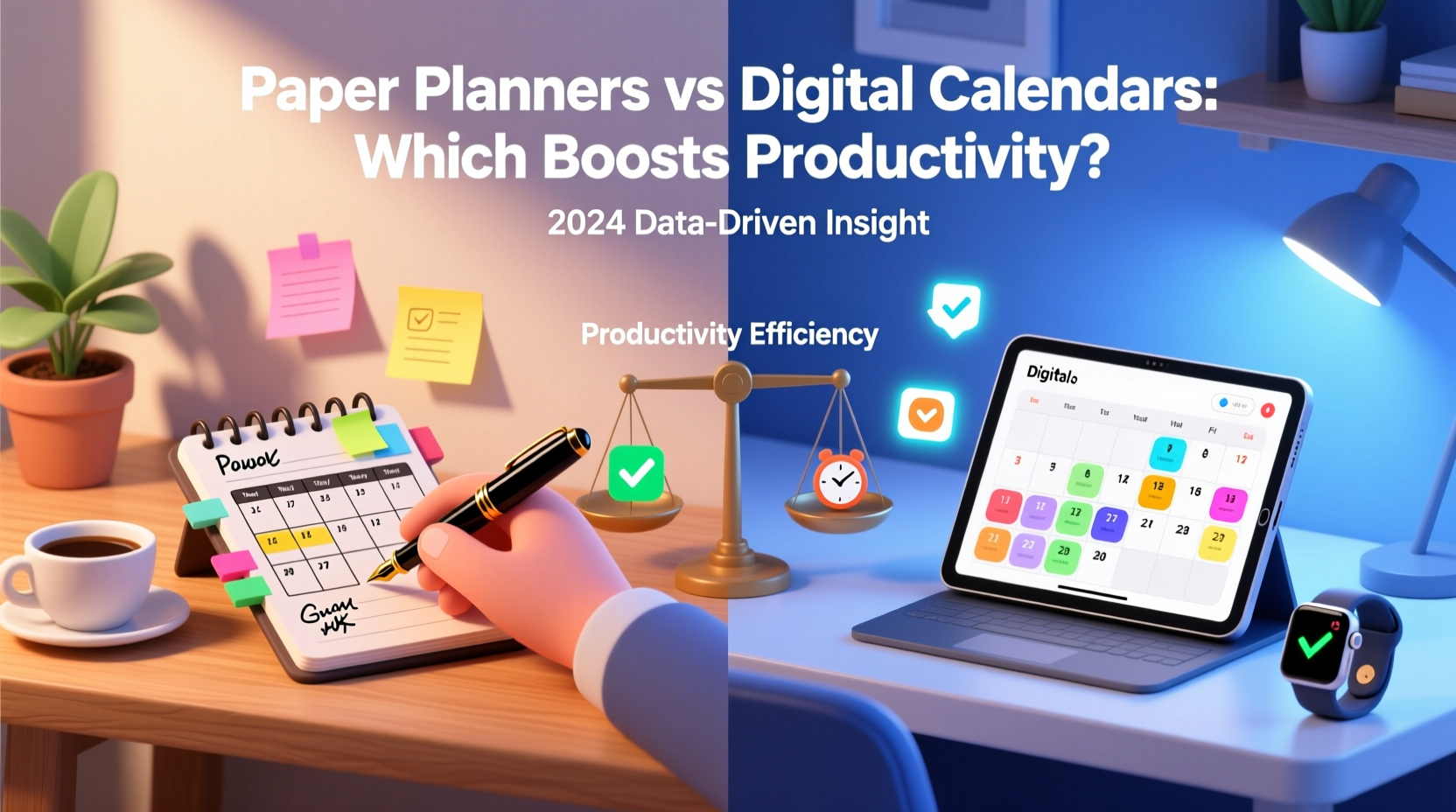
In an age where technology dominates our daily routines, the debate between paper planners and digital calendars remains surprisingly relevant. Despite the convenience of smartphones and cloud-synced apps, many professionals still reach for a notebook and pen. Others swear by calendar alerts and task-tracking software. But when it comes to actual productivity—getting things done efficiently and with focus—which system wins?
The answer isn’t universal. It depends on cognitive style, work environment, personal habits, and even emotional connection to the tools we use. What matters most is not whether the planner is analog or digital, but how well it aligns with your brain’s natural rhythms and your day-to-day demands.
Cognitive Benefits of Paper Planners
Writing by hand engages the brain differently than typing. Studies in cognitive psychology suggest that handwriting notes or tasks activates regions associated with memory encoding and comprehension. When you write something down in a paper planner, you're more likely to remember it—not just because it's visible, but because the physical act of writing creates stronger neural pathways.
This tactile engagement fosters mindfulness. Flipping through pages, crossing off completed items, and seeing the progression of days creates a tangible sense of progress. There’s no algorithm deciding what to show you; you control the layout, the emphasis, and the pace.
Tip: Use color-coded pens or highlighters in your paper planner to visually separate work, personal, and priority tasks—this enhances recall and prioritization.Paper planners also eliminate distractions. No notifications, no app switches, no temptation to check email while scheduling a meeting. For deep work sessions or creative planning, this focused environment can significantly boost output.
However, paper lacks scalability. Rescheduling events requires erasing or rewriting. Sharing plans with team members means photographing pages or manually transferring data. And if you lose the planner, your entire schedule vanishes—unless backed up elsewhere.
Advantages of Digital Calendars
Digital calendars—like Google Calendar, Outlook, or Apple Calendar—offer unmatched functionality for coordination and automation. They sync across devices instantly, send reminders, integrate with email and task managers, and allow real-time collaboration. Need to schedule a meeting with three colleagues across time zones? A digital calendar can propose optimal slots in seconds.
Automation is where digital tools shine. Recurring events, location-based alerts, and integration with project management platforms (e.g., Asana, Trello) turn calendars into dynamic productivity engines. Some advanced systems even analyze your time usage and suggest better scheduling patterns based on historical data.
Searchability is another major advantage. Trying to recall when you last met with a client six months ago? A quick search retrieves the event immediately. With paper, you’d need to flip through months of entries—an inefficient process at best.
“Digital calendars don’t just track time—they help reclaim it through intelligent automation and cross-platform access.” — Dr. Lena Torres, Cognitive Technologist at MIT Human Systems Lab
Yet, over-reliance on digital tools can lead to passive scheduling. People often accept meeting invites without reviewing their full context, leading to fragmented days. The ease of double-booking or misjudging time blocks due to compressed visual layouts can undermine productivity rather than enhance it.
Comparative Analysis: Key Features Side-by-Side
| Feature | Paper Planners | Digital Calendars |
|---|---|---|
| Mobility | Requires carrying the physical book | Accessible on all synced devices |
| Customization | Highly flexible layout options | Limited by app design (though templates help) |
| Distraction Level | Negligible | High (notifications, other apps nearby) |
| Editing Flexibility | Manual adjustments, can get messy | Easy drag-and-drop rescheduling |
| Collaboration | Not feasible without digitizing | Real-time sharing and editing |
| Memory Retention | Enhanced through handwriting | Lower unless actively reviewed |
| Backup & Recovery | Vulnerable to loss/damage | Cloud backups ensure safety |
A Real-World Example: Two Professionals, Two Systems
Consider Sarah, a freelance graphic designer who works from home. She uses a bullet journal-style paper planner. Each morning, she spends 15 minutes reviewing her week, migrating unfinished tasks, and blocking time for deep work. She finds that writing out deadlines helps her internalize them. “I *feel* my schedule,” she says. “When I see a crowded page, I know I’m overcommitted before I even start.” Her productivity spikes during weeks when she sticks to her planner consistently.
On the other hand, James manages a remote sales team across five countries. He relies on Google Calendar integrated with Slack and Zoom. His calendar auto-generates meeting links, sends reminders, and color-codes client tiers. He uses time-blocking for strategic planning but depends on recurring tasks and shared team calendars to maintain alignment. Switching to paper would cripple his ability to coordinate—he estimates he’d lose at least three hours per week in manual updates.
Both are highly productive—but their tools match their operational complexity. Sarah’s work thrives on focus and intentionality; James’ depends on synchronization and speed.
Hybrid Approach: Best of Both Worlds?
Many high-performing individuals don’t choose one system—they combine them. This hybrid method leverages the strengths of each while mitigating weaknesses.
For example, someone might use a digital calendar for fixed appointments (meetings, deadlines, travel) while maintaining a paper planner for daily priorities, habit tracking, and reflective journaling. The digital tool handles logistics; the analog one supports cognition and emotional regulation.
Another variation involves weekly digital planning with daily analog execution. On Sundays, they review the upcoming week in their digital calendar, then transfer key actions into a paper daily log each morning. This ensures alignment with long-term goals while preserving mental clarity during the workday.
“The most effective planners aren’t analog or digital—they’re intentional. The medium follows the mindset.” — Mark Rivera, Productivity Coach and Author of *Time Mastery in the Digital Age*
Step-by-Step Guide to Choosing Your System
Selecting the right tool starts with self-awareness. Follow this sequence to identify what will work best for you:
- Assess Your Workflow Type: Are you primarily solo-focused (writer, artist, developer), or do you collaborate frequently (manager, consultant, educator)? Solo workers often benefit more from paper; collaborative roles lean toward digital.
- Evaluate Time Sensitivity: Do you need instant updates, last-minute changes, or multi-person visibility? If yes, digital is essential.
- Test Cognitive Load: After using a tool for three days, ask: Did I feel overwhelmed? Distracted? Disconnected? Honest feedback reveals mismatches.
- Experiment with Hybrid Models: Try digital for appointments, paper for to-dos. Or vice versa. Track productivity using simple metrics like completed tasks, focus duration, and stress levels.
- Review Weekly: Every Friday, reflect: Which system helped me stay on track? Where did I struggle? Adjust accordingly.
Checklist: How to Maximize Productivity Regardless of Tool
- ✅ Plan the night before or first thing in the morning
- ✅ Limit daily priorities to 3–5 critical tasks
- ✅ Use time-blocking for high-focus activities
- ✅ Review yesterday’s accomplishments before starting today
- ✅ Schedule buffer time between tasks
- ✅ Color-code categories (work, personal, health, etc.)
- ✅ Conduct a weekly review to reset and refocus
- ✅ Archive old entries to avoid clutter (digitally or physically)
Frequently Asked Questions
Can paper planners be as efficient as digital calendars?
Yes—for certain users and contexts. If your work doesn’t require real-time collaboration or frequent rescheduling, a well-structured paper planner can be just as efficient, if not more so, due to increased focus and memory retention. Efficiency isn't solely about speed; it includes accuracy, follow-through, and mental clarity.
Are digital calendars making us less mindful of our time?
Possibly. The automation and passivity of digital tools can lead to “calendar autopilot,” where people attend meetings without questioning their purpose or fit. Without active review, schedules become cluttered with low-value commitments. Mindful use—such as daily reflection and intentional booking—is crucial to prevent this drift.
What if I forget to update my paper planner?
Consistency is the biggest challenge with analog systems. To combat this, anchor planner use to an existing habit—like morning coffee or evening journaling. Pair it with a digital reminder (“Update planner at 8 AM”) until it becomes automatic. Alternatively, consider a hybrid model where digital acts as the master calendar and paper serves as a daily execution sheet.
Conclusion: Match the Tool to the Task, Not the Trend
Productivity isn’t determined by the tool itself, but by how intentionally you use it. Paper planners excel at fostering presence, reducing distraction, and enhancing memory. Digital calendars dominate in coordination, flexibility, and data integration. The best choice depends not on popularity, but on your specific needs, environment, and cognitive preferences.
Rather than chasing the latest app or aesthetic planner trend, take time to understand your rhythm. Experiment honestly. Measure results. Adapt. Whether you fill a Moleskine with ink or manage your week through AI-powered scheduling, what matters is consistency, clarity, and control.
🚀 Ready to optimize your time? Pick one system—or blend both—and commit to using it mindfully for the next 21 days. Track your focus, completion rate, and energy levels. You might be surprised how much small changes in planning can transform your productivity.