YouTube has evolved far beyond passive video watching. With the rise of interactive features like YouTube Shorts, live polls, and embedded mini-games in videos, users now have opportunities to engage directly with content in playful, competitive ways. While there isn’t a centralized “YouTube Games” platform like Xbox or Steam, many creators design gamified experiences—quizzes, reaction challenges, puzzle hunts, and trivia battles—that viewers can participate in. For beginners, knowing where to start and how to succeed can be confusing. This guide breaks down everything you need to know to confidently enter the world of YouTube-based games and increase your chances of winning.
Understanding What “YouTube Games” Actually Are
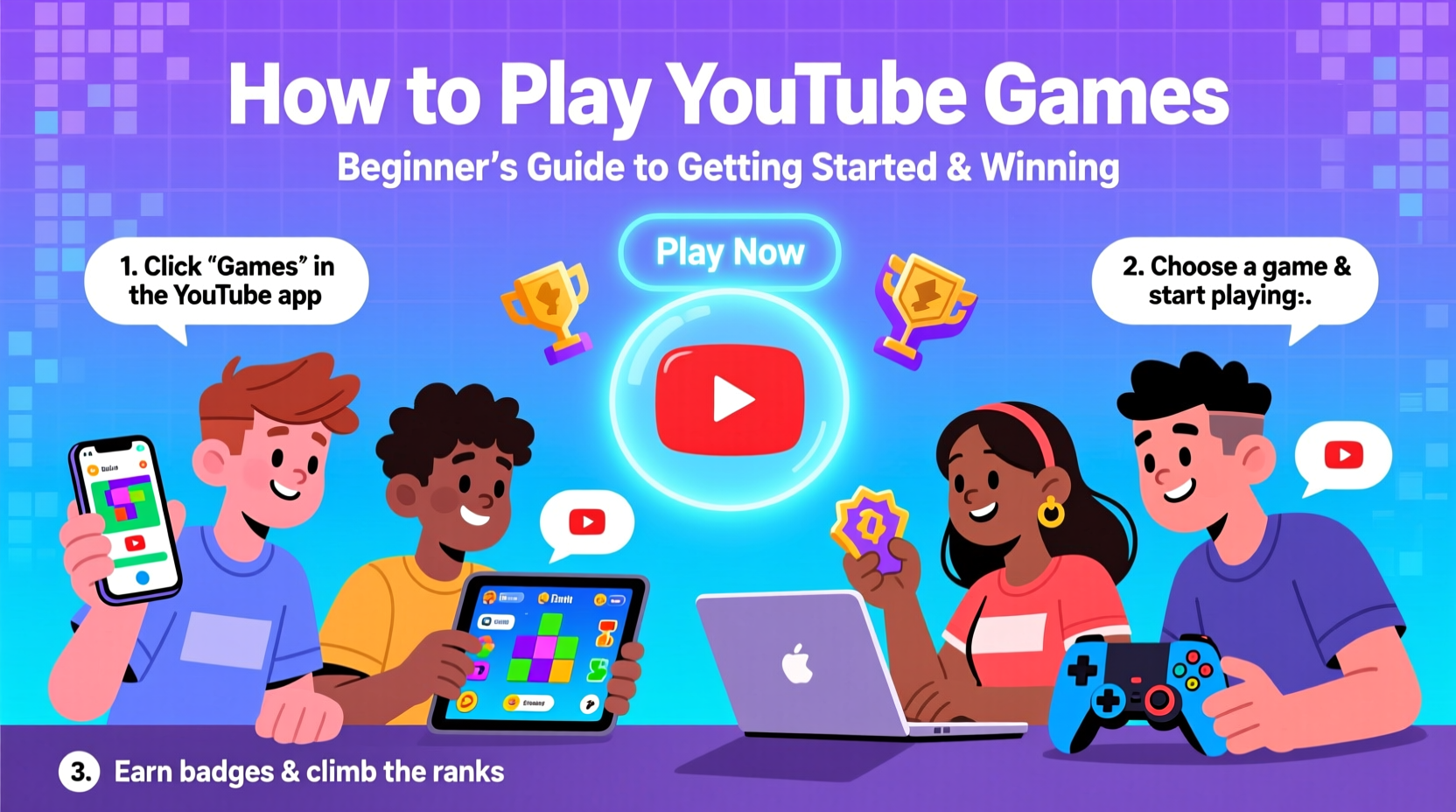
Unlike traditional video games, “YouTube games” aren’t standalone apps. Instead, they’re interactive experiences built into or around YouTube content. These include:
- Creator-led challenges: Viewers follow prompts in videos (e.g., “Pause when you see the red car”) and comment their results.
- Trivia and quizzes: Hosted in video descriptions or community posts, often with winners announced in follow-ups.
- Puzzle hunts: Clues hidden across multiple videos that lead to a final reward or recognition.
- Live stream games: Real-time audience participation via polls, chat commands, or prediction systems.
- Shorts-based reactions: Interactive elements where viewers respond to rapid-fire choices in under 60 seconds.
These games rely on engagement, timing, and sometimes luck—but skill and strategy can significantly improve outcomes.
Tip: Always check video descriptions and pinned comments—they often contain rules, hints, or entry forms for ongoing games.Your Step-by-Step Guide to Getting Started
Jumping into YouTube games doesn’t require downloads or accounts beyond YouTube itself. Follow this timeline to begin playing—and winning—within days.
- Identify active gaming creators: Search for channels like “MrBeast,” “Yes Theory,” or niche puzzle creators who regularly run viewer challenges.
- Subscribe and turn on notifications: Winners are often selected from real-time participants. Being first to respond increases odds.
- Study past game formats: Watch previous challenge videos to understand mechanics, time limits, and judging criteria.
- Engage in community tabs: Many clues or bonus rounds appear in posts, not videos. Check daily.
- Participate consistently: Even if you don’t win immediately, regular involvement builds familiarity and visibility.
- Submit entries correctly: Whether it’s a comment, form link, or hashtag, follow instructions exactly to avoid disqualification.
The key is consistency. Most YouTube games favor active, attentive viewers over random chance.
Strategies for Winning More Often
Winning isn’t just about being fast—it’s about being smart. Successful players use specific techniques to stand out.
Master the Timing Game
In live streams or time-limited challenges, response speed matters. Use keyboard shortcuts to navigate YouTube quickly. For example, pressing “K” pauses playback, “J” rewinds 10 seconds, and “L” advances—helpful for catching subtle clues.
Use Multiple Devices Strategically
Keep one device logged into YouTube for viewing, and another for submitting responses. This reduces lag between seeing a prompt and entering your answer.
Analyze Patterns
Some creators reuse formats. If a channel runs weekly trivia, track recurring categories (e.g., pop culture, science) and prep knowledge in advance.
| Strategy | Benefit | Best For |
|---|---|---|
| Watch at 0.75x speed | Catch hidden visual/audio clues | Puzzle hunts |
| Bookmark clue trackers | Organize multi-video puzzles | Escape room-style games |
| Use incognito mode | Avoid algorithm bias in voting games | Viewer poll competitions |
| Pre-write common responses | Submit faster during live events | Chat-based challenges |
“Viewers who treat YouTube games like skill-based contests—not lotteries—consistently perform better. It’s about preparation and pattern recognition.” — Daniel Park, Digital Engagement Analyst
Avoiding Common Beginner Mistakes
New players often lose due to preventable errors. Here’s what to watch out for:
- Misreading rules: Assuming you know the format without reading instructions.
- Posting too late: Missing deadlines because you didn’t check notifications.
- Using vague answers: Failing to format responses as requested (e.g., writing “blue” instead of “#0000FF”).
- Ignoring community guidelines: Getting banned for spamming or inappropriate comments.
- Playing only for prizes: Neglecting fun and learning, which leads to burnout.
Real Example: How Sarah Won a $100 Challenge
Sarah, a college student from Portland, won a “Find the Hidden Number” challenge hosted by a mid-sized tech reviewer. The video contained a 3-second frame with a blurred phone number. Viewers had 24 hours to call it and leave a message.
She didn’t rely on luck. Instead, she:
- Watched the video three times at reduced speed.
- Paused right before the known clue window and advanced frame by frame.
- Used her phone to screenshot and enhance the image using a free app.
- Called within 11 minutes of the video going live—before most competitors even noticed the challenge.
The creator later shared that only 7 people called the number, and Sarah was the fastest. Her prize? A $100 gift card and a shoutout. Her secret? Preparation and attention to detail.
Essential Checklist for New Players
Before joining your first YouTube game, go through this checklist:
- ✅ Subscribe to 2–3 active challenge channels
- ✅ Enable all notification types (bell icon set to “all”)
- ✅ Bookmark the community tab of your favorite channels
- ✅ Create a dedicated browser tab group for game tracking
- ✅ Review past challenge videos for patterns
- ✅ Prepare a standard response template (name, location, quick answer format)
- ✅ Join related Discord or Reddit communities for hints
Frequently Asked Questions
Are YouTube games safe to participate in?
Most are safe if hosted by verified creators. Avoid sharing personal information beyond what’s publicly acceptable (e.g., username, general location). Never download files or click suspicious links from untrusted sources.
Do I need special software to play?
No. Basic tools like screenshot apps, note-taking software, or video speed controls (built into YouTube) are sufficient. Some advanced players use transcription tools or frame grabbers, but these are optional.
Can I win real prizes as a beginner?
Yes. Many creators specifically encourage new participants to keep competition fair. Prizes range from shoutouts and digital badges to cash, merchandise, or tech gear. Skill and consistency improve long-term odds.
Start Playing, Start Winning
YouTube games offer a unique blend of entertainment, mental exercise, and community. You don’t need expensive gear or elite reflexes—just awareness, patience, and a willingness to learn. By following structured strategies, avoiding common pitfalls, and engaging thoughtfully, beginners can quickly move from spectators to winners. The next challenge could be just hours away. Make sure you’re ready.
🚀 Ready to level up? Pick one creator today, study their last game, and enter the next one with confidence. Share your first win in the comments—your journey starts now.