In an age where calendars live on smartphones and tasks sync across devices, many still reach for a notebook and pen when planning their day. The debate between digital and paper planners isn’t just about preference—it’s about how each system supports focus, memory, accountability, and long-term organization. While digital tools promise convenience and automation, analog methods offer tactile engagement and cognitive benefits. Understanding the strengths and limitations of each can help you make a decision that aligns with your lifestyle, work habits, and personal goals.
The Cognitive Impact of Writing by Hand
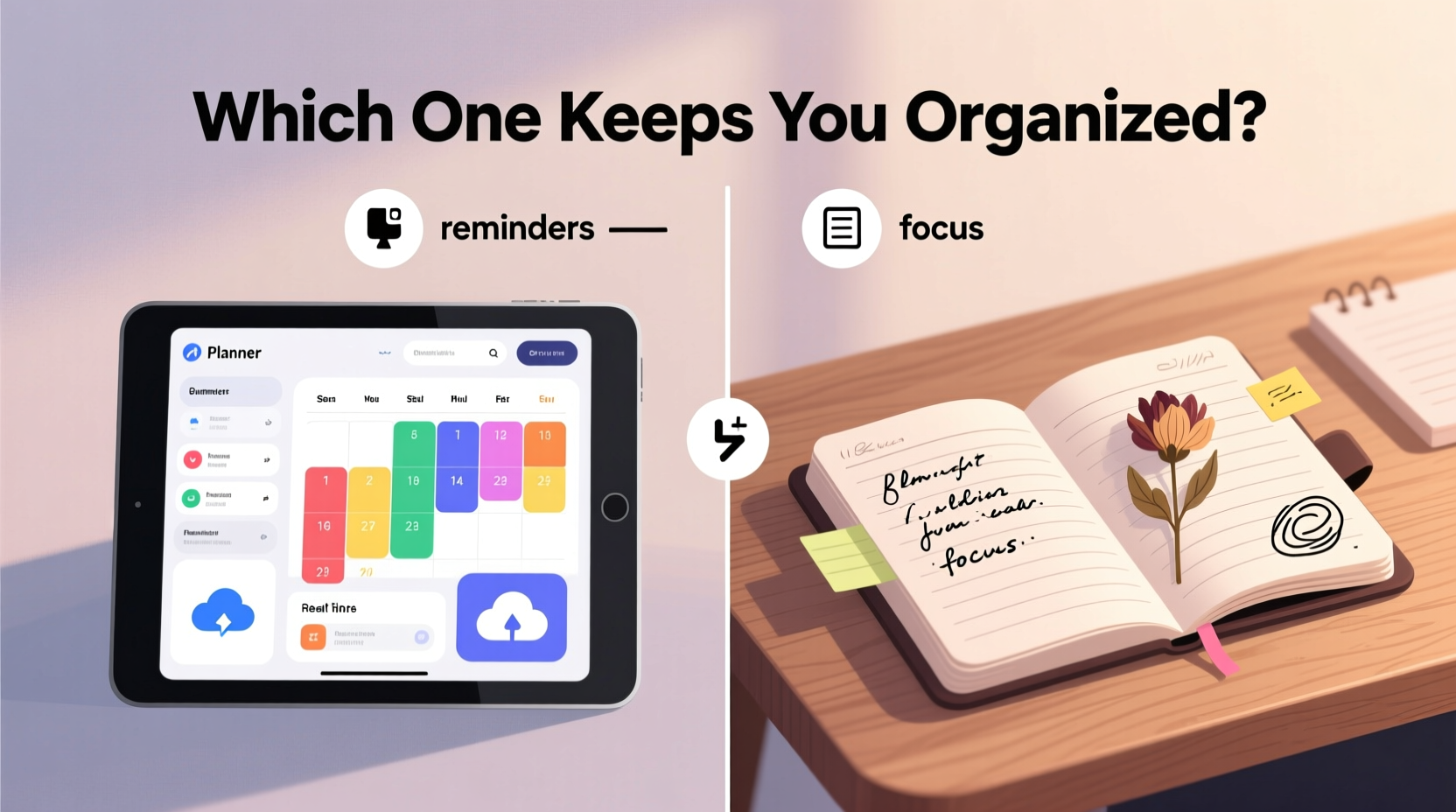
One of the most compelling arguments in favor of paper planners lies in neuroscience. Studies have shown that writing by hand activates regions of the brain associated with memory retention and comprehension. When you physically write down a task or appointment, you’re not just recording it—you’re processing it. This deeper cognitive engagement makes handwritten notes more memorable than typed ones.
A 2014 study from Princeton University found that students who took notes by hand performed better on conceptual questions than those who used laptops. While this research focused on education, the principle applies to planning: the act of handwriting reinforces intentionality and mental clarity.
“Writing things down transforms abstract ideas into concrete commitments. The physical motion creates a psychological contract with yourself.” — Dr. Rebecca Tran, Cognitive Psychologist
This doesn’t mean digital tools are ineffective, but they often encourage passive input—typing quickly without reflection. In contrast, using a paper planner forces you to slow down, prioritize, and engage meaningfully with your schedule.
Tip: Use bullet journaling techniques in your paper planner to combine structure with creativity—this enhances both organization and recall.Digital Planners: Power, Portability, and Automation
Digital planners shine in areas where speed, accessibility, and integration matter most. Whether you're using apps like Notion, GoodNotes, Apple Notes, or Google Calendar, digital systems offer features that paper simply can't match:
- Real-time syncing across devices ensures your schedule is always up to date.
- Reminders and notifications reduce the risk of missed deadlines.
- Search functionality lets you instantly find past entries or future plans.
- Templates and automation streamline repetitive planning tasks.
- Cloud backup protects against loss due to damage or misplacement.
For professionals managing complex workflows, digital planners integrate seamlessly with email, project management tools (like Asana or Trello), and team collaboration platforms. They also support color-coding, hyperlinks, file attachments, and recurring events—features that enhance efficiency at scale.
However, these advantages come with trade-offs. Over-reliance on alerts can lead to notification fatigue. Constant connectivity may blur boundaries between work and personal time. And because digital entry is fast, it's easy to add tasks without truly committing to them—a phenomenon known as “digital dumping.”
Comparing Key Features: A Side-by-Side Analysis
| Feature | Paper Planner | Digital Planner |
|---|---|---|
| Mobility | Requires carrying the physical book; no battery needed | Accessible on phones, tablets, computers; needs charging |
| Customization | Highly customizable with doodles, stickers, freeform layout | Limited by app design, though templates help |
| Memory Retention | Stronger due to motor memory and focus during writing | Weaker unless reviewed actively |
| Editing Flexibility | Difficult to reorganize; mistakes require erasing or crossing out | Easy to edit, move, delete, or reschedule items |
| Durability | Vulnerable to spills, tears, loss; permanent once written | Backed up digitally; resistant to physical damage |
| Distraction Level | Low—no notifications or pop-ups | High—device access leads to potential interruptions |
| Cost Over Time | Recurring cost for new planners annually | Often one-time or subscription-based fee |
This comparison reveals that neither option is universally superior. Your choice should depend on how you work, what kind of tasks you manage, and your personal relationship with technology.
Real-World Example: Sarah’s Transition from Paper to Digital
Sarah, a freelance graphic designer, used a paper planner religiously for five years. She loved the ritual of opening her dotted notebook each morning, sketching her daily layout, and coloring in completed tasks. But as client demands grew and she began collaborating remotely, she found herself missing deadlines because her planner wasn’t visible during Zoom calls.
She switched to a digital setup using GoodNotes with a stylus-enabled iPad. At first, she missed the sensory feedback of pen on paper. However, within weeks, she appreciated being able to share her weekly availability with clients, set automatic reminders for invoice due dates, and search past project timelines instantly.
The turning point came when she accidentally left her house without her planner and realized she had no idea what meetings were scheduled. That incident convinced her to fully commit to digital—even if it meant sacrificing some of the mindfulness she once enjoyed.
Sarah’s story illustrates a common shift: when collaboration, mobility, and precision become essential, digital often wins. But the emotional and cognitive connection to paper remains powerful for many.
Choosing the Right Tool: A Step-by-Step Decision Guide
Selecting between a digital and paper planner shouldn’t be arbitrary. Follow this structured approach to identify the best fit for your needs:
- Assess your primary use case. Are you managing personal routines, academic schedules, creative projects, or professional deliverables? High-stakes coordination favors digital.
- Evaluate your environment. Do you work mostly offline (e.g., fieldwork, travel) or online? Offline workers benefit from paper’s reliability.
- Consider your attention habits. If you struggle with phone distractions, a paper planner removes temptation. If you thrive on reminders, digital keeps you on track.
- Test both for one week each. Dedicate Monday–Friday to paper, then repeat with digital. Track which made you feel more in control and less stressed.
- Review consistency and ease. Which did you actually use every day? Which required less effort to maintain?
- Decide whether hybrid options suit you. Some people use paper for daily tasks and digital for long-term calendar events.
Common Myths Debunked
Several misconceptions cloud the digital vs. paper debate. Let’s clarify them:
- Myth: Digital planners are always faster. While typing is quicker than writing, setting up pages, navigating menus, and dealing with glitches can slow you down.
- Myth: Paper planners are outdated. Their simplicity is a strength, not a flaw. Many CEOs and artists still rely on notebooks for strategic thinking.
- Myth: You need tech skills to use digital tools effectively. Most modern apps are intuitive. With minimal learning, anyone can master basic functions.
- Myth: Paper prevents procrastination. Both formats depend on user discipline. A blank page—digital or physical—is equally intimidating if motivation is low.
Frequently Asked Questions
Can I mix digital and paper planners?
Absolutely. Many people use a digital calendar for time-bound events (meetings, birthdays) and a paper planner for goal tracking, habit building, and reflective journaling. This hybrid method leverages the strengths of both worlds.
Which is better for students?
It depends on learning style. Students who benefit from visual mapping and tactile note-taking often prefer paper. Those juggling multiple classes, group projects, and deadlines may find digital tools more practical for syncing with classmates and professors.
Do digital planners improve productivity?
They can—but only if used intentionally. Features like reminders and recurring tasks boost efficiency, but constant pings can fragment focus. The key is customization: disable non-essential alerts and use the planner proactively, not reactively.
Actionable Checklist: How to Optimize Your Planning System
Regardless of format, organization thrives on consistency and clarity. Use this checklist to maximize effectiveness:
- ✅ Review your planner every morning and evening
- ✅ Limit daily tasks to 3–5 priority items
- ✅ Color-code categories (work, personal, health)
- ✅ Schedule buffer time between tasks
- ✅ Weekly review: assess progress and adjust goals
- ✅ Archive old entries to avoid clutter
- ✅ Keep supplies ready (charged device, pens, stickers)
Final Thoughts: It’s About Fit, Not Fashion
The question isn’t whether digital or paper planners are inherently better—it’s which one aligns with your rhythms, responsibilities, and values. Technology offers powerful tools, but it doesn’t replace self-awareness. A beautifully designed app won’t help if you ignore it. Likewise, the most artistic bullet journal fails if it gathers dust on a shelf.
Organization isn’t just about tracking time; it’s about honoring commitments—to yourself and others. Whether you tap, swipe, or scribble, what matters is showing up consistently. Some thrive on the quiet focus of pen on paper. Others need the nudge of a vibrating phone to stay on course. There’s no shame in either path.
If you’re unsure, experiment boldly. Give each system a fair trial. Notice how you feel after using it for a full week. Do you feel calmer? More in control? Less overwhelmed? Let those insights guide your choice—not trends, influencers, or assumptions.
💬 Ready to upgrade your organization game? Start today by trying one new planning technique—whether going analog, going digital, or blending both. Share your experience in the comments and inspire others to find their perfect system.