A continuous beep from your garage door opener can be more than just an annoyance—it’s often a warning signal. Unlike occasional chirps that might indicate remote pairing or temporary glitches, persistent beeping usually points to a specific malfunction or safety concern. Ignoring it could lead to equipment failure, security vulnerabilities, or even safety hazards. Understanding the root causes and knowing how to respond ensures your garage remains functional, secure, and safe.
This guide breaks down the most common reasons behind constant beeping, offers step-by-step troubleshooting methods, and provides long-term prevention strategies based on industry standards and technician insights.
Common Causes of Continuous Beeping
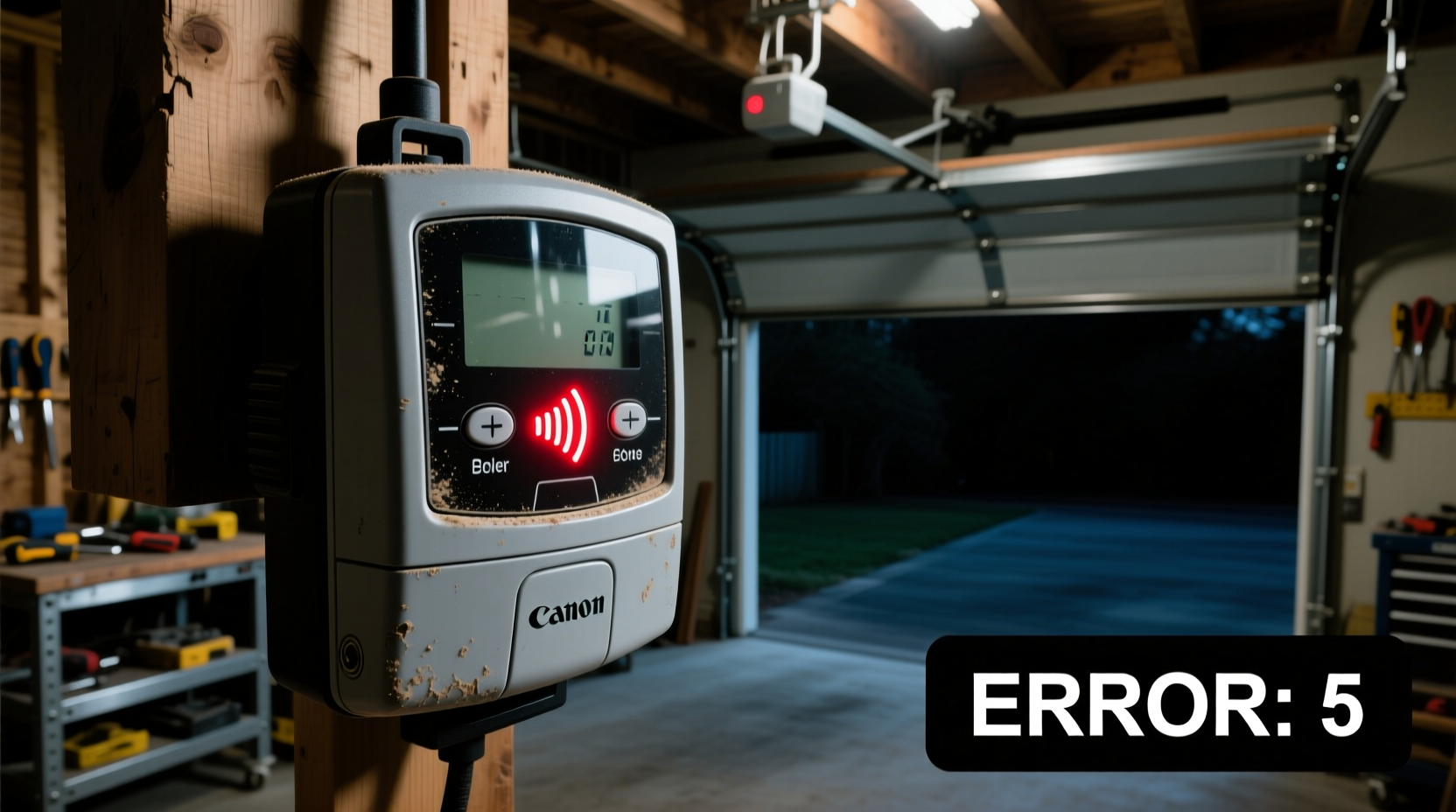
Garage door openers use audible alerts—like beeping—to communicate system status. Modern units integrate sensors, backup batteries, and safety mechanisms that trigger alarms when something is amiss. The following are the primary culprits behind non-stop beeping:
- Battery backup alert: Many models emit a repetitive beep when the backup battery is low, disconnected, or failing.
- Safety sensor obstruction: Misaligned or blocked infrared sensors prevent the door from closing safely, triggering repeated beeps.
- Power surge or interruption: After a power outage, some openers enter alarm mode until reset.
- Remote control interference: Signal jamming from nearby devices or faulty remotes may cause erratic behavior.
- Motor overheating: Excessive use or mechanical strain can overheat the motor, prompting warning beeps.
- Firmware or logic board issues: Internal electronics may glitch due to age, moisture, or electrical faults.
Each manufacturer programs their units differently, so the exact pattern—such as one long beep followed by two short ones—can carry specific diagnostic meaning. Always consult your user manual for model-specific codes.
Tip: Keep your garage door opener’s manual in a labeled folder with other home system guides. Quick access to error code charts speeds up diagnosis.Step-by-Step Troubleshooting Guide
Follow this systematic approach to identify and resolve the source of continuous beeping. Most issues can be addressed without professional help if caught early.
- Disconnect power temporarily
Pull the plug or switch off the circuit breaker for 30 seconds. This resets the system and clears false alarms caused by power fluctuations. - Inspect the battery backup
If your unit has a battery compartment (usually at the rear), check whether the battery is seated properly. Look for corrosion, swelling, or leakage. Replace with a compatible 6V or 12V sealed lead-acid battery if older than 3–5 years. - Test safety sensors
Ensure both sensors near the base of the tracks are aligned and unobstructed. Clean lenses with a soft cloth. A misaligned sensor typically shows a blinking LED or no light at all. Gently adjust mounting brackets until both lights remain steady. - Check for obstructions in the door path
Remove debris, tools, or stored items blocking the door’s travel. Even slight resistance during operation can trigger safety reversals and alarm sequences. - Listen for motor strain
Attempt to open and close the door manually. If it feels unusually heavy or jerky, worn springs, rollers, or tracks may be forcing the motor to work too hard. - Verify remote and wall station function
Press the wall-mounted button. If the beeping stops or changes pattern, the issue may lie in wireless interference. Try removing other electronic devices near the opener. - Reset the system
After addressing visible issues, restore power and press and hold the “Learn” or “Smart” button for 6 seconds to reinitialize the logic board.
If the beeping persists after these steps, the problem likely involves internal components such as the circuit board or motor relay.
Do’s and Don’ts When Dealing With Beeping Openers
| Do’s | Don’ts |
|---|---|
| ✔️ Unplug the opener before inspecting wiring or replacing the battery | ❌ Ignore beeping for more than 24 hours without investigation |
| ✔️ Use only manufacturer-recommended replacement parts | ❌ Spray lubricants directly onto the motor or electrical housing |
| ✔️ Test auto-reverse function monthly by placing a roll of paper towels under the door | ❌ Attempt to disassemble the main unit unless certified |
| ✔️ Schedule annual maintenance checks, especially before winter | ❌ Bypass safety sensors to force the door closed |
Following best practices protects not only your equipment but also household members who use the garage regularly. Children and pets are especially vulnerable to malfunctioning automatic doors.
Real-World Example: A Homeowner’s Close Call
In suburban Ohio, homeowner Maria Thompson noticed her Genie ProMax opener had been beeping every 10 seconds for two days. She assumed it was a minor glitch and silenced it by unplugging the unit. When she later reconnected it, the beeping returned immediately.
She called a local technician, who discovered the backup battery had swollen and leaked acid onto the circuit board. More critically, one of the safety sensors was covered in spider webs, preventing proper alignment. Had the system failed during a closure, the door could have crushed an object—or a person—in its path.
The technician replaced the battery, cleaned the sensors, and recalibrated the force settings. He emphasized that the beeping wasn’t a nuisance—it was a lifesaving alert.
“I had no idea those little beeps meant so much,” Maria said afterward. “Now I check my sensors every time I vacuum the garage.”
“We see dozens of cases each year where homeowners disable beeping systems, not realizing they’ve disabled a critical safety feature. That beep is your first line of defense.” — James Landon, Certified Door Technician (CDT) and NADIA Member
Preventive Maintenance Checklist
Proactive care reduces the likelihood of unexpected beeping and extends the life of your garage door system. Use this checklist quarterly:
- ✅ Test auto-reverse by placing a thick roll of paper towels on the floor—door should bounce back upon contact
- ✅ Wipe safety sensor lenses with a microfiber cloth
- ✅ Inspect door balance: Disconnect the opener and lift manually—should move smoothly and stay open at midpoint
- ✅ Lubricate rollers, hinges, and spring bearings with silicone-based spray (avoid chain-drive motors)
- ✅ Check for frayed wires or loose connections near the motor head
- ✅ Verify wall control panel buttons respond correctly
- ✅ Listen for grinding, squeaking, or delayed responses during operation
- ✅ Confirm battery backup engages during a simulated power outage
Document each inspection with dates and notes. Over time, patterns emerge—like recurring beeping after storms—that point to environmental triggers like humidity or voltage drops.
Tip: Label your garage door opener with the model number and installation date using weather-resistant tape. This speeds up support calls and part replacements.Frequently Asked Questions
Why does my garage door opener beep every 30 seconds?
A consistent 30-second beep interval typically indicates a low or failing backup battery. The system uses this pattern to warn you before complete discharge. Replace the battery promptly, ensuring compatibility with your model’s voltage and size requirements.
Can I stop the beeping without fixing the problem?
You can silence the sound temporarily by disconnecting power or removing the battery, but doing so disables critical safety monitoring. It’s strongly advised against. The beeping exists to protect people and property—suppressing it increases risk.
Will a new remote fix the beeping?
Not usually. Remote controls rarely cause continuous beeping unless they’re stuck in transmit mode or damaged. Focus first on the main unit, sensors, and power supply. Replacing a remote may help only if signal interference is confirmed through elimination testing.
When to Call a Professional
While many issues are DIY-friendly, certain situations require licensed expertise:
- The motor emits smoke or a burning smell
- Water damage or condensation is visible inside the unit
- The door fails to reverse on contact despite sensor cleaning
- Beeping continues after full reset and battery replacement
- You suspect torsion spring damage (located above the header rail)
Certified technicians have diagnostic tools to test voltage output, logic board integrity, and radio frequency interference. They can also perform load tests on aging systems to assess overall reliability.
According to the International Door Association (IDA), nearly 70% of garage door-related injuries stem from neglected maintenance or disabled safety features. A single service visit—typically $80–$150—can prevent costly repairs and ensure compliance with UL 325 safety standards.
Conclusion: Take the Beep Seriously
Your garage door opener isn’t beeping to irritate you—it’s trying to tell you something important. Whether it’s a dying battery, a blocked sensor, or an overheating motor, that sound is engineered to prompt action before small problems become dangerous failures.
By understanding the signals, responding promptly, and maintaining your system proactively, you protect your home, your vehicle, and your family. Don’t wait for the beeping to stop on its own. Investigate, repair, and reset with confidence using the steps outlined here.
💬 Did this guide help you silence your beeping opener? Share your experience or ask questions in the comments—your insight could help another homeowner avoid a costly mistake.