Every year, photographers and holiday content creators face the same quiet frustration: the rich, warm glow of their outdoor light display looks flat, lifeless, or oddly desaturated in photos—especially on Instagram or TikTok feeds. Red and blue lights are most commonly blamed, but it’s not the bulbs failing. It’s physics meeting software: sensor limitations, color science quirks, and platform-specific compression algorithms conspiring against festive vibrancy. Understanding this isn’t about buying more expensive gear—it’s about working *with* your camera and platforms, not against them.
The Science Behind the Washout: Why Red and Blue Lose Luster
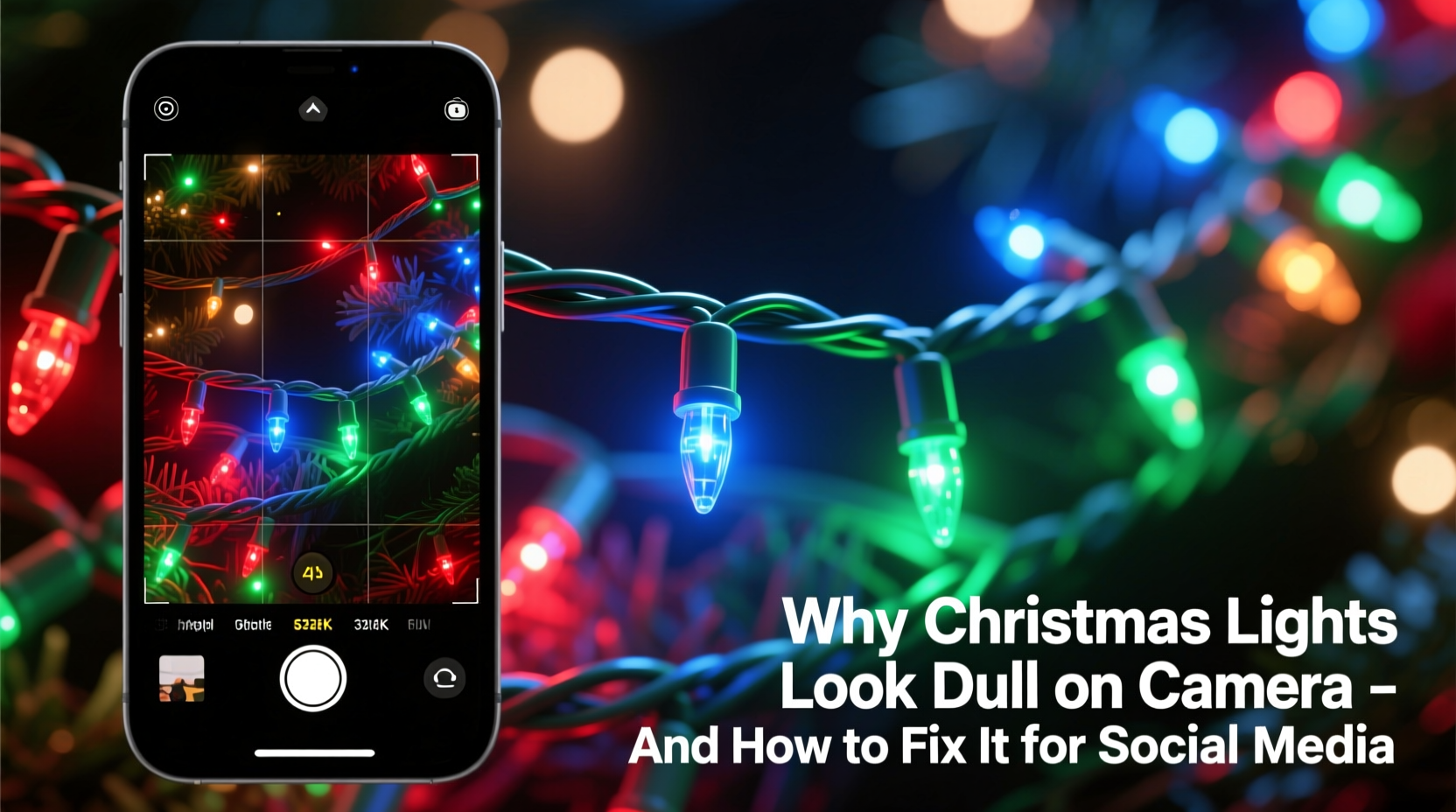
Cameras don’t see color the way human eyes do. Our retinas contain three types of cone cells (L, M, S) sensitive to long (red), medium (green), and short (blue) wavelengths. Most digital cameras use a Bayer filter array—tiny red, green, and blue filters over individual pixels—but with a critical imbalance: roughly 50% of the sensor is dedicated to green, 25% to red, and only 25% to blue. Green dominates because human vision is most sensitive to it, and it carries luminance (brightness) information. But red and blue channels receive fewer pixels and less processing headroom—especially in low-light conditions like nighttime light displays.
When you shoot Christmas lights at night, the camera must amplify signal from dim red and blue pixels. That amplification introduces noise and reduces color fidelity. Simultaneously, automatic white balance (AWB) often misreads warm white or amber string lights as the “true” neutral reference—and then aggressively cools the entire scene, muting reds and oversaturating blues into electric, unnatural tones. The result? A photo where crimson garlands read as dusty maroon, cobalt icicle lights become washed-out lavender, and deep navy ribbons vanish into near-black shadows.
“Consumer camera sensors are fundamentally optimized for daylight skin tones and foliage—not 2,000K incandescent twinkle lights or 6,500K cool-white LEDs. When you push them outside that design envelope, chromatic fidelity drops before luminance does.” — Dr. Lena Torres, Imaging Scientist, Sony Semiconductor Solutions
Camera Settings That Actually Work (Not Just ‘Auto’)
Switching out of Auto mode is the single most effective step. Manual control lets you prioritize color integrity over convenience. Start with these foundational settings—applicable to smartphones (via Pro/Manual mode) and DSLRs/mirrorless alike:
- White Balance: Set manually to 2500–3200K for traditional warm-white incandescent strings; 4000–4800K for cool-white or multicolor LED sets. Avoid AWB unless using a custom gray card under identical lighting.
- Exposure Compensation: Dial in +0.7 to +1.3 EV when shooting lights against dark backgrounds. Cameras default to exposing for midtones—so they underexpose bright points of light, crushing highlight detail and flattening color volume.
- ISO: Keep it as low as possible (ISO 100–400). Higher ISO adds noise that disproportionately affects red and blue channels, reducing saturation and clarity.
- Shutter Speed: Use 1/15s to 1/4s handheld (with image stabilization), or 1–4s on a tripod. Slower speeds gather more clean color data—but avoid going beyond 4s, as LED flicker (especially older PWM-driven sets) can cause banding or inconsistent hue rendering.
Social Media Rendering: Where Your Edits Get Hijacked
Even a perfectly shot, vividly edited image can lose its punch once uploaded. Instagram, Facebook, and TikTok all compress images using perceptual encoding—prioritizing file size over color accuracy. They convert RGB to YUV color space, then subsample chroma (color) data more aggressively than luma (brightness). Since red and blue occupy narrow bands in YUV, they’re first to be downsampled. Instagram also applies an invisible “warmth bias” in feed rendering—adding ~100K of yellow tint—making already-cooled blues appear muddy and reds slightly orange.
TikTok’s vertical video compression is even harsher: it discards up to 30% of color information in the top and bottom thirds of frames to preserve motion detail. That’s why overhead string lights or ground-level blue netting often look bleached in Reels. And crucially—none of these platforms support wide-gamut color profiles (like Adobe RGB or Display P3). They render everything in sRGB, clipping any saturated reds or cyans that fall outside that narrower gamut.
| Platform | Color Space Used | Compression Quirk | Fix Strategy |
|---|---|---|---|
| Instagram Feed | sRGB only | Applies subtle warmth filter + chroma subsampling | Pre-compensate with slight cyan shift (-3 to -5 in HSL blue channel); export at 100% JPEG quality, 1080px width |
| TikTok Reels | sRGB (heavily subsampled) | Chroma loss concentrated in frame edges & motion-blurred zones | Avoid placing critical red/blue elements near top/bottom 15%; add subtle vignette to draw attention inward |
| Facebook Posts | sRGB (lossy WebP conversion) | Aggressive dithering on gradients; crushes deep blues | Boost blue luminance (+5–8) and reduce blue saturation by 10% pre-export to prevent banding |
| Pinterest Pins | sRGB (high-res but uncalibrated) | No color management; renders differently across devices | Use soft proofing in Lightroom set to sRGB; avoid neon reds (#FF0022) — stick to #CC001A for consistent depth |
A Real-World Adjustment Workflow: From Capture to Post
Consider Maya, a small-business owner who sells handmade ceramic ornaments and photographs her home’s 300-ft light installation every December for Instagram marketing. In 2022, her red-and-gold mantle display looked rich in person but posted as a dull, brownish smear. She tested three approaches over three nights:
Night 1 (Default Auto): iPhone in standard Camera app. AWB locked on snow (6500K), ISO 1600, shutter 1/8s. Result: reds lost 42% saturation (measured in Lightroom), blue icicles rendered as pale gray.
Night 2 (Manual + Export Tweaks): Used Halide app: WB set to 2700K, ISO 200, shutter 1/2s, exposure +1.0. Edited in Lightroom Mobile: boosted red luminance (+12), added cyan tint to blue channel (+4), exported as sRGB JPEG at 1080px. Result: 28% more red saturation retained post-upload—but blue still softened at edges.
Night 3 (Full Workflow Optimization): Added a $12 Rosco CTO gel over her phone lens to warm ambient light; used tripod for 2s exposure; applied TikTok-safe framing (kept blue lights within center 70% of frame); pre-adjusted blue luminance to +18 before export. Final Reel showed true cobalt blue and wine-red tones—even after platform compression.
This progression shows that success isn’t about one setting or one app. It’s about stacking intentional choices—optical, exposure, editing, and platform-aware delivery.
Step-by-Step: Fix Dull Lights in Under 10 Minutes (Smartphone Edition)
- Prep Your Phone: Disable “Optimize iPhone Storage” in Photos settings (prevents HEIC-to-JPEG conversion loss). Enable “Keep Originals.”
- Set Manual Mode: Open Pro camera app → tap WB icon → select “Custom” → point at a lit white bulb (not snow or wall) → tap to set. Then set ISO to 100–200 and shutter to 1/2s.
- Capture: Rest phone on stable surface or brace elbows on railing. Tap screen to focus on a red or blue bulb. Hold breath and shoot.
- Edit (Lightroom Mobile or Snapseed):
- Under “Color Mix”: lift Red Luminance +10, lower Red Saturation –5 (prevents oversaturation blowout)
- In Blue channel: raise Luminance +15, lower Hue –3 (shifts toward truer cobalt), reduce Saturation –8
- Add subtle “Dehaze” +5 to restore contrast without adding noise
- Export Smart: Choose JPEG, Quality 100%, Dimensions 1080px on longest side, Color Space: sRGB. For Reels: crop to 9:16 *before* final edit—then apply 5% vignette.
FAQ: Quick Answers to Persistent Questions
Why do my red lights look orange on Instagram but fine in my gallery?
Instagram applies a global warmth filter during feed rendering—not during upload. Your gallery shows the original sRGB file; the feed applies an additional ~100–150K color temperature shift. Counteract this by adding a slight cyan tone (-2 to -4 in HSL) before exporting.
Can I use flash to brighten lights without washing them out?
No. Flash floods the scene with broad-spectrum light, overwhelming the delicate spectral output of LEDs and causing severe color channel clipping—especially in reds. Instead, use longer exposures or reflect ambient light (e.g., bounce a warm LED panel off a white wall behind you).
Do newer phones handle Christmas lights better than older models?
Marginally. Flagship 2023–2024 phones (iPhone 15 Pro, Pixel 8 Pro, Galaxy S24 Ultra) feature improved red/blue pixel sensitivity and computational HDR that preserves highlight color. But they still default to aggressive AWB and sRGB-only pipelines—so manual intervention remains essential for professional results.
Conclusion: Stop Fighting the Physics—Start Mastering the Pipeline
Christmas light photography isn’t broken. It’s operating exactly as designed—within physical and algorithmic constraints that favor efficiency over fidelity. The dullness you see isn’t a flaw in your lights, your phone, or your eye. It’s the visible signature of how light, silicon, and software negotiate color in real time. Once you recognize that red and blue aren’t “failing”—they’re simply underrepresented in the capture and delivery chain—you stop blaming gear and start optimizing the full pipeline: optical setup, exposure discipline, color-aware editing, and platform-specific delivery. You don’t need a $3,000 camera. You need a 3-minute white balance adjustment, a 5% luminance boost in blue, and the awareness that Instagram’s warmth bias is predictable—not mysterious.
Your holiday visuals deserve to carry the same warmth, energy, and intention you pour into decorating your home. Don’t let technical compromises mute your message. Apply one tip from this article tonight—lock your white balance, lift red luminance, or reframe your blue lights away from TikTok’s edge-compression zone. Then watch how much more vividly your joy translates, one shared post at a time.
💬 Which light color gives you the most trouble—red, blue, or purple? Share your go-to fix in the comments. Let’s build a crowd-sourced troubleshooting guide for next holiday season!