Walk into any modern gaming setup video on social media, and one thing dominates the visual landscape: glowing keyboards, pulsing case fans, and ambient underglow that turns desks into neon-lit stages. RGB lighting has become nearly synonymous with high-end PC builds. But behind the dazzling colors lies a growing debate: is RGB lighting genuinely valuable, or is it just a flashy gimmick designed to sell more accessories?
The truth isn’t binary. For some, RGB enhances immersion and personalization. For others, it’s an unnecessary distraction with no tangible benefit. To determine whether RGB lighting is worth your investment, we need to examine its psychological impact, practical utility, cost implications, and influence on overall gaming experience.
The Psychology of Light in Gaming Environments
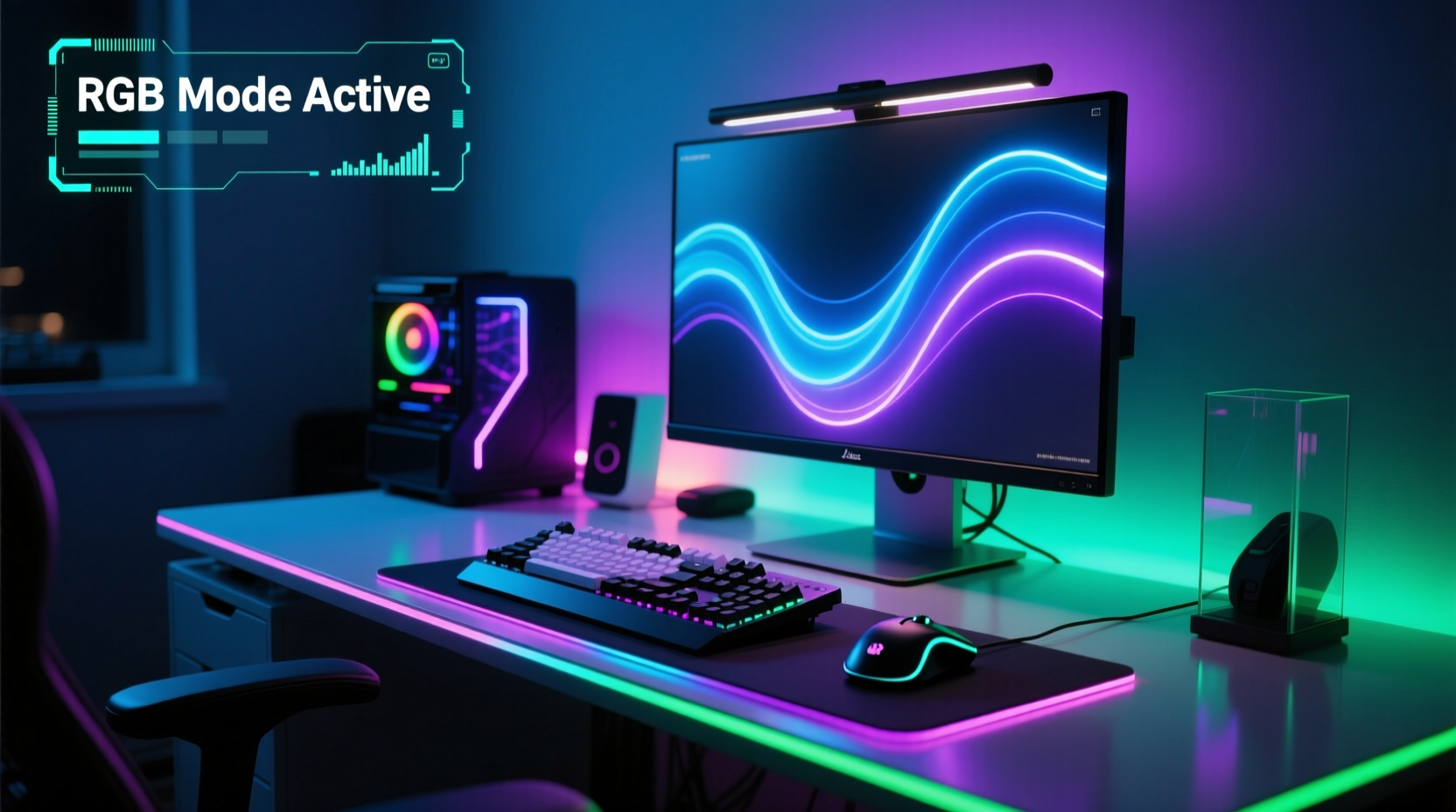
Lighting affects mood and focus more than most people realize. Studies in environmental psychology have shown that ambient lighting can influence alertness, concentration, and even emotional state. In gaming, where split-second decisions matter, creating the right atmosphere can subtly improve performance.
RGB lighting allows users to customize color temperatures and brightness levels. Cooler blues and whites can promote alertness during long sessions, while warmer reds and ambers may help reduce eye strain during late-night gameplay. Dynamic effects—like reactive keystrokes or audio syncing—can also increase engagement by reinforcing sensory feedback.
“Controlled ambient lighting reduces contrast stress between screen glare and dark surroundings, which can delay visual fatigue.” — Dr. Lena Torres, Human-Computer Interaction Researcher at MIT Media Lab
However, overstimulation from chaotic lighting patterns—such as strobing rainbows or rapid cycling—can have the opposite effect, leading to distraction or discomfort. The key lies not in having RGB, but in using it intentionally.
Tip: Use static or breathing modes with muted tones for prolonged sessions. Reserve flashy effects for show mode or streaming.Functional Benefits vs. Aesthetic Appeal
At first glance, RGB appears purely cosmetic. But dig deeper, and functional advantages emerge—especially in multi-device ecosystems.
Many modern motherboards, GPUs, and peripherals support synchronized lighting through software like ASUS Aura Sync, MSI Mystic Light, or Razer Chroma. This synchronization isn’t just about looks; it enables quick diagnostics. For example:
- A sudden shift to red lighting across all devices could signal thermal throttling.
- Blinking keyboard LEDs might indicate caps lock or low battery in wireless gear.
- Custom profiles can visually distinguish between work and gaming modes.
In this sense, RGB becomes part of a broader system of feedback, especially useful when auditory cues are off (e.g., during streaming or quiet hours).
Still, these features remain secondary. Most users don’t rely on lighting for diagnostics—they use monitoring tools instead. So while there are niche functional uses, the primary appeal remains aesthetic.
When Aesthetics Matter: The Role of Personalization
Gaming is increasingly seen as a lifestyle, not just a hobby. Just as car enthusiasts modify interiors or audiophiles curate speaker placements, many gamers treat their rigs as expressions of identity. RGB lighting offers unparalleled customization.
Consider this: a fully lit setup with matching color schemes across mouse, keyboard, monitor, and case can create a cohesive, immersive environment. It transforms a workstation into a dedicated gaming zone—a psychological trigger that helps users mentally transition into “gamer mode.”
For streamers and content creators, aesthetics directly impact viewer retention. A visually striking setup encourages likes, shares, and brand sponsorships. In fact, several peripheral companies now design products specifically for “camera readiness,” prioritizing light diffusion and reflection quality.
Cost vs. Value: Is RGB Worth the Premium?
RGB components often carry a price premium. A mechanical keyboard without backlighting might cost $80; the same model with per-key RGB can jump to $130. Similar markups appear on cases, fans, mice, and even power supplies.
To assess value, consider what you’re actually paying for:
| Component | Non-RGB Price | RGB Version Price | Premium | Added Features |
|---|---|---|---|---|
| Mechanical Keyboard | $75 | $120 | $45 (+60%) | Per-key lighting, macros, software |
| Case Fan (120mm) | $8 | $15 | $7 (+88%) | Addressable RGB, daisy-chaining |
| Gaming Mouse | $50 | $80 | $30 (+60%) | Zone lighting, profile sync |
| PC Case | $90 | $130 | $40 (+44%) | Pre-installed RGB fans, tempered glass |
The markup varies, but it’s rarely trivial. However, some RGB upgrades come bundled with other improvements—better build quality, enhanced airflow, or advanced software control. The challenge is separating genuine enhancements from pure cosmetic inflation.
Tip: Look for combo deals or bundle kits (e.g., 3-pack RGB fans with controller) to reduce per-unit costs.Real-World Example: The Streamer’s Dilemma
Take Mark, a mid-tier Twitch streamer building his first custom PC. He had two options:
- Budget Build: $1,200 total, minimal lighting, focused on CPU/GPU performance.
- Showcase Build: $1,500 total, full RGB ecosystem, tempered glass case, addressable strips.
He chose the second. Within three months, his viewer count grew by 40%. Sponsors began reaching out. While performance was identical between builds, the visual appeal made his streams more engaging. Viewers commented on the “cinematic” feel of his setup.
For Mark, RGB wasn’t a gimmick—it was branding. The extra $300 paid for itself in visibility and monetization opportunities. But if he were a competitive esports player focused solely on FPS and input lag, the return would’ve been negligible.
This illustrates a crucial point: the value of RGB depends entirely on context.
Step-by-Step: Building a Purposeful RGB Setup
If you’re considering RGB, follow this structured approach to ensure you get real value—not just flash.
- Define Your Goal: Are you optimizing for performance, comfort, streaming, or personal enjoyment?
- Set a Lighting Budget: Allocate no more than 10–15% of your total build cost to lighting-related upgrades.
- Choose a Unified Ecosystem: Stick to one brand (e.g., Corsair iCUE or NZXT CAM) to avoid compatibility issues.
- Prioritize Key Zones: Focus on high-visibility areas: keyboard, front case fans, and under-desk strips.
- Use Software Wisely: Create profiles for different activities (gaming, working, streaming) with appropriate lighting intensity.
- Test Before Finalizing: Run extended sessions to check for visual fatigue or distractions.
This method ensures RGB serves a purpose rather than becoming clutter.
Common Misconceptions About RGB Lighting
Several myths persist about RGB technology. Let’s dispel them with facts.
- Myth: RGB improves gaming performance.
Reality: No measurable FPS gain comes from lighting. Any perceived boost is psychological. - Myth: All RGB is the same.
Reality: Addressable RGB (ARGB) allows individual LED control and smoother effects. Standard RGB offers only bulk color changes. - Myth: RGB drastically increases power consumption.
Reality: A full RGB setup typically uses less than 10 watts—negligible compared to GPU or CPU draw. - Myth: RGB shortens component lifespan.
Reality: LEDs last 25,000–50,000 hours. Unless poorly cooled, they won’t degrade faster than other parts.
Checklist: Is RGB Right for You?
Answer the following before investing:
- ✅ Do you care about how your setup looks on camera or in photos?
- ✅ Are you building a themed or branded rig (e.g., matching team colors)?
- ✅ Will you use lighting profiles to differentiate tasks or moods?
- ✅ Can you sync lights across devices without excessive cable clutter?
- ❌ Are you compromising core components (GPU, RAM) to afford RGB?
If most answers are “yes,” RGB likely adds value. If you answered “no” to three or more, it may be a gimmick in your case.
Frequently Asked Questions
Does RGB lighting affect game performance?
No. RGB runs independently of the GPU and CPU. It has zero impact on frame rates or load times. Any performance change would stem from placebo or improved focus due to better ambient conditions.
Can I add RGB to an existing PC without rebuilding?
Yes. Many plug-and-play solutions exist: USB-powered LED strips, magnetic under-desk lighting, and standalone controllers. Most connect via USB headers or use wireless remotes. Just ensure your case has space and ventilation isn’t blocked.
Is ARGB better than standard RGB?
Yes, in terms of flexibility. ARGB (Addressable RGB) lets you control each LED individually, enabling gradients, wave effects, and precise animations. Standard RGB treats all LEDs as one unit. For serious customization, ARGB is superior—but costs more and requires compatible motherboards.
Final Verdict: Gimmick or Genuine Value?
Labeling RGB lighting as universally “worth it” or “just a gimmick” oversimplifies a nuanced reality. The answer hinges on intent.
For casual builders who enjoy personalization, streamers cultivating a brand, or anyone seeking a more immersive environment, RGB delivers real psychological and aesthetic benefits. When implemented thoughtfully, it elevates the experience beyond mere function.
But for those chasing raw performance, on a tight budget, or indifferent to appearance, RGB offers little return. Spending $200 on lighting instead of upgrading RAM or storage is rarely justified.
The best approach? Treat RGB like interior design. It doesn’t make a house livable, but it makes it feel like home. Use it to complement your priorities—not replace them.
“Tech should serve both utility and joy. RGB fails only when it’s the priority instead of the accent.” — Adrian Cho, Senior Editor at PCBuild Weekly🚀 Think your setup strikes the perfect balance between performance and style? Share your build story in the comments—what role does RGB play for you?