As the holiday season approaches, more people are turning to digital creativity to craft unique, meaningful decorations. Among the most exciting developments is the use of AI image tools to design custom Christmas ornaments—personalized, print-ready, and full of character. Whether you're making gifts for loved ones or adding a bespoke touch to your tree, AI-powered design offers unmatched flexibility and speed. With just a few text prompts and some strategic refinement, you can generate intricate, festive artwork that reflects your style, memories, or traditions.
This guide walks through the entire process—from choosing the right AI tool to preparing files for printing and assembling physical ornaments. You’ll learn not only the technical steps but also creative strategies for generating designs that feel authentic and visually compelling.
Selecting the Right AI Image Generator
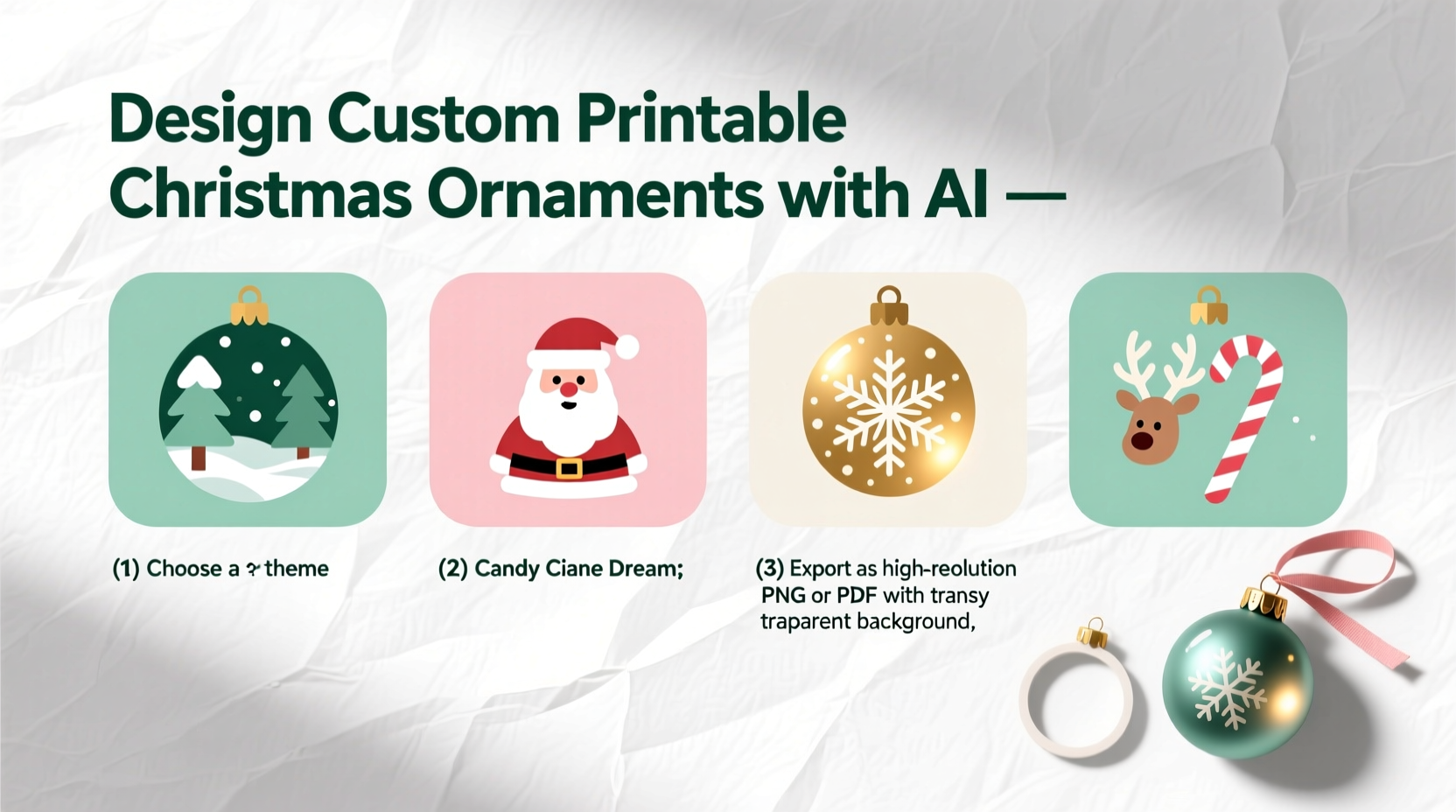
Not all AI image tools are created equal when it comes to designing holiday decor. The best platforms combine high-resolution output, precise prompt control, and ease of export. Here are the top options currently available:
- MidJourney – Known for artistic, stylized results, ideal for whimsical or painterly ornament designs.
- DALL·E 3 (via ChatGPT Plus) – Excels at literal interpretations and fine details, great for portraits, text integration, or specific themes like \"vintage Santa.\"
- Stable Diffusion (via web UIs like DreamStudio or Leonardo.ai) – Offers advanced customization and upscaling, perfect for users who want granular control over composition and style.
- Canva’s AI Image Generator – Beginner-friendly and integrated with design templates, suitable for quick, social-media-style ornaments.
For printable ornaments, resolution is critical. Aim for outputs of at least 2000x2000 pixels to ensure clarity when printed at 4x4 inches or larger. MidJourney and Stable Diffusion typically offer higher native resolutions than DALL·E, though all can be upscaled with care.
Tip: Use descriptive prompts with clear size and style cues—e.g., “a detailed wooden Christmas ornament, 4 inches wide, hanging on a red ribbon, isolated on white background.”Writing Effective Prompts for Ornament Design
The quality of your AI-generated image hinges on the precision of your prompt. Vague inputs like “Christmas ornament” yield generic, often unusable results. Instead, craft layered descriptions that specify subject, style, color, context, and technical requirements.
A strong prompt includes:
- Subject: What is the central element? (e.g., snowman, family pet, nativity scene)
- Style: Artistic direction (e.g., watercolor, minimalist line art, vintage lithograph)
- Color palette: Specify dominant colors or seasonal combinations (e.g., “crimson and gold,” “pastel winter tones”)
- Composition: Background, orientation, and framing (e.g., “centered on white background,” “floating in snowy sky”)
- Technical specs: Mention resolution, isolation, and print-readiness (e.g., “high detail, no shadows, vector-style lines”)
Example prompt:
“Minimalist line art of a reindeer silhouette inside a circular frame, black ink on white background, clean edges, no shading, suitable for laser cutting or paper printing, 4-inch diameter.”
For sentimental value, incorporate personal details: “A golden retriever wearing a Santa hat, cartoon style, with the name ‘Buddy’ engraved on a tag, hanging from a green ribbon.”
“Good prompts are like blueprints—they don’t leave room for guesswork. The more visual specificity you provide, the closer the output matches your vision.” — Lena Torres, Digital Designer & AI Art Educator
Step-by-Step: From AI Output to Printable File
Generating the image is just the beginning. To turn it into a physical ornament, follow this workflow:
- Generate and select: Create multiple variations and pick the clearest, most balanced design.
- Upscale and refine: Use built-in upscaling tools or external software (like Adobe Photoshop or Gigapixel AI) to enhance resolution without blurring.
- Clean the background: Ensure the background is pure white or transparent. Tools like Remove.bg or Canva’s background remover can help isolate the design.
- Convert to vector (optional): For crisp lines and scalability, trace the image using vector software (e.g., Inkscape or Adobe Illustrator). This is especially useful for laser-cut wood or acrylic ornaments.
- Resize and format: Set the final dimensions (typically 3–5 inches in diameter) and export as PNG (for high-quality raster) or SVG (for vector).
- Test print: Print a small version on regular paper to check proportions, readability, and detail before committing to cardstock or specialty material.
If you plan to add text (names, dates, messages), do so in a graphic design program after exporting. Avoid embedding text directly in AI prompts unless using DALL·E 3, which handles legibility better than most.
Material and Printing Considerations
The choice of printing medium affects both appearance and durability. Not all AI-generated images translate well to every surface. Below is a comparison of common materials used for DIY printable ornaments:
| Material | Best For | AI Design Tips | Limitations |
|---|---|---|---|
| Cardstock | Inexpensive paper ornaments, kids' crafts | Use bold lines and solid colors; avoid fine gradients | Not durable; warps with humidity |
| Foam Board | Lightweight 3D ornaments, classroom projects | Design with contrast; works well with flat vector styles | Limited detail reproduction |
| Wood Veneer (pre-cut) | Natural, rustic look; laser engraving | High-contrast black-and-white designs work best | Requires vector file; not ideal for photorealistic AI art |
| Clear Acrylic Sheets | Modern, translucent ornaments; light-catchers | Use vibrant colors and glowing effects in prompts | Expensive; needs professional printing |
| Photo Paper (glossy/matte) | Photographic-style ornaments, framed keepsakes | Leverage realistic AI portraits or scenic winter landscapes | Can fade in sunlight over time |
For home printing, use a high-quality inkjet or laser printer with thick, coated paper (at least 200 gsm). If outsourcing, services like Shutterfly, Vistaprint, or local print shops offer ornament kits with pre-cut shapes and protective finishes.
Tip: Apply a matte or glossy sealant spray after printing to protect against moisture and handling.Real Example: Creating a Family Pet Ornament
Sarah, a graphic designer from Portland, wanted to make personalized ornaments for her family using AI. Her dog Max had passed away the previous year, and she wanted a tribute that felt joyful, not somber.
She used DALL·E 3 via ChatGPT, entering the prompt:
“Cartoon-style golden retriever wearing a tiny Santa hat, sitting under a Christmas tree with glowing lights, warm lighting, cheerful expression, isolated on soft white background, high resolution, printable ornament design.”
After generating four variations, she selected one with clear outlines and expressive eyes. She upscaled it in MidJourney’s upscale mode, then imported it into Canva to add a gold banner at the bottom with the text: “Max – Forever Our Christmas Pup.”
The final design was printed on 250 gsm matte cardstock, cut into a circle, and sealed with a waterproof varnish. Each family member received one, along with a mini stand for display. The result was deeply personal, visually cohesive, and emotionally resonant—something mass-produced ornaments could never achieve.
Checklist: Designing Your AI-Powered Ornament
Follow this checklist to ensure a smooth, successful project:
- ✅ Choose an AI tool based on your skill level and desired output style
- ✅ Write a detailed, multi-part prompt including subject, style, color, and technical specs
- ✅ Generate multiple variations and select the strongest candidate
- ✅ Upscale and clean the image (remove unwanted elements, adjust contrast)
- ✅ Isolate the subject with a transparent or solid background
- ✅ Resize to 3–5 inches and export in PNG or SVG format
- ✅ Add text or embellishments in a design program if needed
- ✅ Test print on plain paper to verify sizing and clarity
- ✅ Print on chosen material and apply protective finish
- ✅ Attach ribbon, hanger, or backing for display
Frequently Asked Questions
Can I copyright an AI-generated ornament design?
Under current U.S. Copyright Office guidelines, fully AI-generated images without human authorship are not eligible for copyright. However, if you significantly modify the image—through editing, layering, or combining with original artwork—it may qualify as a derivative work and be protected. Always disclose AI involvement if submitting for commercial use.
Are AI-generated ornaments safe for children to handle?
Yes, once printed and properly finished. Use non-toxic inks and sealants, especially if children will be crafting or playing near the ornaments. Avoid small, detachable parts if the ornament is intended for young kids.
Can I sell ornaments made from AI-generated designs?
You can sell physical copies, but you must comply with the AI platform’s terms of service. Both MidJourney and DALL·E 3 allow commercial use of generated images under certain conditions (e.g., paid subscription, proper attribution if required). Always review the latest usage policies before monetizing.
Final Thoughts and Next Steps
Designing custom Christmas ornaments with AI is more than a tech experiment—it’s a new form of personal storytelling. These tools democratize creativity, allowing anyone to produce professional-grade designs without formal training. The key is balancing automation with intention: letting AI handle the rendering while you guide the vision, emotion, and purpose behind each piece.
Start small. Try creating a single ornament for your tree using a simple prompt. Refine your technique, experiment with materials, and gradually build a collection that reflects your family’s story. Share your creations with friends, include them in gift exchanges, or even launch a seasonal side business.
💬 Ready to bring your holiday vision to life? Open your favorite AI image tool today, write your first prompt, and design an ornament that’s truly yours. Share your results online and inspire others to blend tradition with innovation this Christmas.