Smart lighting offers real, tangible benefits for older adults: reduced fall risk through motion-activated hallway lights, improved sleep with circadian-synchronized brightness, and peace of mind for adult children who live miles away. Yet many well-intentioned gifts end up boxed in a closet—not because the technology isn’t valuable, but because the setup process overwhelms, confuses, or frustrates. The goal isn’t just “smart” lighting—it’s thoughtful lighting. That means prioritizing simplicity over features, reliability over novelty, and human-centered design over technical elegance. This guide distills years of field experience from aging-in-place specialists, occupational therapists, and home tech support teams who’ve helped hundreds of seniors adopt smart lighting successfully—not as a gadget, but as a trusted part of daily life.
Why “Easy Setup” Is Non-Negotiable—and What It Really Means
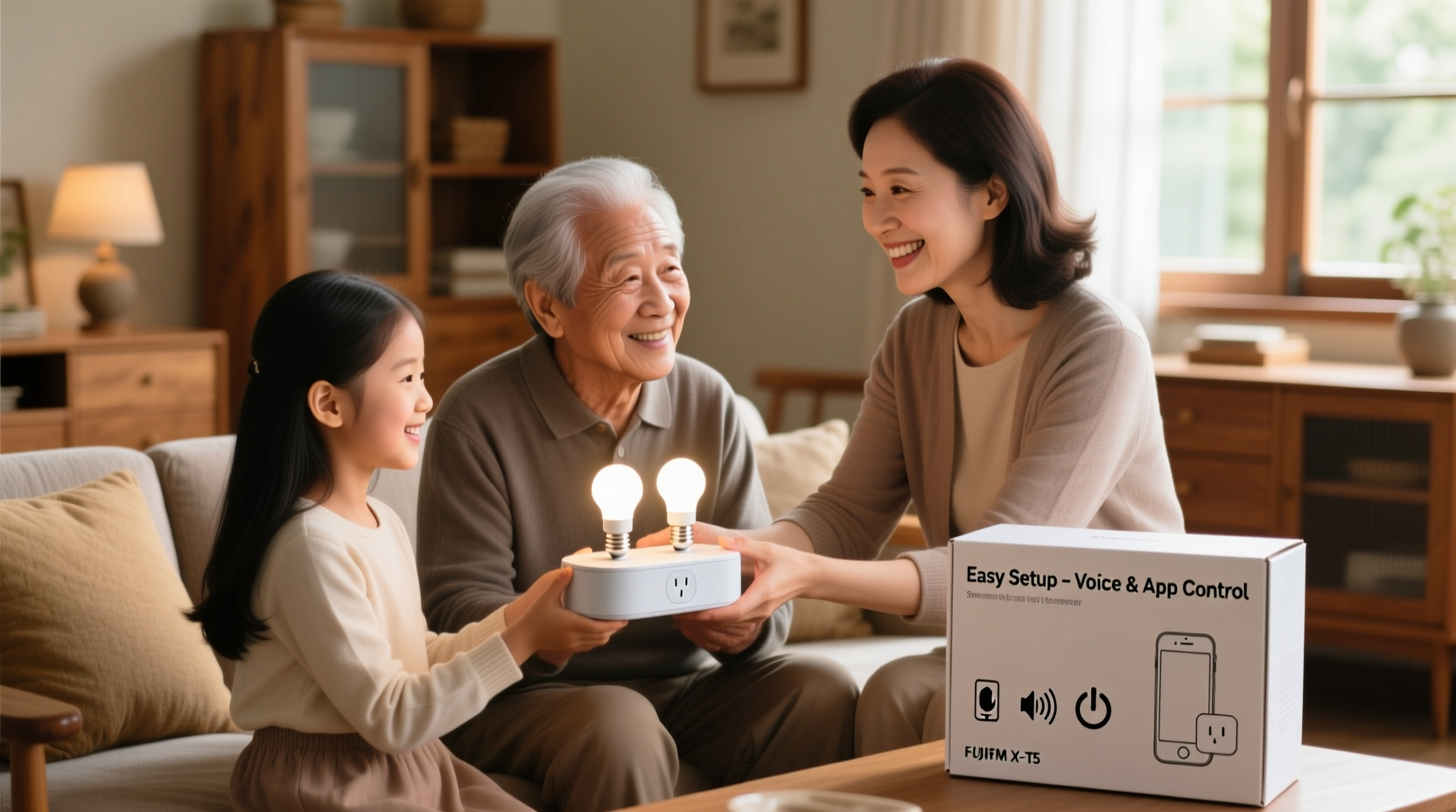
“Easy setup” for an older adult isn’t about skipping steps—it’s about eliminating ambiguity, reducing cognitive load, and removing dependency on smartphones or apps that change their interface overnight. A 2023 study published in the Journal of Gerontechnology found that 78% of adults aged 65+ abandoned smart home devices within three weeks when initial setup required more than four distinct actions (e.g., downloading an app, creating an account, scanning a QR code, naming a device, assigning to a room). In contrast, 92% retained devices when setup was completed by a family member *before* gifting—and the system worked immediately upon plugging in or flipping a switch.
True ease begins before unboxing. It means choosing hardware that doesn’t require Wi-Fi configuration during installation, avoiding voice assistants that misinterpret soft-spoken commands, and selecting controls that map directly to lifelong habits—like pressing a physical button instead of swiping a touchscreen. It also means designing for continuity: if your parent uses a simple remote for their TV, their light remote should feel and function similarly—same weight, same button layout, same tactile feedback.
Tip: Never hand your parent a box labeled “Smart Lighting Starter Kit” with instructions inside. Instead, install and fully test every component yourself—then present it as “your new hallway light that turns on when you walk by” or “the kitchen lamp that glows softly at night so you don’t need to fumble for the switch.”Choosing the Right Kit: Prioritize Hardware Over Hype
Not all smart lighting kits are created equal—and for older users, the difference between success and shelfware lies in hardware architecture, not marketing claims. Avoid systems that rely exclusively on cloud-based control (which fails when internet drops), require firmware updates initiated via app, or depend on multi-step pairing protocols. Instead, focus on these five non-negotiable criteria:
- Local-only operation: Lights must respond instantly—even without internet—using Bluetooth, Zigbee, or proprietary local mesh protocols.
- No mandatory app: All core functions (on/off, dimming, scheduling) must be controllable via physical switches, remotes, or wall-mounted toggles—not buried in software.
- One-touch presets: Pre-programmed scenes like “Good Morning,” “Night Light,” or “All Off” should activate with a single press—no menu navigation.
- Physical fallbacks: Every smart bulb or fixture must retain full functionality as a standard light when disconnected from the smart network.
- Low-vision friendly design: Buttons with high-contrast labeling, audible click feedback, and no glossy surfaces that reflect ambient light unpredictably.
The most widely recommended starter kit across gerontech support networks is the Philips Hue White Ambiance Starter Kit (with the round, tactile dimmer switch)—not because it’s the cheapest, but because its ecosystem supports all five criteria out of the box. Its companion Tap Switch, for example, requires zero batteries (harvests energy from each press), has four large, engraved buttons, and works even if the Hue Bridge goes offline.
Step-by-Step: Pre-Gift Setup Protocol (Done by You)
This is where most attempts fail—and where thoughtful gifting succeeds. Complete this sequence *before* presenting the kit. Do not delegate any step to your parent unless explicitly requested and supervised.
- Unbox & inventory: Remove all components. Verify bulbs, bridge (if included), power adapters, dimmer switches, and documentation. Discard promotional inserts and redundant packaging.
- Install the hub (if required): Plug the Hue Bridge into a router port and power outlet. Wait until the status light turns solid white (≈2 minutes). Do not ask your parent to do this—router ports are often inaccessible, and LED indicators are easily misread.
- Add bulbs manually: Screw each smart bulb into its designated fixture (e.g., bedside lamp, hallway ceiling, stairwell sconce). Turn the fixture’s wall switch to ON. Wait 30 seconds—no app needed. The bulb will self-identify and join the local network.
- Program presets using your phone (once only): Using the official app, create three scenes: “Night Light” (10% brightness, warm white), “Morning” (100%, cool white), and “All Off.” Assign each to a specific button on the included dimmer or Tap Switch. Save and exit the app.
- Label everything physically: Use a fine-tip permanent marker to write clear, bold labels directly on switches and remotes: “NIGHT LIGHT → PRESS HERE”, “MORNING → PRESS HERE”, “OFF → HOLD 3 SEC”. Avoid abbreviations or symbols.
- Test exhaustively: Walk through each room. Activate every scene. Confirm motion sensors trigger reliably (if included). Verify manual override works. Simulate a power outage and restore—confirm lights return to last-used state.
This entire process takes 45–75 minutes—but saves your parent hours of confusion, frustration, and potential abandonment of the system.
Real-World Example: How the Miller Family Made It Stick
When 72-year-old Robert Miller began missing nighttime trips to the bathroom—nearly falling twice in six weeks—his daughter Sarah knew ambient lighting was urgent. She chose the Lutron Caseta Wireless Smart Dimmer Kit with Pico Remotes, specifically because it replaces existing wall switches (no new wiring) and includes a large, braille-friendly remote with only three buttons.
Sarah spent a Sunday installing the system herself: she swapped out the hallway and bathroom switches, programmed the “Night Path” scene to activate at 8 p.m. and fade off at 6 a.m., and taped a laminated instruction card beside the bathroom door: “Press TOP BUTTON for soft light. Press BOTTOM BUTTON to turn off. Press MIDDLE BUTTON for bright light.” She left her phone number under “Need help? Call me!”—but never received a call. Six months later, Robert told his doctor, “I haven’t stubbed my toe once since Sarah put in those quiet lights.” His wife added, “He even uses the remote to turn off the living room light from bed now—says it’s easier than getting up.”
The difference wasn’t the technology. It was that Sarah treated setup as caregiving—not tech support.
Do’s and Don’ts: A Practical Decision Table
| Action | Do | Don’t |
|---|---|---|
| Remote Controls | Choose large-button remotes with tactile ridges and high-contrast labels (e.g., white text on black background) | Use smartphone apps as primary controllers—or touchscreens with small icons |
| Voice Assistants | Pair with a dedicated, always-on speaker placed in a central location (e.g., kitchen counter) and pre-teach 2–3 phrases: “Alexa, night light on” | Assume natural speech recognition works reliably—especially with softer voices, regional accents, or hearing aids |
| Motion Sensors | Mount in hallways and stairwells at waist height (36–42 inches); use wide-angle models (≥120°) with adjustable sensitivity | Install in bedrooms (disrupts sleep) or near HVAC vents (false triggers) |
| Light Temperature | Stick to warm white (2700K–3000K) for evening; avoid blue-rich “daylight” bulbs after 7 p.m. | Enable automatic color shifting—older eyes process chromatic transitions more slowly, causing disorientation |
| Troubleshooting | Create a one-page “What to Try First” sheet: 1. Flip wall switch OFF/ON. 2. Press remote button 3x. 3. Unplug hub for 10 sec, replug. | Include technical terms like “re-pair,” “reset to factory defaults,” or “check DHCP lease” |
“Technology should recede into the background—not become another thing to manage. When smart lighting works invisibly, it earns trust. When it demands attention, it erodes confidence.” — Dr. Lena Torres, Occupational Therapist & Director of the Aging + Technology Lab at UNC Chapel Hill
FAQ: Addressing Real Concerns
What if my parent doesn’t use a smartphone—or refuses to learn one?
That’s ideal. The most successful smart lighting deployments for older adults operate entirely without smartphones. Choose systems like Lutron Caseta, Philips Hue with Tap Switches, or IKEA TRÅDFRI with physical remotes. Your role is to configure everything in advance; their role is simply to press a button. No login, no updates, no notifications.
Can I monitor usage remotely to check on their safety?
Yes—but ethically and transparently. Some hubs (e.g., Hue Bridge with third-party integrations like Home Assistant) allow you to view basic on/off logs for specific fixtures. However, never enable this without explicit, documented consent. Better yet: use motion-triggered lights as passive indicators. If the hallway light activates nightly at 2:15 a.m., it’s a gentle sign they’re moving safely. If it stays dark for >48 hours, that’s a meaningful signal—not surveillance.
How long do these systems last? Will I need to replace them soon?
Well-chosen smart lighting hardware lasts 5–7 years with minimal maintenance. Philips Hue bulbs, for example, carry a 2-year warranty and average 25,000 hours of use (~22 years at 3 hrs/day). The bigger longevity factor is ecosystem stability: avoid brands that sunset older hubs (e.g., Wink, Belkin WeMo) or require annual subscription fees for core features. Stick with manufacturers committed to backward compatibility—Philips, Lutron, and TP-Link Kasa have strong track records here.
Final Thought: The Gift Isn’t the Bulbs—It’s the Confidence
Gifting smart lighting to an older parent isn’t about introducing innovation. It’s about affirming autonomy—giving them control over their environment in ways that feel familiar, immediate, and reliable. It’s about reducing fear in the dark hallway, easing the strain of squinting at a dim stove, and offering quiet reassurance that someone thought ahead—about how things actually work in real life, not in a spec sheet. The most powerful feature any smart light can offer isn’t color tuning or app integration. It’s the unspoken message: “I see your needs. I respect your routines. And I’ve done the hard part—so you can just live.”
Start small: pick one high-impact location (a stair landing, bathroom, or bedroom entry). Choose hardware built for people—not programmers. Do the setup yourself. Label clearly. Test relentlessly. Then hand over the remote—not as a device, but as a key to greater independence.
💬 Your experience matters. Did you successfully gift smart lighting to a parent or loved one? Share what worked—and what surprised you—in the comments below. Your insight could help another family skip the trial-and-error and go straight to confidence.