As holiday seasons roll around, more households are replacing traditional string lights with smart versions that sync to music, change colors via smartphone apps, or follow schedules through voice commands. While these upgrades add convenience and flair, they also raise a practical concern: do smart Christmas lights drain your Wi-Fi bandwidth significantly? For families already juggling multiple connected devices—laptops, streaming boxes, security cameras, smart thermostats—the addition of festive tech can feel like a strain on network performance. The short answer is: usually not much—but the full picture depends on several factors including device type, communication protocol, number of units, and your home network setup.
How Smart Christmas Lights Connect to Your Network
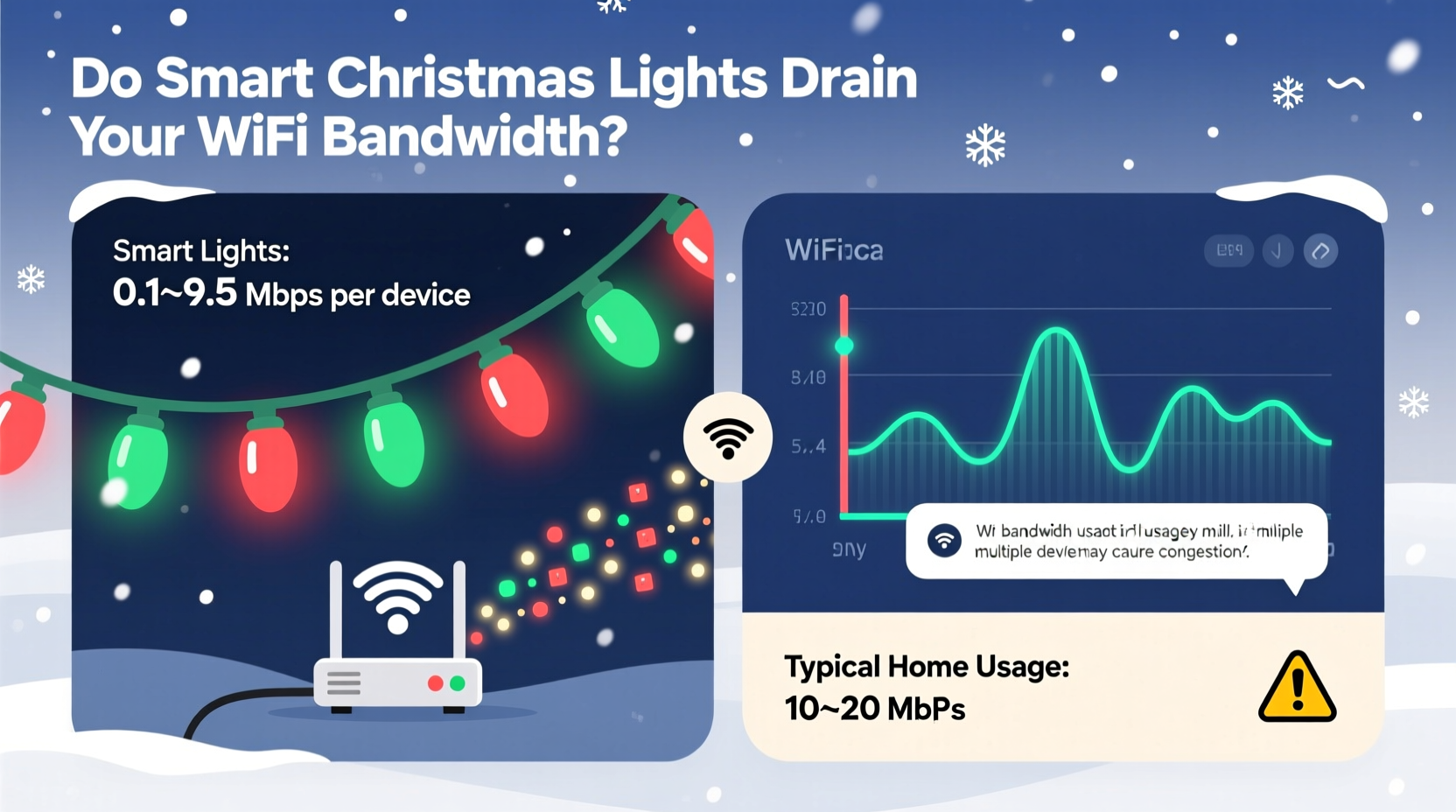
Smart Christmas lights typically connect to your home network using one of two primary methods: Wi-Fi directly or indirectly through a hub using alternative protocols like Zigbee or Bluetooth. Understanding this distinction is key to assessing their bandwidth impact.
Wi-Fi-connected lights join your 2.4GHz or 5GHz band just like any other internet-enabled device. They maintain a constant connection to receive commands from apps or cloud services. In contrast, hub-based systems (such as those using Philips Hue or LIFX ecosystems) rely on low-power wireless protocols that communicate locally with a central bridge. This bridge then connects to your router, reducing direct network traffic from individual light strands.
Because each method operates differently, their effect on bandwidth varies substantially. A single Wi-Fi light strand may only send small packets of data when receiving updates, but dozens of them operating simultaneously can create cumulative congestion—especially on older routers or crowded networks.
Tip: Opt for hub-based smart lighting systems when possible—they reduce direct Wi-Fi load and often offer better reliability.Bandwidth Consumption: What’s Normal vs. Problematic?
To determine whether smart Christmas lights are affecting your internet speed, it helps to understand typical data usage patterns. Most smart lights transmit minimal data. For example:
- Color changes: ~1–2 KB per command
- Scheduling updates: ~500 bytes every few hours
- Firmware updates: Occasional bursts up to 1–2 MB (rare)
- Music synchronization: Up to 10–20 KB/sec during active playback
In real-world terms, even if you have five smart light strings running music sync for an hour, total data used would be less than 100 MB—equivalent to streaming a few minutes of HD video. Routine operations like turning lights on/off or adjusting brightness consume negligible bandwidth.
However, problems arise when:
- Your router struggles with device count rather than data volume.
- Lights reconnect frequently due to poor signal strength.
- Multiple users access cloud-dependent features at peak times.
A 2023 study by the Broadband Forum found that smart home devices collectively account for less than 5% of average household bandwidth usage. However, the same report noted that device signaling and background polling can increase latency in high-density environments—especially on outdated networking hardware.
“Most smart lights are designed for efficiency, not speed. Their data footprint is tiny, but network overhead from connection management can add up.” — Dr. Marcus Lin, Senior Network Engineer at NetSignal Labs
Factors That Amplify Wi-Fi Load
While individual smart lights are lightweight, certain configurations and behaviors can amplify their collective strain on your network.
Number of Devices
The more smart lights you install, the greater the number of active connections. Each device requires an IP address and maintains a presence on your local network. Routers with limited capacity (e.g., supporting only 32 simultaneous connections) may begin to slow down or drop signals when nearing their limit—even if data transfer remains low.
Cloud Dependency
Many brands route commands through remote servers instead of processing them locally. This means turning on your tree lights might involve a round-trip request to a data center thousands of miles away. While each exchange takes milliseconds, repeated requests across multiple devices increase network chatter and perceived lag.
Music Syncing and Real-Time Effects
This is where bandwidth use increases most noticeably. Lights that pulse to live audio analyze sound input in real time and adjust outputs accordingly. If done over the cloud, this introduces continuous data flow. Locally processed syncing (via Bluetooth or direct app control) minimizes external traffic but still uses local network resources.
Router Age and Band Management
Older dual-band routers often struggle to manage interference on the 2.4GHz band—the same frequency used by most smart lights, microwaves, and cordless phones. Newer tri-band routers with dedicated IoT bands help isolate smart devices from main traffic, reducing contention.
| Factor | Impact on Bandwidth | Mitigation Strategy |
|---|---|---|
| Single smart light string | Negligible | No action needed |
| 10+ Wi-Fi lights | Low data, high device count | Upgrade router or use hubs |
| Music-syncing mode | Moderate (5–20 KB/s per strand) | Use local processing; avoid cloud sync |
| Frequent reconnections | High signaling overhead | Improve signal strength or use extenders |
| Cloud-controlled system | Increased latency, minor data use | Enable local control if available |
Real-World Example: The Johnson Family Holiday Setup
The Johnsons live in a three-story suburban home and love going all out for Christmas. In 2023, they installed 12 smart light strings—on the tree, porch, staircase, and backyard—to coordinate with a holiday playlist during weekend gatherings. After a few days, they noticed buffering on Netflix and lag in Zoom calls, despite having a 200 Mbps plan.
Initial troubleshooting pointed to general congestion, but a deeper look revealed the issue wasn’t raw bandwidth consumption. Their five-year-old router supported only 32 concurrent devices. Between phones, tablets, laptops, cameras, and the 12 light strings, they were hitting the limit. Worse, some lights had weak signal strength on the third floor and repeatedly disconnected and rejoined the network—each reconnection generating background traffic.
The solution? They upgraded to a modern mesh Wi-Fi 6 system with a dedicated IoT band. They also switched four interior light sets to a Zigbee-based hub system. After the changes, streaming performance improved dramatically—even during full-light displays—and ping times stabilized.
This case illustrates that while smart lights don’t “use” much data, their network behavior can still disrupt performance under specific conditions.
Step-by-Step: Minimizing Wi-Fi Impact from Smart Lights
If you're planning to use smart Christmas lights this season—or already experiencing slowdowns—follow this sequence to optimize your network:
- Inventory your connected devices. Count all active Wi-Fi gadgets, including lights. Many routers provide this list in the admin dashboard (usually accessible at 192.168.1.1).
- Check your router’s capacity. Look up your model online to find its maximum supported devices. If you’re near or above that number, consider upgrading.
- Isolate smart lights if possible. Use a guest network or IoT VLAN to separate them from primary devices like laptops and TVs.
- Prefer local control over cloud features. Disable remote access when not needed and use offline modes for scheduling and scenes.
- Update firmware on lights and router. Manufacturers often release optimizations that reduce connection overhead.
- Position lights within strong signal range. Avoid placing controllers in basements or behind thick walls unless using Wi-Fi extenders.
- Limit music sync to essential periods. Run synchronized shows only during parties, not 24/7.
Checklist: Smart Light Network Readiness
Before deploying your smart Christmas lights, run through this checklist to ensure smooth operation:
- ✅ Confirm your router supports at least 10 more devices than currently connected
- ✅ Test Wi-Fi signal strength where light controllers will be placed
- ✅ Choose hub-based systems over direct Wi-Fi when feasible
- ✅ Set up a guest network for IoT devices
- ✅ Disable unused cloud features (e.g., remote access, voice assistant links)
- ✅ Schedule firmware updates before the holiday season begins
- ✅ Limit real-time effects (music sync) to special occasions
- ✅ Label light controllers for easy identification during troubleshooting
Frequently Asked Questions
Can smart Christmas lights slow down my internet speed?
Typically, no—not in terms of raw download/upload speeds. However, they can contribute to network congestion, especially if your router is old or overloaded with devices. The slowdown you notice is more likely due to increased latency or connection management overhead than actual bandwidth consumption.
Are Bluetooth smart lights better for Wi-Fi performance?
Yes, generally. Bluetooth-based lights (like many Govee or Nanoleaf models) connect directly to your phone or a local hub without joining your Wi-Fi network. This keeps them off your main bandwidth pool. However, Bluetooth has shorter range and fewer automation options compared to Wi-Fi.
Do I need Wi-Fi 6 for smart Christmas lights?
Not strictly necessary, but highly beneficial if you have many smart devices. Wi-Fi 6 improves efficiency in multi-device environments, reduces interference, and supports better traffic prioritization. If you regularly experience lag or disconnections during the holidays, upgrading could solve underlying issues beyond just the lights.
Conclusion: Enjoy the Glow Without the Network Glow-Up
Smart Christmas lights bring magic to the holidays without significantly draining your Wi-Fi bandwidth under normal conditions. The data they use is minimal—far less than a single YouTube video. However, their cumulative effect on device count, connection stability, and router performance can create noticeable hiccups, particularly in homes with aging infrastructure or dense device ecosystems.
The key is proactive management. By choosing efficient systems, isolating IoT traffic, and optimizing your network layout, you can enjoy dazzling displays without sacrificing streaming quality or work-from-home reliability. As smart home technology continues to evolve, understanding these nuances ensures your holiday cheer stays bright—and your internet stays fast.
🚀 Ready to deck the halls without disrupting your digital life? Audit your network today, apply these tips, and share your smart lighting setup in the comments to help others shine brighter this season.