For renters, choosing the right home security camera involves balancing performance, ease of installation, and landlord restrictions. One of the most critical features—especially for urban apartments or poorly lit entryways—is night vision clarity. While both wireless and wired security cameras offer night vision capabilities, their performance can differ significantly based on technology, power supply, and data transmission. Understanding these differences helps renters make informed decisions without violating lease agreements or investing in ineffective equipment.
How Night Vision Works in Security Cameras
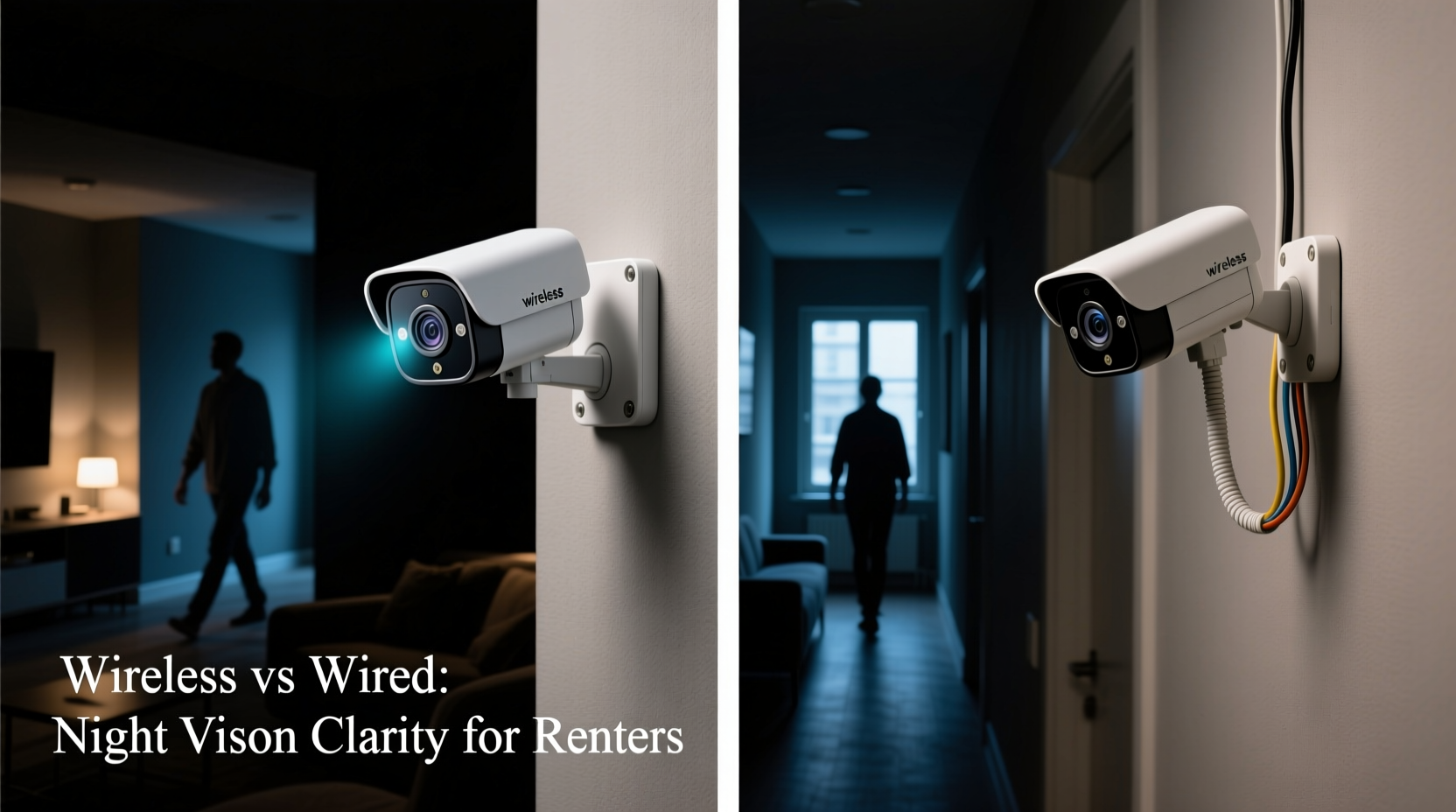
All modern security cameras use infrared (IR) technology to capture footage in low-light or complete darkness. IR LEDs around the camera lens emit invisible light that reflects off objects and is captured by the image sensor. The quality of night vision depends on several factors:
- Infrared LED strength and range: Measured in meters, this determines how far the camera can \"see\" at night.
- Image sensor sensitivity: Higher-end sensors pick up more detail in low light.
- Lens quality: Affects focus, clarity, and light gathering ability.
- Power consistency: Stable power improves IR LED output and sensor performance.
While both wireless and wired cameras use similar IR tech, the delivery of consistent power and data stability often gives one type an edge—particularly after dark.
Tip: Look for cameras with at least 30 feet (10 meters) of night vision range and a full HD (1080p) sensor for usable nighttime detail.Wired Cameras: Stability and Performance Advantages
Wired security cameras connect directly to a power source and a recording device (like an NVR—Network Video Recorder) via Ethernet or coaxial cable. This hardwired setup has tangible benefits for night vision:
First, continuous power ensures that IR LEDs operate at full brightness without dimming due to battery conservation. Many battery-powered wireless models reduce IR intensity or limit recording duration to save energy, resulting in grainy or cropped night footage.
Second, wired systems transmit video over cables with minimal latency and no interference. This allows for higher bitrate recordings, preserving fine details like facial contours, clothing patterns, or license plates—even in total darkness.
“Wired cameras maintain consistent illumination and resolution because they aren’t constrained by battery life or Wi-Fi congestion.” — Daniel Reeves, Home Security Systems Engineer
For renters, however, the main drawback is installation complexity. Running cables through walls or baseboards may require drilling or permanent modifications, which landlords often prohibit. That said, some renters in long-term leases with permission have installed discreet wired systems using surface-mounted conduits or existing utility chases.
Wireless Cameras: Flexibility with Trade-offs
Wireless security cameras run on batteries or plug into standard outlets and send video over Wi-Fi. Their primary appeal for renters is non-permanence—they’re easy to install, move, or take when relocating.
Most wireless models include night vision, but performance varies widely. Entry-level cameras may only offer 720p resolution at night and struggle beyond 15–20 feet. Others use adaptive IR that dims LEDs when motion is distant, reducing visibility. Additionally, Wi-Fi instability can compress video during transmission, making already dark footage pixelated or blurry.
Some advanced wireless models address these issues with features like:
- Color night vision: Uses ambient light or spotlight LEDs to capture color footage.
- Local storage or cloud buffering: Reduces reliance on real-time streaming.
- AI-powered motion detection: Focuses recording only when needed, preserving battery and bandwidth.
Despite improvements, wireless cameras still face inherent limitations. Battery-powered units may cycle IR LEDs on and off to conserve energy, creating inconsistent lighting. Plug-in models fare better but depend heavily on router proximity and network load—especially during peak evening hours when multiple devices compete for bandwidth.
Comparing Key Factors for Renters
Renters must weigh technical performance against practical constraints. The table below compares wired and wireless cameras across night vision-relevant criteria:
| Factor | Wired Cameras | Wireless Cameras |
|---|---|---|
| Night Vision Clarity | High – consistent power enables full IR output and high-bitrate video | Variable – often reduced by battery saving, compression, or weak signal |
| Installation Difficulty | High – requires cabling; may violate lease terms | Low – mounts with adhesive or screws; easily removable |
| Mobility | Low – fixed location due to wiring | High – repositionable or portable between rentals |
| Power Reliability | Continuous – no downtime | Intermittent – depends on battery life or outlet access |
| Wi-Fi Dependency | None – uses direct cable transmission | High – poor signal degrades video quality |
The trade-off is clear: wired systems deliver superior night vision but lack the flexibility renters need. Wireless options offer convenience but may compromise on image reliability when it matters most.
Real-World Example: A Renter’s Dilemma in Chicago
Maria, a renter in a ground-floor apartment in Chicago’s Logan Square, experienced repeated package thefts. She wanted clear night footage to identify culprits but couldn’t drill holes or modify her building’s exterior.
She first tried a popular wireless doorbell camera. It advertised 1080p night vision, but the footage showed only shadowy figures. The camera used battery-saving mode, limiting IR duration and cutting resolution during upload. When she upgraded her Wi-Fi, the video improved slightly—but not enough to distinguish faces.
After consulting a local security technician, she switched to a plug-in wireless indoor/outdoor camera with a constant power supply and local SD card storage. Positioned behind a glass storm door, it captured consistent, detailed black-and-white footage at night. Though still wireless, the constant power allowed full IR operation, and local storage avoided compression from cloud uploads.
Within two weeks, she recorded a thief’s face clearly enough to share with property management and local police. Her solution worked not because it was wireless, but because she optimized for stable power and minimized data bottlenecks—a hybrid approach that mimicked wired reliability.
Tip: If using a wireless camera, plug it in instead of relying on batteries, and enable local storage to preserve video quality.Actionable Checklist for Renters Choosing Night Vision Cameras
Use this checklist to evaluate and select the best camera for clear night vision without violating your rental agreement:
- ✅ Confirm landlord policy on security devices—some ban outdoor cameras or visible installations.
- ✅ Choose a camera with at least 1080p resolution and 30+ ft IR range.
- ✅ Opt for plug-in models over battery-powered ones for consistent night performance.
- ✅ Position the camera within strong Wi-Fi range or use a mesh extender.
- ✅ Enable local storage (microSD or USB) to avoid cloud compression.
- ✅ Test night vision before final placement—use a smartphone to preview footage in darkness.
- ✅ Consider models with color night vision if ambient light is available.
- ✅ Avoid wide-angle lenses in tight spaces—they distort close-up details.
Frequently Asked Questions
Can I install a wired camera as a renter?
It depends on your lease. Most standard agreements prohibit permanent modifications like drilling or running cables. However, some landlords allow temporary, low-impact installations if you restore the space afterward. Always get written permission before installing any wired system.
Do wireless cameras record in color at night?
Some do—models with color night vision use built-in spotlights or rely on ambient light (e.g., streetlights). These produce more detailed images than traditional black-and-white IR, but the lights may be noticeable or attract attention. Check if the feature is user-controllable to avoid disturbances.
Why does my wireless camera’s night vision look blurry?
Blurriness at night can result from several issues: low resolution during IR mode, video compression over Wi-Fi, dirty lens or housing, or insufficient IR range for the distance. Clean the lens, ensure a strong signal, and verify the camera isn’t downgrading resolution automatically in darkness.
Step-by-Step Guide: Optimizing Night Vision as a Renter
Follow these steps to maximize night vision clarity without permanent changes:
- Assess your space: Identify key areas (entry doors, driveways, hallways) needing coverage. Measure distances to determine required IR range.
- Check power and network access: Locate nearby outlets and test Wi-Fi strength using a speed app. Aim for at least 10 Mbps upload speed for smooth HD streaming.
- Select a plug-in wireless camera: Prioritize models with constant power, local storage, and adjustable IR settings. Brands like Arlo Pro 5, Google Nest Cam (wired version), and Reolink Argus 3 offer strong night performance.
- Mount temporarily: Use adhesive mounts, magnetic bases, or tension rods to secure the camera. Avoid nails or screws unless approved.
- Test at night: Record footage after dark and review on a large screen. Look for legible details like shoe patterns or jacket textures.
- Adjust positioning: Tilt or reposition to minimize glare from windows or reflections. Keep the lens clean and unobstructed.
- Enable motion zones: Focus recording on high-risk areas to reduce false alerts and optimize storage.
This process ensures you get the clearest possible night vision while staying within rental boundaries.
Final Verdict: Which Offers Clearer Night Vision?
Technically, **wired cameras provide clearer night vision** due to uninterrupted power and stable data transmission. They deliver consistent, high-resolution infrared footage ideal for identifying intruders or capturing evidence.
However, for most renters, **a well-chosen wireless camera with constant power and local storage can come very close**—especially newer models designed for performance over portability. The key is avoiding battery dependency and network bottlenecks that degrade image quality.
If your priority is maximum clarity and you have landlord approval, consider a minimally invasive wired setup using existing pathways (e.g., along baseboards or near utility lines). Otherwise, invest in a premium plug-in wireless model and optimize placement and settings to mimic wired performance.
“Night vision clarity isn’t just about hardware—it’s about power stability and minimizing data loss. Renters can achieve excellent results with the right wireless setup.” — Lena Park, Smart Home Consultant
Take Action Today
Your safety shouldn’t depend on long-term ownership. Whether you're in a studio apartment or a townhouse rental, clear night vision is achievable with smart choices. Evaluate your current setup, test night footage, and upgrade to a solution that balances performance, privacy, and peace of mind. Share your experience with fellow renters—your insight could help someone else see clearly in the dark.
💬 Have questions about your camera’s night vision? Leave a comment or share your setup tips to help others make smarter security choices.