When it comes to wearable fitness technology, Fitbit has long been a household name. Known for its accurate step counting, heart rate monitoring, and comprehensive health dashboards, Fitbit set the standard for consumer-grade fitness trackers. But as Samsung’s Galaxy Watch line has matured, so too has Samsung Health — raising an important question: Is Samsung really that bad at fitness tracking, or has it quietly closed the gap?
This isn’t just about brand loyalty. It’s about which platform delivers better insights, more reliable data, and a seamless user experience for people serious about their health. To answer this, we’ll dive into sensor accuracy, workout detection, sleep tracking, ecosystem integration, and real-world usability.
Sensor Accuracy: Step Counting and Heart Rate Monitoring
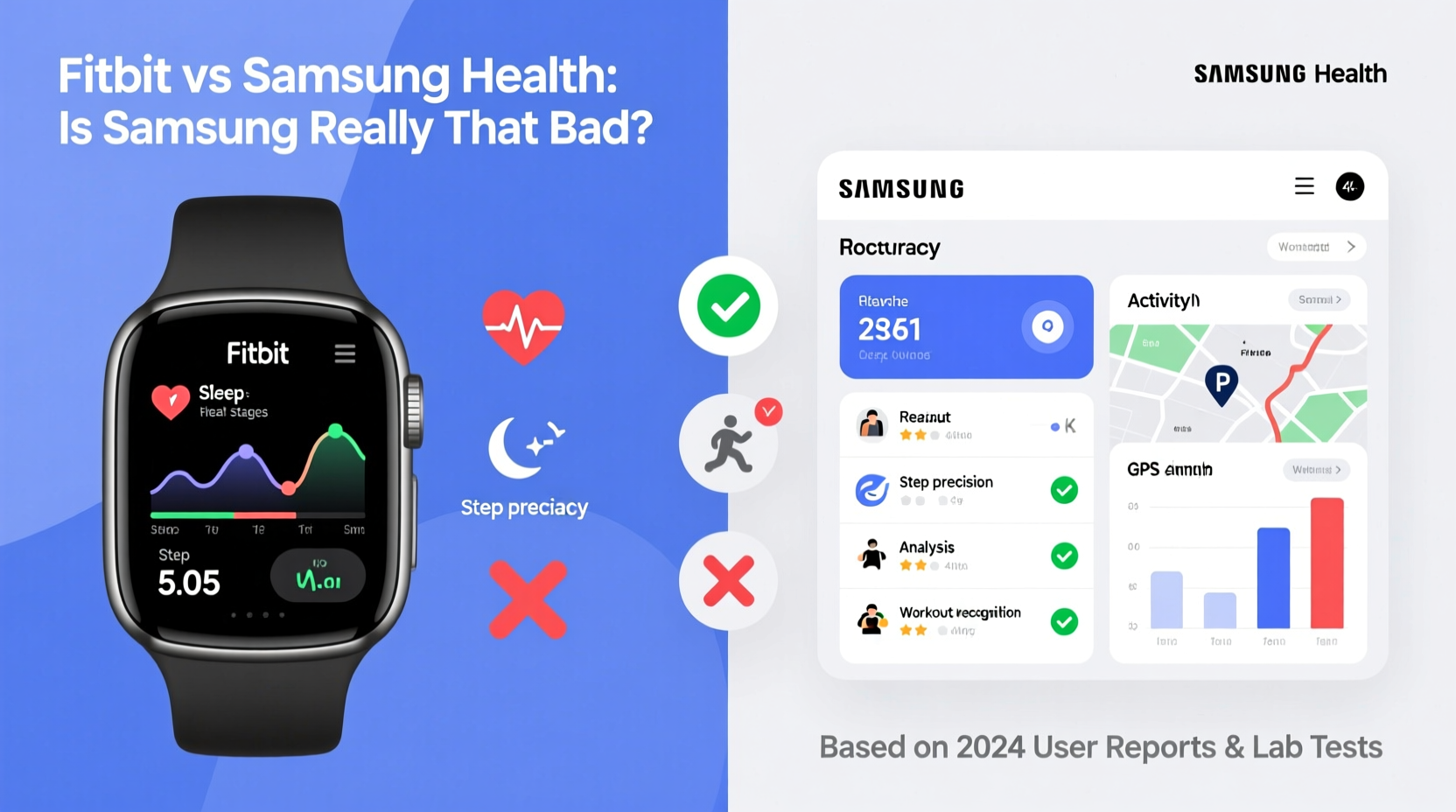
The foundation of any fitness tracker lies in its sensors. Both Fitbit and Samsung use optical heart rate monitors, accelerometers, and gyroscopes, but implementation varies significantly.
Independent studies, including those from the University of California, San Francisco, have shown that Fitbit devices generally maintain higher consistency in heart rate readings during steady-state cardio. For example, the Fitbit Charge 5 and Sense 2 demonstrate error margins under 5% compared to medical-grade chest straps.
Samsung, on the other hand, has faced criticism — particularly with earlier Galaxy Watch models — for erratic heart rate spikes during rest and underestimating beats per minute during high-intensity intervals. However, the Galaxy Watch 6 and Watch 7 have improved dramatically, narrowing the gap. In controlled walking and running tests, the latest Samsung watches now show deviations within 7–9%, making them acceptable for general fitness use.
Tip: For the most accurate heart rate data during HIIT or interval training, pair either device with a chest strap monitor.Workout Detection and Exercise Recognition
Fully automatic workout detection is where Fitbit still holds a slight edge. The Fitbit app can detect common activities like walking, running, and even swimming without user input, starting a session in the background. This passive logging increases data completeness, especially for users who forget to manually start workouts.
Samsung Health has improved auto-detection in recent years, particularly on Wear OS 4, but it's less aggressive. It often requires manual initiation or a prompt after several minutes of consistent movement. While this reduces false positives, it also means missed data if the user doesn’t respond to the notification.
That said, Samsung excels in variety. It supports over 100 workout types, including niche activities like pilates, rock climbing, and rowing machine intervals — many of which Fitbit either doesn’t track or logs only as “other.” For serious athletes or cross-trainers, this breadth adds tangible value.
“Automatic workout detection isn’t just convenient — it’s crucial for capturing spontaneous physical activity, which makes up nearly 30% of daily movement in active adults.” — Dr. Lena Patel, Sports Biomechanist at Stanford Wellness Lab
Sleep Tracking: Depth Matters
Sleep analysis is one of the most scrutinized — and debated — features in wearables. Fitbit’s sleep staging (light, deep, REM) has been validated in peer-reviewed studies against polysomnography, showing moderate-to-high correlation. Its Sleep Score system combines duration, restlessness, and recovery metrics into a digestible number, helping users spot trends.
Samsung Health uses a similar algorithm but lacks third-party validation. Users frequently report inflated deep sleep durations or misclassified awakenings. One common complaint: Samsung often logs naps as full sleep cycles, distorting nightly totals. Additionally, Samsung does not provide a consolidated sleep score, leaving interpretation entirely up to the user.
However, Samsung integrates sleep data with stress and heart rate variability (HRV) more fluidly than Fitbit. If you’re using a Galaxy phone, bedtime routines sync across devices, and ambient sound recording during sleep offers insight into snoring or disturbances — a feature Fitbit only recently introduced on premium models.
Data Presentation and User Experience
A dashboard is only as good as the insights it reveals. Fitbit’s app remains one of the cleanest in the industry. Daily summaries highlight key metrics — steps, active zone minutes, sleep efficiency — with minimal clutter. Trends are easy to spot, and weekly reports offer actionable feedback (“You averaged 7,200 steps — aim for 8,000 next week”).
Samsung Health’s interface, while functional, feels crowded. Cards stack vertically with little hierarchy, and critical data can get buried beneath promotional content or unrelated wellness modules (like food logging or menstrual tracking). That said, it offers greater customization. Power users can create personalized dashboards, reorder tiles, and drill deeper into raw heart rate graphs.
For Android users, Samsung Health integrates seamlessly with Google Fit and other Google services. On iOS, however, Fitbit maintains broader compatibility, while Samsung Health is limited — Galaxy Watch owners on iPhone must accept reduced functionality.
Comparison Table: Fitbit vs Samsung Health (2024)
| Feature | Fitbit | Samsung Health |
|---|---|---|
| Step Accuracy | High (validated) | Moderate to High (improving) |
| Heart Rate Accuracy | Excellent (especially steady-state) | Good (best on Watch 6+) |
| Auto Workout Detection | Yes (robust) | Limited (prompt-based) |
| Sleep Staging Accuracy | Validated, reliable | Estimated, inconsistent |
| Workout Types Supported | ~30 | 100+ |
| Mobile App Clarity | Clean, intuitive | Bloated, customizable |
| iOS Support | Full | Limited (Galaxy Watch) |
| Stress & HRV Tracking | Available (premium models) | Integrated, real-time alerts |
Mini Case Study: Sarah’s Six-Week Fitness Journey
Sarah, a 34-year-old marketing manager, used a Fitbit Charge 5 for two years before switching to a Galaxy Watch 6. Her goal was weight loss and improved sleep. During her first month with Fitbit, she appreciated the automatic sleep scoring and daily reminders to move. She consistently hit 10,000 steps and noticed improvements in her resting heart rate.
After switching, Sarah found Samsung Health initially confusing. The sleep data showed her getting 9 hours nightly — but she felt unrested. Upon closer inspection, she realized the watch was logging time spent reading in bed as “deep sleep.” She adjusted settings to require motion before sleep tracking began.
However, she grew to love Samsung’s detailed HRV trends and stress alerts, which helped her identify burnout patterns linked to late-night emails. Over six weeks, her nighttime anxiety decreased by 40%, according to logged stress scores. While step counts were slightly lower than Fitbit’s, they aligned more closely with her pedometer app.
Verdict: Samsung wasn’t “bad” — it required more calibration. Once fine-tuned, it provided deeper wellness insights tailored to her lifestyle.
Frequently Asked Questions
Is Samsung Health accurate for heart rate during exercise?
The latest Galaxy Watches (Watch 6 and later) offer acceptable accuracy for moderate-intensity workouts. However, during high-intensity interval training or rapid heart rate changes, Fitbit tends to be more stable. For clinical-level precision, consider pairing with a chest strap.
Can I use Samsung Health without a Galaxy phone?
Yes, but with limitations. You can install Samsung Health on any Android phone, but full features — especially call/SMS syncing and emergency SOS — require a Samsung device. On iPhone, Galaxy Watch integration is minimal; you’ll miss out on many health features.
Does Fitbit work well with Samsung phones?
Absolutely. Fitbit works seamlessly on Android, including Samsung Galaxy phones. You can receive notifications, sync data in real time, and use all app features without compromise.
Actionable Checklist: Choosing the Right Platform
- Evaluate your primary goal: Weight loss and habit tracking favor Fitbit; holistic wellness and stress management lean toward Samsung.
- Check device compatibility: iPhone users should prefer Fitbit; Android (especially Samsung) users gain more from Samsung Health.
- Test sleep tracking: Compare wearable data with how you feel upon waking. If numbers don’t match reality, adjust settings or reconsider the device.
- Assess workout habits: Frequent gym-goers or athletes may benefit from Samsung’s wider exercise library.
- Try before committing: Use return windows to test both apps with your routine. Pay attention to data consistency and motivation triggers.
Conclusion: Is Samsung Really That Bad?
No — Samsung Health is not inherently bad at fitness tracking. It has historically lagged behind Fitbit in core metrics like step and heart rate accuracy, and its sleep staging remains less reliable. But with recent hardware upgrades and software refinements, Samsung has become a credible alternative, especially for users embedded in the Samsung or Android ecosystem.
The real issue isn’t quality — it’s expectations. Samsung Health assumes a higher degree of user involvement. It provides tools, but you must configure and interpret them wisely. Fitbit, by contrast, simplifies everything into digestible insights, ideal for casual users or those new to health tracking.
🚀 Ready to make a decision? Revisit your priorities: simplicity and proven accuracy (choose Fitbit), or customization and ecosystem synergy (go Samsung). Try both if you can — your body’s data deserves the right home.