
In today’s fast-paced digital world, a single device that seamlessly transitions from classroom to couch, work to play, is more valuable than ever. The right Android tablet can serve as a powerful e-learning companion, a responsive gaming machine, and an efficient tool for managing emails, calendars, and media—all in one sleek package. But with dozens of models flooding the market each year, how do you choose the one that truly balances performance, price, and practicality? This guide cuts through the noise to help you identify the best Android tablet tailored for learning, gaming, and everyday life.
Key Features to Prioritize
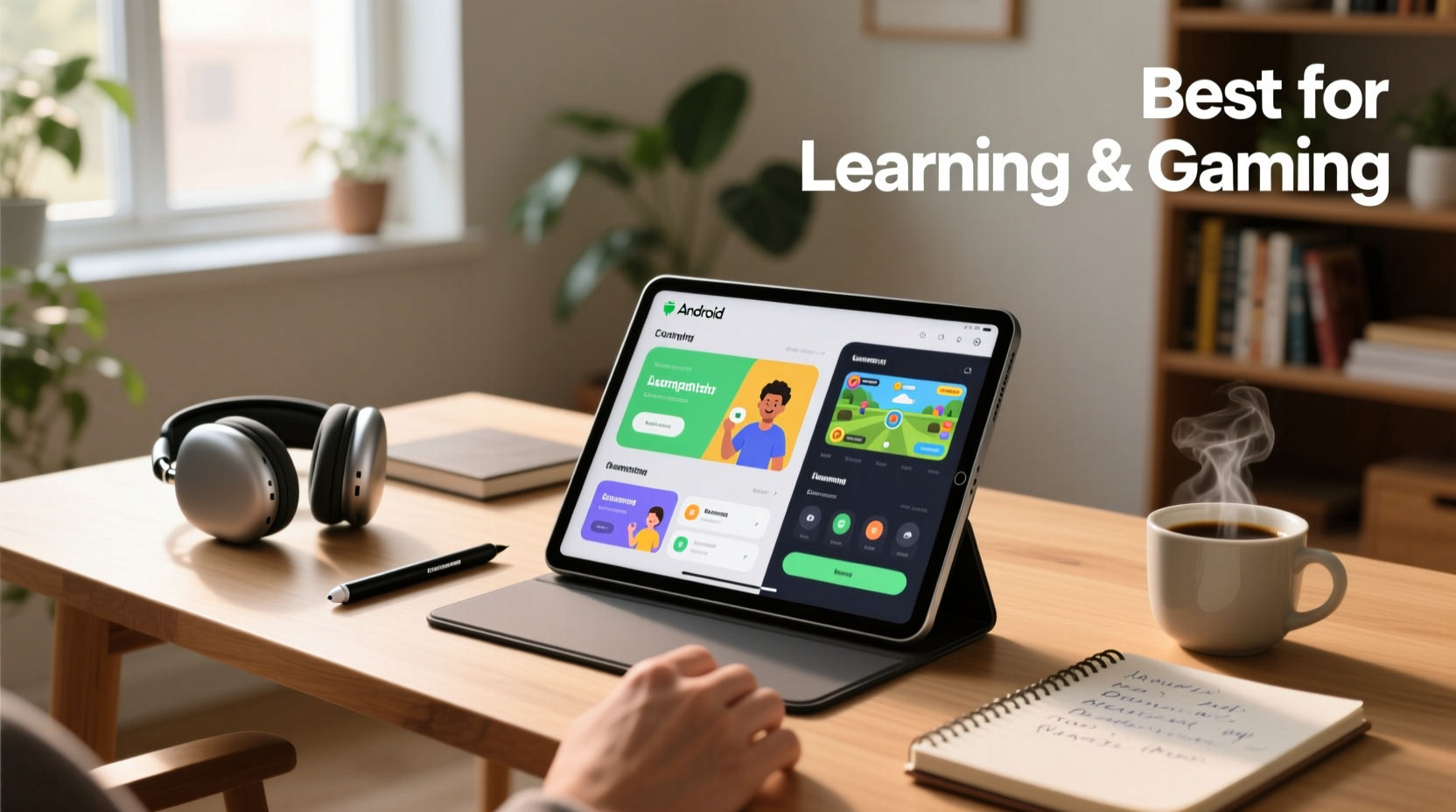
Before diving into specific models, it's essential to understand what makes an Android tablet stand out across multiple use cases. A great all-rounder doesn’t just have high specs—it integrates them meaningfully into real-world usability.
- Processor & RAM: For smooth multitasking between educational apps, video lectures, and mobile games, aim for at least a Snapdragon 7-series or equivalent processor with 6GB of RAM.
- Display Quality: A minimum 10-inch screen with Full HD resolution ensures comfortable reading and immersive gaming. OLED or LCD with good color accuracy enhances both productivity and entertainment.
- Battery Life: Look for devices offering 10+ hours of mixed usage. Long battery endurance means fewer interruptions during study sessions or commutes.
- Software Support: Choose tablets receiving regular OS updates—ideally three years of Android version upgrades and monthly security patches.
- Accessories Compatibility: Support for styluses (like S Pen) and keyboard docks transforms a tablet into a mini-laptop, ideal for note-taking or document editing.
Top Contenders in 2024
The following tablets consistently rank among the best based on user feedback, benchmark scores, and real-world versatility.
| Model | Screen Size | Processor | Ram | Battery (mAh) | Best For |
|---|---|---|---|---|---|
| Samsung Galaxy Tab S9 | 11” AMOLED | Qualcomm Snapdragon 8 Gen 2 | 8GB | 8,400 | Gaming, creative work, multitasking |
| Lenovo Tab P11 Pro Gen 2 | 11.2” OLED | Dimensity 9000 | 6GB | 8,200 | Media consumption, student use |
| Amazon Fire HD 10 Plus | 10.1” LCD | Unisoc T620 | 4GB | 6,300 | Budget learning & casual gaming |
| Xiaomi Pad 6 | 11” IPS LCD 144Hz | Qualcomm Snapdragon 8+ Gen 1 | 6GB/8GB | 8,840 | Performance per dollar, gaming |
| Honor Pad V8 | 12.1” LCD | Dimensity 8100 | 8GB | 7,250 | Larger screen for reading and videos |
“Hybrid devices like the Galaxy Tab S9 are redefining what we expect from tablets—not just media players, but full productivity engines.” — David Lin, Mobile Tech Analyst at GadgetInsight
Real-World Use Case: A Student’s Daily Routine
Meet Maya, a university sophomore majoring in biology. Her day starts with downloading lecture slides on her Xiaomi Pad 6. Using a Bluetooth keyboard and stylus, she annotates PDFs while watching recorded lectures in split-screen mode. During breaks, she unwinds with *Genshin Impact*, which runs smoothly thanks to the Snapdragon 8+ Gen 1 chip. Later, she uses Google Keep synced across devices to organize assignments. After dinner, she watches Netflix in HDR before bed. All this happens on a single device without lag or battery anxiety. This scenario illustrates why balanced performance matters more than isolated specs.
How to Optimize Your Tablet Experience
Purchasing the right hardware is only half the battle. Optimizing software and habits extends its usefulness across domains.
Step-by-Step Guide to Setup and Optimization
- Update Immediately: After unboxing, connect to Wi-Fi and install all system and app updates.
- Install Core Apps: Download essential tools like Google Drive, OneNote or Notion, Khan Academy, Duolingo, and your preferred game platforms.
- Enable Dark Mode: Reduces eye strain during late-night study sessions and conserves battery on OLED screens.
- Set Up Digital Wellbeing: Use built-in timers to limit gaming or social media usage, ensuring focus on academic tasks.
- Organize Home Screens: Create separate home pages or folders for “Study,” “Play,” and “Daily Tools” to reduce distractions.
- Back Up Regularly: Enable automatic backups to Google Drive so notes and progress aren’t lost if the device fails.
Buying Checklist: What to Verify Before Purchase
Use this checklist to ensure your chosen tablet meets all functional requirements:
- ✅ Supports stylus input (passive or active) for handwritten notes
- ✅ Has at least 128GB internal storage or microSD expansion
- ✅ Includes quad speakers or headphone jack for audio clarity
- ✅ Offers USB-C with fast charging (18W or higher)
- ✅ Compatible with Google Play Store and mainstream education apps
- ✅ Lightweight (< 500g) for portability between classes or home and office
- ✅ Available with a protective case and keyboard attachment option
Frequently Asked Questions
Can an Android tablet replace a laptop for college students?
For many students, yes—especially those focused on humanities, social sciences, or online courses. With a keyboard dock and cloud-based tools like Google Docs and Zoom, modern Android tablets handle writing, research, and virtual classes effectively. However, STEM majors requiring specialized software (e.g., MATLAB, CAD) may still need a traditional laptop.
Are budget tablets suitable for gaming?
It depends on the game. Entry-level tablets like the Fire HD 10 Plus run casual titles (*Candy Crush*, *Among Us*) well but struggle with graphics-intensive games like *PUBG Mobile* or *Call of Duty: Mobile* at high settings. For serious mobile gaming, invest in a mid-to-high-end model with a strong GPU and cooling design.
Do all Android tablets receive timely updates?
No. Samsung leads in update reliability with four years of OS upgrades on flagship models. Brands like Xiaomi and Lenovo offer two to three years, while Amazon’s Fire tablets often receive only one major Android version update. Always verify the manufacturer’s update policy before buying.
Final Recommendations by Use Case
- Best Overall: Samsung Galaxy Tab S9 – Premium build, excellent display, DeX mode for desktop-like workflow.
- Best Value: Xiaomi Pad 6 – High refresh rate, powerful chip, aggressive pricing.
- Best for Kids & Casual Use: Fire HD 10 Plus – Parental controls, Alexa integration, affordable.
- Best Large Screen: Honor Pad V8 – Spacious 12.1” display ideal for reading textbooks or streaming.
- Best Media Experience: Lenovo Tab P11 Pro Gen 2 – Vibrant OLED and JBL-tuned quad speakers.
Conclusion: Make the Smart Choice Today
The ideal Android tablet isn't about chasing the highest specs—it's about matching capabilities to your lifestyle. Whether you're absorbing complex material for an exam, dominating leaderboards in multiplayer games, or managing your daily agenda, the right device empowers you to do more with less friction. Evaluate your priorities, consider long-term usability, and don’t overlook accessories that enhance functionality. Once you find the perfect fit, you’ll wonder how you managed without it.
💬 Found your ideal tablet or have a favorite tip? Share your experience in the comments below—your insight could help someone make their next smart tech decision!