
Smartphones have become our primary tool for capturing life’s moments, from family gatherings to scenic travels. But nothing ruins a photo more quickly than a foggy or smudged camera lens. If you’ve noticed your phone’s photos looking hazy, blurry, or less vibrant, the issue may not be your technique—it could be a dirty or fogged lens. Understanding what causes this buildup and how to properly clean it can restore your camera’s clarity and keep your images sharp.
Fogginess on a phone camera isn’t usually condensation like on a bathroom mirror. Instead, it's typically a combination of dust, oil, lint, moisture residue, or microscopic scratches that scatter light and degrade image quality. Left unattended, these contaminants can affect autofocus performance, reduce contrast, and even lead to permanent damage if abrasive cleaning methods are used.
What Causes a Foggy Camera Lens?
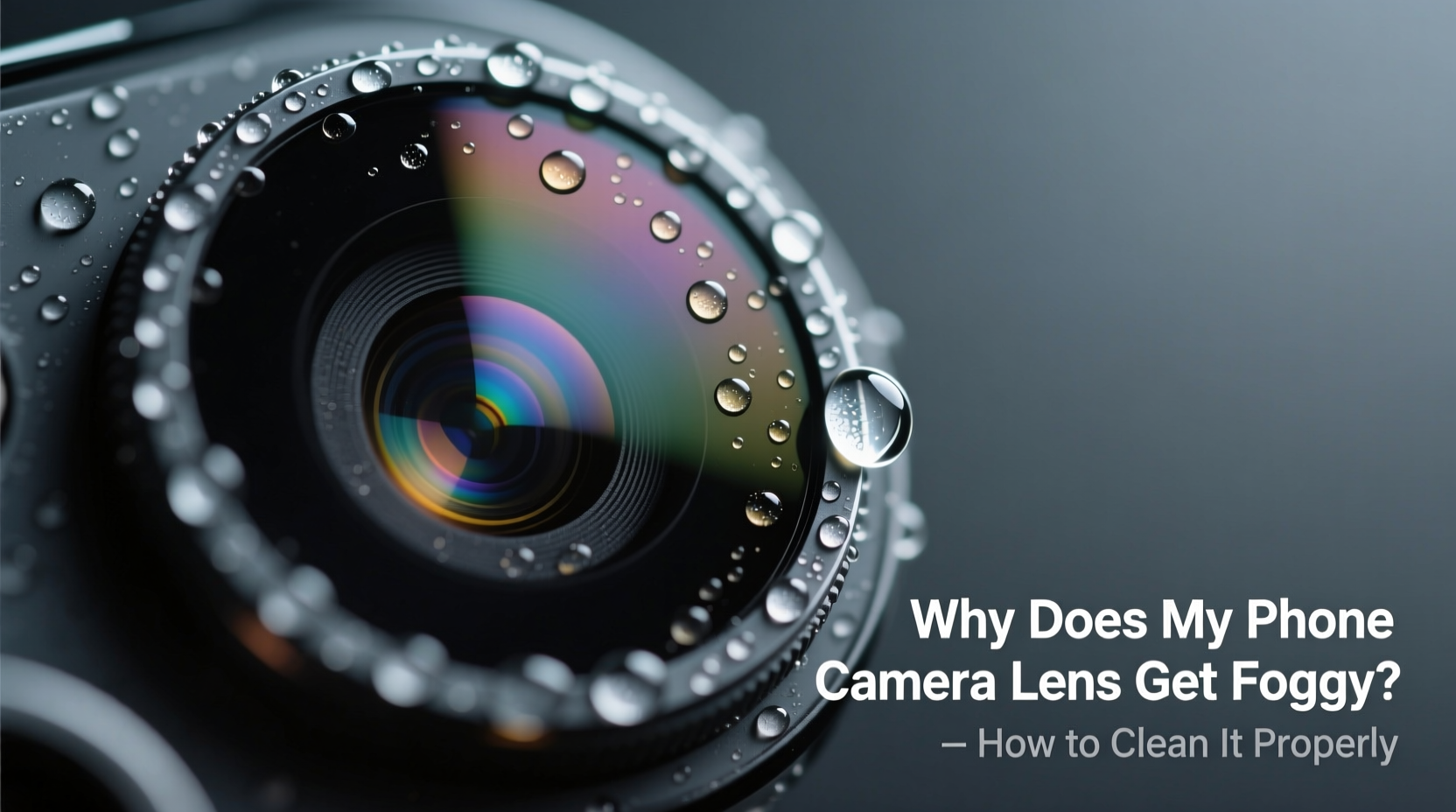
The camera lens on your smartphone is exposed to countless environmental factors every day. Unlike older devices with protective covers, modern phones feature flush-mounted lenses that are highly susceptible to grime. The most common causes of foggy appearance include:
- Oily Residue from Fingers: Touching the lens while holding or adjusting your phone transfers skin oils, which attract dust and create a hazy film.
- Pocket Lint and Dust: Carrying your phone in pockets, bags, or purses introduces tiny fibers and particles that cling to the lens surface.
- Humidity and Condensation: Sudden temperature changes—like moving from a cold outdoor environment into a warm room—can cause temporary fogging due to moisture forming on the lens.
- Accidental Exposure to Liquids: Splashes from drinks, rain, or handwashing can leave behind water spots or sticky residues if not dried promptly.
- Microscopic Scratches: Over time, improper cleaning with rough materials (like paper towels or clothing) can scratch the lens coating, scattering light and mimicking a foggy look.
It’s important to distinguish between actual fogging (temporary moisture) and persistent haze caused by accumulated debris. While condensation usually clears within minutes, oily films or scratched coatings require intervention.
Tip: Always hold your phone by the sides or use a case with a raised bezel to prevent accidental contact with the camera module.Step-by-Step Guide to Safely Clean Your Phone Camera Lens
Cleaning your phone’s camera lens doesn’t require special tools or expensive products. What matters most is using the right technique to avoid scratching or damaging the delicate anti-reflective coating. Follow this step-by-step process for optimal results:
- Power Off Your Phone: Turn off the device to prevent accidental touches or app launches during cleaning.
- Remove the Case: Take off any protective case to access the lens fully and prevent trapped dust from recontaminating the area.
- Blow Away Loose Particles: Use a bulb blower or gently blow air across the lens to dislodge dust and lint. Do not use compressed air cans, as they can spray propellants or excessive pressure.
- Use a Microfiber Cloth: Gently wipe the lens in a circular motion with a clean, dry microfiber cloth (the same kind used for glasses or screens).
- Tackle Stubborn Smudges: Dampen a corner of the cloth slightly with distilled water or lens cleaning solution (never directly on the phone). Wipe lightly, then dry immediately with the clean side of the cloth.
- Avoid Harsh Chemicals: Never use alcohol, window cleaners, acetone, or household sprays—they can strip protective coatings.
- Inspect Under Light: Hold the phone at an angle under bright light to check for remaining smudges or streaks.
- Reassemble and Test: Replace the case and open the camera app to test image clarity.
This routine should take less than two minutes but significantly improves photo quality. For best results, clean the lens weekly or whenever visible smudges appear.
Do’s and Don’ts of Phone Lens Maintenance
| Do | Don't |
|---|---|
| Use a soft microfiber cloth designed for optics | Wipe with shirt sleeves, paper towels, or napkins |
| Clean the lens regularly as part of device maintenance | Ignore visible smudges—accumulated grime worsens over time |
| Use distilled water or specialized lens cleaner sparingly | Apply liquids directly onto the lens or ports |
| Store your phone in a clean bag or dedicated pocket | Keep it loose in a pocket with keys, coins, or lint |
| Check both front and rear cameras regularly | Press hard when wiping—gentle contact is sufficient |
Following these guidelines helps preserve the optical integrity of your camera system. Remember, even high-end smartphone lenses are made from coated glass that can degrade under repeated exposure to abrasives or chemicals.
Real Example: How a Photographer Fixed Blurry Travel Photos
Jamal, a travel blogger based in Vancouver, once returned from a week-long hiking trip only to find dozens of his landscape shots appeared soft and lacked detail. Initially blaming his phone’s software, he spent hours tweaking settings before realizing the rear lens was covered in a nearly invisible layer of oil and trail dust. After cleaning it with a microfiber cloth and a drop of lens solution, his next set of photos showed dramatic improvement in sharpness and color accuracy.
\"I couldn’t believe I’d overlooked something so simple,\" Jamal said. \"All those misty mountain shots looked flat because my lens was acting like a diffuser. Ten seconds of cleaning changed everything.\"
This experience led him to add lens inspection to his pre-shoot checklist—a habit he now recommends to fellow mobile photographers.
“Most people treat their phone like a disposable camera, but the lens is precision equipment. A dirty sensor or lens degrades image quality faster than any software glitch.” — Dr. Lena Park, Optical Engineer and Mobile Imaging Consultant
When Cleaning Isn’t Enough: Recognizing Permanent Damage
Sometimes, no amount of cleaning removes the haze. In such cases, the issue may be internal or structural rather than surface-level. Possible underlying problems include:
- Internal Moisture: If your phone was exposed to water beyond its IP rating, moisture may have seeped inside the camera module. This creates persistent fogging between lens elements, visible when zooming in closely.
- Scratched Coating: Repeated use of rough materials can wear away the anti-reflective layer, leaving a permanently cloudy appearance.
- Dust Inside the Module: Severe drops or poor sealing can allow fine particles into the internal housing, affecting focus and clarity.
If you suspect internal damage, do not attempt disassembly. Instead:
- Let the phone sit in a dry, ventilated area for 24–48 hours to see if condensation resolves.
- Try a professional repair service specializing in camera replacements.
- Contact the manufacturer or warranty provider if the device is still under coverage.
Attempting DIY fixes on sealed modules often leads to further damage and voids warranties. Internal fogging requires specialized tools and controlled environments to resolve safely.
Frequently Asked Questions
Can I use alcohol wipes to clean my phone camera lens?
No. While isopropyl alcohol is sometimes used in controlled amounts by professionals, consumer wipes contain additives and solvents that can damage the oleophobic and anti-reflective coatings on your lens. Stick to distilled water and a microfiber cloth for safe cleaning.
Why does my front camera look foggy but the back one doesn’t?
The front-facing camera is often positioned near the earpiece and proximity sensor, making it more likely to collect facial oils, sweat, and makeup residue. Additionally, selfies taken in low light amplify imperfections, making smudges more noticeable. Clean both lenses equally to maintain consistent quality.
How often should I clean my phone’s camera lenses?
Weekly cleaning is ideal for regular users. If you frequently use your phone outdoors, handle it with dirty hands, or live in a humid climate, consider cleaning every few days. A quick visual check before important photos ensures optimal performance.
Tip: Keep a small microfiber cloth in your bag or car for on-the-go lens touch-ups before taking photos.Final Checklist for Crystal-Clear Photos
To summarize, here’s a concise action plan to prevent and fix foggy camera lenses:
- Inspect both front and rear lenses weekly for smudges or dust.
- Always clean with a microfiber cloth—dry for light dust, slightly dampened for oils.
- Never use paper products, clothing, or chemical cleaners.
- Protect the lens with a case that has a raised edge around the camera bump.
- Avoid placing your phone face-down on surfaces.
- Store in a clean, dry environment away from pocket lint and moisture.
- Seek professional help if fogging persists after proper cleaning.
Conclusion
A foggy phone camera lens is a common but easily preventable issue. With minimal effort and the right tools, you can maintain pristine lens clarity and ensure every photo captures the detail and vibrancy it deserves. Think of your smartphone camera as a miniaturized optical instrument—one that performs best when treated with care.
Start today by checking your lens under bright light. Chances are, a quick wipe will reveal a sharper world through your screen. Share your own tips or experiences in the comments below—your insight might help someone else snap the perfect shot.
💬 Did a simple lens cleaning transform your photos? Tell us your story! Join the conversation and help others keep their smartphone cameras crystal clear.