
For millions of fans around the world, there’s nothing quite like the thrill of watching a game unfold in real time. Whether it’s a last-second buzzer beater, a walk-off home run, or a dramatic overtime goal, live sports deliver unmatched excitement. But with so many leagues, platforms, and viewing options, knowing how to access today’s games without missing a play can feel overwhelming. This guide cuts through the noise, offering practical strategies to help you stay connected to the action—no matter where you are or what you follow.
Know Where to Find Live Broadcasts
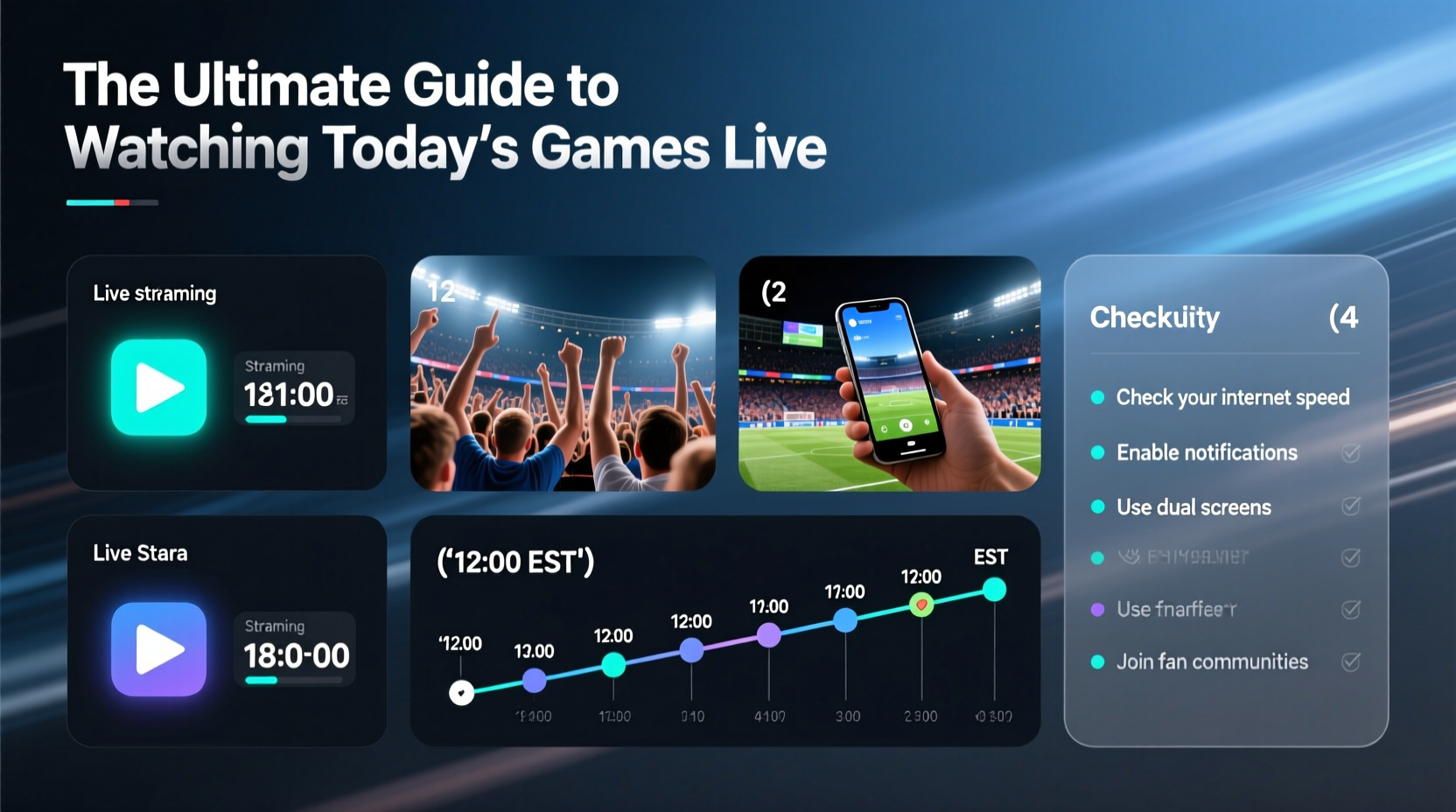
The first step to watching today’s games is understanding where they’re being shown. Rights vary by region, league, and even individual teams. National networks like ESPN, NBC, and CBS carry major events, while regional sports networks (RSNs) such as Bally Sports or NESN cover local team broadcasts. Streaming services have also become essential, with platforms like Hulu + Live TV, YouTube TV, and FuboTV offering live channels that include sports packages.
If you don’t have cable, consider standalone apps. NBA League Pass, NFL Sunday Ticket (now available via YouTube), MLB.TV, and NHL.TV allow fans to stream out-of-market games. Be aware: blackout restrictions may apply to local games to protect regional broadcasters.
Tip: Use the official league website or app to find real-time broadcast information—most list TV partners and streaming links for each day’s matchups.Optimize Your Streaming Setup
Buffering during a crucial moment can ruin the experience. A smooth stream depends on more than just a fast internet connection—it’s about device choice, network management, and service reliability.
Ensure your Wi-Fi signal is strong, especially if you're using a smart TV or streaming box. Wired Ethernet connections offer the most stable performance. Close background applications on your device and avoid downloading large files while streaming. If multiple people are using your network, prioritize bandwidth for your streaming device through your router settings.
Choose a platform known for low latency. For example, YouTube TV advertises near-live streaming with only seconds of delay, while some apps may lag by 30 seconds or more—critical when spoilers spread fast on social media.
“Latency under 10 seconds is the new standard for serious sports fans. The gap between cable and streaming has closed dramatically.” — Dana Richards, Senior Analyst at MediaTech Insights
Essential Checklist for Game Day Readiness
Don’t wait until kickoff to realize your subscription lapsed or your app isn’t working. Follow this checklist weekly to ensure seamless viewing:
- Confirm game schedules the night before
- Verify your streaming service or cable subscription is active
- Update all relevant apps (ESPN, NFL+, NBA App, etc.)
- Test audio and video output on your primary screen
- Charge remote controls and streaming remotes
- Bookmark official league watch pages for quick access
- Enable notifications for game start and score updates
Compare Viewing Options: Do’s and Don’ts
| Option | Do | Don't |
|---|---|---|
| Cable/Satellite | Reliable HD quality; includes local channels | Overpay for bundles with channels you don’t watch |
| Live TV Streaming Services | Pause, rewind live games; multi-screen support | Assume all RSNs are included—check availability by region |
| League-Specific Subscriptions | Watch any out-of-market game on demand | Expect full local coverage due to blackout rules |
| Free Trials & Promotions | Use to catch big games without long-term commitment | Forget to cancel—set calendar reminders |
| Social Media & Highlights | Follow leagues for live updates and mini-replays | Rely solely on clips—misses real-time emotion and context |
Real Example: How Sarah Never Misses a Game
Sarah, a nurse with rotating shifts, follows college basketball and the WNBA closely. She doesn’t have a traditional TV setup but refuses to miss key games. Her strategy? She uses a combination of tools. On off days, she watches via YouTube TV on her 4K smart TV. When working evenings, she streams audio through the SiriusXM app during breaks. For games not available in her area, she logs into her league-specific subscription on her tablet during downtime.
She also set up Google Calendar alerts synced with her favorite teams’ schedules. Each event includes direct links to the broadcast source. “It takes 15 minutes on Sunday night,” she says, “but it saves me stress during the week.” Her approach proves that with planning, anyone can stay connected—even with a busy life.
Step-by-Step: How to Watch Any Game Live in 5 Minutes
- Check the schedule: Visit the official league site (e.g., NFL.com, NBA.com) and search for today’s games.
- Identify the broadcaster: Look for logos indicating ESPN, TNT, ABC, or regional networks.
- Determine access: Do you have cable, a live TV streaming plan, or a league subscription?
- Open the correct app: Launch the network’s app (like ESPN or Fox Sports) and sign in with your provider credentials.
- Start watching: Navigate to the live stream section and select the ongoing game.
If authentication fails, double-check that your TV provider is linked in the app settings. Many users forget this step after switching services.
Frequently Asked Questions
Can I watch live sports without cable?
Yes. Services like YouTube TV, Hulu + Live TV, Sling TV, and FuboTV offer live sports channels without a traditional cable subscription. Additionally, many leagues provide direct-to-consumer streaming subscriptions for their games.
Why can’t I watch my local team’s game online?
This is likely due to blackout restrictions. Broadcast rights often limit online streaming of local games to protect regional sports networks and encourage viewership through authorized providers.
Is it safe to use free streaming sites?
No. Unofficial streaming sites frequently host malware, intrusive ads, and poor-quality feeds. They also violate copyright laws. Stick to official platforms to protect your devices and support the sports you love.
Maximize the Fan Experience Beyond the Screen
Watching live doesn’t have to be passive. Engage deeper by joining live chats on Reddit (like r/nba or r/soccer), following second-screen commentary on Twitter/X, or listening to team radio broadcasts, which often provide more passionate, localized energy than national TV crews.
Some fans enhance immersion by using dual devices—one for the main feed, another for stats or fantasy updates. Apps like theScore or ESPN Fantasy integrate real-time data, making viewing more interactive.
Tip: Pair your viewing with team-specific podcasts or pre-game shows to deepen context and appreciation for player decisions and strategies.Final Thoughts: Make Every Game Accessible
Modern technology has made it easier than ever to follow live sports—but only if you know how to navigate the ecosystem. From understanding broadcast rights to optimizing your home setup, a little preparation transforms frustration into seamless enjoyment. Whether you’re a die-hard follower or a casual observer, the ability to tune in reliably enhances your connection to the games you love.
🚀 Ready to never miss a moment? Pick one tip from this guide—update an app, bookmark a schedule, or test your stream—and put it into practice today. Share your favorite viewing hacks in the comments below and help fellow fans stay in the game.