
Smart doorbells have become essential for modern home security, offering peace of mind through real-time alerts, video recording, and remote access. Among the most popular options are Ring and Nest—two brands that dominate the market. But beyond hardware, a major pain point for users lies in their subscription models. Monthly fees, feature restrictions, and unexpected limitations can quickly turn convenience into frustration. So, when it comes to Ring Doorbell vs Nest Doorbell, which brand’s subscription plan is actually less annoying for everyday users?
This isn’t just about price—it’s about value, transparency, flexibility, and how much control you retain over your own data and device. Let’s break down both services in depth, compare their offerings, and identify which system delivers a smoother, less intrusive experience.
Understanding the Subscription Models
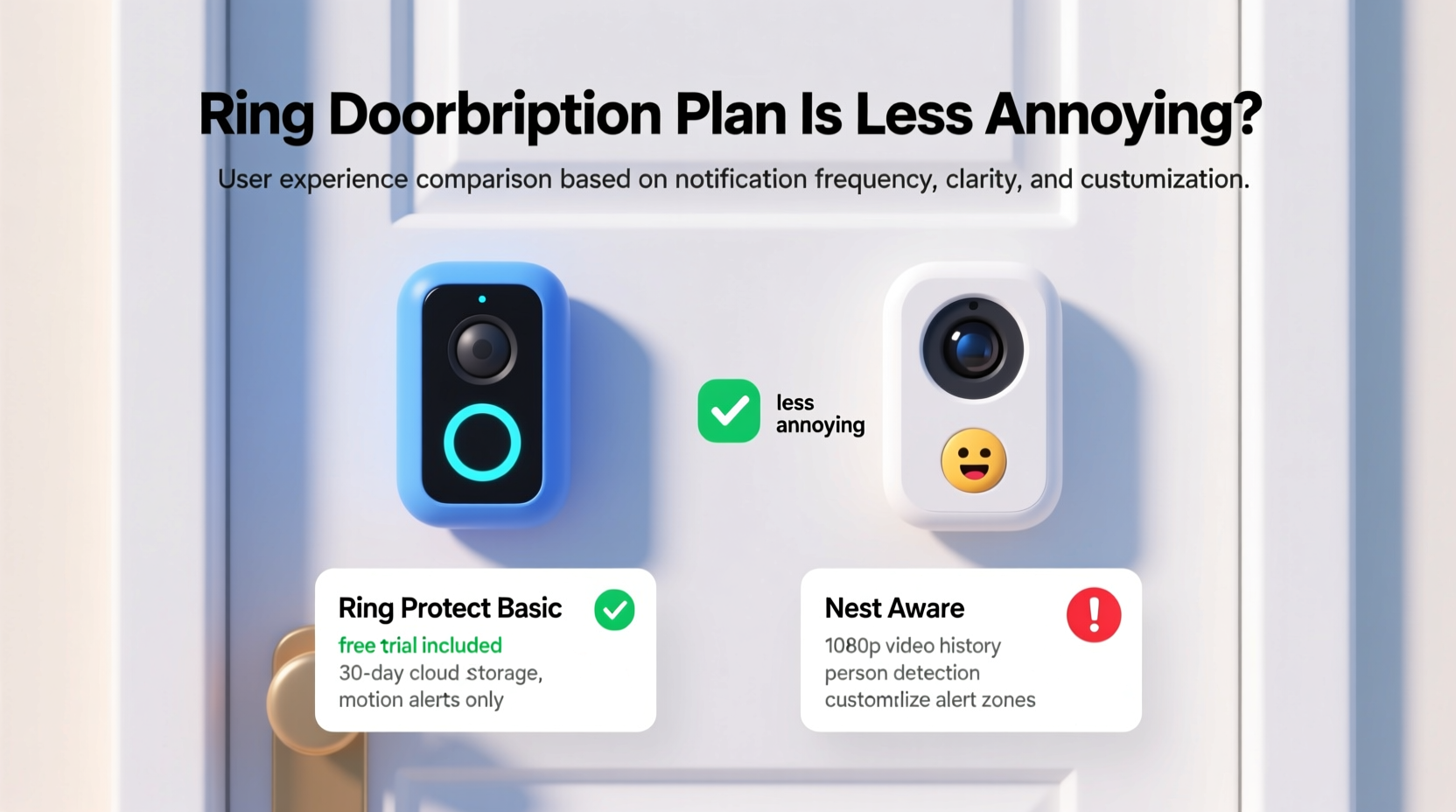
Both Ring and Nest operate on a freemium model: you can use basic functions without paying, but full functionality—including cloud storage, advanced alerts, and event history—requires a paid subscription. However, the way each company structures its tiers, handles free features, and limits access differs significantly.
Ring offers three main plans: Basic, Plus, and Protect Pro. The entry-level Basic plan starts at $3.99/month per device and provides 60 days of video storage, motion-based alerts, and live view. The Plus plan ($10/month) covers all devices at one location and adds extended warranties and discounts on select products. Protect Pro ($20/month) includes professional monitoring and cellular backup.
Nest, now under Google’s umbrella, uses Google Home app integration and ties its service to Google’s broader ecosystem. Its primary offering is Nest Aware, available in two tiers: Standard ($8/month or $80/year) and Plus ($15/month or $150/year). These provide 30-day and 60-day video history respectively, intelligent alerts (like person vs. package detection), and familiar face recognition (Plus only).
Tip: Always check if your doorbell supports local storage—neither Ring nor Nest currently offer this option, meaning you’re locked into cloud subscriptions for recorded footage.Comparing Annoyance Factors: What Users Actually Complain About
The term “annoying” might seem subjective, but user feedback consistently highlights several recurring frustrations. These include:
- Hidden limitations after purchase
- Lack of long-term ownership benefits
- Forced bundling of services
- Poor customer support when billing issues arise
- Sudden changes to plan features without notice
Let’s examine how each brand performs across these dimensions.
Feature Locking and Artificial Limitations
One of the most common complaints about Ring is that core features—such as saving videos permanently, sharing clips easily, or reviewing past events—are gated behind a paywall. Even with a subscription, some users report inconsistent retention policies or sudden drops in video quality depending on network conditions.
Nest takes a slightly different approach. While it also restricts video history without a subscription, it allows limited continuous recording only with the Nest Aware Plus plan—and only on specific devices like the Nest Doorbell (wired). This means battery-powered models don’t support 24/7 recording at any tier, which many find frustrating given the price premium.
“Subscription fatigue isn't just about cost—it's about feeling penalized for wanting full access to what you bought.” — David Lin, Smart Home Analyst at TechWatch Daily
Detailed Comparison Table: Ring vs Nest Subscriptions
| Feature | Ring Basic ($3.99/mo) | Ring Plus ($10/mo) | Nest Aware Standard ($8/mo) | Nest Aware Plus ($15/mo) |
|---|---|---|---|---|
| Cloud Video Storage Duration | 60 days | 60 days | 30 days | 60 days |
| Number of Devices Covered | Per device | All at one location | All Nest devices in home | All Nest devices in home |
| Intelligent Alerts (Person, Package, Animal) | Yes | Yes | Yes | Yes + Familiar Face Detection |
| 24/7 Continuous Recording | No | No | No (on battery models) | Yes (wired only) |
| Video Sharing & Downloading | Limited sharing via app | Same as Basic | Easy export to Google Photos | Same as Standard |
| Free Tier Available? | Yes (motion alerts, live view, 3-minute snapshots) | No direct free tier | Yes (3-hour rolling history, basic alerts) | No direct free tier |
| Annual Cost (Single Device) | $47.88 | $120 (covers all devices) | $96 | $180 |
From this table, a key insight emerges: Ring’s pricing scales poorly for single-device users under the Basic plan, but becomes more economical with multiple devices using Plus. Nest’s Standard plan offers fewer days of storage than Ring Basic at nearly double the monthly rate, making it harder to justify unless you're invested in Google’s ecosystem.
User Experience: Real-Life Scenarios
Mini Case Study: The Frustrated Renter
Julie, a tenant in Chicago, installed a Ring Doorbell to monitor porch deliveries during winter months. She opted for the $3.99 Basic plan, assuming she’d get full access to recorded events. After a package was stolen, she discovered that while the video existed, her phone’s poor Wi-Fi connection caused a gap in upload timing—resulting in incomplete footage. Worse, Ring’s support refused to recover the missing segment, citing “data loss due to connectivity.”
She switched to Nest Aware Standard, hoping better integration with her Android phone would help. While uploads were more reliable, she found the 30-day retention too short when trying to file an insurance claim two months later. She eventually upgraded to Plus—but resented paying $15/month for something she felt should be standard.
Julie’s story reflects a broader trend: users often feel trapped by incremental upgrades, forced into higher tiers not because they want more features, but because the lower ones fail under real-world conditions.
Which Plan Is Less Annoying? A Step-by-Step Evaluation
To determine which subscription causes fewer headaches, consider this practical evaluation process:
- Assess Your Needs: Do you need 24/7 recording? Multiple device coverage? Long-term archives?
- Calculate Real Cost: Multiply monthly fees by 12. Include taxes and potential equipment replacement costs.
- Test Free Functionality: Use the app for two weeks without a subscription. Can you live with the limitations?
- Check Ecosystem Fit: Are you already using Alexa (Ring) or Google Assistant (Nest)? Integration reduces friction.
- Read Recent User Reviews: Look for patterns in complaints about auto-renewal, hidden fees, or sudden feature removal.
- Review Cancellation Policy: Ring allows easy cancellation anytime. Nest subscriptions tied to Google One may require navigating complex menus.
Checklist: Choosing the Least Annoying Subscription
- ✅ Does the plan cover all your devices at a flat rate?
- ✅ Is video history duration sufficient for your security needs?
- ✅ Can you download and share clips without app restrictions?
- ✅ Are intelligent alerts accurate and customizable?
- ✅ Is there a generous free tier or trial period?
- ✅ Is customer support responsive during billing disputes?
- ✅ Can you cancel easily without losing existing footage?
Expert Insight: The Bigger Picture on Smart Home Subscriptions
The annoyance factor isn’t just about individual companies—it reflects a growing industry shift toward recurring revenue models. Once you buy a smart device, ongoing access depends on continued payments. This raises ethical questions about digital ownership.
“We're moving toward a future where you don't own your security camera—you rent access to its data.” — Dr. Lena Patel, Digital Ethics Researcher at MIT Media Lab
Dr. Patel warns that consumers often overlook long-term implications. “A $4 monthly fee seems harmless, but over five years, that’s nearly $250 spent on a device you already paid $100 for. And if you stop paying, you lose everything.”
Frequently Asked Questions
Can I use Ring or Nest without a subscription?
Yes, both offer limited free functionality. Ring allows live viewing, motion alerts, and 3-minute snapshot previews. Nest provides a 3-hour rolling history and basic alerts. However, no cloud recordings are saved long-term without payment.
Is Nest Aware worth the extra cost over Ring?
Only if you’re deeply embedded in Google’s ecosystem. Nest’s AI detection is slightly more refined, and integration with Google Photos is useful. But for most users, Ring Plus offers better value—especially with multiple devices.
Do either brand offer local storage options?
No. Unlike some third-party cameras (e.g., Eufy), neither Ring nor Nest currently supports microSD cards or on-premise servers. All video is stored in the cloud, reinforcing dependency on subscriptions.
Final Verdict: Which Subscription Is Less Annoying?
After evaluating cost, flexibility, feature accessibility, and user sentiment, Ring’s subscription model is less annoying for most users. Here’s why:
- Better scalability: Ring Plus covers all devices at one location for $10/month, making it ideal for homes with multiple cameras.
- Longer free trial: Ring offers up to 30 days across multiple devices, compared to Nest’s sometimes-limited promotions.
- More transparent pricing: No bundling with Google One or other services, reducing confusion.
- Wider free tier utility: Even without payment, Ring allows basic functionality that feels usable, not crippled.
Nest isn’t inherently bad—it offers excellent video quality and seamless Google integration—but its higher base cost and shorter default retention make it feel more restrictive. For users seeking simplicity and predictable expenses, Ring’s structure creates fewer daily frustrations.
That said, if you rely heavily on Google Assistant, use Google Photos regularly, or own other Nest thermostats or displays, the ecosystem synergy might outweigh the extra cost.
Take Control of Your Smart Home Experience
The goal of a smart doorbell should be peace of mind—not subscription stress. While both Ring and Nest deliver strong hardware, their recurring fees demand careful consideration. By understanding exactly what you’re paying for—and what you risk losing if you cancel—you can avoid unnecessary frustration.
Before committing, use the free trials fully. Test alert accuracy, review playback smoothness, and simulate emergency scenarios. Ask yourself: does this system enhance my life, or add another bill I’ll resent?
💬 Have you switched between Ring and Nest subscriptions? What annoyed you most? Share your experience in the comments—your insights could help others avoid costly mistakes.