The Apple Watch is a precision instrument—both in function and design. Its sleek display is one of its most vulnerable components, especially when exposed to keys, countertops, or daily wear without protection. While many users turn to screen protectors, an often-overlooked solution lies in the band itself. Certain watch bands, when properly selected and used, can act as passive shields against screen damage. By positioning the watch face closer to the wrist and limiting exposure, the right band can reduce the risk of scratches during everyday activities. This guide explores how to leverage your iWatch band not just for style and comfort, but as a functional layer of defense.
Understanding How Watch Bands Influence Screen Exposure
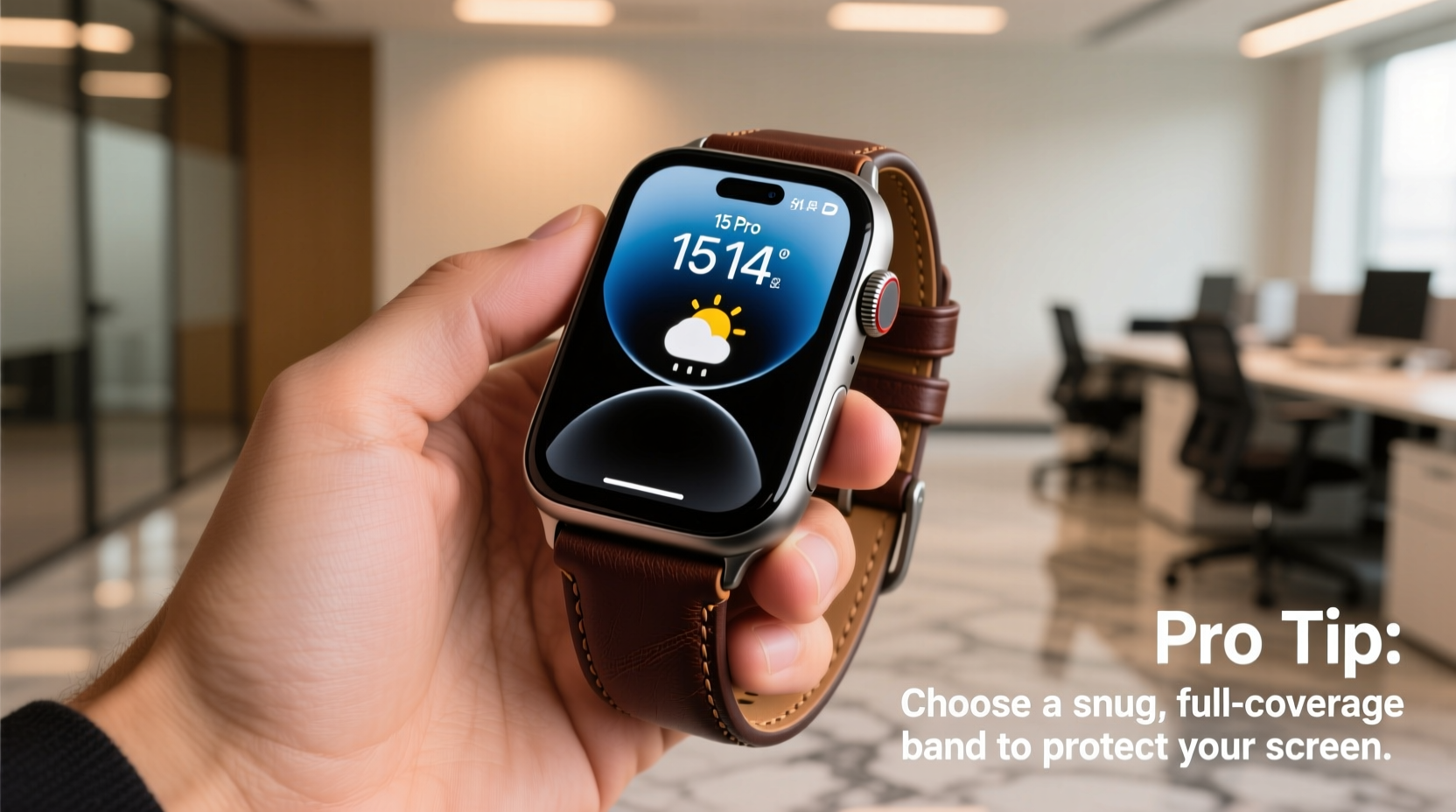
The way your Apple Watch sits on your wrist directly affects how likely the screen is to come into contact with hard surfaces. A loosely fitted band allows the watch to rotate freely, increasing the chance the display will rub against desks, door frames, or tools. Conversely, a snug, well-designed band keeps the watch stable, with the screen tilted slightly toward the body—minimizing direct impact.
Bands that promote a “screen-in” orientation are particularly effective. These designs naturally position the display inward, using the curvature of the wrist and the structure of the band to create a protective cradle. Materials like silicone, nylon, and certain hybrid metals can enhance this effect by conforming to the wrist and reducing movement.
Tip: Wear your Apple Watch higher on the wrist (closer to the forearm) to reduce screen exposure during typing or resting on surfaces.Selecting the Right Band Type for Maximum Protection
Not all bands offer the same level of screen shielding. The key is choosing materials and styles that limit motion and encourage inward-facing positioning. Below is a comparison of common band types and their effectiveness in protecting the display.
| Band Type | Screen Protection Level | Pros | Cons |
|---|---|---|---|
| Sports Band (Silicone) | High | Flexible, snug fit, promotes inward tilt | Can attract lint, may degrade over time |
| Nylon Sport Loop | Very High | Soft, wraps tightly, keeps screen flush against skin | Harder to clean, may retain moisture |
| Leather Loop | Moderate | Stylish, molds to wrist over time | Less secure fit, more prone to rotation |
| Link Bracelet (Metal) | Low to Moderate | Durable, premium look | Rigid structure allows screen exposure, heavier |
| Third-Party Hybrid Bands | High (if designed for coverage) | Customizable, some include raised edges | Variable quality, potential compatibility issues |
The Nylon Sport Loop stands out for active users and those seeking maximum screen protection. Its weave conforms tightly to the wrist, eliminating gaps and preventing the watch from flipping outward. Silicone bands follow closely, offering flexibility and resilience, especially during workouts or manual tasks.
Features That Enhance Screen Shielding
- Snug Fit: Bands that fasten securely without slipping reduce screen exposure.
- Low Profile Buckles: Minimalist closures prevent the watch from tilting outward.
- Elastic or Woven Materials: These adapt to the wrist shape, holding the watch in a consistent, inward position.
- Extended Length Options: Longer bands allow tighter wrapping, enhancing stability.
“Many users don’t realize that band choice can be as critical as a screen protector. A well-fitted loop band reduces incidental contact by up to 70% compared to loose metal bracelets.” — David Lin, Wearable Tech Analyst at GadgetShield Labs
Step-by-Step Guide to Optimizing Your Band for Screen Protection
Choosing the right band is only half the solution. Proper usage ensures it performs as intended. Follow this sequence to maximize screen shielding:
- Measure Your Wrist: Use a soft tape measure to determine your exact wrist circumference. This ensures you select the correct band size—avoiding overly loose fits.
- Choose a Protective Style: Prioritize bands like the Sport Loop or Nike Sport Band that hug the wrist closely.
- Position the Watch Correctly: Fasten the band so the watch sits just above the wrist bone, not at the base of the hand. This placement reduces leverage and movement.
- Adjust Tightness for Activity: During physical work or exercise, tighten the band slightly (without restricting circulation) to minimize rotation.
- Test the Orientation: Rest your hand flat on a desk. If the screen faces downward or inward, the band is doing its job. If it flips outward, consider a tighter or more flexible alternative.
- Maintain the Band: Clean regularly to preserve elasticity and grip. Dirt buildup can loosen the fit over time.
Real-World Example: A Carpenter’s Solution to Screen Scratches
James, a professional carpenter from Portland, noticed his Apple Watch Series 8 developed micro-scratches within weeks of purchase. Despite using a screen protector, frequent contact with wood shavings, nails, and toolboxes caused persistent abrasions. After switching from a stainless steel link band to the Nike Sport Loop, he observed an immediate difference. The fabric band held the watch firmly against his wrist, and the screen rarely faced outward during hammering or sawing. Over six months, his display remained pristine—proving that band selection can outperform even high-quality screen guards in high-risk environments.
Tip: Rotate between two protective bands to extend their lifespan and maintain consistent fit over time.Common Mistakes That Undermine Protection
Even with the best band, poor habits can negate its protective benefits. Avoid these pitfalls:
- Wearing the watch too loosely: A gap between the band and wrist allows rotation and increases screen exposure.
- Using oversized bands: Especially common with third-party accessories, excessive length leads to instability.
- Ignoring wear and tear: Cracked silicone or frayed nylon loses grip and structural integrity.
- Pairing protective bands with bulky cases: Thick cases can lift the screen away from the wrist, counteracting the band’s shielding effect.
Frequently Asked Questions
Can any band completely prevent screen scratches?
No single band can guarantee 100% protection, but tightly fitting, flexible bands like the Sport Loop significantly reduce the likelihood of scratches by minimizing screen exposure. For maximum defense, combine a protective band with a matte screen protector.
Do third-party bands offer the same level of protection as Apple’s official bands?
Some do, but quality varies widely. Look for reputable brands that specifically advertise “low-profile,” “snug-fit,” or “screen-protecting” designs. Check user reviews for comments on fit stability and screen orientation.
Is it safe to wear a tight band all day?
A snug fit is safe as long as you can slide one finger comfortably underneath. Avoid restricting blood flow or causing numbness. If discomfort occurs, adjust the fit or switch to a breathable material like perforated leather or mesh nylon.
Final Recommendations and Action Plan
To effectively shield your iWatch screen from scratches, start by replacing loose or rigid bands with snug, flexible alternatives like the Sport Loop or silicone bands. Ensure proper sizing and wear position, and test the screen orientation during typical daily movements. Combine this strategy with regular maintenance and mindful habits—such as removing the watch during high-friction tasks—to extend the life of your display.
“Protection starts before the scratch happens. It’s not just about reacting with screen covers—it’s about designing your wear pattern to avoid risk.” — Lena Torres, Industrial Designer at Wearable Futures Inc.
Checklist: Optimizing Your iWatch Band for Screen Safety
- ✓ Measure wrist for correct band size
- ✓ Choose a snug-fitting, flexible band (e.g., Sport Loop)
- ✓ Position watch higher on the wrist
- ✓ Test screen orientation on flat surfaces
- ✓ Clean band weekly to maintain grip
- ✓ Replace worn or stretched bands promptly
- ✓ Consider pairing with a non-reflective screen protector