
In an era where video content dominates communication, marketing, education, and personal storytelling, preserving the integrity of your footage is essential. Whether you're a filmmaker, educator, or content creator, sharing high-quality videos without sacrificing resolution, color depth, or audio fidelity requires more than just uploading to social platforms. Most mainstream services automatically compress files, stripping away detail and dynamic range. To maintain pristine quality, you need deliberate workflows, appropriate tools, and secure delivery mechanisms.
This guide explores proven techniques for transferring and distributing full-resolution videos—without compression or generational loss—ensuring your audience experiences exactly what you intended.
Understanding Video Compression and Quality Loss
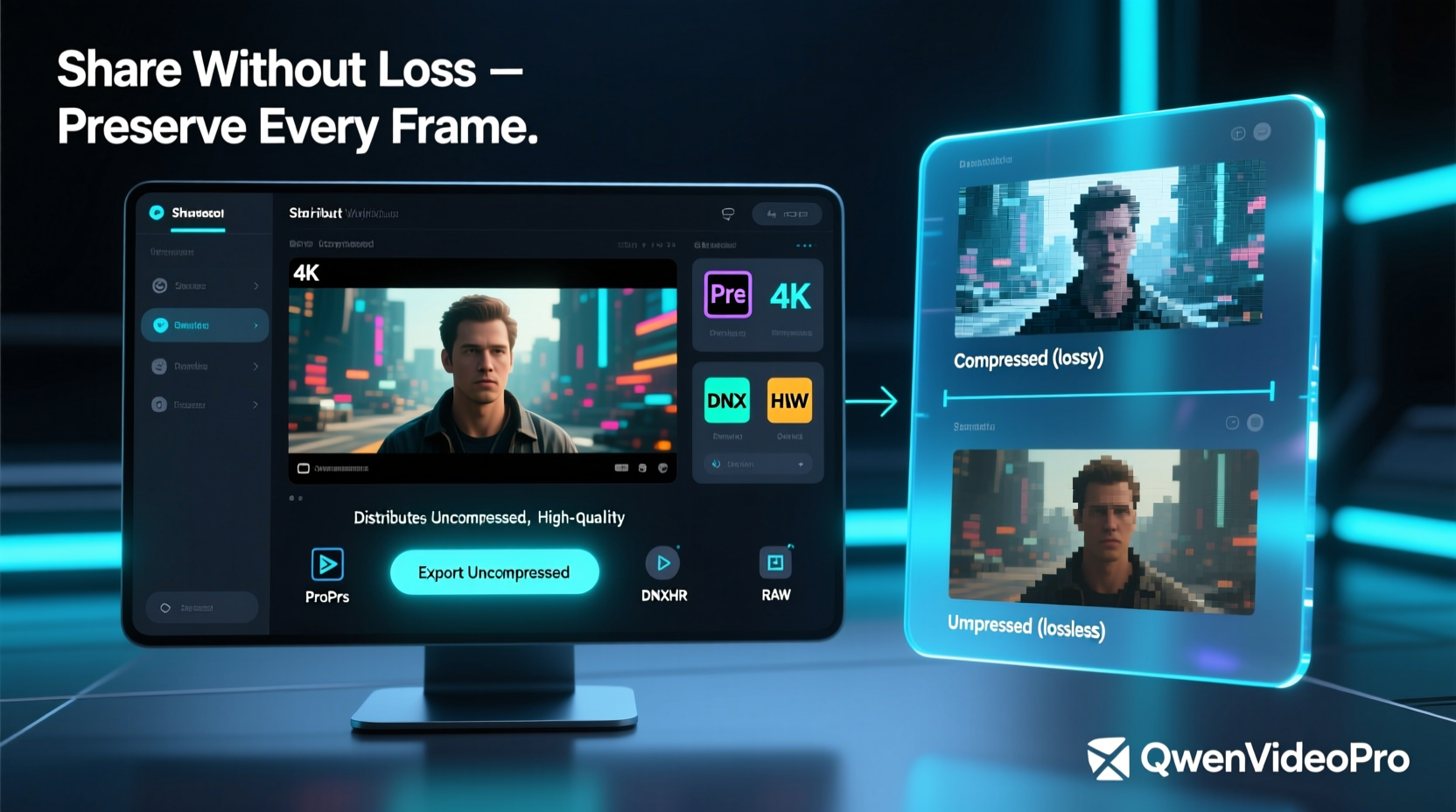
Before exploring solutions, it's important to understand how and why quality degrades during sharing. Most online platforms use lossy compression algorithms like H.264 or H.265 to reduce file sizes for faster streaming and lower bandwidth usage. While efficient, these processes discard visual data—especially in high-motion scenes or subtle gradients—resulting in artifacts, banding, and muffled audio.
Even when using cloud storage links, some services transcode videos upon upload to enable preview functionality. This means that even if you upload a 4K ProRes file, the platform may convert it into a lower-bitrate stream behind the scenes.
To truly avoid compression, you must bypass automatic processing entirely by controlling both the format and the delivery method.
Tip: Always check whether a service preserves original files by downloading your own upload and comparing checksums or inspecting metadata.1. Use Direct File Transfer Services Designed for Large Media
Not all file-sharing platforms treat media equally. Some are built specifically for creatives who need bit-perfect transfers. These services do not transcode, re-encode, or alter your files in any way.
- WeTransfer Pro: Allows sending up to 20 GB per transfer with no compression. Recipients download the exact file uploaded.
- SendAnywhe.re: Open-source, privacy-focused tool that enables peer-to-peer transfers without storing files on servers.
- MASV (by Thinkbox): Built for massive media files, MASV supports multi-terabyte transfers with end-to-end encryption and zero transcoding.
- Firefox Send (archived but alternatives exist): Inspired tools like OnionShare offer decentralized, encrypted sharing via Tor network.
These platforms ensure that the binary data remains unchanged from sender to receiver, preserving every frame and audio sample.
2. Leverage Cloud Storage with Raw File Access
General-purpose cloud storage can work—if used correctly. The key is ensuring recipients access the original file directly, rather than viewing a processed version through a web player.
| Service | Preserves Original? | Best Practice |
|---|---|---|
| Google Drive | Yes (if downloaded) | Avoid preview; share direct download link |
| Dropbox | Yes | Disable “Smart Previews” and share as file request or download link |
| OneDrive | Limited (may generate compressed previews) | Warn users to download, not view in browser |
| Mega | Yes | End-to-end encrypted; ideal for sensitive high-res content |
“Many clients assume their 6K footage arrives intact because they see a thumbnail—but the preview is often downsampled. Always verify the recipient downloads the actual file.” — Lena Torres, Broadcast Engineer at NovaFrame Studios
3. Distribute via Physical Drives for Critical Deliveries
For mission-critical projects—such as film masters, archival recordings, or client deliverables—nothing beats physical media. Shipping a drive ensures complete control over format, codec, and integrity.
Common formats include:
- External SSDs (USB-C, Thunderbolt) – Fast, durable, widely compatible
- RAID arrays – For large-scale productions requiring redundancy
- Blu-ray discs (BDXL) – Up to 128GB per disc; excellent for long-term archival
When using physical delivery, always include a README file listing technical specs: resolution, frame rate, color space, audio channels, and recommended playback software.
Step-by-Step Guide: Preparing a Master Drive for Delivery
- Format the drive using exFAT or HFS+ (for Mac compatibility) or NTFS (Windows).
- Copy video files using a verified file-sync tool like rsync or Teracopy.
- Generate checksums (SHA-256) for each file to allow verification upon receipt.
- Include a text document with project name, date, contact info, and playback instructions.
- Securely package the drive and use tracked shipping with insurance.
4. Utilize Private Streaming Platforms with Lossless Options
Streaming doesn’t have to mean compromise. Emerging platforms cater to professionals who demand fidelity.
- Vimeo Pro and higher tiers: Offers \"Original Quality\" mode, which disables default compression when viewers choose to download or play high-bitrate versions.
- Frame.io: Collaborative review platform that preserves source files and allows frame-accurate feedback without transcoding originals.
- Kaltura (self-hosted): Enterprise solution allowing full control over encoding profiles, including passthrough of raw feeds.
While streaming still involves decoding, these platforms store and serve high-bitrate versions close to the original, minimizing perceptible loss—especially when paired with high-speed internet connections.
Tip: When using Vimeo, disable auto-playback settings that default to lower resolutions. Encourage viewers to manually select the highest available quality.5. Encode Smartly: Choose the Right Format Before Sharing
Even if you avoid external compression, improper encoding can degrade quality before sharing begins. Select codecs designed for preservation, not distribution.
Recommended formats:
- Apple ProRes 422 or 4444: Industry standard for post-production; retains alpha channels and color accuracy.
- DNxHR: Avid’s alternative to ProRes; excellent for Windows-based workflows.
- FFV1 or UT Video: Open-source, lossless codecs suitable for archiving.
Avoid consumer formats like MP4 with H.264 unless absolutely necessary. If conversion is required, use constant bitrate (CBR) or high-variable bitrate (VBR) settings above 100 Mbps for 4K content.
Do’s and Don’ts of High-Quality Video Sharing
| Action | Do | Don't |
|---|---|---|
| File Format | Use MOV (ProRes), MXF, or AVI (DNxHR) | Default to MP4/H.264 for master delivery |
| Sharing Method | Direct download link or physical drive | Rely solely on YouTube or Instagram links |
| Verification | Provide SHA checksums | Assume upload equals accurate transfer |
| Audio | Embed uncompressed PCM or 24-bit WAV | Allow AAC downsampling below 320 kbps |
Mini Case Study: Delivering a Documentary Master Without Compromise
A documentary team in Norway needed to deliver a 2-hour 4K HDR film to a festival in Tokyo. The master was encoded in ProRes 4444 with embedded 5.1 surround audio—totaling 1.8 TB.
Instead of risking cloud instability or compression, they duplicated the project onto two Samsung T7 SSDs. Each drive included checksum logs and a PDF tech spec sheet. One was shipped via DHL Express with tracking; the other followed a day later through a different carrier.
Upon arrival, the festival technicians verified both drives using checksums and confirmed perfect file integrity. The screening was flawless, with full dynamic range preserved. The redundancy also protected against potential loss—a backup saved the premiere when customs delayed the primary shipment.
Frequently Asked Questions
Can I share uncompressed video over email?
No. Most email providers limit attachments to 25MB or less. Even ZIP-compressed, uncompressed video far exceeds this. Use dedicated transfer services instead.
Is there a way to stream lossless video online?
Pure lossless streaming is rare due to bandwidth demands. However, platforms like Twitch or YouTube support high-bitrate uploads (up to 80–100 Mbps), which minimize visible compression. For true lossless, local network streaming (e.g., Plex with direct play) or private servers are better options.
How do I verify that my video wasn’t altered after sharing?
Generate a SHA-256 hash before sending and ask the recipient to compare it after download. Tools like HashTab (Windows) or shasum (macOS/Linux) make this easy.
Final Recommendations and Checklist
Maintaining video quality during sharing isn’t about one perfect tool—it’s about combining the right format, transport method, and verification process.
📋 **Checklist for Sharing High-Quality Videos Without Loss**- ✅ Encode in ProRes, DNxHR, or another studio-grade codec
- ✅ Avoid platforms that auto-transcode (e.g., standard YouTube uploads)
- ✅ Use direct file transfer services (MASV, WeTransfer Pro) or physical drives
- ✅ Share downloadable links—not embedded players—with clear instructions
- ✅ Include checksums (SHA-256) for file integrity verification
- ✅ Test the full workflow: upload → transfer → download → playback
Conclusion
High-quality video is more than resolution—it’s dynamic range, color science, temporal smoothness, and audio precision. Every time you allow uncontrolled compression, you dilute the creative intent behind your work. By choosing intentional delivery methods, leveraging professional tools, and verifying outcomes, you uphold the standard your content deserves.
🚀 Take control of your video distribution today. Audit your current sharing process, switch to a loss-free method, and ensure every viewer sees your vision exactly as you created it.