In an era where most people spend more than eight hours a day in front of digital screens, complaints about eye fatigue, dryness, and difficulty focusing at night have become common. As a result, blue light glasses and night mode software—like Night Shift, f.lux, or Dark Mode—have surged in popularity. Both promise to reduce eye strain by filtering out high-energy blue light emitted by LEDs in phones, tablets, and computer monitors. But how effective are they really? And which solution offers better relief for digital eye strain?
The answer isn’t straightforward. While both tools aim to improve visual comfort and sleep quality, their mechanisms, effectiveness, and scientific backing differ significantly. This article examines the evidence behind blue light glasses and night mode software, compares their real-world impact on eye strain, and helps you make an informed decision based on your lifestyle and screen habits.
The Science Behind Blue Light and Eye Strain
Digital screens emit a spectrum of visible light, with a notable peak in the blue wavelength range (approximately 400–500 nanometers). Blue light has higher energy than other visible wavelengths, which contributes to glare and scattering within the eye. This scattering can reduce contrast and make it harder to focus, potentially contributing to visual discomfort during prolonged screen use.
However, eye strain—also known as digital eye strain or computer vision syndrome—is caused by multiple factors beyond just blue light exposure. These include:
- Poor lighting conditions
- Improper screen distance or angle
- Uncorrected vision problems (e.g., astigmatism or presbyopia)
- Reduced blink rate while staring at screens
- Extended focus without breaks
According to the American Academy of Ophthalmology (AAO), there is no strong clinical evidence that blue light from screens causes permanent eye damage or that blue light-blocking glasses significantly reduce eye strain in most users.
“Despite the marketing claims, there’s little solid evidence that blue light-blocking lenses meaningfully reduce eye strain or prevent eye disease.” — Dr. Rahul Khurana, Clinical spokesperson for the American Academy of Ophthalmology
That said, some individuals report subjective improvements in comfort when using these tools, especially during evening screen time. The key lies in understanding what each solution addresses—and what it doesn’t.
How Blue Light Glasses Work—and What They Don’t Fix
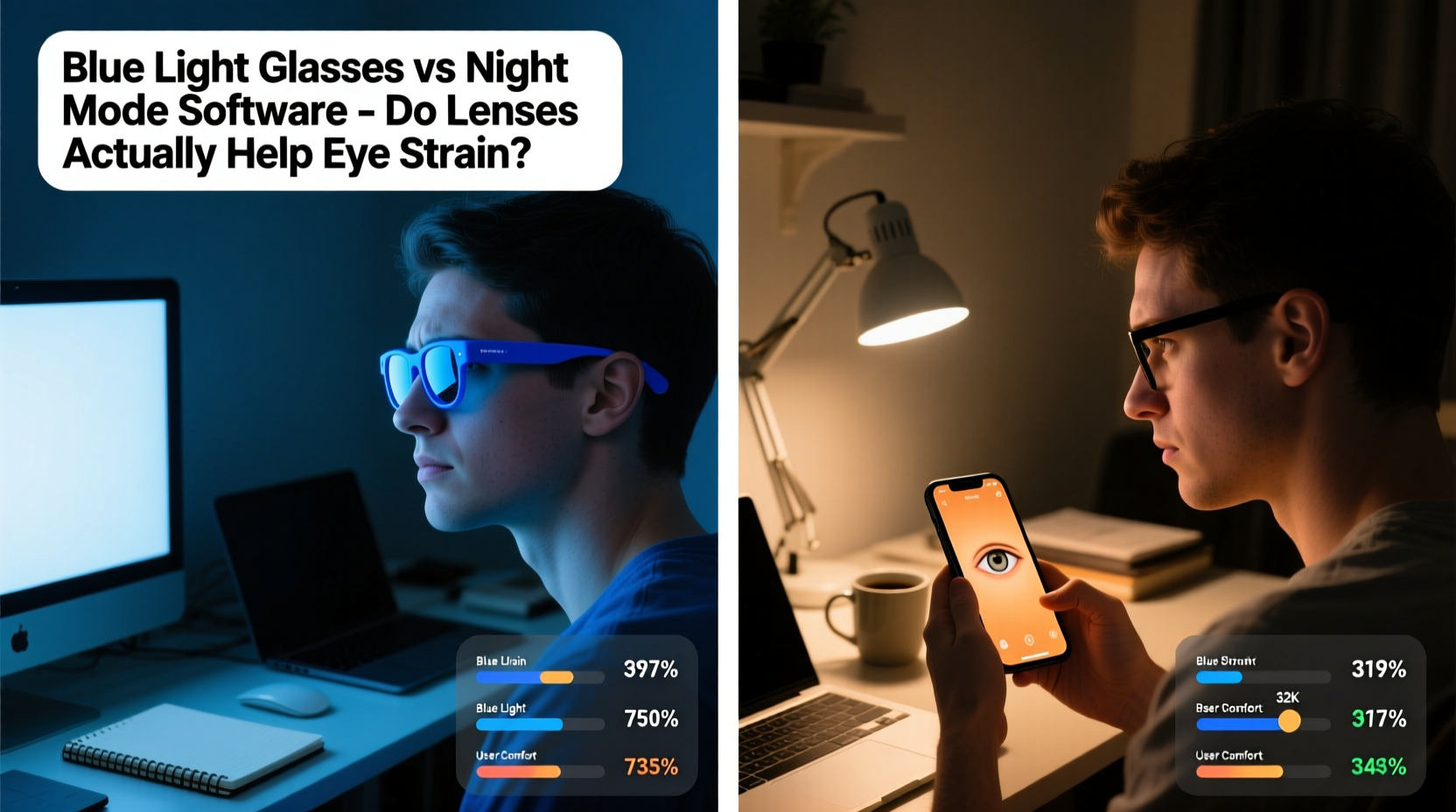
Blue light glasses feature lenses coated or tinted to filter out a portion of blue light. Most have a yellowish or amber tint, though clear versions with subtle coatings are also available. Manufacturers claim these lenses reduce glare, improve contrast, and support melatonin production, thereby aiding sleep and reducing eye fatigue.
Some studies suggest modest benefits. A 2020 review published in *Ophthalmic & Physiological Optics* found that participants wearing blue light-blocking glasses in the evening reported slightly better sleep quality and reduced alertness before bedtime. However, the effect on actual eye strain was minimal and inconsistent across trials.
One major limitation is that blue light glasses do nothing to correct underlying ergonomic issues. If your monitor is too bright, positioned incorrectly, or used in a dimly lit room, the glasses won’t fix those problems. In fact, overreliance on them may delay addressing the root causes of discomfort.
Tip: If you choose blue light glasses, opt for ones with anti-reflective coating and ensure they fit properly to avoid additional strain from poor peripheral vision.Night Mode Software: Simpler, Cheaper, but Limited
Night mode software adjusts your device’s color temperature by shifting the display toward warmer (more red/yellow) tones after sunset. This mimics natural light changes and may support circadian rhythm regulation. Unlike physical glasses, night mode is free, easy to enable, and automatically adapts to your schedule.
Popular tools like Apple’s Night Shift, Android’s Night Light, and third-party apps such as f.lux allow customization of intensity and timing. Some research indicates that using warm-toned displays in the evening can modestly increase melatonin levels and improve sleep onset.
However, when it comes to relieving eye strain during daytime or prolonged work sessions, night mode offers limited benefit. The altered color palette can distort visuals—especially for designers, photographers, or anyone relying on accurate color representation. Additionally, if screen brightness remains high, the warmth of the display does little to reduce glare or visual fatigue.
One advantage night mode has over glasses is adaptability. It only activates when needed (typically in the evening), avoiding unnecessary color shifts during daylight hours when blue light exposure supports alertness and mood.
Comparing Effectiveness: A Practical Breakdown
| Feature | Blue Light Glasses | Night Mode Software |
|---|---|---|
| Cost | $20–$100+ | Free |
| Effect on Sleep | Modest improvement in melatonin timing | Similar or slightly better due to automation |
| Reduction in Eye Strain | Limited; mostly anecdotal | Minimal; depends on brightness settings |
| Daytime Usability | May distort colors; not always practical | Can be scheduled off during day |
| Customization | Fixed filter level per lens | Adjustable intensity, schedule, color temp |
| Multi-Device Coverage | Covers all screens you wear them on | Must be enabled per device |
This comparison shows that neither solution is a silver bullet. Blue light glasses offer consistent filtration across devices but lack flexibility and come at a cost. Night mode is adaptive and cost-free but inconsistently applied and less effective if brightness isn��t managed.
What Actually Reduces Digital Eye Strain?
If blue light isn’t the primary culprit, what should you focus on instead? Experts emphasize proven strategies rooted in ergonomics and behavior change. The 20-20-20 rule, proper lighting, and screen positioning are far more impactful than any filter or tint.
Step-by-Step Guide to Reduce Eye Strain
- Follow the 20-20-20 rule: Every 20 minutes, look at something 20 feet away for at least 20 seconds. This relaxes the ciliary muscle responsible for focusing.
- Optimize screen position: Place your monitor 20–28 inches from your eyes, with the top at or slightly below eye level.
- Adjust brightness and contrast: Match screen brightness to your surroundings. Avoid using bright screens in dark rooms.
- Improve ambient lighting: Use indirect, soft lighting to reduce screen glare and reflections.
- Blink consciously: People blink 66% less while staring at screens, leading to dry eyes. Remind yourself to blink fully and frequently.
- Use artificial tears if needed: Over-the-counter lubricating drops can relieve dryness caused by reduced blinking.
- Get regular eye exams: Uncorrected vision issues are a major contributor to eye strain.
Checklist: Daily Habits to Prevent Eye Fatigue
- ✅ Enable night mode after sunset
- ✅ Position screen at arm’s length and slightly below eye level
- ✅ Take a 5-minute break every hour
- ✅ Keep room lighting balanced (not too dim or too harsh)
- ✅ Clean your screen weekly to reduce glare from dust and smudges
- ✅ Use a document holder if referencing printed material
- ✅ Consider computer-specific prescription lenses if you wear glasses
Real-World Example: Sarah’s Experience
Sarah, a 34-year-old graphic designer, began experiencing frequent headaches and dry eyes after transitioning to full-time remote work. She bought $80 blue light glasses after reading online reviews, hoping for instant relief. Initially, she felt a slight improvement, but within two weeks, her symptoms returned.
After visiting an optometrist, she learned her screen was too close, her workspace was poorly lit, and her prescription hadn’t been updated in three years. The doctor recommended adjusting her desk setup, using the 20-20-20 rule, and getting new computer-specific lenses. She kept her blue light glasses but realized they played a minor role compared to the ergonomic changes.
Within a month, her eye strain decreased significantly. “I wasted money thinking glasses would fix everything,” she said. “But once I fixed my posture, lighting, and took real breaks, the difference was night and day.”
Frequently Asked Questions
Do blue light glasses help with sleep?
Some studies show a small improvement in sleep onset and melatonin production when wearing blue light-blocking glasses in the evening. However, the effect is modest and may not be noticeable for everyone. Avoiding screens altogether 1–2 hours before bed is more effective.
Can night mode replace blue light glasses?
In many cases, yes. Night mode reduces blue light exposure similarly to glasses and is free to use. However, it only works on devices where it's enabled. If you use multiple screens (e.g., desktop, laptop, phone), consistency may be harder to maintain without glasses.
Are there any risks to using blue light filters?
No serious risks exist, but overly warm color settings can distort perception, which may affect tasks requiring color accuracy. Also, relying solely on filters without addressing screen time or ergonomics can delay solving the real causes of eye strain.
Conclusion: Prioritize Proven Solutions Over Hype
While blue light glasses and night mode software may offer minor benefits—particularly in supporting nighttime sleep—their impact on actual eye strain is limited. The majority of digital eye discomfort stems from how we use our devices, not the type of light they emit.
Instead of spending money on unproven accessories, focus on sustainable habits: take regular breaks, optimize your workspace, manage screen brightness, and get your vision checked annually. Use night mode as a supplementary tool in the evenings, but don’t expect miracles.
If you choose blue light glasses, consider them a personal preference rather than a medical necessity. For most people, simple behavioral adjustments deliver far greater relief than any lens or filter ever could.
🚀 Start today: Pick one habit from the checklist—like the 20-20-20 rule—and commit to it for a week. Track how your eyes feel. Real change begins with small, consistent actions.