
YouTube hosts billions of videos, but not all are accessible to every viewer. If you've ever clicked on a video only to see a message saying it's \"age-restricted,\" you're not alone. This restriction blocks access based on age, location, or account settings. While designed to protect younger audiences from mature content, these barriers can be confusing — especially when you're an adult who should technically qualify. Understanding why age restrictions exist and how they’re enforced is the first step toward resolving access issues.
What Are Age-Restricted YouTube Videos?
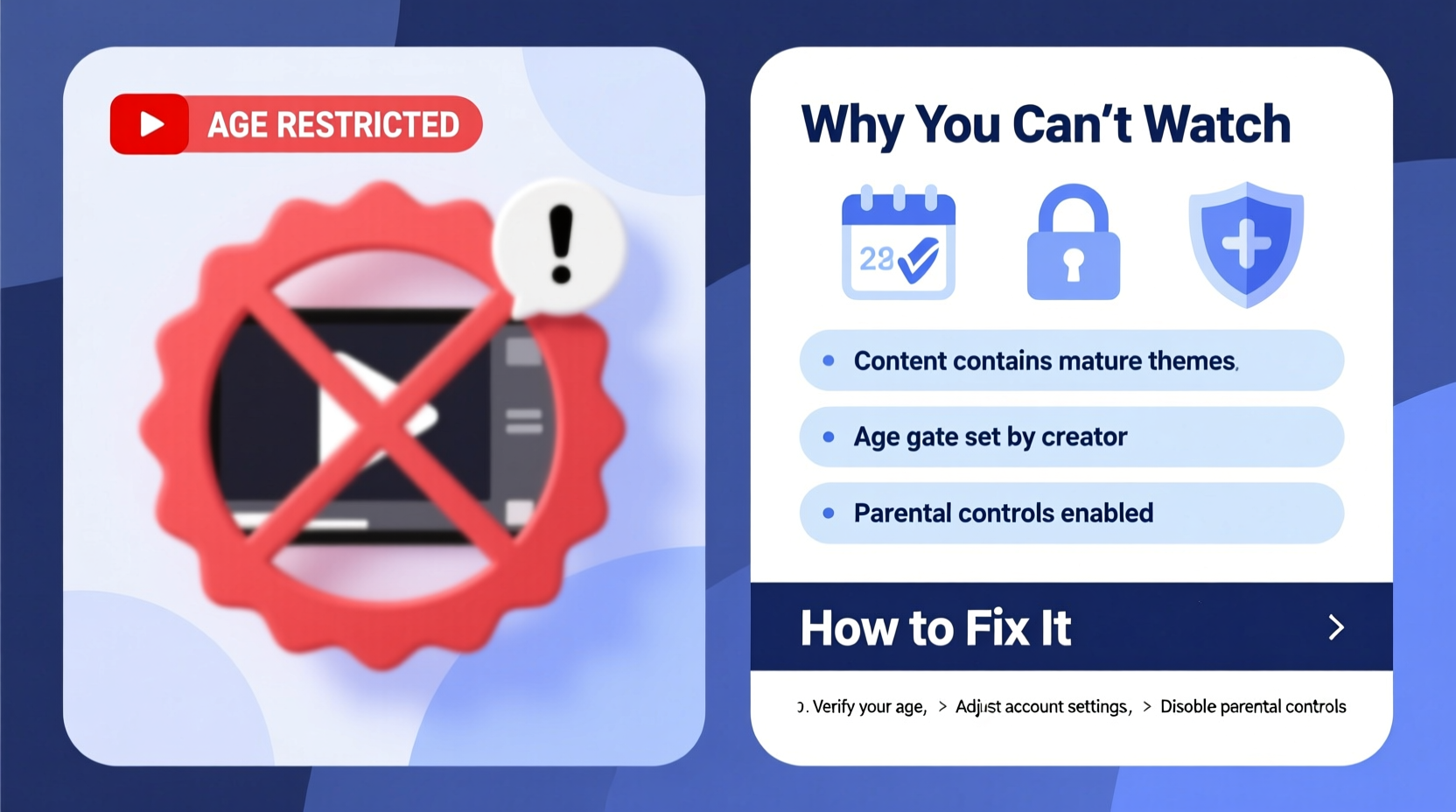
Age-restricted videos on YouTube are those deemed unsuitable for viewers under 18. These include content involving strong language, violence, sexual themes, or substance use. Unlike banned or demonetized videos, age-restricted ones remain publicly visible in search results and recommendations but require authentication to view.
The system relies on a mix of automated algorithms and manual reviews. Creators can self-report content that may require restriction, and YouTube’s AI scans metadata, visuals, and audio to flag potentially mature material. Once flagged, the video undergoes review, and if confirmed, it becomes age-gated.
“Age restrictions help maintain a safer environment for younger users while allowing creators to share important but mature content responsibly.” — YouTube Safety Team, Google
Why You Can’t Watch Age-Restricted Videos
Several factors prevent access to age-restricted content. Knowing which applies helps determine the right solution.
- No Signed-In Account: YouTube requires a logged-in Google account with verified age to view restricted videos.
- Under 18 in Account Settings: Even if you're older, if your Google account lists your birthdate as under 18, access will be denied.
- Restricted Mode Enabled: Schools, libraries, or parental controls often enable Restricted Mode, which filters out mature content.
- Using a School or Work Network: Institutional networks may block age-restricted videos regardless of personal settings.
- Location-Based Restrictions: Some countries automatically restrict certain content due to local laws.
How to Fix Access to Age-Restricted Videos
If you’re being blocked despite meeting age requirements, follow this step-by-step guide to restore access.
Step 1: Sign In to Your Google Account
Ensure you're logged in. Click “Sign in” at the top-right of YouTube. Use the account where your date of birth confirms you're over 18.
Step 2: Verify Your Birth Date
Go to myaccount.google.com, navigate to “Personal info,” then “Birthday.” Update it if incorrect. Note: You can only change your birthday a limited number of times per year.
Step 3: Disable Restricted Mode
At the bottom of any YouTube page, click “Restricted Mode: On” (if visible). Toggle it off and save. On mobile, go to Settings → General → Restricted Mode and disable it.
Step 4: Clear Browser Cache and Cookies
Sometimes outdated cache stores old session data. Clear your browser history and cookies, then restart and log back in.
Step 5: Try a Different Device or Network
If you're on a school, work, or public Wi-Fi network, try accessing the video from a personal device on a home network. Institutional firewalls often override individual settings.
Step 6: Check Parental Controls
If using Family Link or another parental control app, ensure your profile isn’t set to “Supervised” or under-18 mode. Supervisors must adjust settings in the Family Link app to grant full access.
Do’s and Don’ts When Handling Age Restrictions
| Do’s | Don’ts |
|---|---|
| ✔️ Keep your Google account updated with accurate age information | ❌ Lie about your age during account setup |
| ✔️ Use your personal account on private networks | ❌ Attempt to bypass restrictions via proxies or third-party tools |
| ✔️ Teach teens how restrictions work if managing family accounts | ❌ Share login credentials with minors to bypass filters |
| ✔️ Contact YouTube support if you believe a video was wrongly restricted | ❌ Repeatedly try logging in from different accounts to circumvent rules |
Real Example: A Student’s Access Problem
A university student in Toronto needed to watch a documentary on climate policy for a research project. The video, uploaded by a reputable news outlet, was marked age-restricted due to brief footage of protests involving mild swearing. Despite being 20 years old and logged into her personal Google account, she couldn’t view it on campus.
After troubleshooting, she discovered her university’s network had enforced a blanket ban on all age-restricted content. She switched to her phone’s hotspot, logged in again, and successfully accessed the video. Her case highlights how institutional policies can override personal eligibility — a common issue in academic environments.
Tip: When researching sensitive topics, download necessary materials at home or on unrestricted networks to avoid last-minute access failures.Can You Appeal or Report Incorrect Age Restrictions?
Yes. If you believe a video is wrongly age-restricted — such as educational content on health or history — you can report it. Below the video player, click “More” → “Report” → “It shouldn’t be age-restricted.” YouTube reviews these reports, though resolution may take days.
Content creators can also adjust restrictions through YouTube Studio. However, mislabeling can lead to penalties, so many err on the side of caution. As one creator noted:
“We lost monetization once for under-labeling a war documentary. Now we default to age-restrict anything with real-world trauma, even if it’s educational.” — Jamie Tran, Independent Filmmaker
FAQ
Why does a music video get age-restricted?
Even non-explicit music videos can be restricted due to suggestive dancing, lyrics, or visual themes. Record labels sometimes request restrictions to comply with advertising standards or artist image guidelines.
Can I watch age-restricted videos on Smart TVs or gaming consoles?
Only if you’re signed in to a verified account and Restricted Mode is off. Many smart TV apps lack robust login systems, making access inconsistent. For reliable viewing, use mobile or desktop browsers.
Does YouTube track what age-restricted videos I watch?
Your viewing history is private if not saved. However, YouTube may use watched content to inform recommendations. To limit data collection, pause YouTube History in your Google Activity controls.
Checklist: Regain Access to Age-Restricted Content
- ✅ Confirm you’re signed into a Google account
- ✅ Verify your birthdate shows you’re 18+
- ✅ Turn off Restricted Mode on current device
- ✅ Clear browser cache and cookies
- ✅ Test access on a personal network (not school/work)
- ✅ Disable parental supervision tools if applicable
- ✅ Report the issue if the restriction seems incorrect
Conclusion
Age restrictions on YouTube exist to balance freedom of expression with user safety. While frustrating when legitimate access is blocked, most issues stem from simple settings mismatches rather than permanent bans. By verifying your account details, adjusting preferences, and understanding network limitations, you can resolve most access problems quickly.
💬 Have a story about overcoming a YouTube restriction? Share your experience in the comments — your insight could help others navigate similar challenges.