
Smartphones have become indispensable tools for communication, work, entertainment, and navigation. But when your phone starts feeling unusually hot—especially during routine use—it’s natural to worry. While some warmth is normal, excessive heat can signal underlying issues that affect performance, battery life, and even safety. Understanding why your phone overheats and recognizing when it’s time to act can prevent long-term damage and ensure your device remains reliable.
Common Causes of Phone Overheating
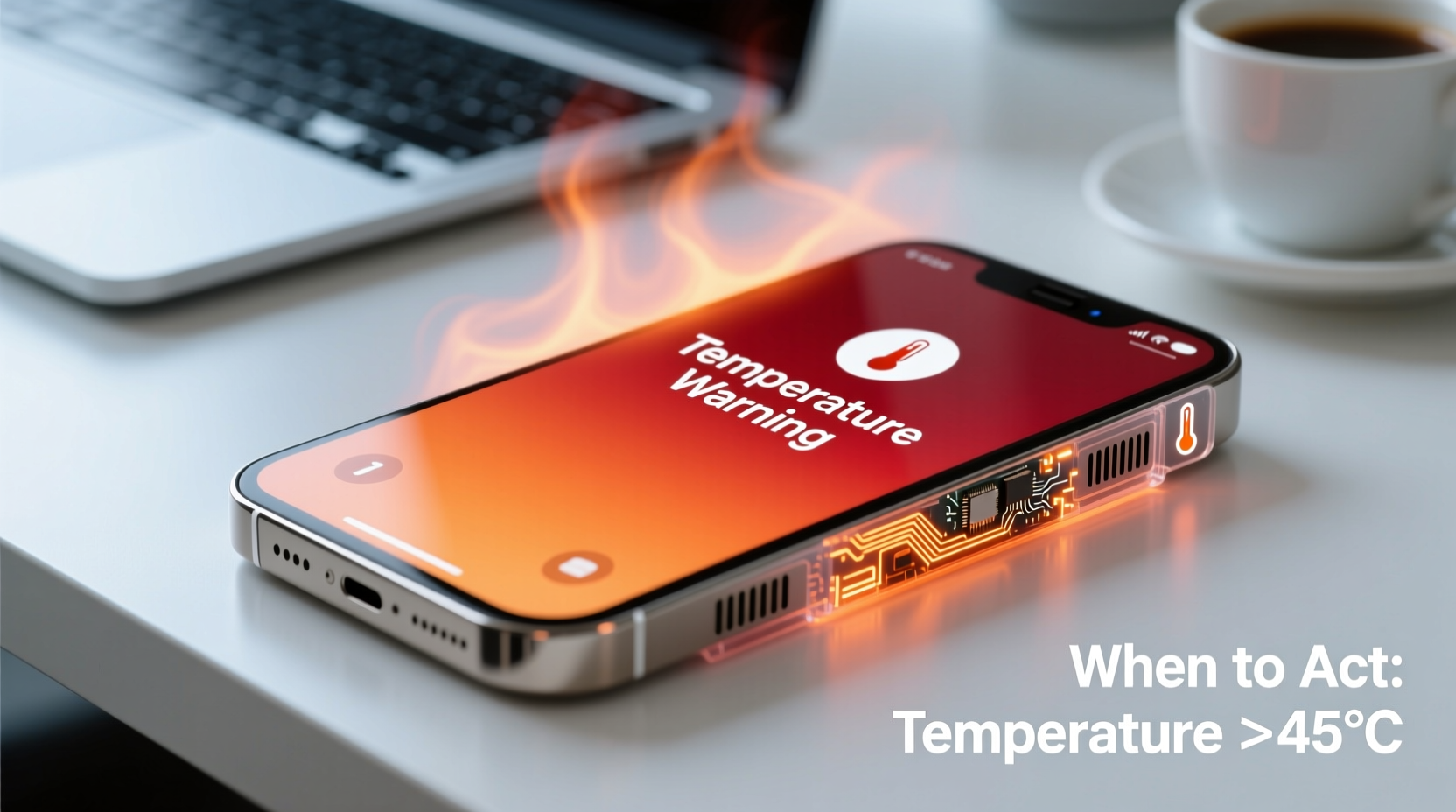
Modern smartphones pack powerful processors, high-resolution displays, and advanced cameras into compact bodies. This engineering marvel comes with a trade-off: heat generation. When multiple components run simultaneously, especially under heavy load, they generate thermal energy. Under normal conditions, phones dissipate this heat efficiently. However, several factors can disrupt this balance.
- Intensive App Usage: Gaming, video editing, or augmented reality apps push the processor and graphics chip to their limits, producing significant heat.
- Background Processes: Apps running in the background—especially those syncing data, using GPS, or streaming music—can keep the CPU active longer than necessary.
- Poor Signal Strength: In areas with weak cellular or Wi-Fi signals, your phone works harder to maintain connectivity, increasing power consumption and heat output.
- Direct Sunlight Exposure: Leaving your phone on a car dashboard or in direct sunlight can cause rapid temperature spikes, even when idle.
- Charging Habits: Fast charging, wireless charging, or using non-certified chargers can increase internal temperatures, especially if the phone is used while charging.
- Aged or Damaged Battery: As lithium-ion batteries degrade over time, they become less efficient and more prone to generating excess heat.
- Software Bugs: Operating system glitches or poorly optimized apps may cause processes to run endlessly, leading to CPU overuse and overheating.
When Heat Becomes a Red Flag
Not all overheating is dangerous. It's normal for a phone to warm up slightly during gaming, video calls, or fast charging. However, certain symptoms indicate a serious problem that requires immediate attention.
If your phone exhibits any of the following, treat it as a warning sign:
- Shuts down unexpectedly despite adequate battery
- Lags significantly or freezes frequently when warm
- Battery drains rapidly only when the device is hot
- Screen discoloration or flickering when temperature rises
- Physical swelling or deformation of the device
- Unusual smells, such as burning plastic or chemicals
“Persistent overheating isn’t just a comfort issue—it can permanently damage internal components and pose safety risks.” — Dr. Lena Park, Mobile Hardware Engineer at TechSafe Labs
Dangerous Scenarios That Demand Action
In rare cases, extreme overheating can lead to battery swelling, leakage, or even combustion. Lithium-ion batteries are generally safe but can fail under stress—especially if damaged, exposed to heat, or improperly charged. If your phone becomes too hot to hold, shuts down repeatedly, or shows visible signs of battery bulging (such as a warped back panel), stop using it immediately.
Do not attempt to disassemble the phone yourself. Instead, power it off, place it in a cool, dry area away from flammable materials, and contact the manufacturer or an authorized service provider.
Preventive Measures and Best Practices
Most overheating issues can be prevented with smart usage habits and regular maintenance. Implementing these strategies reduces strain on your device and helps maintain optimal operating temperatures.
Optimize Software and Settings
Software inefficiencies often contribute more to heat than hardware limitations. Keep your operating system and apps updated to benefit from performance improvements and bug fixes. Disable unnecessary features like Bluetooth, GPS, and NFC when not in use. Reduce screen brightness and set a shorter auto-lock timer to minimize power draw.
Tip: Use Dark Mode on OLED screens—it reduces energy consumption and generates less heat than bright white backgrounds.Manage App Behavior
Some apps continue running in the background even after you close them. Check your phone’s battery usage settings to identify which apps consume the most power. Restrict background activity for non-essential apps. On Android, use \"Battery Optimization\" settings; on iOS, enable Low Power Mode or limit background app refresh.
Use Proper Charging Equipment
Always use manufacturer-approved chargers and cables. Third-party accessories may lack proper voltage regulation, causing erratic charging patterns and increased heat. Avoid charging your phone under pillows, blankets, or on soft surfaces that trap heat. Charge in a well-ventilated area and remove thick cases during charging.
Avoid Environmental Extremes
Never leave your phone in a hot car, near radiators, or in direct sunlight. Similarly, extremely cold environments can also stress the battery and lead to unexpected shutdowns. The ideal operating temperature for most smartphones is between 0°C and 35°C (32°F–95°F).
Step-by-Step Guide: What to Do When Your Phone Overheats
If your phone suddenly becomes hot, follow this sequence to cool it down safely and identify potential causes.
- Stop Using It Immediately: Close all open apps and avoid touching the screen until it cools.
- Power It Off: Shut down the device completely to halt all processing activity.
- Remove the Case: Take off any protective cover to improve airflow and heat dissipation.
- Cool It Gradually: Place the phone in a room-temperature environment. Do not put it in a freezer or refrigerator—rapid temperature changes can cause condensation inside the device.
- Check for Physical Damage: Inspect the screen, body, and battery (if removable) for swelling, cracks, or leaks.
- Restart and Monitor: After 20–30 minutes, turn the phone back on. If it heats up quickly again without heavy usage, there may be a hardware or software fault.
- Seek Professional Help: Contact customer support or visit a certified repair center if the issue persists.
Do’s and Don’ts of Managing Phone Temperature
| Do’s | Don’ts |
|---|---|
| Use original chargers and cables | Use cheap, uncertified charging accessories |
| Keep software updated | Ignore system update notifications |
| Close unused apps regularly | Run multiple high-performance apps simultaneously |
| Store the phone in shaded, cool areas | Leave it in direct sunlight or hot vehicles |
| Remove case during charging | Charge while playing graphics-intensive games |
| Enable battery-saving modes | Disable temperature warnings or alerts |
Real-World Example: A Cautionary Scenario
Consider the case of Mark, a rideshare driver who relied heavily on his smartphone for navigation, music, and passenger communication. He noticed his phone becoming uncomfortably warm after just an hour of driving. Initially, he dismissed it as normal. Over time, however, the device began shutting down mid-route—even with 40% battery remaining.
After visiting a repair shop, technicians discovered that Mark’s phone had been running three navigation apps simultaneously, all with GPS and screen-on time enabled. Combined with a third-party fast charger and a thick silicone case trapping heat, the sustained thermal stress had degraded the battery and damaged the thermal management system.
The phone required a battery replacement and software reset. More importantly, Mark changed his habits: he now uses only one navigation app, removes the case while driving, and charges during breaks using the original cable. His phone no longer overheats, and battery life has improved significantly.
Frequently Asked Questions
Can overheating permanently damage my phone?
Yes. Prolonged exposure to high temperatures can degrade the battery, reduce storage lifespan, and weaken solder joints on the motherboard. Repeated thermal cycling accelerates wear and can lead to premature failure of internal components.
Is it safe to use my phone while it’s hot?
No. Continued use while overheated increases the risk of system crashes, data corruption, and physical damage. If your phone feels excessively warm, stop using it and allow it to cool down before resuming activity.
Why does my phone get hot even when I’m not using it?
This could indicate a rogue app running in the background, a failing battery, or a software glitch. Check battery usage statistics in your settings to identify abnormal consumption. Restarting the device or performing a factory reset (after backing up data) may resolve persistent issues.
Conclusion: Stay Cool, Stay Safe
Phone overheating is more than just an inconvenience—it’s a signal that something needs attention. Whether caused by intense usage, poor charging practices, or environmental exposure, unchecked heat can shorten your device’s lifespan and compromise safety. By understanding the root causes and responding promptly, you can protect both your investment and your well-being.
Adopt proactive habits: monitor app usage, use quality accessories, avoid extreme temperatures, and respond quickly to warning signs. Your phone works hard for you—give it the care it deserves.
💬 Have you experienced severe phone overheating? Share your story or solution in the comments below—your insight could help others avoid the same issue!