
For casual gamers looking to enjoy a few hours of play each week without diving into hardcore PC builds or expensive consoles, handheld gaming has never been more appealing. The Nintendo Switch OLED and the Steam Deck stand at opposite ends of the spectrum—one is a polished, family-friendly console; the other, a powerful, customizable PC in your hands. But when it comes to pure value for someone who plays casually, which device truly delivers?
Value isn’t just about price. It’s about what you get for your money—game selection, ease of use, portability, longevity, and overall enjoyment. This article breaks down both devices across these critical dimensions to help casual players make an informed choice.
Design and Portability: Comfort Meets Convenience
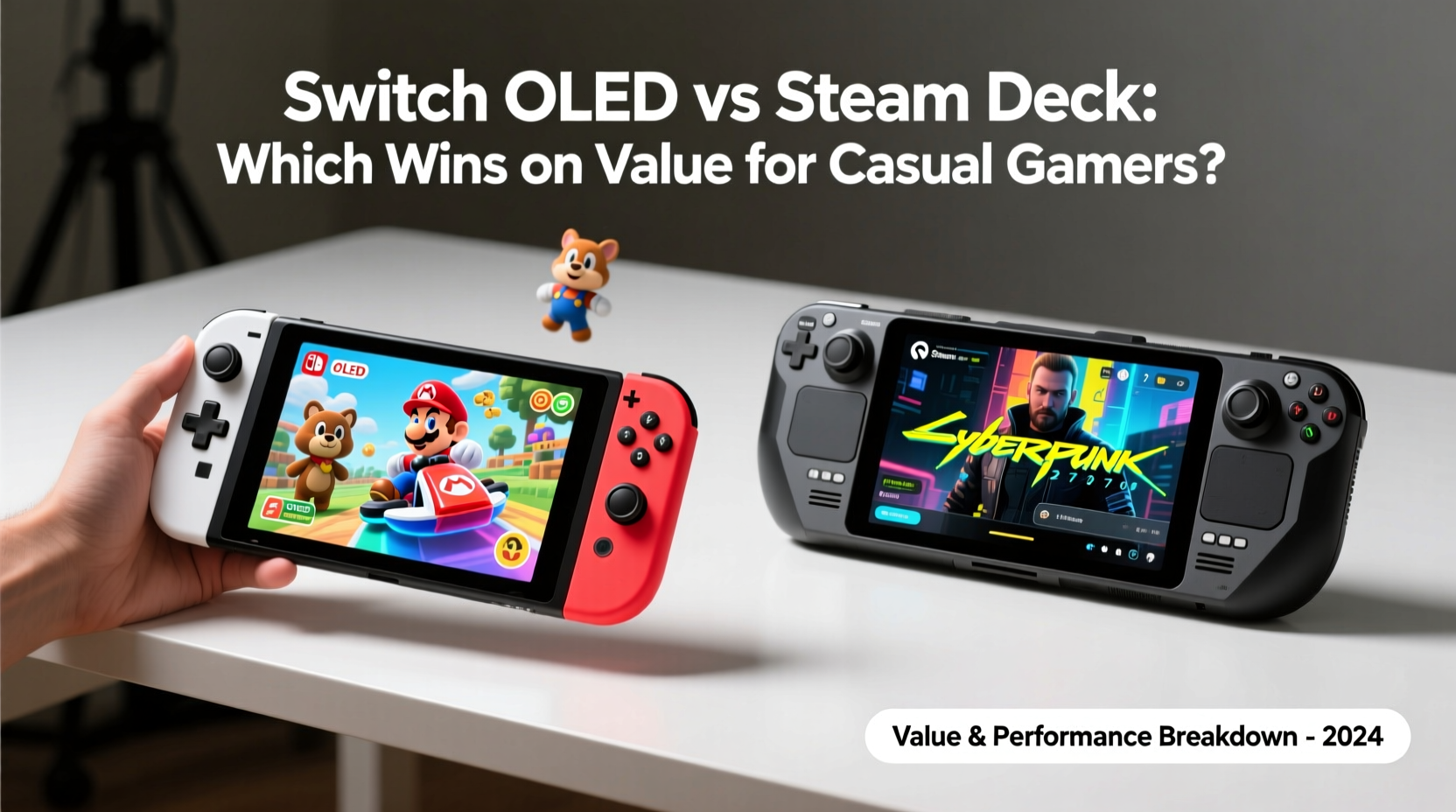
The physical experience of using a handheld matters, especially if you're playing in short bursts during commutes, lunch breaks, or before bed. Both the Switch OLED and Steam Deck are designed for portability, but they differ significantly in size, weight, and ergonomics.
The Nintendo Switch OLED weighs approximately 420 grams (about 14.8 ounces) with Joy-Con attached. Its slim profile and foldable kickstand make it easy to slip into a backpack. The 7-inch OLED screen is vibrant and sharp, ideal for quick gaming sessions in various lighting conditions. The controls are intuitive, and the detachable Joy-Con allow for flexible play modes—handheld, tabletop, or docked.
In contrast, the Steam Deck is heavier at around 665 grams (nearly 24 ounces). It's larger, thicker, and feels more like holding a small laptop. While this gives it room for full-sized analog sticks, trackpads, and additional buttons (including rear triggers), it can be tiring during extended use. However, its build quality is solid, and the 7.4-inch LCD display—while not OLED—is bright and responsive, especially for touch-based navigation.
Tip: If you frequently play on public transit or in tight spaces, the Switch OLED’s compact design may offer greater comfort and convenience.Game Library: Exclusive Worlds vs Open Ecosystem
This is where the two devices diverge most dramatically. The type of games available—and how easily you can access them—plays a major role in long-term satisfaction.
The Switch OLED runs exclusively on Nintendo’s curated ecosystem. You’ll find beloved franchises like Super Mario Odyssey, Zelda: Breath of the Wild, Animal Crossing: New Horizons, and Pikmin 4. These titles are known for their polish, accessibility, and broad appeal—perfect for casual gamers who want engaging experiences without steep learning curves.
However, the downside is limited third-party support over time. While big names like DOOM Eternal and Baldur’s Gate 3 have made their way to the Switch, they often come with compromises in performance or visuals due to hardware limitations.
The Steam Deck, by contrast, taps into the entire Steam library—over 8,000 verified or playable games as of 2024. This includes indie darlings like Hades, narrative adventures such as Disco Elysium, and even AAA titles like Portal 2, Stardew Valley, and Cyberpunk 2077 (at lower settings). Valve maintains a verification system that indicates compatibility, making it easier to know which games run well.
But here’s the catch: many Steam games assume mouse-and-keyboard input. While the Deck’s controller layout is versatile, some genres—like real-time strategy or complex RPGs—can feel awkward without remapping or touchscreen support.
“Casual gamers benefit most from frictionless gameplay. If launching a game requires tweaking settings or configuring controls, the magic fades fast.” — Lisa Tran, UX Designer at IndiePlay Studios
Performance and Battery Life: Real-World Usability
Hardware specs only matter insofar as they impact actual usage. For casual players, consistent performance and reliable battery life are more important than raw power.
The Switch OLED uses a custom NVIDIA Tegra processor, which limits it to 720p resolution in handheld mode. While this sounds modest, most first-party games are optimized to run smoothly at 30–60 fps. Third-party ports may struggle, but again, casual users are less likely to notice or care about minor frame drops in slower-paced games.
Battery life ranges from 4.5 to 9 hours depending on the title. Lighter games like Animal Crossing can stretch toward the upper end, while graphically intensive ones like The Legend of Zelda: Tears of the Kingdom drain power faster.
The Steam Deck packs an AMD APU with Zen 2 CPU and RDNA 2 GPU architecture—significantly more powerful than the Switch. In theory, this allows higher resolutions (up to native 1280x800) and better framerates. However, this power comes at a cost: battery life varies wildly. Simple 2D games might last 6–8 hours, but demanding 3D titles can deplete the battery in under 2 hours.
To extend playtime, users often adjust settings—lowering resolution via FSRA (FidelityFX Super Resolution), capping FPS, or reducing brightness. While effective, this adds complexity that casual gamers may find off-putting.
Comparison Table: Key Specs & Real-World Metrics
| Feature | Switch OLED | Steam Deck (LCD Model) |
|---|---|---|
| Display | 7\" OLED (720p) | 7.4\" LCD (1280x800) |
| Processor | NVIDIA Tegra X1+ | AMD Zen 2 / RDNA 2 |
| Storage (Base) | 64GB (expandable via microSD) | 64GB eMMC (also expandable) |
| Battery Life | 4.5–9 hrs | 2–8 hrs (varies heavily) |
| Weight | 420g | 665g |
| Launch Price (USD) | $349 | $399 (64GB) |
| Primary OS | Nintendo OS | SteamOS (Linux-based) |
| Best For | Families, kids, Nintendo fans | PC gamers, modders, tinkerers |
Usability and Learning Curve: How Easy Is It to Just Play?
One of the most overlooked aspects of value is how quickly you can go from unboxing to enjoying a game. For casual gamers—who may not want to spend hours setting up profiles, updating firmware, or troubleshooting compatibility issues—simplicity is king.
The Switch OLED excels here. Turn it on, connect to Wi-Fi, sign in (or skip login), and you’re greeted with a clean home screen. Purchasing games from the eShop is straightforward. Parental controls, user profiles, and save data sync are all handled seamlessly through Nintendo’s cloud services (with a subscription).
The Steam Deck requires more effort. First boot involves downloading system updates, logging into Steam, and verifying game licenses. Navigating the interface takes getting used to, especially for those unfamiliar with Linux or Steam’s Big Picture mode. Installing games often means waiting for downloads and patches—even for titles already owned on PC.
That said, once configured, the Steam Deck becomes incredibly flexible. You can install non-Steam applications, stream from your PC, or even dual-boot Windows for broader compatibility. But again, these features cater more to enthusiasts than casual users.
Tip: If you share the device with family members or lend it to friends, the Switch OLED’s multiple user profiles and simple interface reduce confusion and setup time.Real-World Example: Sarah’s Weekend Gaming Habit
Sarah is a 32-year-old graphic designer who enjoys gaming occasionally—mostly on weekends or during her evening wind-down. She owns a PS5 but rarely uses it because setting up the TV and controller feels like too much effort. She wanted something portable and low-friction.
She considered both the Switch OLED and Steam Deck. After researching, she bought the Switch OLED primarily because her niece loves Super Mario Bros. Wonder, and she wanted a shared device for light multiplayer fun. She also appreciated that she could pick up Legend of Zelda anytime without worrying about storage space or performance tweaks.
A year later, Sarah still uses it weekly. She hasn’t explored online multiplayer deeply, doesn’t own a Pro Controller, and hasn’t touched homebrew or mods. The simplicity keeps her engaged. Meanwhile, her brother, a PC gamer, owns a Steam Deck but admits he spends more time optimizing than playing—something Sarah would have found frustrating.
Sarah’s story illustrates a key truth: value depends on lifestyle. For her, the Switch OLED wasn’t just cheaper upfront—it required less mental energy to enjoy.
Cost Over Time: Beyond the Initial Price Tag
Let’s compare total ownership costs over two years—a realistic timeframe for evaluating value.
- Switch OLED ($349): Requires a $20/year Nintendo Switch Online subscription for cloud saves and online play. Games average $40–60 new, though frequent eShop sales and bundled physical copies help offset cost. MicroSD cards (128GB) add ~$25.
- Steam Deck ($399 base model): No mandatory subscription. Game prices vary widely on Steam, with deep discounts common. However, upgrading storage (to NVMe SSD) typically costs $50–$100. Optional accessories like carrying cases or controllers add extra.
While the Steam Deck avoids recurring fees, its base 64GB eMMC storage is slow and fills up quickly. Most users eventually upgrade, adding to the effective cost. The Switch’s microSD expansion is simpler and cheaper.
Moreover, Nintendo’s digital resale market is limited, whereas Steam games can be gifted or traded within limits. Still, the freedom to buy once and play forever—without subscriptions—gives Steam an edge for budget-conscious players who plan ahead.
Checklist: Choosing the Right Device for Your Lifestyle
Answer these questions honestly to determine which handheld suits your habits:
- Do you prefer plug-and-play simplicity over customization? → Switch OLED
- Are you drawn to Nintendo exclusives like Mario, Zelda, or Pokémon? → Switch OLED
- Do you already own many Steam games? → Steam Deck
- Will you play fast-paced action games or older PC titles? → Steam Deck
- Is portability and lightweight design a priority? → Switch OLED
- Are you comfortable adjusting graphics settings or troubleshooting software? → Steam Deck
- Do you share devices with children or non-gamers? → Switch OLED
FAQ: Common Questions from Casual Gamers
Can I play modern AAA games on the Steam Deck?
Yes, but with caveats. Titles like Elden Ring, Red Dead Redemption 2, and Starfield run on the Steam Deck, usually at 30 fps and reduced settings. Performance depends on optimization and storage speed. Some require manual configuration for best results.
Is the Switch OLED worth upgrading to if I already have a regular Switch?
If you play mostly in handheld mode, yes. The improved screen, speakers, and internal storage make a noticeable difference. But if you dock frequently, the visual upgrade is minimal.
Can the Steam Deck replace my laptop or console?
For some users, yes—but not reliably for everyone. It works well as a secondary device for gaming on the go, but productivity apps and web browsing remain limited compared to full laptops. As a console replacement, it shines only if your favorite games are on PC.
Final Verdict: Where Value Lies for Casual Gamers
The Steam Deck is a technological marvel—an open, powerful platform that empowers users to shape their experience. But power and flexibility don’t always translate to value, especially when they come with complexity.
The Switch OLED, while less powerful and more restrictive, delivers a seamless, joyful experience out of the box. Every element—from the interface to the game library—is tailored for accessibility. For a casual gamer, that ease of use reduces friction and increases the likelihood of sustained engagement.
When judged by total value—price, usability, game quality, and long-term enjoyment—the Switch OLED emerges as the better choice for most casual players. It costs less, lasts longer per charge in typical use, and offers a library filled with instantly gratifying, high-quality titles.
The Steam Deck wins on potential, but the Switch OLED wins on delivery.
💬 Ready to choose your next handheld? Think about how you really play—not how you wish you played. Simplicity often brings more joy than specs ever will.