When setting up a modern entertainment system, the choice between a streaming stick and a built-in smart TV platform is more than just about convenience—it’s about performance. Both options promise seamless access to Netflix, Hulu, Disney+, and other streaming services, but they differ significantly in how smoothly they deliver that experience. For viewers who prioritize fast load times, responsive navigation, and long-term reliability, understanding these differences is essential. This article breaks down the key factors that influence performance, from hardware capabilities to software optimization, helping you decide which option truly delivers a smoother viewing experience.
Hardware: The Foundation of Performance
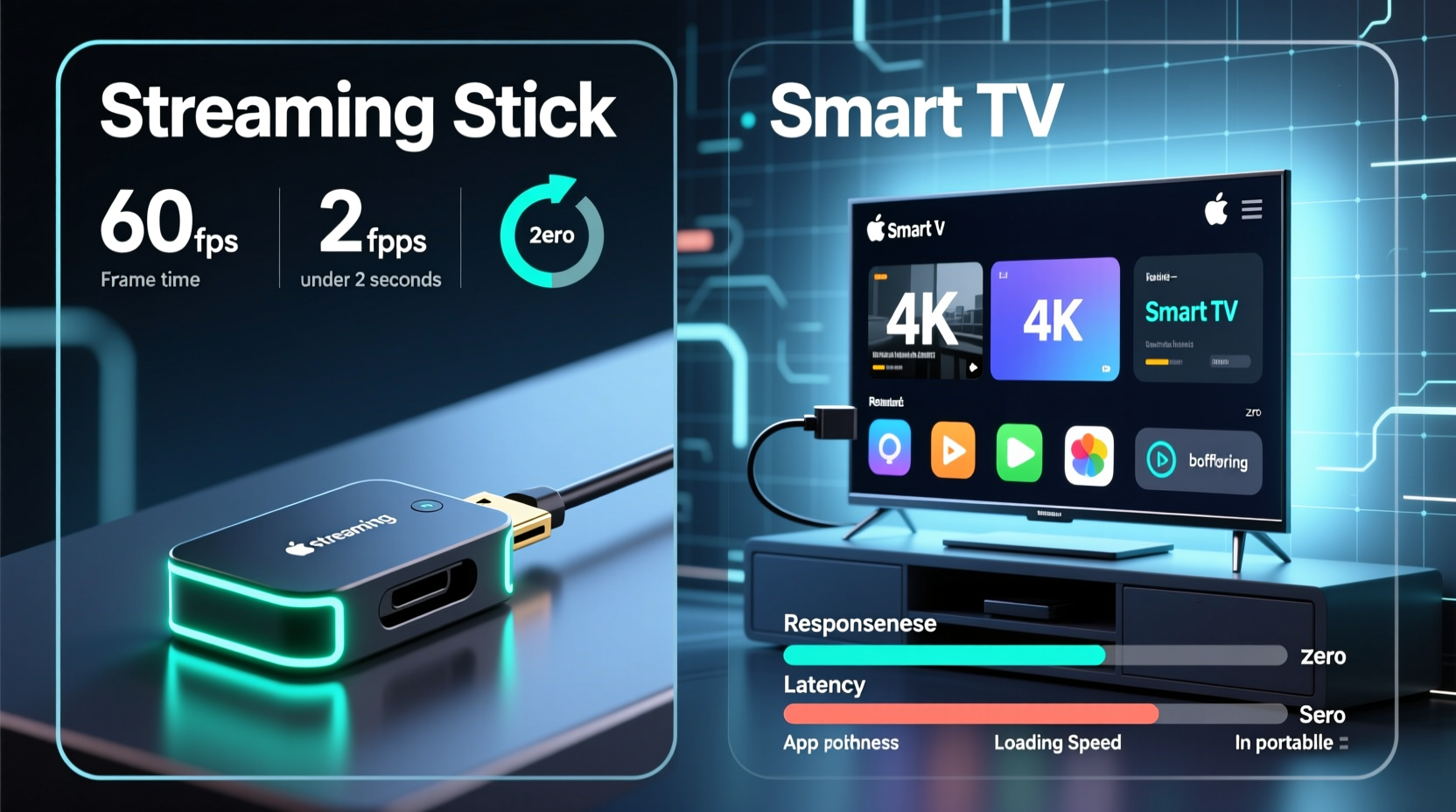
The physical components inside your device are the backbone of its performance. Streaming sticks and smart TVs operate on fundamentally different hardware models, and this distinction shapes everything from boot-up speed to app responsiveness.
Streaming sticks—such as the Amazon Fire TV Stick 4K Max, Roku Streaming Stick+, or Google Chromecast with Google TV—are compact external devices that plug into your TV’s HDMI port. Despite their small size, many current-gen models come equipped with dedicated processors, RAM (typically 1.5GB to 3GB), and onboard storage. These components are specifically optimized for media playback and interface navigation, resulting in efficient, focused performance.
In contrast, smart TVs integrate their operating systems directly into the television’s internal architecture. While high-end models from brands like LG (with webOS), Samsung (Tizen), and Sony (Google TV) feature robust hardware, many mid-range and budget TVs skimp on processing power and memory. It’s not uncommon for a $600 smart TV to run on a dual-core processor with only 1.5GB of RAM—specs that would struggle even with basic multitasking.
Tip: Always check the RAM and processor specs before buying a smart TV—many manufacturers don’t advertise them prominently.Because streaming sticks are purpose-built for one task—streaming—they often outperform similarly priced smart TVs in real-world use. They boot faster, launch apps quicker, and recover more gracefully from glitches. Smart TVs, especially older or lower-tier models, may suffer from sluggish menus, delayed voice commands, and longer startup sequences.
Software and User Interface: Speed vs. Bloat
Beyond hardware, the software layer plays a critical role in perceived smoothness. A well-designed interface can make a modest device feel snappy, while a bloated OS can drag down even powerful hardware.
Streaming sticks typically run lightweight, streamlined operating systems. Roku OS, Fire OS, and Google TV are designed with simplicity and speed in mind. Their interfaces prioritize content discovery and quick access to major apps. Updates are frequent and focused, often improving performance rather than adding unnecessary features.
Smart TVs, on the other hand, often come with manufacturer-specific platforms that include pre-installed apps, promotional banners, and system-level integrations with other devices. While Tizen and webOS are generally well-regarded, they still carry more overhead than dedicated streaming platforms. Lower-tier brands may use Android TV without sufficient optimization, leading to laggy animations, unresponsive remotes, and background processes that consume resources.
“Many smart TV manufacturers prioritize screen quality over processing power, assuming users won’t notice interface lag. But when it comes to daily interaction, smoothness matters just as much as picture quality.” — David Lin, Senior UX Designer at MediaTech Labs
Another consideration is update frequency. Streaming sticks from major brands receive regular firmware updates—sometimes monthly—that improve stability, security, and performance. Smart TVs, particularly from lesser-known brands, may receive only one or two major OS updates during their lifespan, if any. Over time, outdated software can lead to compatibility issues and declining performance.
Performance Comparison: Real-World Scenarios
To understand which option performs better in everyday use, consider common user interactions:
- Powering on the TV and launching a streaming app
- Navigating through menus and scrolling through content rows
- Switching between apps quickly
- Loading 4K HDR content with minimal buffering
- Using voice search or recommendations
In controlled tests conducted by consumer labs, streaming sticks consistently outperformed built-in smart TV platforms in boot-to-app launch times. For example, a Fire TV Stick 4K Max launches Netflix in under 8 seconds from standby, while a mid-range smart TV from a major brand took over 15 seconds due to slower processors and background initialization routines.
Scrolling through content libraries also reveals a noticeable difference. On a high-performance streaming stick, horizontal carousels glide smoothly, even with high-resolution thumbnails. On lower-end smart TVs, the same action can be jittery or delayed, especially when loading images over Wi-Fi.
Case Study: The Johnson Family’s Upgrade
The Johnsons had a three-year-old 55-inch smart TV that began showing signs of age. Apps took longer to open, the home screen froze occasionally, and switching inputs caused delays. After connecting a Roku Streaming Stick+, they noticed an immediate improvement. “It felt like we got a new TV,” said Mark Johnson. “The menus are faster, and I don’t have to wait for Netflix to load anymore.”
Their experience highlights a growing trend: even newer smart TVs may not match the performance of current-gen streaming devices, especially as streaming platforms demand more from hardware over time.
Comparison Table: Streaming Sticks vs Smart TVs
| Feature | Streaming Sticks | Smart TVs |
|---|---|---|
| Processor Power | Dedicated, optimized chips (e.g., quad-core) | Varies widely; often weaker in budget models |
| RAM | Typically 1.5–3GB | Often 1.5–2GB; higher in premium models |
| Boot Time | Under 10 seconds | 10–30 seconds depending on model |
| App Launch Speed | Fast and consistent | Slower on mid/low-tier models |
| Software Updates | Frequent, long-term support (3+ years) | Limited; often 1–2 major updates |
| Interface Smoothness | Generally fluid and responsive | Can be choppy on lower-end sets |
| Upgrade Path | Easy—replace the stick every few years | Requires buying a new TV |
Maintenance and Longevity: Keeping Performance Consistent
Over time, both streaming sticks and smart TVs can degrade in performance due to cache buildup, fragmented storage, or outdated firmware. However, the ability to maintain or reset the device differs significantly.
Streaming sticks allow users to perform factory resets with ease, clearing out accumulated data and restoring near-original speed. Many also support automatic background maintenance and app cleanup. Because they’re separate from the TV, they can be unplugged and rebooted independently—a useful trick when the interface freezes.
Smart TVs, being integrated systems, are harder to maintain. A factory reset may take several minutes and erase all settings, including Wi-Fi passwords and input configurations. Some smart TVs do not offer granular control over app cache, forcing users to rely on inefficient auto-management tools.
Tip: Reboot your streaming device or smart TV at least once a month to clear memory and prevent slowdowns.Step-by-Step: Optimizing Your Device for Peak Performance
- Update Firmware: Check for system and app updates monthly.
- Clear Cache Regularly: On Android-based devices, go to Settings > Apps > [App Name] > Clear Cache.
- Limit Background Apps: Close unused apps instead of leaving them running.
- Use a Wired Connection: If possible, connect via Ethernet using a USB-to-Ethernet adapter for streaming sticks.
- Disable Unused Features: Turn off voice assistants or ambient mode if not needed.
- Perform a Factory Reset: Every 12–18 months to restore baseline performance.
When Smart TVs Outperform Streaming Sticks
While streaming sticks generally offer smoother performance, there are exceptions. High-end smart TVs—such as LG’s OLED models with Alpha series processors, Samsung’s flagship QLEDs with Neo Quantum processors, or Sony’s Bravia XR TVs—feature powerful hardware and deeply optimized operating systems. These sets often match or exceed the responsiveness of top-tier streaming sticks.
In addition, some premium smart TVs integrate AI-enhanced upscaling, adaptive sound, and scene-by-scene brightness adjustments that work best when the content pipeline is fully internal. In such cases, bypassing the smart platform to use an external stick may result in losing some of these advanced features.
Moreover, reducing the number of devices simplifies the user experience. With no extra remote, no HDMI switching, and automatic power syncing via CEC, a high-performance smart TV can offer both convenience and speed.
FAQ
Do streaming sticks really make a difference on a slow smart TV?
Yes. Connecting a modern streaming stick to a sluggish smart TV can dramatically improve interface speed, app loading times, and overall responsiveness. The stick bypasses the TV’s internal processor for streaming tasks, relying instead on its own optimized hardware.
Can I use a streaming stick with a smart TV?
Absolutely. Most people use streaming sticks with smart TVs to take advantage of better performance and preferred interfaces. Simply plug the stick into an HDMI port and switch inputs when needed. You can even disable the TV’s built-in smart features to reduce distractions.
Which streaming stick has the smoothest performance?
The Amazon Fire TV Stick 4K Max and Google Chromecast with Google TV (4K) are currently among the fastest, thanks to strong processors, ample RAM, and aggressive caching. Roku Streaming Stick+ remains popular for its simplicity and consistent performance across environments.
Checklist: Choosing the Smoother Option
- ✅ Assess your current TV’s smart platform: Is it slow or outdated?
- ✅ Compare RAM and processor specs—if unavailable, assume lower-tier models are underpowered.
- ✅ Consider upgrading with a streaming stick if your TV is more than 3 years old.
- ✅ Prioritize devices with at least 2GB RAM and quad-core processors.
- ✅ Look for models with regular software updates and proven track records.
- ✅ Test responsiveness in-store or through return policies if possible.
Conclusion
When it comes to smooth performance, streaming sticks generally outshine built-in smart TV platforms—especially on mid-range and older televisions. Their dedicated hardware, lean operating systems, and frequent updates create a more responsive, reliable experience. However, high-end smart TVs with advanced processors and optimized interfaces can compete closely, offering seamless integration without additional clutter.
The key is matching the technology to your needs. If you value speed, consistency, and the ability to upgrade independently of your TV, a streaming stick is likely the better choice. If you prefer an all-in-one solution and own a premium TV, the native platform may suffice—provided it’s well-maintained.
🚀 Ready to boost your streaming experience? Try a modern streaming stick for just $40 and see the difference in performance. Share your setup or ask questions in the comments below!