The portable gaming market has never been more competitive. At the heart of the debate lies a pivotal question: when choosing between Nintendo’s OLED Switch and Valve’s Steam Deck (LCD model), should you prioritize superior display technology or broader game variety? The OLED Switch delivers richer blacks, deeper contrast, and improved viewing angles thanks to its organic light-emitting diode panel. Meanwhile, the Steam Deck offers access to thousands of PC games through Steam, including indie darlings, AAA titles, and emulated classics — all on an LCD screen that, while functional, doesn’t match OLED in visual fidelity. But does the screen upgrade truly outweigh the vastness of available content?
This isn’t just about specs; it’s about experience. Gamers must weigh immersive visuals against expansive libraries, closed ecosystems versus open platforms, and long-term usability across genres. For some, playing *The Legend of Zelda: Tears of the Kingdom* in stunning clarity on OLED justifies the limitation of Nintendo’s curated catalog. For others, launching *Elden Ring*, *Cyberpunk 2077*, or retro ROMs on the Steam Deck makes screen quality a secondary concern. Let’s dissect both devices beyond marketing claims and explore what really matters in handheld gaming today.
Display Technology: OLED vs LCD – What’s the Real Difference?
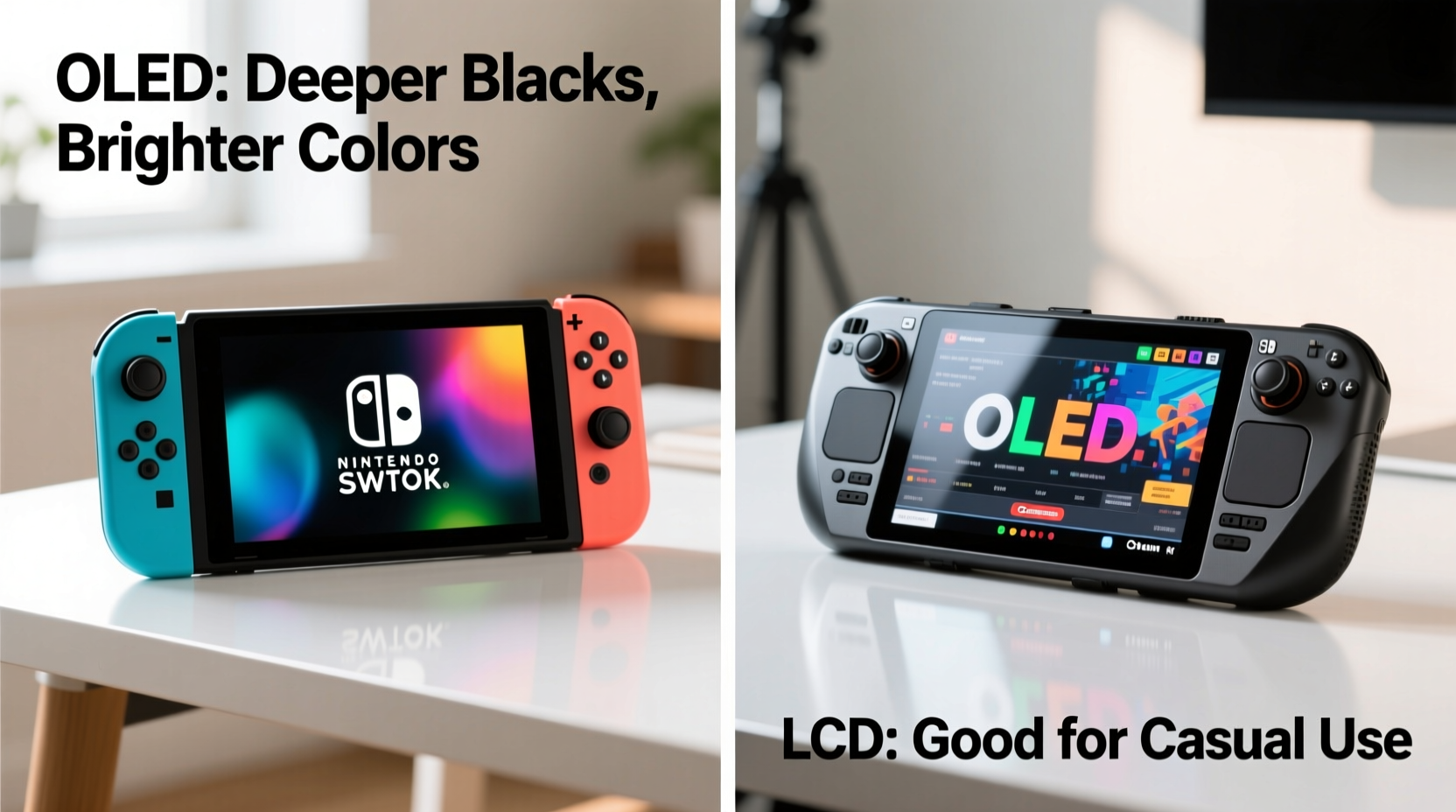
OLED and LCD represent fundamentally different approaches to image production. The OLED panel in the newer Nintendo Switch model uses self-emissive pixels — each one generates its own light. This allows for true black levels, infinite contrast ratios, and faster response times. When a pixel is off, it emits no light at all, resulting in deep, natural shadows and vibrant color accuracy even in dim environments.
In contrast, the Steam Deck’s 6-inch LCD screen relies on a backlight to illuminate liquid crystals. Even when displaying dark scenes, some light bleeds through, leading to grayer blacks and lower contrast. While Valve implemented local dimming in later revisions to mitigate this, it still can’t match OLED’s per-pixel control.
Beyond technical metrics, real-world usage reveals clear distinctions:
- Viewing angles: OLED maintains color and brightness consistency even at sharp angles; LCD tends to wash out when viewed off-center.
- Power efficiency: OLED consumes less power when displaying darker content, which benefits battery life during night-time gameplay.
- Burn-in risk: OLED is susceptible to image retention over time with static UI elements — a potential issue for menu-heavy games.
- Outdoor visibility: The Steam Deck’s higher peak brightness (~400 nits) gives it an edge in direct sunlight despite inferior contrast.
Game Library Comparison: Quantity vs Curation
No discussion of handheld consoles is complete without addressing game availability. Here, the divide couldn't be starker.
The Steam Deck runs on a modified version of Linux (SteamOS) and grants access to nearly every game on your Steam library — provided it’s compatible. As of 2024, Valve reports over 1,300 “Verified” titles, but thousands more are playable via tweaks, Proton compatibility layers, or community patches. This includes modern blockbusters like *Hades*, *Disco Elysium*, and *Baldur’s Gate 3*, as well as decades’ worth of classic PC games and moddable experiences.
Nintendo’s approach is the opposite: tightly curated exclusives. The Switch boasts genre-defining first-party titles — *Super Mario Odyssey*, *Metroid Dread*, *Splatoon 3* — and strong third-party support from studios like Capcom and Square Enix. However, its digital storefront excludes major franchises like *Call of Duty*, *Final Fantasy XVI*, or *Starfield*. There’s no backward compatibility with older Nintendo systems beyond select Virtual Console releases.
Consider this scenario: a player wants to revisit *Skyrim*. On the Steam Deck, they can install the Special Edition, apply performance mods, integrate controller layouts, and even run fan-made graphical overhauls. On the Switch, the same game exists but suffers from frequent crashes, low-resolution textures, and limited mod support.
“Open platforms empower users to shape their experience. That freedom is non-negotiable for many PC gamers.” — Adrian Lopez, Senior Developer at Lutris
Performance and Practicality: Frame Rates, Controls, and Longevity
Visual quality doesn’t exist in isolation. It interacts with frame rate stability, input responsiveness, and system longevity. The OLED Switch targets 30–60 FPS depending on the title and whether docked or handheld. Its custom NVIDIA Tegra processor limits graphical complexity compared to modern standards, but developers optimize heavily for consistency.
The Steam Deck, powered by a custom AMD APU (Zen 2 CPU + RDNA 2 GPU), handles more demanding workloads. While not designed for max-settings 4K gaming, it runs most native titles smoothly at medium settings and 30–40 FPS. With overclocking tools and thermal pads upgraded by users, sustained performance improves significantly.
Controls also differ meaningfully. The Switch features tactile buttons, HD rumble, and IR sensors — ideal for Nintendo’s design philosophy emphasizing physical interaction. The Steam Deck adds analog sticks with adjustable sensitivity, trackpads, rear paddles, and full gyro integration, offering granular customization for complex PC titles.
| Feature | OLED Switch | Steam Deck (LCD) |
|---|---|---|
| Screen Type | OLED | IPS LCD |
| Resolution (Handheld) | 720p | 800x480 (scaled to 1280x800) |
| Contrast Ratio | ~1,000,000:1 | ~1,000:1 |
| Battery Life | 4.5–9 hours | 2–8 hours |
| Storage (Base Model) | 64GB (expandable via microSD) | 64GB eMMC / 256GB NVMe SSD |
| Game Access | Nintendo eShop + cartridges | Steam + external drives + cloud streaming |
| Customization | Limited (themes only) | Full desktop mode, mods, emulators |
Battery life favors the Switch due to lower power demands and simpler software overhead. But the Steam Deck compensates with upgradable storage and active cooling fans — features absent in the Switch’s passive design.
Real-World Example: Two Gamers, Two Choices
Meet Jordan and Taylor — both avid handheld players, but with divergent priorities.
Jordan values storytelling and artistry above all. They bought the OLED Switch primarily for *Tears of the Kingdom*. Playing in handheld mode under lamplight, the OLED screen brought Hyrule’s twilight skies and shadowy caverns to life in ways they hadn’t experienced before. Blacks felt infinite, colors popped without oversaturation, and the compact form factor made travel seamless. Despite owning a powerful gaming PC, Jordan finds joy in the simplicity and polish of Nintendo’s ecosystem.
Taylor, meanwhile, sought versatility. A retro gaming enthusiast and strategy buff, they chose the Steam Deck to play *Crusader Kings III*, stream *Elden Ring* from their PC, and run PS1 emulation via RetroArch. Yes, the LCD screen lacks OLED’s depth, but the ability to customize controls, install fan translations, and connect Bluetooth peripherals transformed the device into a personal gaming hub. After installing a heatsink mod and expanding storage to 1TB, Taylor rarely touches their home console.
Their stories illustrate a fundamental truth: hardware excellence means little without alignment to personal play habits.
Expert Insight: Why Platform Freedom Matters
Industry experts increasingly emphasize platform openness as a key factor in long-term satisfaction.
“When you buy a locked-down device, you’re betting on the manufacturer’s future decisions. With open systems, you retain control — over updates, repairs, and software.” — Dr. Lena Park, HCI Researcher at MIT Media Lab
This perspective underscores a growing trend: consumers favor devices they can adapt rather than ones that dictate usage. While the OLED Switch excels in build quality and exclusive content, it cannot be repaired easily, upgraded internally, or used outside Nintendo’s walled garden. Apple’s iPhone faces similar criticism — premium hardware constrained by restrictive policies.
Valve, by contrast, designed the Steam Deck as a gateway to PC gaming culture. Users can sideload apps, dual-boot Windows, or repurpose the device as a mini Linux workstation. This flexibility extends the product’s lifespan far beyond typical handheld cycles.
Tip: Consider not just what you want to play now, but how your tastes might evolve. An open platform grows with you.Step-by-Step Guide: Choosing the Right Device for You
Follow these steps to make an informed decision:
- Assess your primary gaming genre. Do you prefer platformers, RPGs, and family-friendly adventures? Lean toward Switch. Into CRPGs, sims, or modded games? Steam Deck fits better.
- List your top 5 must-play games. Check availability on both platforms. Are they optimized? Native? Emulated?
- Evaluate your environment. Will you play mostly indoors (favoring OLED) or outdoors/on-the-go (where LCD brightness helps)?
- Test control preferences. Try both devices if possible. Notice thumbstick placement, button feedback, and menu navigation.
- Factor in future-proofing. Ask: Which ecosystem will still feel relevant in 3–5 years? Can I expand storage? Install new software?
Frequently Asked Questions
Can the Steam Deck run Switch-exclusive games?
Not natively, and doing so via unofficial means violates terms of service. While emulation exists (e.g., Yuzu), legal and ethical concerns apply. Nintendo exclusives remain best experienced on Nintendo hardware.
Is OLED burn-in a serious issue on the Switch?
For most users, no — but prolonged exposure to static HUDs (like in *Splatoon*) can cause temporary image retention. Permanent burn-in is rare and typically occurs after hundreds of hours with unchanging elements. Rotating wallpapers and using sleep mode help reduce risk.
Does the Steam Deck’s LCD screen hurt gameplay?
It depends on context. In well-lit rooms or during fast-paced shooters, the screen performs adequately. However, cinematic games with dark scenes lose impact due to grayish blacks. Many users report adapting quickly, prioritizing functionality over fidelity.
Conclusion: Balancing Beauty and Breadth
The OLED Switch and Steam Deck LCD represent two philosophies in portable gaming. One champions refined hardware and artistic exclusives; the other embraces openness and limitless possibility. The screen upgrade on the OLED Switch is objectively superior — richer, sharper, more expressive. Yet, for many players, that advantage fades when confronted with a library dwarfed by Steam’s catalog.
Ultimately, the “better” choice hinges on individual values. If you crave polished, narrative-driven experiences and value consistent performance, the OLED Switch justifies its premium display. But if you prize autonomy, diversity, and the thrill of tinkering, the Steam Deck’s LCD becomes a minor compromise in service of something greater: freedom.
Technology evolves rapidly. Screens will get better, batteries will last longer, and ecosystems will shift. What remains constant is user agency — the right to choose not just what we play, but how we play it. Whether you pick the elegance of OLED or the expansiveness of Steam, do so intentionally. Your next great gaming chapter starts with that decision.
🚀 Ready to decide? Revisit your favorite games, test both systems if possible, and choose the device that aligns with your playstyle — not just the spec sheet.