Millions rely on NBC’s digital platforms to stream live news, sports, and popular shows like \"The Tonight Show\" or \"Sunday Night Football.\" When the NBC app, website, or smart TV channel fails to load, buffers endlessly, or crashes unexpectedly, it disrupts viewing and raises frustration. While connectivity and software glitches are frequent culprits, the root cause can vary by device, subscription status, or regional restrictions. This guide breaks down the most common reasons NBC stops working—and how to fix them quickly and effectively.
Understanding Common NBC Access Points
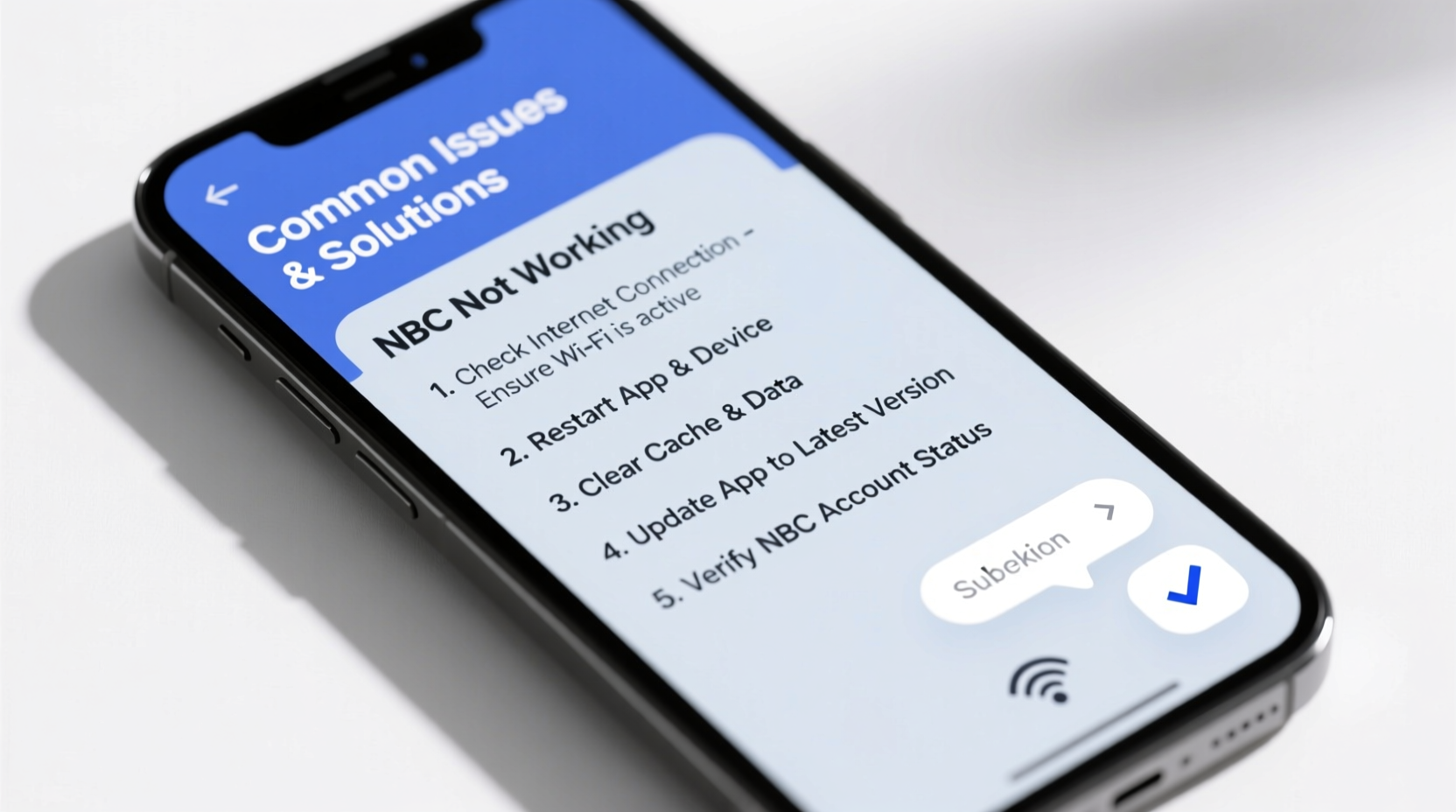
NBC content is accessible across multiple platforms: the NBC app (iOS, Android), NBC.com, smart TVs (Samsung, LG, Roku, Fire TV), and streaming services like YouTube TV or Hulu Live that carry local NBC stations. Each platform has unique technical requirements, and a problem in one doesn’t necessarily affect others. For example, if NBC isn’t loading on your Roku but works on your phone, the issue likely lies with the device or its app version—not your internet or account.
Before diving into fixes, confirm you’re using an official NBC platform and that your location supports local station streaming. NBC enforces geo-restrictions based on broadcast rights, meaning viewers outside designated markets may see limited or no content without a valid TV provider login.
Step-by-Step Troubleshooting Guide
Follow this logical sequence to identify and resolve the issue efficiently:
- Check Service Status: Visit Downdetector to see if NBC servers are experiencing outages. If thousands report issues simultaneously, wait before attempting complex fixes.
- Verify Internet Connection: Stream high-definition video requires at least 5 Mbps. Run a speed test via Fast.com or Speedtest.net. If speeds are below 3 Mbps, restart your router or switch to a wired connection.
- Restart the Device: Power cycle your smartphone, tablet, smart TV, or streaming box. A simple reboot clears temporary memory errors that often crash apps.
- Update the NBC App: Outdated apps contain bugs. Go to your device’s app store and ensure the NBC app is updated to the latest version.
- Clear Cache and Data (Android): On Android devices, go to Settings > Apps > NBC > Storage > Clear Cache and Clear Data. This resets app preferences without deleting your account.
- Reinstall the App: If clearing cache fails, uninstall and reinstall the NBC app. This replaces corrupted files and re-establishes secure connections.
- Sign Out and Back In: Authentication errors block content access. Log out of your NBC account, restart the app, then log back in—especially if using a cable provider login.
Device-Specific Fixes for Popular Platforms
Different devices require tailored solutions. Below are proven fixes for top platforms where NBC users report issues.
| Device | Common Issue | Solution |
|---|---|---|
| Roku | NBC app won’t launch or freezes | Remove and re-add NBC from channel store; update Roku OS under Settings > System > Check Update. |
| Samsung Smart TV | “Content Unavailable” error | Reset Smart Hub: Settings > Support > Self Diagnosis > Reset Smart Hub. Re-login to NBC. |
| Fire TV Stick | Buffers or crashes during playback | Clear cache via Settings > Applications > Manage Installed Apps > NBC > Clear Cache. |
| iOS (iPhone/iPad) | Black screen after login | Offload app: Settings > General > iPhone Storage > NBC > Offload App, then reinstall. |
| Web Browser (NBC.com) | Video won’t play or spins indefinitely | Disable ad blockers and browser extensions; try Chrome Incognito or Firefox Private mode. |
Authentication and Login Problems
One of the most frequent complaints is being unable to verify a TV provider through NBC’s authentication system. Even with a valid cable or live TV subscription (e.g., Xfinity, Spectrum, YouTube TV), users sometimes face endless loops or “Invalid Credentials” messages.
This typically stems from outdated credentials cached in the app or temporary server-side verification failures. It may also occur if your provider isn’t fully supported in your region.
“We’ve seen spikes in login failures during major events like the Olympics or NFL playoffs, when traffic overwhelms third-party auth systems. Patience and retrying off-peak hours often resolves it.” — David Lin, Streaming Infrastructure Analyst at BroadbandNow
- Double-check that your TV provider appears in NBC’s supported list under “Log In With Your TV Provider.”
- Use your provider’s exact email and password—some require full account numbers instead of usernames.
- If stuck in a loop, visit NBC.com directly on a desktop browser to authenticate first, then return to the app.
Mini Case Study: Fixing NBC on a Roku Ultra During the Super Bowl
Mark, a viewer in Denver, planned to watch the Super Bowl live on his Roku Ultra via the NBC app. At kickoff time, the app opened but displayed “Unable to Connect to Server.” He confirmed his Wi-Fi was active and other apps worked fine. Following a structured approach, he checked Downdetector and found no widespread outage. He restarted the Roku, which temporarily loaded the app—but froze during playback.
He then removed the NBC channel, rebooted the device, and reinstalled the app. After logging in with his YouTube TV credentials, the stream loaded smoothly in 1080p. The root cause? A corrupted app update pushed earlier that week had destabilized background processes. Mark’s methodical troubleshooting prevented missed game time.
Troubleshooting Checklist
Use this checklist to quickly diagnose and resolve NBC access issues:
- ✅ Is NBC currently down? (Check Downdetector)
- ✅ Is your internet speed at least 5 Mbps?
- ✅ Has the NBC app been updated recently?
- ✅ Did you restart your device?
- ✅ Are your login credentials correct and active?
- ✅ Have you cleared cache or reinstalled the app?
- ✅ Is your device’s OS up to date?
- ✅ Are you within a supported broadcast region?
Frequently Asked Questions
Why does NBC say “Content Not Available in Your Region”?
NBC enforces geographic restrictions due to broadcasting rights. If you're traveling or using a VPN, the service may block access. Disable the VPN or use a TV provider login tied to a local market to regain access.
Can I watch NBC without a cable subscription?
Yes. You can stream NBC live via services like YouTube TV, Hulu + Live TV, FuboTV, or DIRECTV Stream. Alternatively, some shows are available next-day on Peacock, NBC’s official streaming platform, with a free or premium account.
Why does the NBC app keep crashing after opening?
Frequent crashes usually indicate a software conflict. Ensure your device has enough storage space and is running the latest operating system. If the problem persists, uninstall and reinstall the app to eliminate corrupted installation files.
Conclusion: Stay Ahead of Streaming Disruptions
NBC not working doesn’t have to mean missing critical moments. Most issues stem from easily correctable causes—outdated apps, weak connections, or authentication lapses. By applying systematic checks and understanding platform-specific quirks, you can restore access in minutes. Proactive habits like regular app updates and using stable networks during live events significantly reduce downtime.
🚀 Take action now: Pick one device where you watch NBC, verify the app is updated, and run through the checklist. Share your experience or additional tips in the comments to help fellow viewers stay connected!