
Choosing between a MacBook Pro and a Samsung Galaxy Book isn’t just about specs—it’s a decision shaped by workflow, ecosystem loyalty, and long-term value. Apple’s laptops command a premium price, often hundreds or even thousands more than similarly specced Windows devices like the Galaxy Book. But does that gap translate into real-world advantages? For creative professionals, mobile workers, and tech-savvy buyers, the answer depends on priorities: raw flexibility, seamless integration, battery life, or cost efficiency.
This isn’t a one-size-fits-all verdict. The Galaxy Book delivers solid performance with full Windows compatibility, while the MacBook Pro offers unmatched optimization through Apple’s silicon and ecosystem synergy. Let’s break down where each excels—and whether Apple’s premium pricing is justified.
Performance and Hardware: M3 vs Intel/AMD Chips
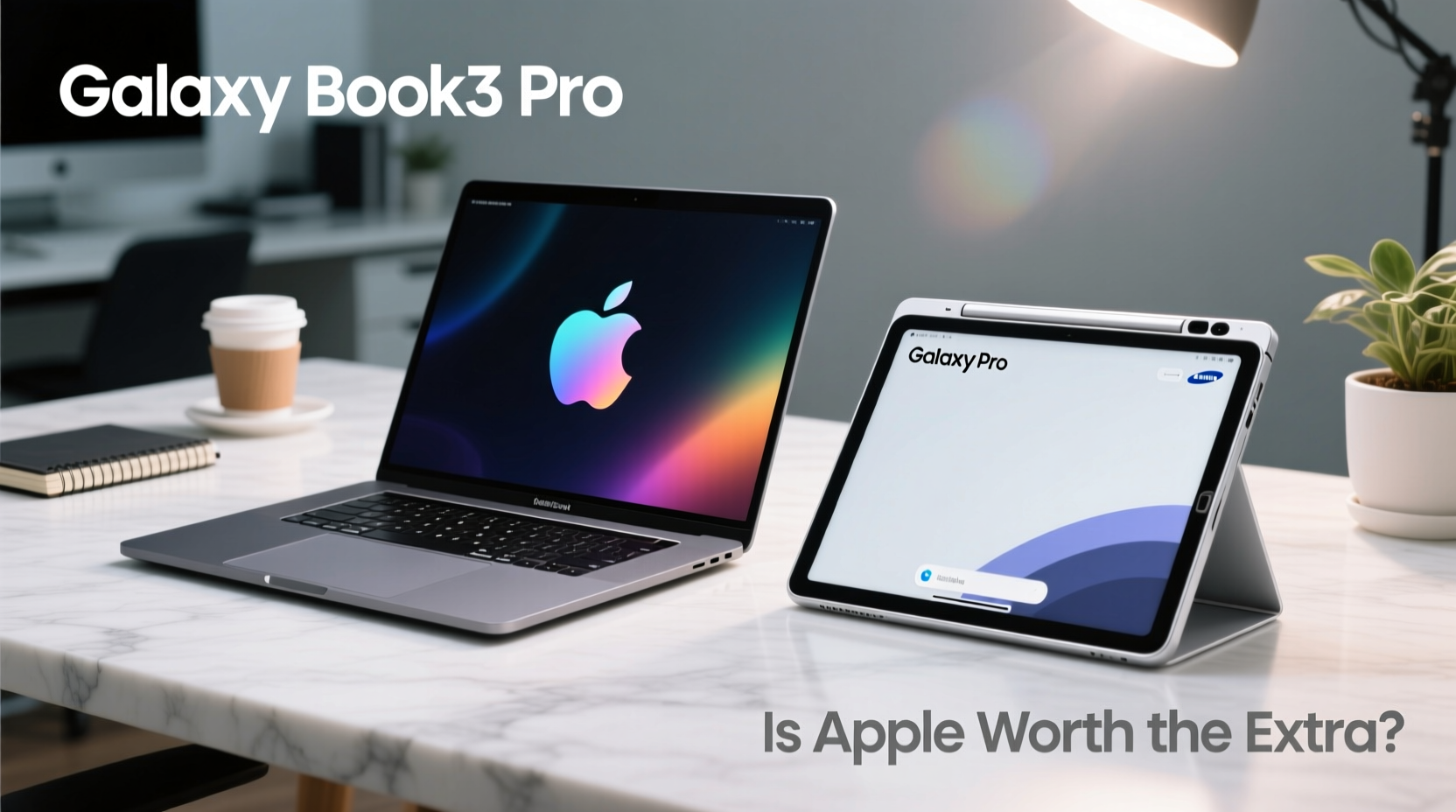
The latest MacBook Pro models feature Apple’s M3 series chips—system-on-a-chip designs built on 3nm architecture. These processors deliver exceptional single-core performance, energy efficiency, and thermal management. Even under sustained loads like video rendering or code compilation, the fanless design in 14-inch models keeps noise minimal while maintaining consistent output.
In contrast, most Galaxy Book models (such as the Galaxy Book4 Ultra) rely on Intel Core Ultra or AMD Ryzen processors. While these offer strong multi-threaded performance and broader peripheral support, they typically consume more power and generate more heat. This impacts both battery life and acoustic comfort during intensive tasks.
Benchmarks from AnandTech show that the M3 Max outperforms even high-end Intel i9 chips in tasks like Final Cut Pro exports and Xcode builds, often using less than half the energy. However, Windows-based applications such as Adobe Premiere Pro still see better GPU acceleration on discrete NVIDIA cards available in select Galaxy Books.
Tip: If your work involves frequent transcoding, coding, or music production, Apple Silicon’s efficiency cores provide smoother long-term performance without throttling.Ecosystem Integration: The Hidden Advantage
One of Apple’s strongest selling points isn’t visible in spec sheets: ecosystem cohesion. Handoff, Universal Clipboard, AirDrop, and Continuity Camera create frictionless transitions between iPhone, iPad, and Mac. Need to scan a document? Use your iPhone’s camera directly within a Notes window on your MacBook. Editing a photo taken minutes ago? It appears instantly across devices via iCloud Photos.
Samsung offers similar features with its “Link to Windows” and Quick Share tools, allowing phone-to-laptop file transfer and notification mirroring. But these integrations are less refined. Delays in sync, inconsistent UI behavior, and dependency on Bluetooth stability make them feel like add-ons rather than core functionalities.
“Apple doesn’t win on specs alone—it wins on experience density. Every interaction is tuned to reduce cognitive load.” — David Liu, UX Researcher at TechFlow Insights
For users already invested in iOS or iPadOS, switching to a Galaxy Book introduces small but cumulative inefficiencies. Copying text between devices takes extra steps. Instant hotspot fails more frequently. These micro-frictions may seem minor individually, but over weeks of use, they erode productivity.
Battery Life and Portability
Battery endurance remains a decisive factor for remote workers and travelers. Here, the MacBook Pro consistently leads. The 14-inch model averages 14–17 hours of mixed usage (browsing, video calls, document editing), while the Galaxy Book4 Ultra manages around 8–10 hours under similar conditions.
This difference stems from Apple’s tight control over hardware and software. macOS optimizes background processes aggressively, and the M3 chip draws power only when needed. Windows 11, despite improvements, still runs numerous background services and updates that drain battery faster—even in sleep mode.
| Device | Avg. Battery Life (Mixed Use) | Charging Speed | Weight |
|---|---|---|---|
| MacBook Pro 14\" (M3) | 14–17 hrs | 50% in 30 min (70W) | 3.5 lbs |
| Galaxy Book4 Ultra | 8–10 hrs | 50% in 45 min (65W) | 3.7 lbs |
Portability favors the MacBook slightly due to better weight distribution and build rigidity. Both use aluminum chassis, but Apple’s unibody construction feels more durable under stress.
Software, Upgrades, and Longevity
Apple guarantees five years of macOS updates for new MacBook Pros—longer than any Windows OEM. Samsung typically provides three Android-style OS upgrades and four years of security patches for Galaxy Books. After that, device support ends, leaving older models vulnerable and incompatible with newer software.
Moreover, macOS benefits from optimized app delivery through the App Store and universal binaries that scale across architectures. Many third-party developers prioritize macOS updates, especially in creative fields. In contrast, some Windows laptops suffer from bloatware preloads and inconsistent driver updates, which degrade performance over time.
Resale value also reflects longevity. A 3-year-old MacBook Pro retains 50–60% of its original price on secondary markets; comparable Galaxy Books hold only 30–40%. This depreciation gap effectively reduces the total cost of ownership for Macs over time.
Mini Case Study: Freelance Video Editor Decision
Lena Kim, a freelance editor based in Austin, faced this choice last year. She used an aging Dell XPS for Premiere Pro but struggled with overheating and short battery life on client site visits. Her iPhone and iPad were central to her workflow for storyboarding and client feedback.
She tested both the Galaxy Book4 Ultra and MacBook Pro 14\". While the Galaxy Book handled 4K timelines well, she missed instant AirDrop transfers from her phone and found herself manually syncing files. The MacBook Pro allowed her to shoot a reference clip on her iPhone and import it directly into Final Cut via AirPlay—all within seconds.
After six months, Lena reported saving nearly two hours per week in file management alone. “The extra $400 upfront paid for itself in time saved,” she said.
When the Galaxy Book Makes Sense
The Galaxy Book isn’t inferior—it’s different. It shines in scenarios where:
- You require full desktop versions of specialized Windows software (e.g., AutoCAD, certain accounting platforms).
- You need expandable storage via microSD or USB-C drives.
- Your budget caps below $1,200 for a high-performance machine.
- You prefer touchscreen input or stylus support (S Pen included on some models).
Additionally, enterprise environments often standardize on Windows, making domain integration, group policies, and IT management easier with Galaxy Books. For students or general users who game occasionally or use Microsoft Office heavily, the Galaxy Book offers excellent value.
Checklist: Choosing Between MacBook Pro and Galaxy Book
- ✅ Are you deeply invested in Apple’s ecosystem (iPhone, iPad, iCloud)? → Lean toward MacBook Pro.
- ✅ Do you rely on Windows-exclusive software? → Galaxy Book may be necessary.
- ✅ Is battery life critical for travel or all-day unplugged work? → MacBook Pro has the edge.
- ✅ Do you want maximum resale value and long-term support? → Choose MacBook Pro.
- ✅ Do you need touchscreen, pen input, or lower entry cost? → Galaxy Book fits better.
Frequently Asked Questions
Can I run Windows apps on a MacBook Pro?
Yes, but not natively on Intel-based Macs anymore. With Apple Silicon, you must use virtualization tools like Parallels Desktop or UTM to run Windows ARM. Some x86 Windows apps won’t perform optimally. Boot Camp is no longer supported on M-series Macs.
Is the Galaxy Book compatible with Samsung Dex on laptop?
No, unlike earlier Galaxy Books, recent models do not support Samsung DeX in desktop mode. Phone integration relies on Microsoft’s Link to Windows instead.
Does the MacBook Pro justify its higher price for casual users?
For web browsing, streaming, and light document work, probably not. A mid-tier Galaxy Book or even a Chromebook may suffice. The MacBook Pro’s advantages emerge under sustained workloads and cross-device workflows.
Final Verdict: Is Apple Worth the Extra?
The MacBook Pro isn’t universally “better” than the Galaxy Book—but for many professionals, it’s worth the premium. Its superior battery life, silent operation, long software support, and seamless integration with other Apple devices create a productivity advantage that compounds over time. When downtime costs money and efficiency matters, those incremental gains add up.
The Galaxy Book remains a compelling alternative for Windows loyalists, budget-conscious buyers, and those needing touch functionality or legacy software. It performs well and looks sleek, but lacks the holistic polish of Apple’s end-to-end design.
If you're already in the Apple universe and demand reliability, performance, and longevity, the MacBook Pro earns its price tag. If you prioritize customization, affordability, or specific Windows features, the Galaxy Book delivers solid returns without the Apple tax.
🚀 Ready to decide? Audit your daily workflow: how much time do you lose managing devices? If seamless transitions and lasting performance matter, the investment in a MacBook Pro could pay dividends for years.