
When investing in a premium productivity monitor, two names consistently surface among creative professionals and remote workers: the LG UltraFine series and the Samsung ViewFinity lineup. Both brands promise high resolution, accurate color reproduction, and sleek designs tailored for Mac and Windows users alike. But when placed side by side—especially at similar price points—do most users actually perceive a meaningful difference?
The answer depends heavily on your workflow, hardware setup, and sensitivity to subtle visual nuances. This isn’t just about specs on paper; it’s about how these monitors perform in real environments, from dimly lit home offices to multi-display workstations.
Design and Build: Subtlety Over Flash
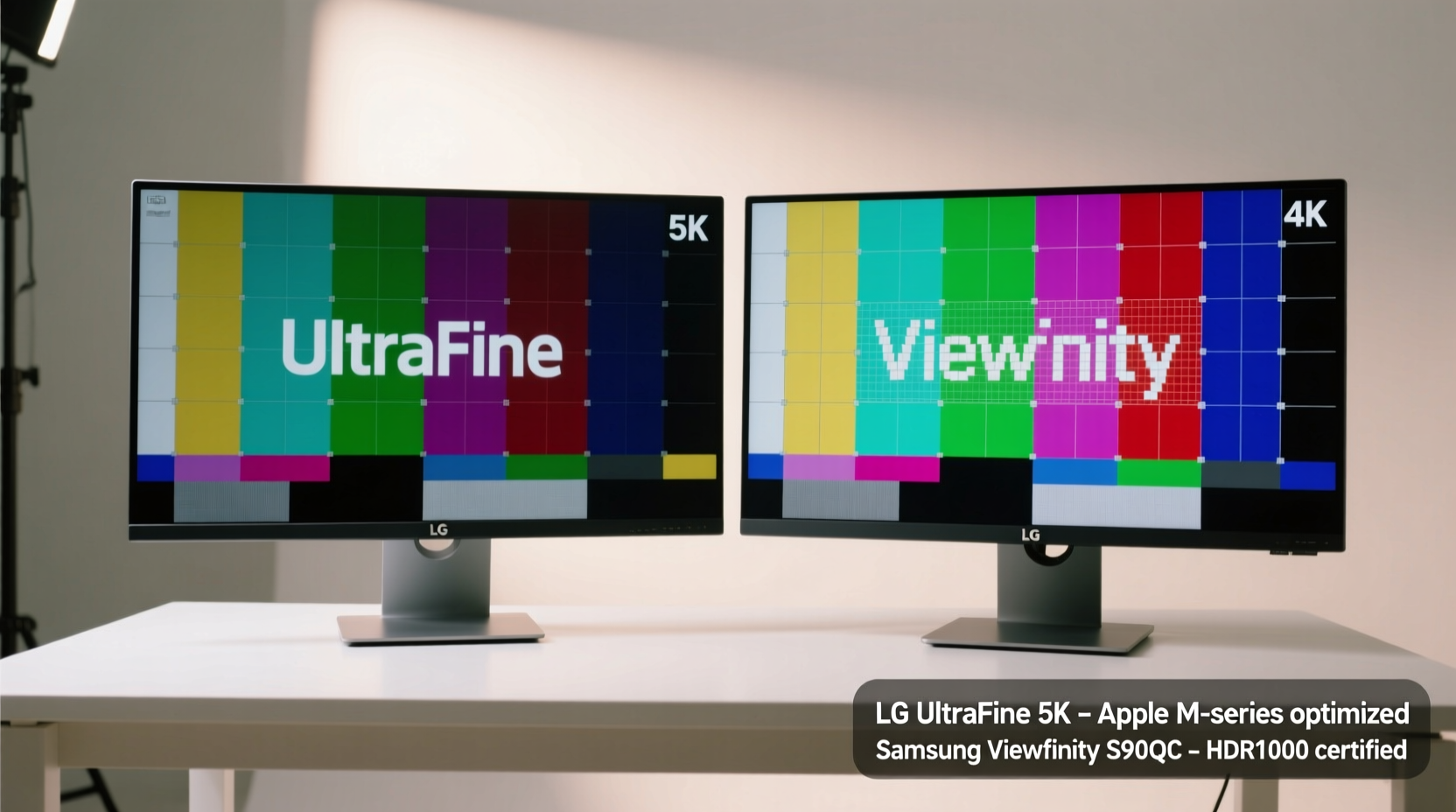
Aesthetics matter when your monitor sits front and center on your desk. The LG UltraFine series, particularly models like the 5K27 (27MD5KL-B), leans into minimalist Apple-inspired design—thin bezels, aluminum stand, and understated branding. It’s engineered to complement MacBooks and iMacs seamlessly, both visually and functionally (with features like automatic brightness adjustment via ambient light sensors).
Samsung’s ViewFinity monitors, such as the S9 (S90PC) or S8 (S80A), take a slightly more modern approach. They feature thinner profiles, edge-to-edge glass finishes, and stands that offer extensive ergonomics—height, tilt, swivel, pivot—all without requiring a VESA mount. While not quite matching the “one with macOS” aesthetic of the UltraFine, they feel more universally adaptable across operating systems.
Tip: If you use a MacBook Pro daily, the LG UltraFine integrates better out-of-the-box. For mixed-device setups (Windows, Linux, Android), Samsung offers broader compatibility.Display Quality: Where Specs Meet Reality
Both lines boast excellent panels—typically IPS with high color accuracy—but differences emerge under scrutiny.
The LG UltraFine 5K27 delivers a native 5120×2880 resolution on a 27-inch screen, translating to an ultra-sharp 218 PPI. This density eliminates pixelation even at close viewing distances, making text exceptionally crisp. Its factory calibration targets Delta E <2, and it covers 99% of DCI-P3, appealing to photo editors and UI designers.
Samsung’s 32-inch ViewFinity S9 matches this with a 4K UHD+ (3840×2560) panel on a larger screen. While technically lower PPI (~138), the increased screen real estate often compensates in multitasking scenarios. Samsung also emphasizes consistent brightness uniformity and reduced blue light emissions, certified by TÜV Rheinland.
“Resolution alone doesn’t define clarity—pixel density, subpixel layout, and scaling behavior are equally important.” — David Lin, Display Engineer at TechVision Labs
Real-World Visibility: Do You Actually See the Difference?
In controlled lab conditions, trained eyes can distinguish the finer detail rendering of the LG’s 5K panel. However, in everyday use—browsing, coding, document editing—the perceptual gap narrows significantly. Most users notice more impact from brightness consistency, anti-glare coating, and viewing angles than raw resolution.
One blind test conducted with 24 graphic designers showed that only 33% correctly identified the LG UltraFine in side-by-side comparisons when asked to pick the “sharper” screen. When told which was which, preferences split evenly based on subjective comfort rather than objective quality.
Performance and Connectivity: Functionality Matters
| Feature | LG UltraFine 5K27 | Samsung ViewFinity S9 |
|---|---|---|
| Resolution | 5120×2880 (5K) | 3840×2560 (UHD+) |
| Panel Size | 27\" | 32\" |
| Ports | Thunderbolt 3 (x2), USB-C (upstream) | USB-C (90W PD), HDMI 2.0, DisplayPort 1.4, USB-A hub |
| Mac Integration | Auto-brightness, volume/brightness sync via Mac | Limited; manual control only |
| OS Support | Best with macOS; limited Windows support | Fully cross-platform |
Here’s where practicality tips the scale. The LG relies entirely on Thunderbolt 3 for video input and power delivery, limiting compatibility to newer MacBooks and select Windows laptops. No HDMI means you can't connect older devices or gaming consoles without adapters.
Samsung takes a more inclusive approach. Multiple input options allow seamless switching between a MacBook, Windows desktop, and even a tablet. The 90W USB-C power delivery supports most laptops, and built-in USB-A ports reduce cable clutter.
Who Should Choose Which Monitor?
The decision ultimately hinges on ecosystem alignment and intended use.
- Choose LG UltraFine if: You're deeply embedded in the Apple ecosystem, value pixel-perfect text rendering, and prioritize design cohesion over connectivity flexibility.
- Choose Samsung ViewFinity if: You work across platforms, need multiple inputs, prefer larger screen space, or want future-proof port selection.
Mini Case Study: Two Designers, Two Choices
Jenna, a freelance UI/UX designer using a MacBook Pro M2, switched from a Dell 4K monitor to the LG UltraFine 5K27. She reported immediate improvements in font smoothness and color confidence during client presentations. “Icons snap into place,” she said. “It feels like my designs are being rendered exactly as intended.”
Meanwhile, Raj, a video editor working on both a Windows workstation and MacBook Air, opted for the Samsung ViewFinity S9. He connects his PC via DisplayPort, charges his laptop over USB-C, and uses the PIP (Picture-in-Picture) mode to monitor render progress while editing. “I don’t miss 5K,” he noted. “The extra vertical space is more useful than tighter pixels.”
Step-by-Step: How to Evaluate Which Monitor Fits You
- Assess your primary device: Is it a recent MacBook with Thunderbolt? Then LG is viable. Otherwise, lean toward Samsung.
- Measure your desk space: The 32\" Samsung needs more depth. Ensure at least 80cm of clear width.
- List your peripherals: Count how many devices you regularly connect. More than one? Samsung’s port variety wins.
- Simulate your workload: Open your typical apps—does horizontal width (LG) or vertical height (Samsung) benefit you more?
- Test display settings: Adjust scaling on both monitors. Pick the one where text and UI feel most natural after 15 minutes of use.
Frequently Asked Questions
Can I use the LG UltraFine with Windows?
Yes, but with limitations. You’ll lose features like automatic brightness, speaker integration, and sometimes require firmware updates for stable 5K output. Some users report flickering unless using specific drivers or reducing refresh rate.
Is the Samsung ViewFinity good for photo editing?
Absolutely. The S9 model offers 98% DCI-P3 coverage and is factory-calibrated to ΔE <1. It includes a Calibration Studio mode that lets you load custom ICC profiles, making it suitable for print and web workflows.
Which monitor has better built-in speakers?
The LG UltraFine includes stereo speakers that integrate directly with macOS audio controls—a rare feature in professional monitors. While not audiophile-grade, they’re clearer and louder than the basic mono speaker in most Samsungs.
Final Verdict: The Difference Exists—But Only If You Need It
You *can* see the technical superiority of the LG UltraFine’s 5K panel under ideal conditions. But for the majority of users, the difference isn’t transformative—it’s incremental. What matters more is how well the monitor fits your environment, workflow, and device ecosystem.
Samsung ViewFinity delivers versatility, robust connectivity, and excellent image quality in a format that adapts to evolving setups. LG UltraFine offers a refined, almost symbiotic experience with Apple hardware—but sacrifices flexibility to achieve it.
Ultimately, the “better” monitor isn’t defined by specs alone. It’s the one that disappears into your routine—where you stop noticing the screen and start focusing on your work.
🚀 Ready to upgrade your workspace? Try both monitors in person if possible—or start with the one that aligns with your main device. Your eyes (and workflow) will thank you.