
The iPhone 5 was a landmark device in Apple’s history—launched in 2012, it introduced a new form factor, LTE support, and a taller display that defined the modern iPhone aesthetic for years. Fast forward to 2021, and the iPhone 13 mini arrived as Apple’s compact powerhouse, packing flagship internals into a small body. If you’re still using an iPhone 5—or considering upgrading from one—the question isn’t just about specs. It’s whether the leap across nearly a decade of technological progress delivers tangible benefits in daily use.
The short answer? Yes, the upgrade is not only worth it—it’s transformative. But let’s break down why, with real-world insights, side-by-side comparisons, and practical considerations for users clinging to older devices.
Design and Build: From Glass to Aluminum Evolution
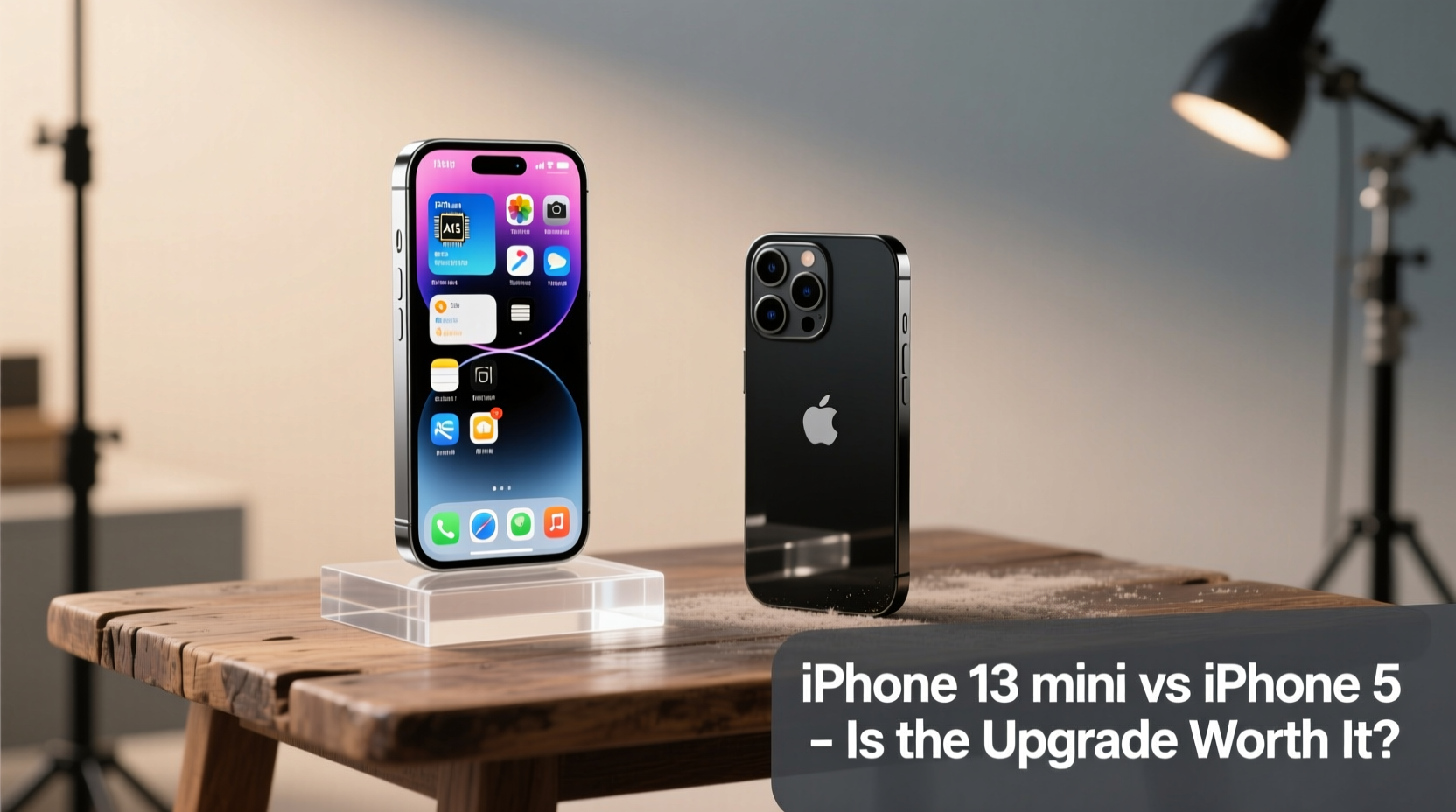
The physical differences between the iPhone 5 and iPhone 13 mini are immediately apparent. The iPhone 5 features an aluminum and glass sandwich design with sharp edges and a 4-inch display. At the time, it felt sleek and futuristic. Today, it feels tiny and fragile by comparison.
In contrast, the iPhone 13 mini uses aerospace-grade aluminum, ceramic shield front cover, and IP68 water resistance. It’s built to survive drops, splashes, and the rigors of daily pocket or bag life. The screen-to-body ratio is dramatically higher, and despite being slightly heavier, the 13 mini feels more substantial and durable.
Tip: If you're upgrading after years on an older device, invest in a case and screen protector—even with improved durability, modern phones benefit from added protection.Performance: A Quantum Leap in Processing Power
Under the hood, the difference is astronomical. The iPhone 5 runs on the Apple A6 chip, a dual-core processor with 1GB of RAM. By today’s standards, it struggles with basic multitasking and can’t run most current apps efficiently—if at all.
The iPhone 13 mini, powered by the A15 Bionic chip, outperforms many laptops from just five years ago. Apps launch instantly, multitasking is seamless, and iOS 17 runs smoothly even with heavy workloads. Real-world tasks like editing photos, streaming HD video, or using augmented reality apps are not just possible—they’re effortless.
“Upgrading from an iPhone 5 to a modern device like the 13 mini is like switching from a flip phone to a smartphone for the first time.” — Jordan Lee, Mobile Tech Analyst at GadgetInsight
Camera Comparison: Night and Day Literally
The iPhone 5’s 8MP rear camera was excellent in its day, but lacks features now considered essential: HDR automation, portrait mode, night mode, optical image stabilization, and computational photography.
The iPhone 13 mini has a dual-camera system (12MP wide and ultra-wide), sensor-shift stabilization, Cinematic Mode, Deep Fusion, and Smart HDR 4. In low light, the improvement is staggering. Where the iPhone 5 produces grainy, underexposed images after sunset, the 13 mini captures vibrant, detailed shots even in near-darkness.
| Feature | iPhone 5 | iPhone 13 mini |
|---|---|---|
| Rear Camera | 8MP, single lens | 12MP wide + 12MP ultra-wide |
| Front Camera | 1.2MP FaceTime HD | 12MP TrueDepth with Night Mode |
| Video Recording | 1080p @ 30fps | 4K @ 60fps, Dolby Vision HDR |
| Low-Light Performance | Poor, no night mode | Excellent with Night Mode on all cameras |
| Zoom | Digital only | 2x optical zoom out, up to 10x digital |
Battery Life and Charging: From All-Day Anxiety to Full Confidence
One of the most frustrating aspects of the iPhone 5 today is battery life. Even with light usage, it often needs charging by mid-afternoon. The 1,440mAh battery doesn’t hold up against modern app demands, background processes, or cellular data usage.
The iPhone 13 mini, despite its compact size, offers significantly better endurance—up to 17 hours of video playback. Real-world mixed usage typically lasts a full day, sometimes stretching into a second morning. It also supports fast charging (50% in 30 minutes) and MagSafe wireless charging, both absent in the iPhone 5.
Real-World Example: Maria’s Upgrade Journey
Maria, a freelance photographer based in Portland, used her iPhone 5 for over seven years. She resisted upgrading due to cost and familiarity. But when she started missing client opportunities because her phone couldn’t upload large files or run editing apps, she switched to the iPhone 13 mini.
Within a week, she noticed dramatic improvements: faster uploads via 5G, smoother Lightroom performance, and the ability to shoot high-quality videos for social media. “I didn’t realize how much my old phone was holding me back,” she said. “Now I take twice as many photos, edit them on the go, and book more gigs.”
Software, Security, and App Compatibility
This may be the most critical reason to upgrade. The iPhone 5 stopped receiving iOS updates with iOS 10.3.4 in 2019. That means no security patches, no feature updates, and increasingly limited app support.
Most major apps—including Instagram, WhatsApp, banking apps, and ride-sharing services—no longer support iOS 10 or earlier. Even if the app installs, functionality is broken or unavailable. You’re also exposed to known security vulnerabilities with no fixes.
The iPhone 13 mini runs iOS 17 and will receive updates through at least 2027. This ensures long-term usability, privacy controls, and compatibility with future services.
Tip: Before upgrading, back up your iPhone 5 via iCloud or iTunes. Some data (like messages or health info) may not transfer seamlessly to newer systems.Is the Upgrade Worth It? A Practical Checklist
If you're still on the fence, ask yourself these questions:
- Do apps frequently crash or fail to load?
- Is your battery dead by noon?
- Have you stopped downloading new apps because they won’t install?
- Do photos come out blurry or dark?
- Are you unable to use FaceTime, iMessage, or Apple Pay reliably?
- Do websites load slowly or fail to render properly?
If you answered yes to two or more, the upgrade isn’t just worth it—it’s necessary for staying connected and productive.
Step-by-Step: How to Make the Switch Smoothly
- Back up your iPhone 5: Use iCloud or connect to a computer via iTunes.
- Turn off iMessage on the old device: Prevent message delivery issues.
- Insert SIM card into iPhone 13 mini (if using same carrier).
- Power on and follow setup prompts: Choose “Restore from iCloud Backup” or “Transfer Directly” via Quick Start.
- Re-download apps: Some older apps may no longer be available; find modern alternatives.
- Update passwords and enable two-factor authentication for security.
- Customize settings: Set up Face ID, notification preferences, and privacy controls.
Frequently Asked Questions
Can I still use my iPhone 5 as a backup device?
You can, but with major limitations. It won’t receive security updates, many apps won’t function, and cellular networks are phasing out 3G (which the iPhone 5 relies on). It’s best suited for offline tasks like music playback or as a dedicated iPod.
Is the iPhone 13 mini too small by today’s standards?
While most flagship phones have grown larger, the 13 mini fills a niche for users who prefer one-handed operation. Its 5.4-inch display is more usable than the iPhone 5’s 4-inch screen, with modern bezel-less design offering far more active space.
What’s the real cost of not upgrading?
Beyond frustration, there’s financial and opportunity cost. Missed communications, inability to use digital payments, lack of access to telehealth or remote work tools—all reduce quality of life. Plus, repair costs for aging hardware can add up unexpectedly.
Final Verdict: The Upgrade Transforms Your Digital Life
Going from the iPhone 5 to the iPhone 13 mini isn’t just an upgrade—it’s a reinvention of what a phone can do. The improvements in speed, camera quality, battery life, security, and software support are so vast that everyday tasks become easier, faster, and more enjoyable.
Yes, the iPhone 13 mini comes at a price. But when you consider how much more capable you become—with better communication, creativity, and connectivity—it’s an investment in your personal and professional life.
💬 Have you made the jump from an older iPhone? Share your experience below—your story could help someone decide it’s time to upgrade.