
Finding the right display setup can be the difference between clutch victories and frustrating losses in first-person shooter (FPS) games. As technology evolves, two dominant options have emerged: high-refresh-rate gaming monitors and immersive ultrawide screens. While both promise enhanced gameplay, their impact on competitive performance varies significantly. The choice isn’t just about screen size or resolution—it’s about reaction time, field of view, peripheral awareness, and visual clarity under pressure. For serious FPS players, understanding these differences is essential to gaining a tangible edge.
Understanding the Core Differences
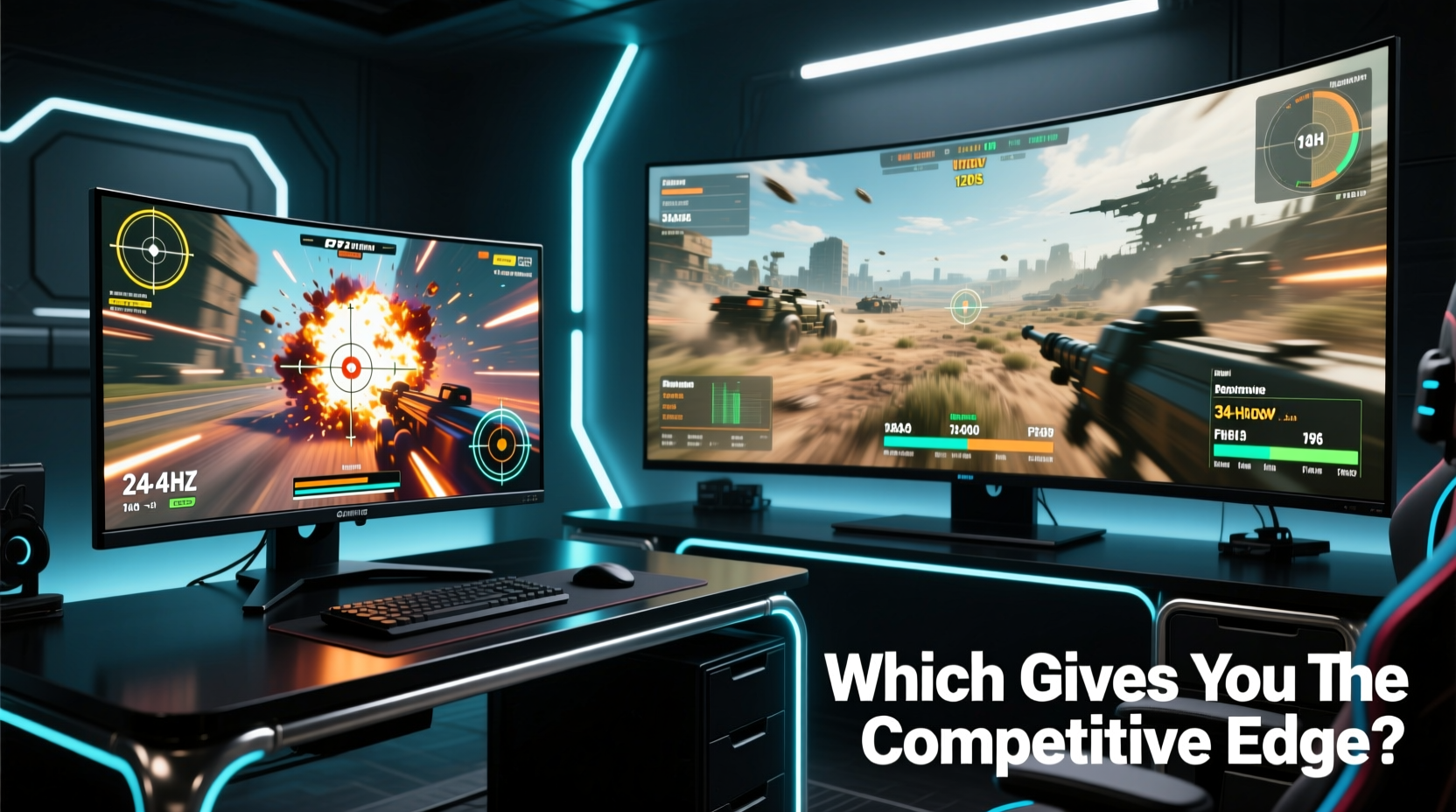
The fundamental distinction between traditional gaming monitors and ultrawide screens lies in aspect ratio, resolution, and intended use. Most gaming monitors operate at 16:9 aspect ratios with resolutions like 1080p, 1440p, or even 4K, prioritizing high refresh rates (144Hz, 240Hz, or higher) and low response times (1ms). These specs are engineered for speed and precision—critical in fast-paced shooters like CS2, Valorant, or Apex Legends.
In contrast, ultrawide monitors typically use a 21:9 or even 32:9 aspect ratio, offering a wider horizontal field of view. Common resolutions include 2560x1080 (FWHD) or 3440x1440 (UWQHD), but they often max out at 120–165Hz refresh rates. Their strength lies in immersion and multitasking, making them popular among sim racers, content creators, and gamers who value cinematic experiences.
For FPS players, the trade-offs become immediately apparent: raw speed versus expanded vision. But does a wider screen actually translate into better in-game performance?
Field of View: Advantage or Distraction?
One of the most touted benefits of ultrawide monitors is the increased horizontal field of view (FoV). In theory, this allows players to see more of the battlefield without moving their mouse or character. However, game developers often limit FoV settings, especially in competitive titles, to maintain fairness. Many esports titles lock FoV to prevent players from gaining an unfair advantage through exaggerated peripheral vision.
In practice, ultrawide monitors don’t always deliver a functional FoV boost. Some games stretch the image across the wider screen without adjusting the actual rendered FoV, creating distortion at the edges. Others support “Aimpoint” or “Black bars” modes that preserve the standard 16:9 view within the ultrawide frame—effectively wasting screen real estate.
Conversely, dedicated gaming monitors ensure that every pixel contributes to sharp, centered visuals. With optimized FoV settings and minimal bezel interference, they keep the action focused where it matters most: directly in front of the player.
Tip: Always check if your favorite FPS titles support true ultrawide FoV rendering before investing in a wide-screen setup.Performance Metrics That Matter in FPS Games
Competitive FPS gaming hinges on three key performance indicators: refresh rate, input lag, and motion clarity. Let’s break down how each display type performs.
- Refresh Rate: High-end gaming monitors now offer up to 360Hz, meaning the screen updates 360 times per second. This reduces motion blur and makes fast movements appear smoother. Ultrawides, while improving, rarely exceed 165Hz—still excellent, but not on par with top-tier 16:9 panels.
- Input Lag: Gaming monitors are tuned for responsiveness, often achieving sub-5ms input lag. Ultrawides may introduce slight delays due to scaling and signal processing across extended pixels.
- Resolution & GPU Load: Running 3440x1440 at high frame rates demands significantly more from your GPU than 1920x1080 or even 2560x1440. To maintain competitive framerates, you may need to lower settings—potentially affecting target acquisition and clarity.
A study conducted by NVIDIA’s GeForce Labs found that players using 240Hz monitors registered faster target acquisition times compared to those on 120Hz displays—even when skill levels were matched. The marginal gains in visual fluidity translated directly into measurable reaction advantages.
“Every millisecond counts in professional FPS play. High refresh rates reduce perceived motion latency, giving players a subtle but real timing edge.” — Dr. Mark Chen, Human-Computer Interaction Researcher, University of Washington
Comparative Analysis: Gaming Monitor vs Ultrawide
| Feature | Gaming Monitor (16:9) | Ultrawide Screen (21:9) |
|---|---|---|
| Typical Refresh Rate | 144Hz – 360Hz | 60Hz – 165Hz |
| Response Time | 0.5ms – 1ms (GTG) | 1ms – 5ms (GTG) |
| Native Resolution | 1920x1080, 2560x1440 | 3440x1440, 5120x2160 |
| Field of View Support | Standard (configurable) | Limited; varies by game |
| GPU Demand | Moderate to High | Very High |
| Better For | Esports, fast-paced aiming | Immersive play, multitasking |
| Competitive Edge | High (speed, precision) | Low to Moderate (context-dependent) |
Real-World Example: A Pro Player’s Setup Evolution
Consider the case of Jordan Lee, a semi-professional CS2 player who competed in regional tournaments for three years. Initially drawn to the cinematic feel of a 34-inch 21:9 ultrawide, he noticed consistent issues during high-pressure rounds: slower flick shots, difficulty tracking enemies near screen edges, and occasional micro-stutters when pushing his GPU to maintain 120fps at UWQHD.
After switching to a 240Hz 1080p gaming monitor, Jordan reported immediate improvements. “I could track crosshair movement more precisely,” he said. “The screen felt ‘tighter’—no wasted space, no stretching. My K/D ratio improved by nearly 18% over the next two months.” He later upgraded to a 1440p 240Hz panel, balancing clarity and speed without sacrificing competitive integrity.
This aligns with broader trends in professional esports. As of 2024, over 90% of players in major CS2 and Valorant leagues use 16:9 monitors, with most opting for 240Hz or higher refresh rates. The consensus? Precision trumps immersion when winning is the goal.
Actionable Tips for Choosing the Right Display
Not all gamers are aspiring pros, but everyone wants to perform at their best. Whether you're building a new rig or upgrading your current setup, here’s a checklist to guide your decision:
Checklist: Selecting Your Competitive Display- Confirm your GPU can sustain high frame rates at your desired resolution.
- Prioritize refresh rate (minimum 144Hz) for competitive FPS titles.
- Choose 1ms or lower response time to minimize ghosting.
- Verify game compatibility with ultrawide FoV—if limited, skip the ultrawide.
- Ensure adaptive sync (G-Sync or FreeSync) to eliminate tearing.
- Test screen size and viewing distance: larger isn’t always better for tracking.
- Stick to 16:9 if competing seriously; reserve ultrawide for casual or single-player use.
When Ultrawide Makes Sense for FPS Players
While ultrawide screens fall short in pure competitive scenarios, they shine in specific contexts. For hybrid gamers who enjoy both multiplayer matches and immersive single-player experiences like Cyberpunk 2077 or Starfield, an ultrawide offers unparalleled depth and realism. The panoramic view enhances situational awareness in open-world shooters, where spotting distant threats or navigating complex environments benefits from expanded visuals.
Additionally, ultrawides excel in multitasking. You can run Discord, Twitch streams, or strategy guides alongside your game window—useful for learning maps or coordinating with teams. Casual FPS players who value atmosphere over leaderboard rankings may find the trade-off worthwhile.
However, if your primary goal is climbing ranks and improving aim consistency, the data favors traditional gaming monitors. Speed, accuracy, and reliability are non-negotiable in high-level play—and 16:9 panels are purpose-built for that mission.
Frequently Asked Questions
Can ultrawide monitors give me better peripheral vision in FPS games?
Only if the game supports true ultrawide field of view rendering. Many competitive titles either don’t support it or apply stretched visuals that distort the image. Even when supported, the added side vision rarely improves reaction time compared to faster refresh rates and tighter screen focus.
Is 1440p on a 16:9 monitor better than 3440x1440 on an ultrawide for FPS?
Yes, for competitive play. A 1440p 16:9 monitor typically delivers higher refresh rates (up to 360Hz) and lower input lag. The square-like aspect ratio keeps targets centered and easier to track. Ultrawide 3440x1440 requires more GPU power and often runs at lower Hz, which can hinder performance.
Do pro FPS players use ultrawide monitors?
Virtually none do. Top-tier players in games like CS2, Valorant, and Overwatch 2 overwhelmingly prefer 24–27 inch 16:9 monitors with refresh rates of 240Hz or higher. The combination of speed, precision, and consistency outweighs any potential visual benefits of ultrawide formats.
Final Recommendation: Match Your Monitor to Your Goals
The debate between gaming monitors and ultrawide screens isn’t about which is universally better—it’s about alignment with your objectives. If you’re chasing leaderboards, participating in tournaments, or simply want to sharpen your reflexes, a high-refresh-rate 16:9 gaming monitor is the proven choice. Its design philosophy centers on minimizing latency and maximizing control, giving you the cleanest possible interface between intention and action.
On the other hand, if you play FPS games casually, enjoy story-driven shooters, or value a multi-functional workspace, an ultrawide can enrich your experience. Just don’t expect it to make you a better competitor solely by expanding your screen.
Ultimately, the most effective setup is one tailored to your playstyle, hardware capabilities, and long-term goals. Invest in what amplifies your strengths—not what looks impressive on paper.
🚀 Ready to optimize your setup? Re-evaluate your monitor based on your actual gameplay goals. Share your experience or ask questions in the comments—your insights could help others find their perfect balance between performance and immersion.