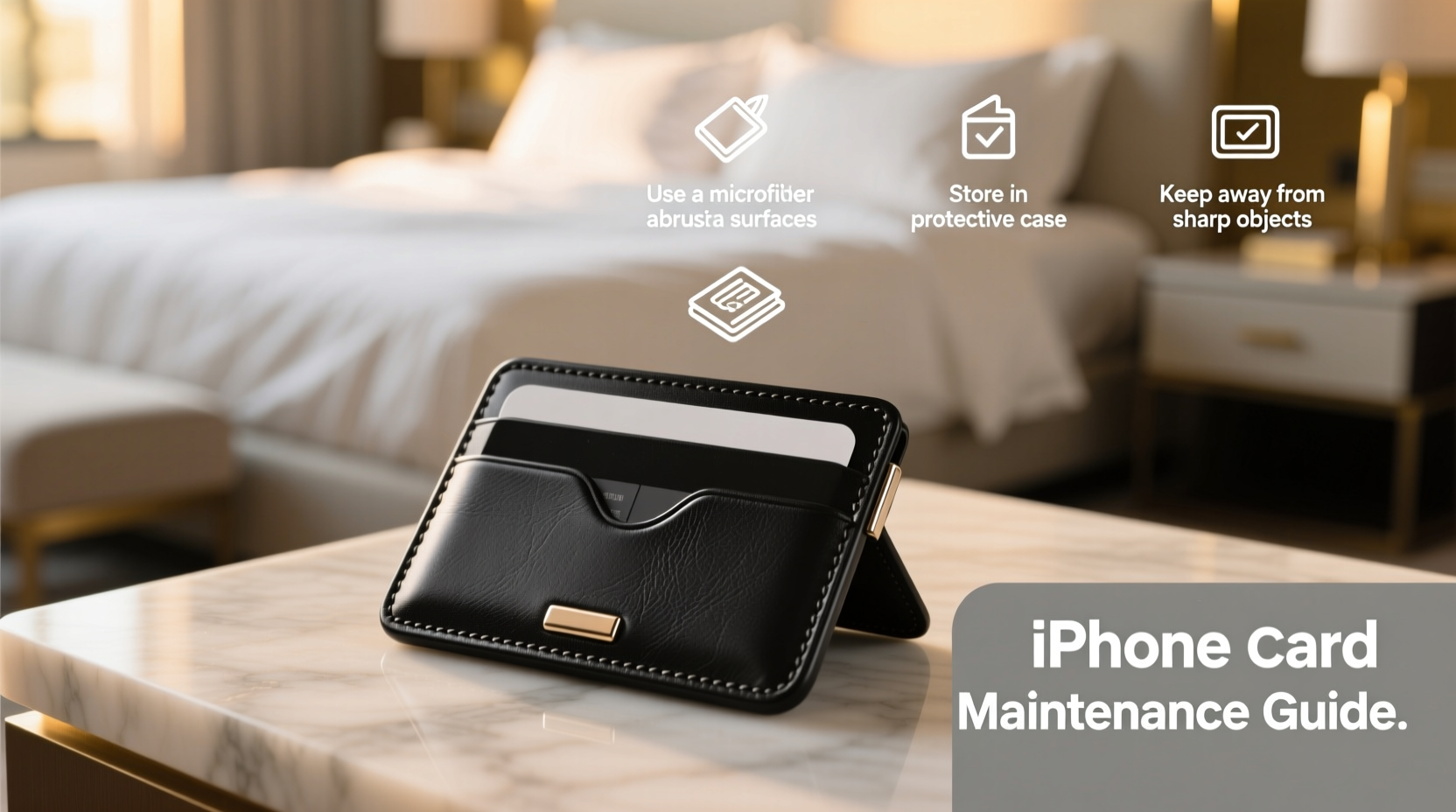
Your iPhone’s sleek design is one of its most appealing features—especially when it includes a built-in card holder or you use a third-party wallet case. But over time, scratches, scuffs, and wear can dull that fresh-out-of-the-box look. Whether you’re using Apple’s official MagSafe wallet, a leather folio, or a minimalist silicone sleeve with card storage, maintaining its appearance requires more than just luck. With the right habits and protective strategies, you can preserve both functionality and aesthetics for months—or even years.
The truth is, minor abrasions accumulate faster than most users realize. Keys in the same pocket, rough surfaces, improper cleaning, and everyday friction all contribute to premature aging. The good news? A few deliberate choices can dramatically extend the life and appearance of your iPhone card holder.
Choose the Right Material for Your Lifestyle
Not all card holders are created equal. The material plays a major role in how well it resists scratches and maintains its finish. Understanding the pros and cons of common materials helps you make an informed decision—and take better care of what you already own.
| Material | Scratch Resistance | Durability | Care Tips |
|---|---|---|---|
| Leather (genuine) | Moderate | High (ages well) | Condition quarterly; avoid moisture |
| Silicone | Low to Moderate | Moderate | Clean with damp cloth; prone to lint |
| Polyurethane (PU) | Low | Low (peels over time) | Avoid heat and sharp objects |
| Aluminum/Metal | High | Very High | Wipe with microfiber; resistant to wear |
| Fabric/Textile | Moderate | Moderate | Spot clean only; stain-resistant coatings help |
If you frequently place your phone in bags with keys, pens, or coins, opt for aluminum-reinforced or rugged cases with raised edges. For a premium feel with character, full-grain leather develops a patina rather than showing scratches outright—but it still needs protection from sharp contact.
Tip: Avoid placing your iPhone card holder directly against metal objects like keys or zippers—they are primary causes of surface micro-scratches.Implement Smart Daily Handling Habits
How you handle your phone throughout the day has a direct impact on its condition. Small adjustments in routine can prevent cumulative damage.
- Use a dedicated pocket or compartment: Keep your phone separate from loose items in your bag or coat. Even fabric fibers can cause fine abrasions over time.
- Remove cards when not needed: Carrying multiple cards adds bulk and increases friction when sliding the phone in and out of pockets.
- Wash hands before handling: Oils, lotions, and dirt transfer to the case and accelerate grime buildup, which acts as an abrasive.
- Avoid placing face-down: Always set your phone screen-up on surfaces to protect both the display and the backside where the card holder is located.
“Over 70% of case wear comes from indirect contact—keys, tables, denim fabric—not drops.” — Jordan Lee, Mobile Accessory Engineer at TechGuard Labs
Establish a Weekly Maintenance Routine
Preventative care is far more effective than trying to restore a scratched or stained card holder. A simple weekly ritual keeps debris from embedding and maintains material integrity.
- Remove all cards: Empty the slots completely to access hidden corners.
- Dust with a dry microfiber cloth: Gently wipe both the interior card slots and exterior surfaces.
- Spot clean if necessary: For leather or silicone, lightly dampen the cloth with water (never spray directly). Wipe and dry immediately.
- Inspect for wear: Look for fraying edges, loosening magnets (in MagSafe wallets), or discoloration.
- Store properly overnight: Place on a nightstand away from other objects, ideally in a soft pouch if not in use.
Mini Case Study: How Sarah Preserved Her MagSafe Wallet for 14 Months
Sarah, a freelance designer in Portland, uses her iPhone 15 Pro Max daily for client meetings, often storing her ID, credit card, and transit pass in the Apple MagSafe wallet. After noticing faint scuff marks at the three-month mark, she implemented a strict care protocol: she removed the wallet each night, wiped it down weekly, and stopped tossing her phone into her work tote alongside keys and chargers.
She also began using a slim fabric sleeve when traveling. Fourteen months later, her wallet shows minimal wear—no peeling, no deep scratches, and the magnetic attachment remains strong. “It still looks almost new,” she says. “I didn’t spend extra money—just changed my habits.”
Protective Upgrades That Make a Difference
Beyond behavior changes, consider physical upgrades that add a layer of defense without compromising convenience.
- Screen protector with full-back coverage: Some tempered glass kits extend slightly onto the back edge, shielding the junction between phone and case.
- Thin inner sleeve: Slide your phone (with card holder attached) into a soft neoprene pouch when in a crowded bag.
- Card sleeves with smooth edges: Replace old, worn cards or cut corners on DIY cards that could scratch the slot lining.
- UV-resistant coating sprays (for non-leather): Certain nano-coating products add a subtle barrier against abrasion—test on a small area first.
For MagSafe wallet users, Apple’s own accessory is designed with a fluorocarbon coating to resist stains and light scratches. However, this isn’t invincible. Adding a clear bumper guard around the perimeter can shield high-contact zones without affecting wireless charging.
Checklist: 7 Actions to Keep Your iPhone Card Holder Looking New
✅ Weekly Care Checklist:- Empty all cards from the holder
- Clean exterior with dry microfiber cloth
- Wipe card slots gently with a cotton swab
- Check magnet strength (if applicable)
- Inspect for cracks, peeling, or warping
- Store separately from keys and sharp objects
- Avoid extreme temperatures (e.g., car dashboards)
Frequently Asked Questions
Can I use a screen protector on the back of my iPhone to protect the card holder?
Yes—some third-party brands offer \"back protectors\" or hybrid films that cover the rear glass where the card holder attaches. These are especially useful for MagSafe accessories, as they absorb surface friction and can be replaced easily when worn.
Why does my leather card holder get darker over time?
This is normal. Leather naturally darkens due to oils from your hands, exposure to sunlight, and oxidation. While this indicates aging, it doesn’t mean damage. Conditioning every 3–4 months with a pH-balanced leather balm can slow uneven discoloration.
Do card holder cases affect wireless charging efficiency?
Most modern designs, including Apple’s MagSafe wallet, are optimized for wireless charging. However, thick third-party cases with metal components may interfere. Always verify compatibility and remove any cards containing RFID chips or magnetic strips if charging issues occur.
Final Thoughts: Small Efforts, Long-Term Results
Your iPhone card holder is more than just a functional add-on—it’s part of your device’s overall aesthetic and usability. By choosing durable materials, handling it mindfully, and committing to regular upkeep, you preserve both its performance and appearance. Scratches may seem inevitable, but they’re largely preventable with awareness and consistency.
You don’t need expensive tools or complicated routines. What matters most is forming habits that protect your investment every single day. A few seconds of attention now can save you from replacing a worn-out wallet sooner than necessary.
💬 What’s your go-to method for keeping your iPhone accessories scratch-free? Share your tip in the comments and help others maintain their devices with confidence.