HDMI cables are a staple in modern home entertainment systems, connecting everything from TVs and soundbars to gaming consoles and streaming devices. Yet, despite their ubiquity, confusion persists about whether price reflects performance. Walk into any electronics store, and you’ll see HDMI cables priced anywhere from $3 to $100. That kind of range naturally leads to suspicion: Are the expensive ones actually better, or is this just another case of marketing hype preying on consumer uncertainty?
The truth lies somewhere between technical standards and psychological pricing. Unlike analog signals, where degradation is gradual and visible, digital signals like HDMI either work perfectly or fail entirely—there’s no middle ground. This fundamental principle underpins the long-standing debate about cable quality and cost.
The Digital Signal Principle: All-or-Nothing Transmission
Digital transmission, which HDMI uses, operates differently from analog. In an analog system, signal quality degrades gradually with poor cabling—resulting in snow, ghosting, or audio hiss. With HDMI, the data is sent as binary code (1s and 0s). As long as the receiving device can decode that data correctly, the picture and sound are perfect. If the signal fails to transmit properly, you get no picture at all, pixelation, or audio dropouts.
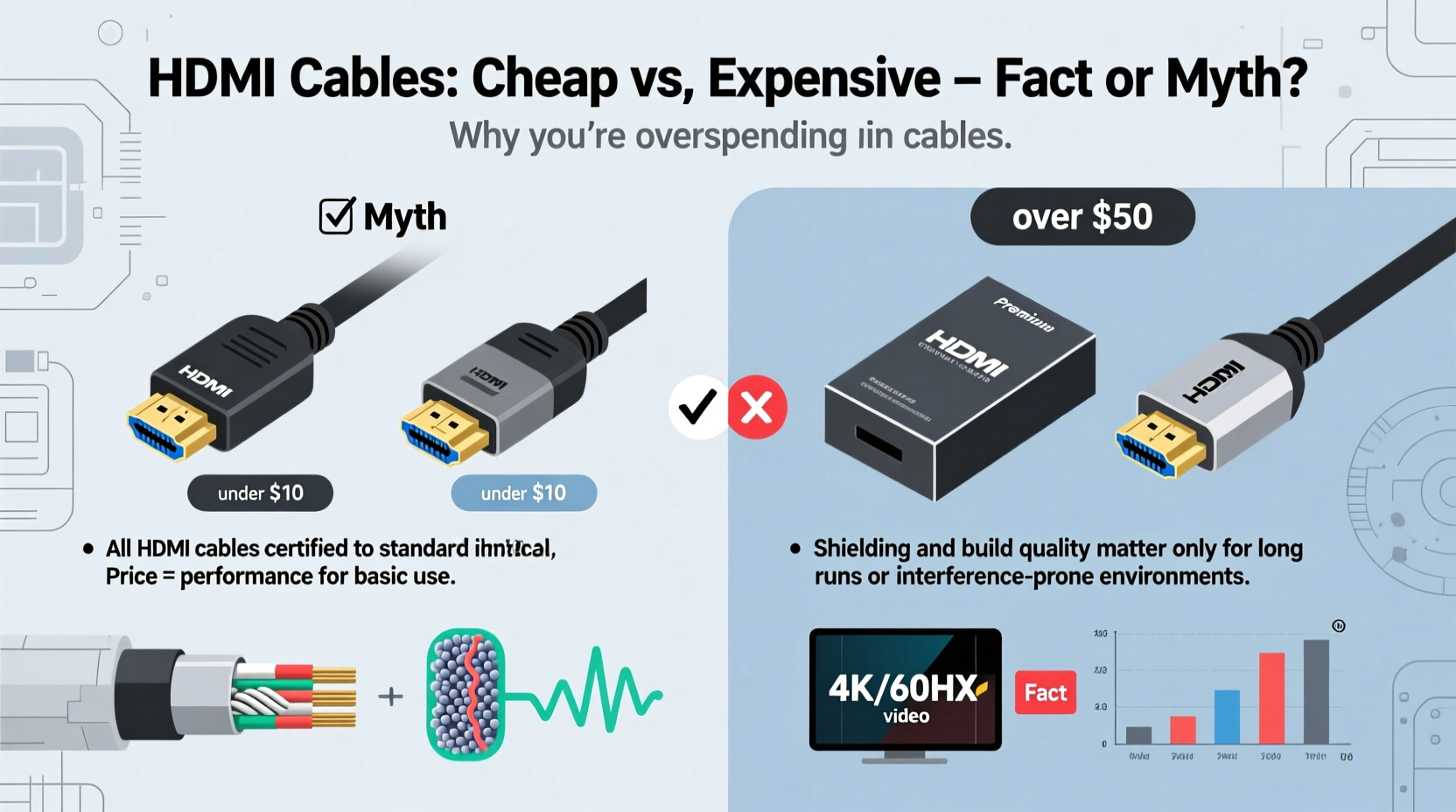
This means a $5 HDMI cable and a $50 one will deliver identical image and sound quality—if both function correctly. There’s no “richer blacks” or “smoother motion” from pricier cables because the data being transmitted is identical. The only difference may lie in build quality, durability, and supported features—not in the fidelity of the signal itself.
“With HDMI, it’s not about ‘better’ quality—it’s about reliable delivery. A well-made cheap cable can outperform an overpriced one if both meet the same specification.” — Dr. Alan Kim, Electrical Engineer & AV Standards Consultant
Understanding HDMI Specifications, Not Price Tags
The real differentiator isn’t price—it’s compliance with HDMI specifications. Over the years, HDMI has evolved through several versions, each supporting higher bandwidths and new features:
- HDMI 1.4: Supports 4K at 30Hz, basic 3D, and audio return channel (ARC).
- HDMI 2.0: Up to 4K at 60Hz, HDR support, and expanded color spaces.
- HDMI 2.1: 8K at 60Hz or 4K at 120Hz, dynamic HDR, eARC, VRR, and ALLM—essential for next-gen gaming.
A cable labeled “High Speed” should handle up to 18 Gbps (HDMI 2.0), while “Ultra High Speed” supports 48 Gbps (HDMI 2.1). These labels matter far more than brand or price. Unfortunately, many budget cables lack proper labeling or certification, making it harder to know what you’re getting.
Tip: Always check for official HDMI certification labels on the packaging—look for “High Speed” or “Ultra High Speed” logos.When Price Might Actually Matter: Build Quality and Use Case
While signal quality doesn’t improve with price, physical construction often does. Expensive HDMI cables may offer:
- Better shielding against electromagnetic interference (EMI)
- Reinforced connectors less likely to break
- Thicker jackets for durability in high-traffic areas
- Better strain relief at connection points
For most users with short runs (under 6 feet) and standard setups, these advantages are negligible. But in specific scenarios, they become relevant:
- Long cable runs (over 15 feet): Signal attenuation increases with length. Higher-quality cables with active amplification or superior materials may maintain integrity where cheaper passive cables fail.
- Wall installations: If a cable is permanently installed behind drywall, replacing a faulty one is costly and inconvenient. Investing in a durable, certified cable makes sense here.
- Gaming or professional AV use: HDMI 2.1 features like variable refresh rate (VRR) and auto low latency mode (ALLM) require full-spec cables. A poorly made budget cable might claim compatibility but fail under load.
Mini Case Study: The Home Theater Upgrade That Didn’t Need New Cables
Mark, a homeowner in Austin, upgraded his living room setup to a 4K OLED TV and an Xbox Series X. He assumed he’d need premium HDMI cables to take advantage of 4K/120Hz and HDR. After reading reviews, he spent $80 on a branded “8K-ready” cable. Curious, he tested it against a $7 AmazonBasics High Speed HDMI cable.
Using a signal tester and side-by-side visual comparison, he found no difference in image quality, input lag, or feature support. Both cables passed Dolby Vision and VRR without issue. When he measured signal strength, both were within acceptable margins. Mark returned the expensive cable and reused his existing budget ones, saving over $70 with zero performance loss.
Certified vs. Uncertified: What You’re Really Paying For
The HDMI Licensing Administrator requires certification testing for compliant products. However, enforcement is limited, and many third-party cables bypass official channels. This creates a market where some budget cables are fully compliant, while others cut corners.
Premium brands often invest in rigorous testing and branding. Their markup covers not just materials but also liability insurance, customer support, and warranty coverage. Some even offer lifetime replacements.
To illustrate the differences, here’s a comparison of key factors across price tiers:
| Feature | Budget Cable ($3–$10) | Premium Cable ($25–$100) |
|---|---|---|
| Signal Quality (when functional) | Identical to premium | Identical to budget |
| Bandwidth Support | May claim HDMI 2.1 but lack certification | Often certified for HDMI 2.1 (Ultra High Speed) |
| Durability | Thin jacket, fragile connectors | Reinforced ends, thicker insulation |
| Shielding | Basic foil or braid | Multilayer EMI protection |
| Lifetime Warranty | Rare | Common |
| Active Electronics (for long runs) | No | Sometimes included |
The table shows that while core performance is equal, reliability and longevity favor premium options—especially in demanding environments.
Expert Tips for Choosing the Right HDMI Cable
You don’t need to overspend, but you shouldn’t blindly grab the cheapest option either. Follow these guidelines to make a smart choice:
Tip: For 4K HDR content, ensure your cable is labeled “High Speed HDMI” or “Ultra High Speed HDMI” with official certification.- Match the cable to your source and display: If your TV and console support HDMI 2.1, buy a certified Ultra High Speed cable. For older 4K setups, High Speed HDMI is sufficient.
- Avoid “HDMI 2.1” claims without certification: Many budget cables falsely advertise HDMI 2.1 support. Look for the official logo.
- Consider length carefully: For runs under 6 feet, almost any certified cable works. Above 10 feet, consider active cables or fiber optic variants.
- Check return policies: Buy from retailers with easy returns in case the cable doesn’t perform as expected.
- Don’t fall for “audiophile” marketing: Phrases like “gold-plated connectors for purer signal” are misleading. Gold prevents corrosion but doesn’t enhance digital signal quality.
Checklist: How to Buy a Smart HDMI Cable
- ✅ Identify your required HDMI version (e.g., 2.0 or 2.1)
- ✅ Confirm your device’s maximum resolution and refresh rate
- ✅ Measure the needed cable length (add 1–2 feet for flexibility)
- ✅ Look for official HDMI certification logos
- ✅ Read recent user reviews focusing on reliability
- ✅ Purchase from a reputable seller with a return policy
- ✅ Test immediately upon arrival
Debunking Common Myths About HDMI Cables
Despite overwhelming evidence, myths persist. Let’s address the most common ones:
- Myth: Gold-plated connectors improve picture quality.
Reality: Gold resists oxidation, improving connector longevity—but once connected, there’s no difference in signal transmission. - Myth: Expensive cables produce “sharper” images.
Reality: HDMI transmits data packets. If the data arrives intact, the image is identical regardless of cable origin. - Myth: Longer cables always need to be expensive.
Reality: Passive cables up to 10–15 feet work fine if well-shielded. Beyond that, consider active or optical solutions—but even these don’t need to cost $100. - Myth: All cheap cables are junk.
Reality: Brands like AmazonBasics, Monoprice, and Cable Matters offer certified, reliable cables at low prices.
“We’ve tested over 200 HDMI cables in our lab. The correlation between price and performance is virtually nonexistent—unless you’re pushing the limits of distance or bandwidth.” — AVS Forum Testing Lab Report, 2023
FAQ: Your HDMI Cable Questions Answered
Do I need a special HDMI cable for 4K TV?
Yes, but not necessarily an expensive one. You need a “High Speed HDMI” cable (supporting 18 Gbps) for 4K at 60Hz with HDR. Ensure it’s properly labeled and certified. Most mid-range cables under $15 meet this standard.
Can a bad HDMI cable damage my TV or console?
It’s extremely unlikely. HDMI uses low voltage and has built-in error checking. A faulty cable may cause signal loss or glitches, but it won’t harm your devices. However, counterfeit cables with poor electrical isolation could pose a fire risk in rare cases—stick to reputable brands.
Why do some HDMI cables cost $100 if they don’t work better?
High prices often reflect branding, retail markup, bundling with services (like installation), or targeting uninformed consumers. Some premium cables do offer better durability or active components, but for most users, the extra cost delivers no tangible benefit.
Final Verdict: It’s a Myth—With Caveats
The idea that expensive HDMI cables deliver better picture or sound quality is largely a myth. Digital signals don’t degrade subtly; they either work or they don’t. A properly functioning $8 cable will deliver the same flawless 4K HDR image as a $75 one.
However, dismissing all price differences as meaningless ignores important nuances. Premium cables often provide better build quality, longer warranties, and verified compliance with the latest standards. For permanent installations, long runs, or mission-critical setups, spending more can be a form of insurance.
For the average user connecting a streaming box or game console to a nearby TV, there’s no reason to pay more than $15. Stick to certified, well-reviewed options from trusted manufacturers. Avoid impulse buys at electronics stores, where markup can exceed 1,000%.
🚀 Take action today: Audit your current HDMI cables. Replace uncertified or damaged ones with a properly labeled, affordable High Speed or Ultra High Speed cable. You’ll save money and gain peace of mind—without sacrificing performance.