
A subwoofer enhances any audio experience by delivering deep, rich bass that standard speakers can't reproduce. Whether you're using it for music, movies, or gaming, a malfunctioning subwoofer can be frustrating. The good news is that most issues have simple explanations and solutions. From incorrect wiring to power failures, understanding the root causes can save time, money, and unnecessary replacements.
This guide walks through the most frequent reasons a subwoofer stops working, how to diagnose them efficiently, and what steps to take to get your bass back on track—without needing professional help in most cases.
Common Causes of Subwoofer Failure
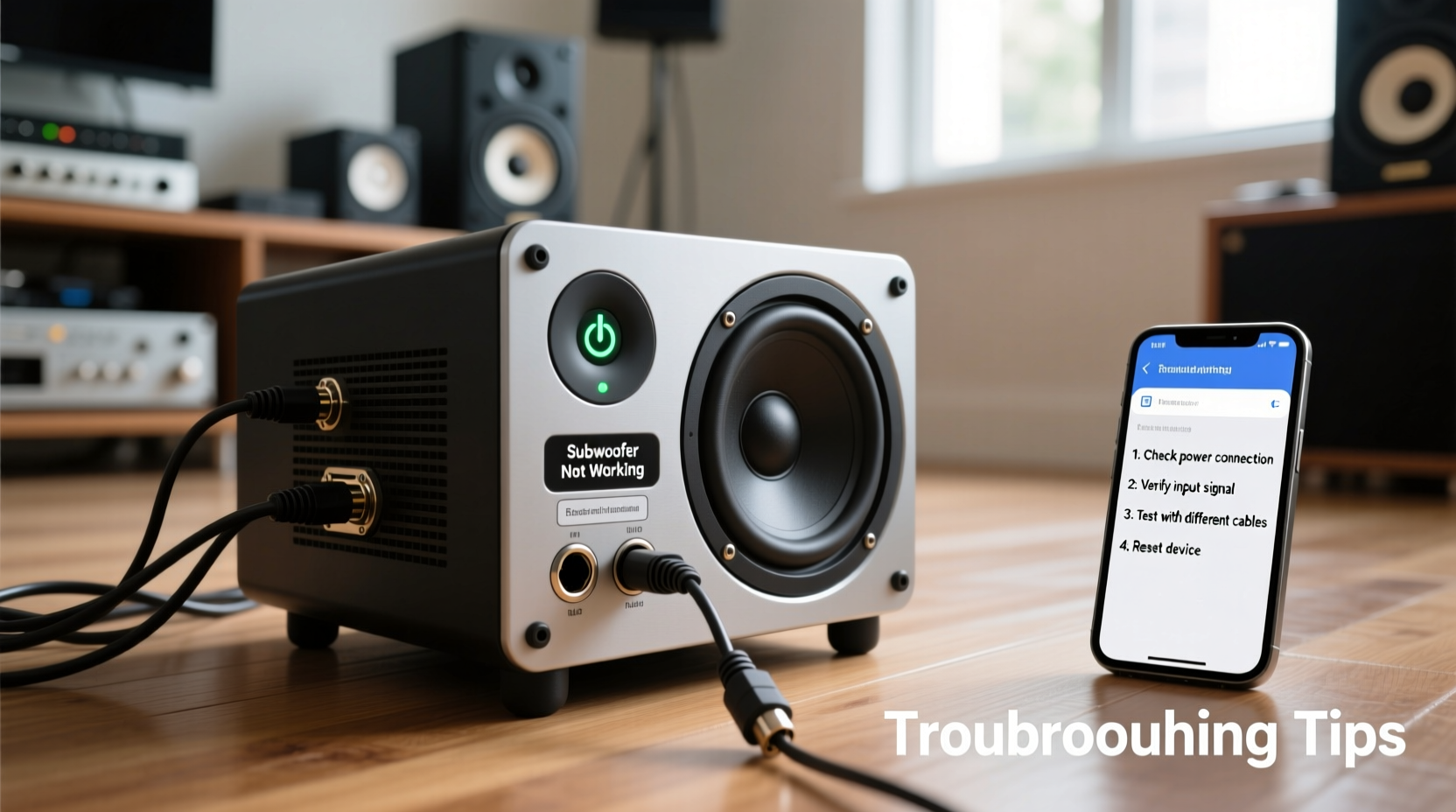
Before diving into fixes, it’s essential to identify what might be causing the problem. Subwoofers rely on multiple components working together: power supply, amplifier, input signal, speaker driver, and connections. A failure in any one area can render the unit silent.
- No power: The subwoofer doesn’t turn on or show any signs of life.
- No sound output: It powers on but produces no bass, even when other speakers work.
- Distorted or weak bass: Sound is present but muddy, crackling, or lacks depth.
- Intermittent operation: The sub cuts in and out unexpectedly.
- Humming or buzzing noise: Constant background noise without any audio input.
Each symptom points to different underlying issues, ranging from loose cables to blown drivers or incorrect receiver settings.
Tip: Always start troubleshooting with the simplest possibilities—like checking if the power cord is fully plugged in or if the volume knob was accidentally turned down.Step-by-Step Troubleshooting Guide
Follow this logical sequence to isolate and resolve the issue without skipping critical checks.
- Verify power source and indicator lights. Ensure the subwoofer is plugged into a working outlet. Check if the power LED is lit. If not, try a different outlet or test the cable.
- Confirm input connections. Make sure the RCA cable (or speaker wire, depending on model) is securely connected to both the AV receiver and the subwoofer’s input terminal. Swap cables if possible to rule out defects.
- Check receiver settings. Access your AV receiver’s setup menu and confirm that:
- The subwoofer output is enabled.
- The crossover frequency is correctly set (typically 80Hz).
- The speaker configuration includes a subwoofer (e.g., “Large” vs. “Small” speakers).
- Test with another audio source. Connect the subwoofer to a different system (e.g., a TV with a sub out or a computer) to determine if the issue lies with the original setup.
- Bypass the receiver entirely. Use a direct line-level signal from a phone or laptop via an RCA adapter to see if the sub produces sound independently.
- Inspect for physical damage. Look at the cone for tears, dents, or misalignment. Also check internal fuses near the power input—many subs have replaceable ones.
If the sub still fails after these steps, further diagnostics are needed.
Do’s and Don’ts When Diagnosing Subwoofer Issues
| Do’s | Don’ts |
|---|---|
| Use a multimeter to test continuity in cables and fuses. | Assume the sub is dead without testing all inputs and outputs. |
| Refer to the user manual for model-specific troubleshooting. | Overload the sub with excessive volume during testing. |
| Label cables to avoid mix-ups during reconnection. | Ignore grounding issues that may cause hums or buzzes. |
| Update firmware on smart receivers or powered subs if available. | Open the amplifier housing unless qualified—risk of electric shock. |
Real-World Example: Fixing a Silent Home Theater Sub
Mark installed a new 5.1 surround system but noticed his subwoofer remained silent despite correct placement and cabling. He confirmed the power light was on, indicating the unit had electricity. After reviewing receiver settings, he discovered the speaker configuration was set to “Full Range” instead of “Small,” which disabled subwoofer output. Once he changed the setting and ran the auto-calibration again, the bass returned instantly.
This case highlights how software settings—not hardware faults—are often the culprit. Many users overlook menu configurations, assuming physical connections are the only variables.
“Over 60% of ‘dead’ subwoofers brought into our service center turn out to be misconfigured receivers or faulty cables.” — David Lin, Audio Technician at SonicCare Repairs
Tips for Preventing Future Subwoofer Problems
Maintaining your subwoofer goes beyond fixing current issues. Proactive care ensures long-term performance and avoids repeated troubleshooting.
Tip: Place rubber isolation pads under your subwoofer to reduce vibration transfer and protect floor surfaces while improving sound clarity.- Keep ventilation clear around the amplifier to prevent overheating.
- Use surge protectors to shield against voltage spikes.
- Periodically inspect cables for wear, especially if routed under furniture or high-traffic areas.
- Avoid placing the subwoofer too close to walls unless designed for corner loading—this can cause boomy, uneven bass.
- Run calibration tools (like Audyssey or YPAO) after moving the unit or changing room layout.
Frequently Asked Questions
Why does my subwoofer power on but make no sound?
This usually indicates a signal issue. Verify the RCA cable is connected to the correct “Sub Out” or “LFE” port on your receiver. Also, ensure the sub’s volume control isn’t turned down. Some models enter standby mode after inactivity—try unplugging and replugging to reset.
Can a blown fuse cause a subwoofer to stop working?
Yes. Most powered subwoofers have an internal fuse near the power input. If exposed to power surges or short circuits, the fuse may blow. Use a multimeter to check continuity. Replace only with the same amperage rating specified in the manual.
How do I know if my subwoofer driver is blown?
A blown driver often produces distorted sound, rattling, or complete silence. Visually inspect the cone for tears or separation from the frame. Gently press the center—if it feels stiff or doesn’t move smoothly, the voice coil may be damaged. In such cases, repair or replacement is typically required.
Final Checklist: Subwoofer Troubleshooting Summary
Before concluding your diagnosis, go through this final checklist to ensure nothing was missed:
- ✅ Power cord securely plugged into a working outlet
- ✅ Power indicator light is on
- ✅ Input cable (RCA or speaker wire) properly connected at both ends
- ✅ Receiver configured to use a subwoofer (speaker size = Small)
- ✅ Crossover and LFE settings correct in audio menu
- ✅ Tested with alternate cable or audio source
- ✅ No visible damage to cone or enclosure
- ✅ Fuse tested and functional (if accessible)
Conclusion: Restore Your Bass and Enjoy Full-Spectrum Sound
A non-working subwoofer doesn’t always mean it’s broken. In most cases, the solution lies in overlooked settings, loose connections, or simple component failures that are easy to fix. By following a methodical approach—from checking power and cables to validating receiver configuration—you can quickly restore deep, immersive bass to your listening environment.
Don’t rush to replace expensive equipment until you’ve ruled out the basics. With patience and attention to detail, many subwoofer issues can be resolved in under 30 minutes. Apply these tips today, and rediscover the full impact of your favorite music, films, and games.
💬 Have a subwoofer issue you solved differently? Share your experience in the comments—your insight could help others get their groove back!