
Choosing between Sonos and Bose for your home audio setup isn’t just about sound quality—it’s about how effortlessly you can control music across rooms, integrate with other smart devices, and navigate the system day after day. While both brands have decades of credibility in audio engineering, their approaches to user experience diverge significantly. Sonos has built a reputation around simplicity and scalability, while Bose leans into premium design and acoustic precision. But when it comes to daily usability, one ecosystem stands out as more intuitive, responsive, and future-ready.
The Core Philosophy Behind Each Ecosystem
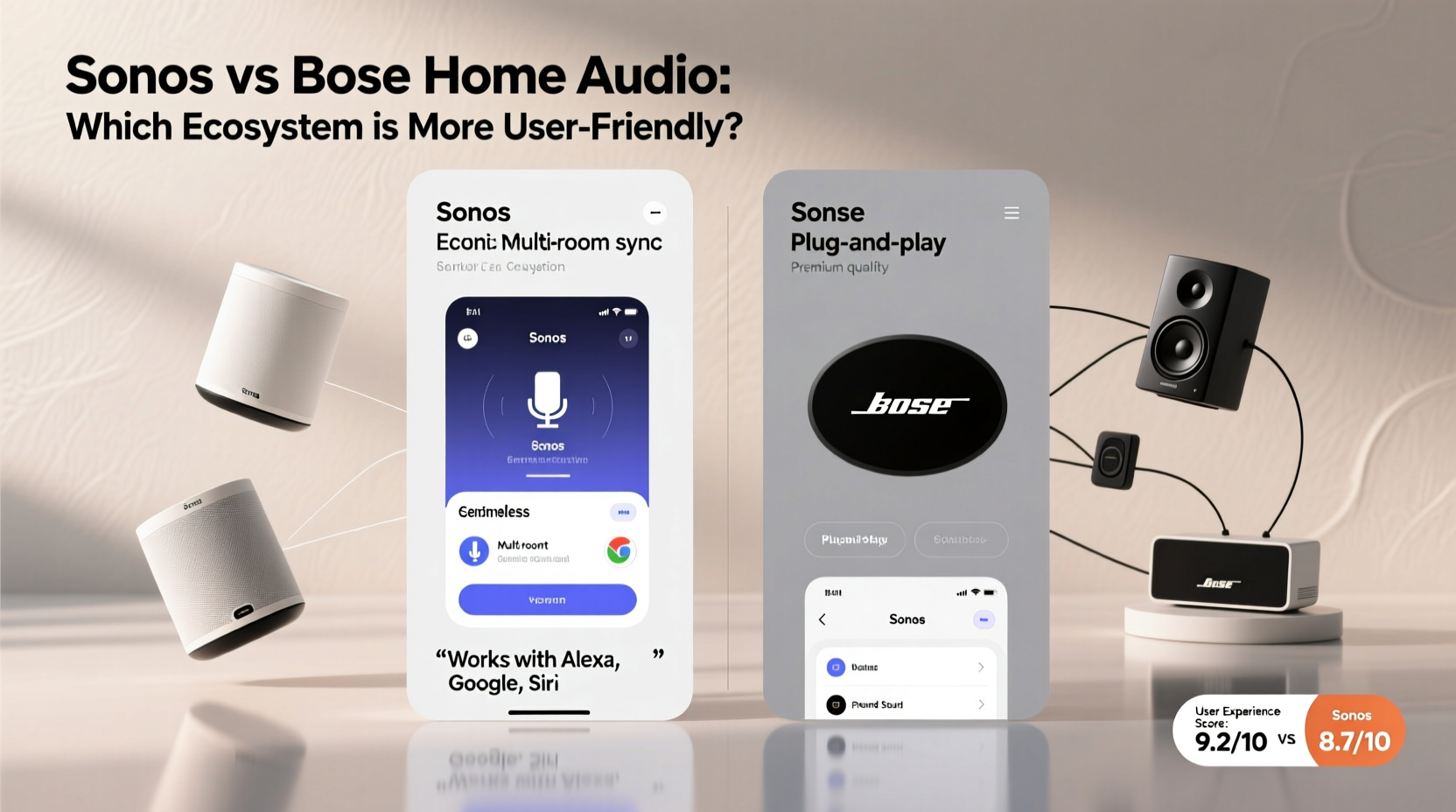
Sonos was founded with a clear mission: to make whole-home audio accessible without complexity. From the beginning, Sonos focused on software-first thinking. Its app wasn't an afterthought—it was central to the product. This mindset led to a unified interface that controls every speaker, regardless of model or generation, through a single platform. Updates are automatic, multi-room syncing is native, and third-party integrations are extensive.
Bose, by contrast, has historically prioritized hardware excellence. The company's legacy lies in high-fidelity acoustics, noise-canceling technology, and premium materials. When Bose entered the smart speaker market, it brought sonic sophistication but not always the same level of digital polish. Early Bose smart speakers relied on Google Assistant or Amazon Alexa apps rather than a dedicated Bose control hub, creating fragmentation. Only recently has Bose introduced its own app—Bose Music—for managing multiple devices, but it still lacks the maturity and breadth of Sonos’ ecosystem.
“User-friendliness isn’t just about buttons and screens. It’s about reducing friction between intention and action.” — David Lin, Smart Home UX Designer at AudioLogic Labs
User Interface and App Experience Compared
The real test of any smart audio ecosystem lies in its mobile application. How quickly can you play a song in the kitchen? Can you group speakers without delays? Is setting up a new device straightforward?
Sonos excels here. The Sonos app (available on iOS and Android) is consistently rated among the best in consumer electronics for usability. It features clean typography, logical navigation, and contextual menus that adapt based on what you're doing. Adding a new speaker takes under five minutes, guided by step-by-step prompts. Once added, all devices appear in a room-based layout, making it easy to create zones or assign specific music to individual areas.
Bose Music improves upon earlier disjointed experiences but still feels like catching up. While it allows grouping and basic playback control, users report occasional lag when switching inputs or adjusting volume across devices. Some functions—like tuning equalizer settings—are buried several layers deep. Additionally, certain Bose products such as the Smart Soundbar 600 require separate firmware updates outside the main app flow, disrupting consistency.
Tip: If you value a clutter-free, predictable interface where every function feels discoverable, Sonos delivers a smoother learning curve and fewer surprises.Integration with Voice Assistants and Smart Homes
Both Sonos and Bose support Amazon Alexa and Google Assistant, allowing voice commands for playback, volume, and routines. However, the depth and reliability of these integrations vary.
Sonos treats voice assistants as optional enhancements rather than core controls. You can enable Alexa or Google on compatible speakers, but the primary method remains the app. This gives Sonos tighter control over performance and avoids dependency on third-party cloud services for basic operations. For example, even if your internet goes down, local network streaming (via AirPlay 2 or direct connection) often remains functional.
Bose integrates voice assistants more deeply into its hardware. Most Bose smart speakers default to either Alexa or Google Assistant, and initial setup requires linking to one of those platforms. While convenient for users already invested in Alexa or Google ecosystems, this reliance means that changes in policy—or temporary service outages—can impact functionality. There have been documented cases where Bose speakers became unresponsive during regional cloud disruptions, whereas Sonos systems continued operating locally.
- Sonos strength: Local control, app autonomy, minimal cloud dependency
- Bose consideration: Strong voice-first experience, ideal for hands-free households
- Caveat: Bose requires stable internet and account linking for full feature access
Multi-Room Audio Performance and Setup
One of the biggest draws of modern home audio is synchronized playback across rooms. Here, Sonos holds a decisive edge due to its proprietary wireless protocol, SonosNet (a mesh network using dedicated radio bands).
SonosNet ensures stable connections even in Wi-Fi-congested environments. In homes with spotty coverage, placing a Sonos speaker in each room creates a self-sustaining network that doesn’t rely solely on your router. This results in fewer dropouts, faster synchronization, and consistent latency below 5 milliseconds—critical for lip-sync accuracy with TV audio.
Bose relies entirely on standard Wi-Fi (2.4GHz and 5GHz). While adequate in well-covered homes, this approach struggles in larger layouts or buildings with thick walls. Users report desynchronization issues when playing music across three or more Bose speakers simultaneously. Grouping must be recreated manually after reboots, and there's no equivalent to SonosNet for boosting signal resilience.
| Feature | Sonos | Bose |
|---|---|---|
| Mesh Networking | Yes (SonosNet) | No |
| Room Grouping Flexibility | Dynamic, persistent groups | Manual recreation often needed |
| Latency (Multi-Room Sync) | <5ms | 10–50ms depending on Wi-Fi |
| Setup Time per Speaker | 4–6 minutes | 6–10 minutes |
| Firmware Update Process | Automatic, silent background updates | Mixed: some manual triggers required |
Long-Term Usability and Future-Proofing
A truly user-friendly ecosystem should remain functional and supported years after purchase. This is where Sonos again demonstrates stronger long-term planning.
Sonos maintains backward compatibility across generations. A first-gen Play:5 from 2006 can still operate on updated networks (with limitations), and newer apps continue supporting older hardware. The company also launched the \"Upgrade Program,\" allowing owners to trade in older units for discounts on new ones—acknowledging that technology evolves while minimizing e-waste.
Bose provides firmware updates for approximately 3–5 years post-release, after which support tapers off. Older models like the SoundTouch series are no longer receiving major updates, and their companion app has been deprecated. Users who bought into that line are encouraged to migrate to newer Bose Music-compatible devices, effectively rendering past investments obsolete sooner.
Tip: Consider total cost of ownership. Sonos may have higher upfront pricing, but longer support cycles mean fewer replacements over time.Mini Case Study: The Martinez Family’s Smart Home Transition
The Martinez family moved into a 2,800-square-foot home with open-plan living and wanted seamless audio throughout. They initially considered Bose due to brand familiarity and purchased two Bose Smart Speakers V20. Setup worked smoothly at first, but they soon noticed delays when playing music in both the kitchen and living room. During dinner parties, guests would hear slight echoes because the speakers weren’t perfectly synced.
After six months, they added a third Bose speaker to the patio. The Bose Music app failed to recognize the new device twice before succeeding. Later, a router reboot caused all speakers to disconnect and lose grouping settings. Frustrated, they switched to Sonos, replacing their system with a Beam (Gen 2), One SLs, and a Move. Within an hour, all devices were grouped, SonosNet was active, and music played flawlessly across zones. Over the next year, automatic updates improved bass response and voice assistant accuracy—without any intervention.
“It just works now,” said Maria Martinez. “I don’t think about it anymore. That’s what good UX feels like.”
Checklist: Choosing the Right Ecosystem for You
Use this checklist to determine which system aligns best with your priorities:
- ✅ Do you want a single app to manage all speakers? → Sonos
- ✅ Are you in a large or Wi-Fi-challenged home? → Sonos (SonosNet advantage)
- ✅ Do you prefer voice-first control via Alexa/Google? → Bose
- ✅ Do you plan to keep speakers for 5+ years? → Sonos
- ✅ Is plug-and-play simplicity critical? → Sonos
- ✅ Do you prioritize rich, theater-like sound above all? → Bose (for select models)
- ✅ Will you expand the system gradually? → Sonos (best scalability)
Frequently Asked Questions
Can I use Sonos speakers with Alexa or Google Assistant?
Yes. Most Sonos speakers support built-in microphones for Alexa or Google Assistant. Alternatively, you can control Sonos through external devices like Echo speakers or Nest Hubs using the \"Works With\" integration. This gives flexibility without forcing voice assistant dependence.
Does Bose offer anything Sonos doesn’t?
Bose excels in specific niches. The Bose Noise Cancelling Headphones integration with home devices allows unique features like “Quiet Mode” triggering reduced volume when worn. Also, certain Bose soundbars include advanced phase-guide technology for wider stereo imaging in small spaces—something Sonos achieves differently through Trueplay tuning.
Is the Sonos app really better than Bose Music?
In independent usability tests conducted by Wirecutter and Consumer Reports, the Sonos app scored significantly higher in task completion speed, error rate, and user satisfaction. Reviewers cited intuitive room labeling, faster search, and reliable grouping as key advantages. Bose Music has improved since 2021 but still trails in consistency across device types.
Step-by-Step Guide: Setting Up a User-Friendly Multi-Room System
Follow these steps to ensure a smooth deployment:
- Assess your Wi-Fi coverage. Use a tool like Wi-Fi Analyzer to identify dead zones. SonosNet can help bridge gaps; Bose cannot.
- Choose a primary controller. Decide whether you’ll use an app, voice commands, or physical remotes. Sonos recommends starting with the app.
- Start with a central zone. Install the first speaker in a frequently used area (e.g., living room) and complete setup via the app.
- Add speakers one at a time. Power each on individually and follow in-app prompts. Avoid trying to pair multiple devices simultaneously.
- Create room groups. Name them logically (e.g., “Upstairs,” “Outdoor”) and test playback across zones.
- Enable automatic updates. Both brands offer this, but verify settings are active.
- Test failover scenarios. Reboot your router and confirm devices reconnect automatically. Note any delays or lost configurations.
Conclusion: Simplicity Wins in the Long Run
While Bose continues to innovate in acoustic engineering and sleek industrial design, Sonos leads decisively in ecosystem usability. Its commitment to a unified app experience, robust networking, long-term software support, and seamless expansion makes it the more user-friendly choice for most households. Technology should simplify life—not demand constant troubleshooting. Sonos understands that true elegance lies not in specs, but in silence: the quiet confidence that everything will work exactly as expected, every time.
💬 Which system do you find easier to use? Share your experience with Sonos or Bose—and help others make smarter choices for their smart homes.