MicroSD cards are essential for expanding storage on smartphones, tablets, drones, and cameras. Among the most trusted brands is Samsung’s Evo Select line—known for reliability, speed, and endurance. But its popularity has made it a prime target for counterfeiters. Fake versions flood online marketplaces, often indistinguishable at first glance. These counterfeit cards may fail quickly, corrupt data, or not deliver the advertised capacity. Knowing how to distinguish a genuine Samsung Evo Select from a fake one isn’t just about value—it’s about protecting your photos, videos, and files.
Why Counterfeit MicroSD Cards Are a Growing Problem
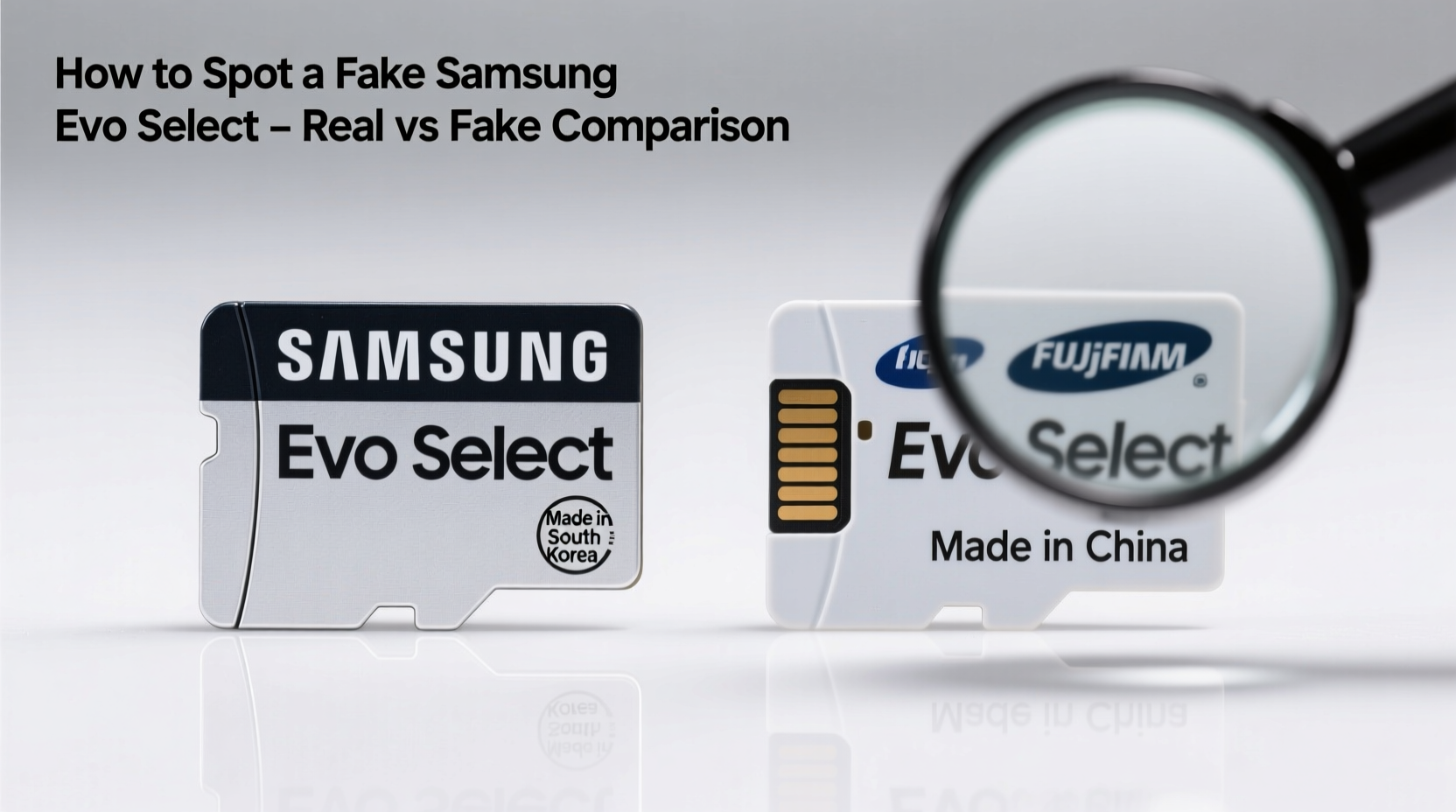
The demand for high-capacity, reliable storage drives consumers toward reputable brands like Samsung. However, third-party sellers on platforms like Amazon, eBay, and even some regional e-commerce sites frequently offer suspiciously low-priced “Samsung” cards. Many of these are counterfeits produced in unregulated factories, rebranded with forged packaging and misleading labels.
Fake microSD cards often use inferior NAND flash memory, lack proper controllers, and falsely report their storage size. A 128GB fake card might actually have only 8GB of real memory—the rest simulated through firmware tricks that overwrite old data without warning. This leads to corrupted files and sudden storage failures.
“Counterfeit memory cards are one of the most common digital frauds today. They look real, pass basic checks, but fail under real-world use.” — David Lin, Senior Hardware Analyst at TechIntegrity Labs
Physical Differences: Packaging and Card Design
The first step in identifying a fake Samsung Evo Select card is inspecting the physical product and packaging. Genuine Samsung products maintain strict quality control in design and materials.
Packaging Clues
- Holographic Security Label: Authentic Evo Select cards include a tamper-evident holographic sticker on the box. Tilt it under light—it should display shifting patterns and the Samsung logo.
- Print Quality: Real packaging uses crisp, high-resolution printing. Blurry text, misaligned logos, or inconsistent font weights are red flags.
- Serial Number Placement: Genuine boxes list a unique serial number both on the side flap and inside the plastic tray. Match these numbers—they must be identical.
- Barcode Verification: Scan the barcode using Samsung’s official app (Smart Switch) or verify via Samsung’s warranty registration portal. If it returns no result or an invalid entry, it’s likely fake.
Card Appearance
Examine the microSD card itself:
- Genuine cards have a smooth, matte finish with precise laser etching. The text “SAMSUNG” and “EVO SELECT” should be clean and aligned.
- Fake cards often have uneven lettering, deeper or shallower engravings, or visible tool marks.
- The gold contacts on authentic cards are evenly plated and uniformly colored. Counterfeits may show discoloration or rough edges.
Digital Verification: Software Tools That Expose Fakes
Even if a card looks authentic, software testing is essential. Many fakes pass visual inspection but fail performance and capacity tests.
Step-by-Step Guide to Test Your Card
- Download H2testw (Windows) or F3 (Mac/Linux): These tools write data across the entire card and verify it, exposing false capacity.
- Back up existing data: The test will erase everything on the card.
- Run a full write/read test: Let the tool fill the card with test files and then read them back. If it reports errors or usable space less than advertised, the card is fake.
- Use CrystalDiskMark: Check read/write speeds. A genuine 128GB Evo Select should achieve sequential read speeds of ~100MB/s and write speeds of ~90MB/s. Anything significantly lower indicates poor-quality hardware.
| Test | Genuine Evo Select Result | Fake Card Indicators |
|---|---|---|
| Capacity Test (H2testw) | Full capacity passed, no errors | Errors reported, reduced actual capacity |
| Read Speed (CrystalDiskMark) | 90–100 MB/s | Below 30 MB/s |
| Write Speed | 80–90 MB/s | Fluctuating or below 20 MB/s |
| File Consistency | All files intact after large transfers | Corrupted or missing files |
Real-Life Example: A Photographer’s Near-Disaster
Jessica, a travel photographer based in Thailand, purchased what appeared to be a 256GB Samsung Evo Select card from an online marketplace. The price was 40% below retail, but the packaging looked convincing. On a week-long shoot, she recorded hours of 4K video. When she returned home, her editing software failed to read several folders. Files were either corrupted or vanished entirely after transfer.
She ran H2testw and discovered the card had only 16GB of functional memory. The rest was “phantom storage”—simulated by firmware. Over 80GB of footage was irretrievably lost. After contacting Samsung support with her serial number, she learned it wasn’t registered in their system. The card was confirmed counterfeit.
This case highlights how even experienced users can be deceived—and why technical verification is non-negotiable.
Where You Buy Matters: Authorized Retailers vs. Risky Sellers
Your purchase source is one of the strongest predictors of authenticity.
Do’s and Don’ts of Buying MicroSD Cards
| Do | Don't |
|---|---|
| Buy from Samsung.com or authorized retailers (e.g., Best Buy, B&H Photo) | Purchase from unknown third-party sellers with no reviews |
| Check seller ratings (95%+ positive, 1,000+ reviews) | Trust listings with stock photos only and vague descriptions |
| Look for fulfilled-by-Amazon (FBA) when buying on Amazon | Buy “refurbished” or “used like new” microSD cards |
| Register your card on Samsung’s website immediately | Accept gifts or used cards without verification |
Frequently Asked Questions
Can a fake microSD card damage my phone?
While it won’t physically damage your device, a fake card can corrupt files, cause app crashes, or force your phone into constant write-error loops. In extreme cases, it may interfere with system operations relying on external storage.
Does Samsung replace fake cards?
No. Samsung only honors warranties on verified genuine products. If your card fails authentication, they will not provide support or replacement. However, reporting the counterfeit helps them track fraudulent distribution channels.
Is there an official Samsung app to verify microSD cards?
Samsung does not currently offer a standalone app solely for SD card verification. However, Smart Switch and Samsung Private Mode may recognize genuine storage. For definitive results, use third-party tools like H2testw and cross-check serial numbers via Samsung’s warranty portal.
Final Checklist: How to Confirm Your Samsung Evo Select Is Real
- ✅ Inspect packaging for holographic label and matching serial numbers
- ✅ Verify print quality and brand logo accuracy
- ✅ Cross-check the serial number on Samsung’s official warranty site
- ✅ Run H2testw or F3 to confirm actual storage capacity
- ✅ Benchmark read/write speeds using CrystalDiskMark or similar tools
- ✅ Purchase only from trusted, authorized sellers
- ✅ Register your card with Samsung immediately after purchase
Protect Your Data—Verify Before You Trust
Your microSD card holds more than just files—it holds memories, work, and personal records. A counterfeit might save you a few dollars today but cost you irreplaceable data tomorrow. The steps to verify authenticity are simple, quick, and free. From checking holograms to running a 10-minute software test, the effort is minimal compared to the risk of loss.
Make verification part of your routine whenever acquiring digital storage. Share this knowledge with friends and family who may unknowingly buy fakes. Stay vigilant, stay informed, and ensure every byte you store is safe on genuine hardware.
💬 Have you encountered a fake Samsung microSD card? Share your experience in the comments to help others avoid the same mistake.