For collectors, hobbyists, and fans of die-cast racing culture, the idea of a dedicated Hot Wheels app might sound exciting. After all, Mattel’s iconic brand has evolved far beyond toy cars in blister packs. With augmented reality, digital collectibles, and gamified experiences now part of the ecosystem, the official Hot Wheels app promises to bridge physical toys with digital engagement. But does it deliver enough value to justify taking up space on your iPhone — and potentially spending money inside the app? Let’s take an in-depth look at what the app offers, who benefits most, and whether it's truly worth your time and investment.
What Does the Hot Wheels App Actually Do?
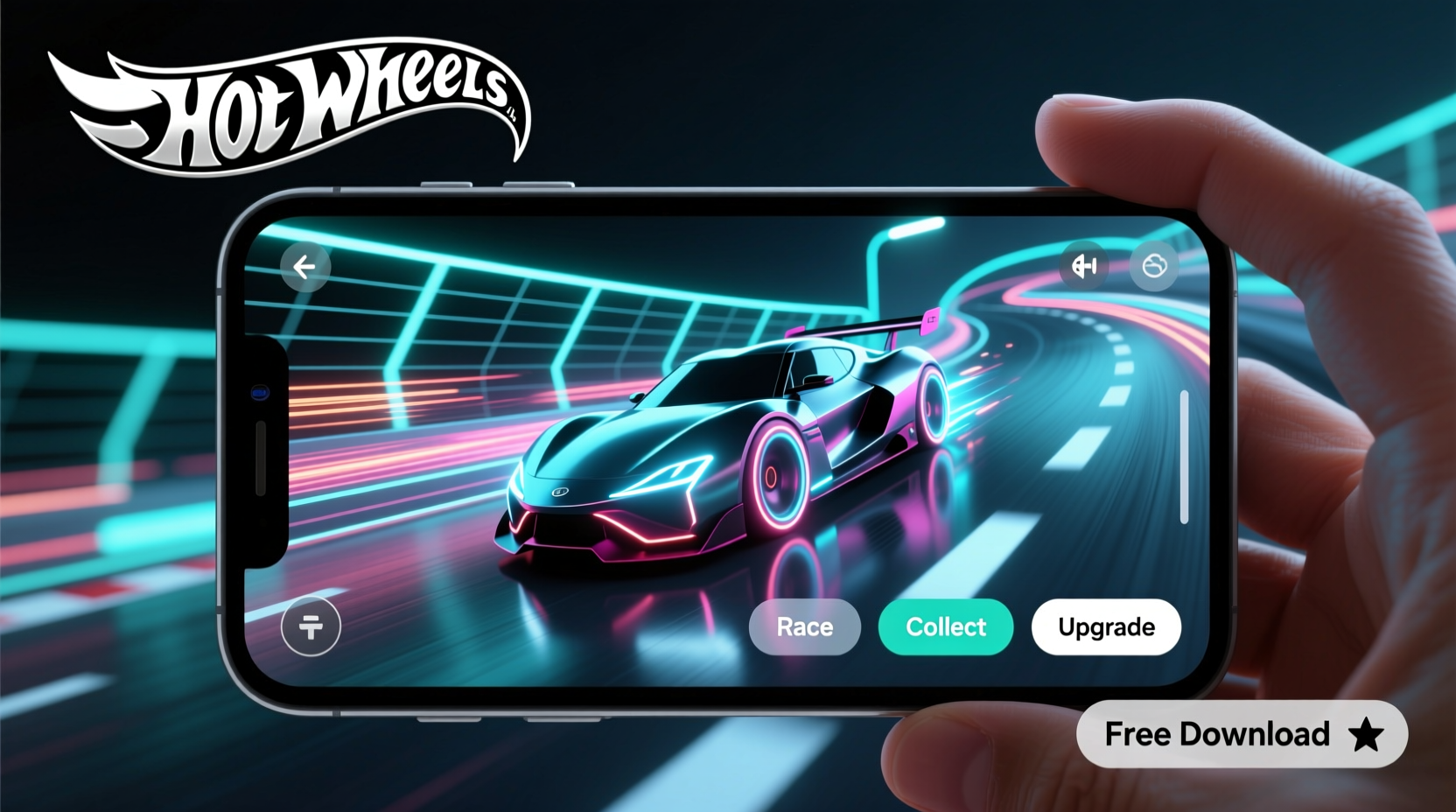
The Hot Wheels app, developed by Mattel, functions as both a companion tool and an interactive platform. It integrates with select physical Hot Wheels toys through QR codes and NFC tags embedded in packaging or track sets. Once scanned, these codes unlock digital versions of the car, exclusive content, mini-games, and progress tracking within themed challenges.
Key features include:
- Digital garage to store scanned vehicles
- AR (augmented reality) mode to race virtual cars on real surfaces
- Track builder with shareable race simulations
- Challenges and events tied to real-world product releases
- Integration with Hot Wheels id™ enabled tracks for live data syncing
The app aims to enhance play by adding layers of competition, customization, and connectivity. However, many of its premium features require either specific physical products or in-app purchases, which raises questions about accessibility and long-term value.
Tip: Always check if your existing Hot Wheels collection includes id™-enabled cars before investing heavily in the app — not all models are compatible.Who Is the App Really For?
The app isn’t designed for casual users who occasionally buy a $1 car at the grocery store. Instead, it targets three main audiences:
- Parents of young collectors: The app adds digital engagement that can extend attention span during playtime. Kids enjoy scanning cars, seeing them come alive in AR, and completing simple races.
- Serious collectors: Enthusiasts use the digital garage feature to catalog their collections. While limited compared to third-party tools like CollectorHQ, it offers convenience for those already invested in the Hot Wheels ecosystem.
- Tech-savvy hobbyists: Those with Hot Wheels id™ tracks appreciate how lap times sync automatically to the app, enabling leaderboards, performance analysis, and shared race videos.
If you fall outside these groups, the app may feel underdeveloped or unnecessarily complex. General users often report that core gameplay is repetitive and lacks depth after the initial novelty wears off.
Cost vs. Value: Is It Worth the Money?
The app itself is free to download from the App Store, but significant functionality is locked behind hardware requirements or in-app purchases. Here's a breakdown of potential costs and returns:
| Investment Type | Estimated Cost | Value Gained |
|---|---|---|
| App Download | Free | Basic scanning, AR viewing, limited games |
| In-App Purchases (coins, upgrades) | $4.99–$29.99 | Cosmetic items, boosters, rare digital cars |
| Hot Wheels id™ Track System | $80–$300+ | Lap syncing, multiplayer racing, advanced analytics |
| id™-Enabled Cars (individual) | $1.50–$3.00 each | Full digital integration, stats tracking |
As shown, true engagement requires more than just the app. Without compatible toys, especially id™-enabled ones, much of the advertised functionality remains out of reach. This creates a “walled garden” effect — you’re encouraged to spend on physical products just to access basic digital features.
“Mattel is betting on hybrid play — where physical toys unlock digital rewards. It works well when the balance is right, but too often the entry barrier feels high.” — James Lim, Toy Industry Analyst at PlayFutures Group
A Real User Experience: One Collector’s Journey
Take Mark T., a 38-year-old collector from Austin, Texas, who purchased the Hot Wheels id™ Ultimate Garage set ($250) hoping to digitize his passion. He downloaded the app excitedly, scanned 15 new id™ cars, and spent hours building virtual tracks.
At first, he loved watching his digital fleet race autonomously and sharing clips online. But within two weeks, he noticed limitations: the AI opponents were predictable, customization options were sparse, and syncing errors occurred frequently when multiple devices joined a race.
Worse, replacing a lost id™ car meant buying another pack blind — no guarantee of getting the same model again. Eventually, Mark reverted to using spreadsheets and photo albums to manage his collection. “The app felt like a marketing tool disguised as a game,” he said. “It added flash, but not substance.”
His experience reflects a broader sentiment among long-time fans: enthusiasm for innovation, tempered by frustration over execution and monetization tactics.
Do’s and Don’ts When Evaluating the App
To help you make a smarter decision, here’s a quick reference guide:
| Do | Don't |
|---|---|
| Try the app for free first | Assume all Hot Wheels cars work with it |
| Use it to engage younger kids with tech-enhanced play | Expect deep RPG-style progression or rich story modes |
| Pair it with id™ tracks for full functionality | Buy expensive add-ons without testing compatibility |
| Check for seasonal events or limited-time rewards | Overinvest emotionally or financially without clear ROI |
Step-by-Step: How to Test the App Risk-Free
You don’t need to commit money upfront. Follow this timeline to evaluate the app objectively:
- Week 1 – Install & Explore: Download the app, create an account, and browse the interface. No purchase needed.
- Week 2 – Scan Available Cars: Use any recent Hot Wheels pack with a QR code (often found inside packaging). See how the digital version looks in AR.
- Week 3 – Try Mini-Games: Participate in one event or race challenge. Note responsiveness, fun factor, and loading times.
- Week 4 – Assess Engagement: Ask yourself: Did I open the app voluntarily? Would I recommend it? Is there meaningful progression?
If after four weeks you haven’t felt compelled to upgrade or buy supporting gear, the answer is likely clear.
Frequently Asked Questions
Can I use the app without buying new Hot Wheels cars?
Limited functionality is available without new purchases. You can view tutorials, explore sample tracks, and play basic AR demos. However, full features like scanning and racing require either id™ cars or QR-coded packaging, which usually come with newer models.
Are in-app purchases refundable?
No. Like most mobile apps, transactions are handled through Apple’s App Store, and refunds must be requested via Apple Support. Once coins or items are used, recovery is unlikely.
Does the app work offline?
Partially. You can view your digital garage and previously downloaded content offline, but AR races, live events, and track syncing require an internet connection.
Final Verdict: Worth It or Waste of Money?
The answer depends entirely on your relationship with Hot Wheels. For parents seeking interactive play for children aged 6–12, or for enthusiasts who own id™ track systems, the app enhances the experience meaningfully. The ability to visualize collections in 3D, compete with friends, and preserve race data adds tangible value.
But for casual fans or budget-conscious buyers, the app risks becoming a shelf warmer — a digital promise unfulfilled. Its reliance on proprietary hardware and aggressive upselling makes standalone enjoyment difficult. At best, it’s a supplemental tool; at worst, a gateway to unnecessary spending.
🚀 Ready to decide for yourself? Download the Hot Wheels app today, test it for two weeks with what you already own, and see if it sparks joy — not just notifications. Your iPhone storage (and wallet) will thank you.