
In a world where digital tools evolve faster than habits can adapt, artificial intelligence is no longer reserved for tech giants or research labs. From managing schedules to improving health decisions, AI has become accessible, affordable, and remarkably effective in everyday contexts. The key to benefiting from it isn’t technical expertise—it’s intentionality. By understanding how to apply AI thoughtfully across personal and professional domains, individuals can gain time, reduce stress, and make smarter choices with minimal effort.
Start with Awareness: Identify Daily Challenges AI Can Solve
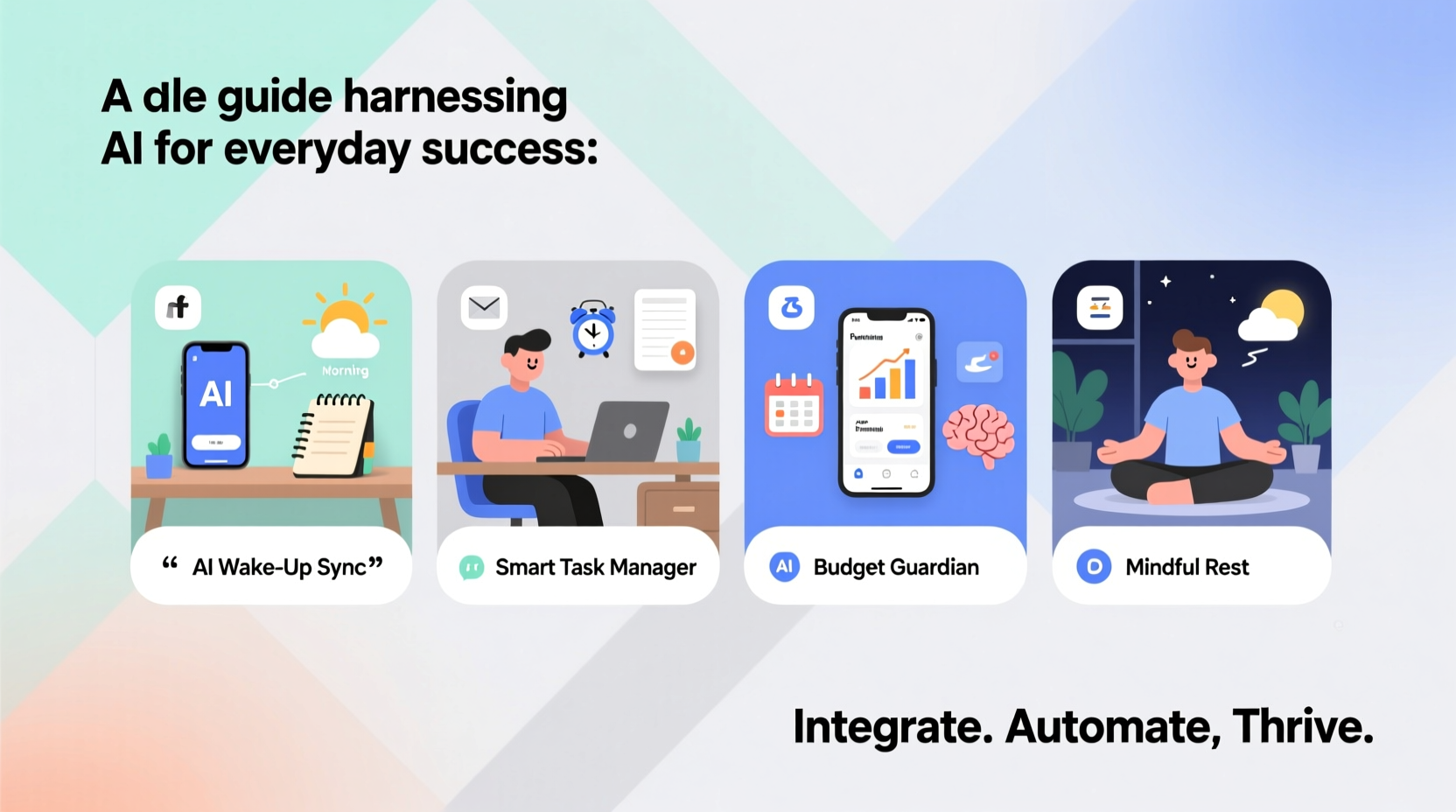
The first step in integrating AI into your life is recognizing where friction exists. Most people operate on autopilot—repeating inefficient routines because they’ve never considered an alternative. AI excels at automating repetitive tasks, analyzing patterns, and offering predictive insights. Common pain points include email overload, calendar conflicts, forgotten reminders, inconsistent learning habits, and disorganized finances.
Begin by auditing your week. Note activities that consume time but add little value. These are ideal candidates for AI intervention. For example, if you spend 30 minutes each morning sorting through emails, an AI-powered inbox assistant like SaneBox or Gmail’s Smart Reply can cut that time in half. If meal planning feels overwhelming, tools like ChatGPT or specialized apps such as Eat This Much generate personalized menus based on dietary preferences and nutritional goals.
Tip: Focus on one area of inefficiency at a time. Trying to automate everything at once leads to confusion and abandonment.Build Your Personal AI Toolkit: Essential Tools and Use Cases
Not all AI tools are created equal. The most effective ones align with your lifestyle and require minimal setup. Below is a curated list of widely available platforms and their practical applications:
| Tool | Primary Function | Everyday Use Case |
|---|---|---|
| Google Assistant / Siri / Alexa | Voice-activated task management | Set reminders, control smart home devices, get traffic updates while driving |
| Grammarly (AI-enhanced) | Writing optimization | Improve clarity and tone in emails, reports, or social media posts |
| Notion + AI Templates | Knowledge organization | Automate meeting notes, summarize reading lists, track goals |
| ChatGPT or Claude | Conversational reasoning | Brainstorm ideas, draft messages, learn new topics interactively |
| Mint or YNAB (AI features) | Financial tracking | Forecast spending, detect unusual charges, suggest budget adjustments |
These tools don’t replace human judgment—they amplify it. A well-configured AI assistant doesn’t make decisions for you; it surfaces relevant information so you can act faster and with greater confidence.
Step-by-Step Guide: Integrating AI Into Your Morning Routine
Routines set the tone for the day. With AI, even small improvements compound over time. Here’s a realistic, five-step process to enhance your mornings using intelligent automation:
- Wake-up Forecast (6:30 AM): Use a smart speaker or phone with AI-driven weather and calendar integration. It delivers a verbal summary: “It’s 68°F and sunny. You have a meeting at 9:00 AM. Traffic is light.”
- Email Triage (6:40 AM): Open an AI-filtered inbox. High-priority messages are highlighted; low-value newsletters are archived automatically.
- Task Prioritization (6:50 AM): Open a digital planner enhanced with AI suggestions. Based on deadlines and energy levels logged historically, it recommends focusing on project drafting before midday.
- Nutrition Planning (7:00 AM): Ask your AI assistant: “What should I eat today?” It pulls data from your fitness tracker, recent meals, and hydration logs to suggest a balanced breakfast.
- Learning Boost (7:15 AM): Spend 10 minutes reviewing flashcards generated by an AI tutor (like Anki with AI add-ons) tailored to your ongoing language or skill development goal.
This sequence takes less than 45 minutes and leverages passive data collection to deliver active support. Over weeks, these micro-optimizations free up mental bandwidth and reduce decision fatigue.
Real Example: How Sarah Reduced Work Stress Using AI
Sarah, a project manager at a mid-sized marketing firm, used to spend evenings catching up on missed communications and preparing next-day agendas. She felt overwhelmed and disconnected from her family. After attending a workshop on practical AI use, she implemented three changes:
- Enabled Google Calendar’s AI scheduling assistant to propose optimal meeting times across time zones.
- Used Otter.ai to record and transcribe team meetings, then asked ChatGPT to extract action items and deadlines.
- Installed a browser extension that summarizes long articles and reports using natural language processing.
Within four weeks, Sarah reclaimed nearly nine hours per week. She shifted from reactive firefighting to proactive planning. Her team reported clearer follow-ups, and she began leaving work on time consistently. “I didn’t realize how much cognitive load I was carrying until AI helped me offload it,” she said. “Now I feel more present—both at work and at home.”
“AI won’t replace humans, but humans who use AI will replace those who don’t.” — Andrew Ng, AI researcher and co-founder of Google Brain
Avoid Common Pitfalls: Do’s and Don’ts of Personal AI Use
While powerful, AI adoption comes with risks if applied carelessly. Privacy concerns, over-reliance, and poor data hygiene can undermine benefits. Follow this guide to stay safe and effective:
| Do | Don’t |
|---|---|
| Use AI to augment—not replace—your judgment | Rely solely on AI-generated advice without verification |
| Review privacy settings on AI apps regularly | Share sensitive personal or financial details freely with public chatbots |
| Train your tools with accurate input (e.g., correct calendar entries) | Assume AI outputs are always factual or unbiased |
| Start small and scale usage gradually | Install multiple overlapping AI tools without evaluating ROI |
FAQ: Common Questions About Using AI Daily
Is AI safe for personal use?
Yes, when used responsibly. Stick to reputable platforms with transparent data policies. Avoid entering highly sensitive information (e.g., passwords, medical records) into public AI models. Use local or encrypted tools when possible for private data.
Do I need technical skills to benefit from AI?
No. Most consumer AI tools are designed for non-technical users. Voice assistants, smart email filters, and recommendation engines require only basic smartphone or computer literacy. Start with user-friendly apps and expand as comfort grows.
Can AI help with mental well-being?
Indirectly, yes. AI-powered journaling apps like Replika or Woebot offer conversational support and mood tracking. While not substitutes for therapy, they provide consistent check-ins and coping strategies that promote self-awareness.
Take Action Today: Your AI Integration Checklist
Success with AI doesn’t come from owning the latest tool—it comes from consistent, purposeful application. Use this checklist to begin building a smarter, more efficient lifestyle:
- ✅ Audit one recurring task that drains time or energy
- ✅ Research one AI tool that addresses that challenge
- ✅ Set up the tool with real data (e.g., sync calendar, import contacts)
- ✅ Test it for five consecutive days and note time saved
- ✅ Adjust settings based on results and repeat with another area
Progress compounds. One automated reminder leads to fewer missed appointments. One summarized report saves 20 minutes. Over months, these gains translate into regained hours, reduced anxiety, and increased capacity for meaningful work.
🚀 Start now—choose one task to delegate to AI this week. Whether it’s organizing your inbox, planning meals, or prepping presentations, take the first step toward a more intentional, empowered life. Share your experience or ask questions in the comments below.