The way we play video games has evolved dramatically over the past decade. What once required a powerful console under the TV now often happens through a stream delivered over the internet. Cloud gaming services like Xbox Cloud Gaming (formerly xCloud), NVIDIA GeForce NOW, and PlayStation Plus Premium have brought AAA titles to phones, tablets, and low-end PCs with minimal local hardware. Meanwhile, physical consoles such as the PlayStation 5 and Xbox Series X continue to push graphical boundaries with dedicated silicon. The debate between these two models isn’t just about convenience—it’s about infrastructure, accessibility, and long-term sustainability. At the heart of this discussion lies a critical question: Is internet speed the true limiting factor in cloud gaming’s ability to compete with traditional consoles?
The Mechanics of Cloud Gaming
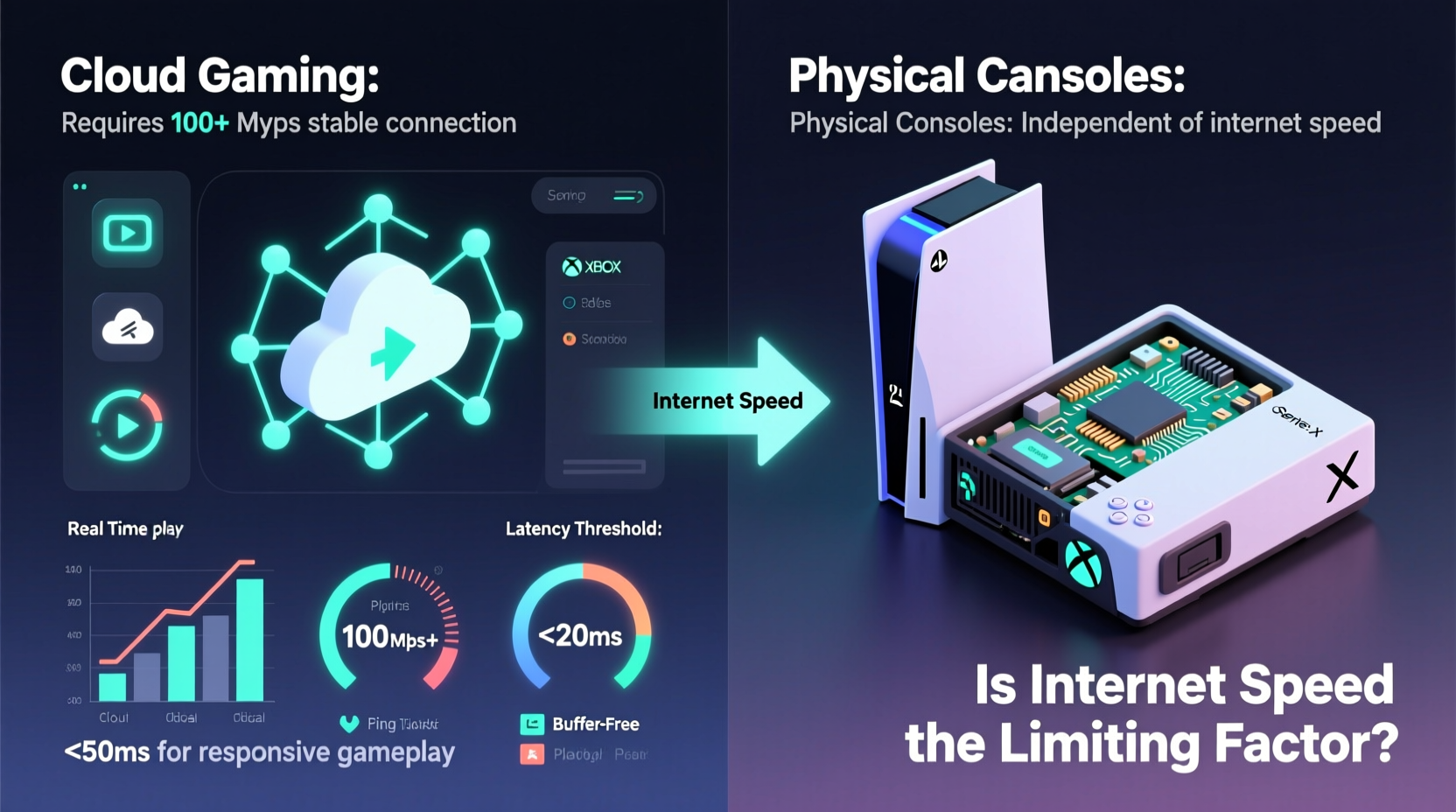
Cloud gaming operates on a simple premise: instead of rendering graphics on your local device, processing occurs on remote servers equipped with high-end GPUs and CPUs. The resulting video feed is compressed and streamed to your screen in real time, while your inputs (controller movements, button presses) are sent back to the server. This creates a closed-loop system that relies entirely on network performance.
Latency—the delay between input and response—is the most critical metric. Even with fast download speeds, high latency can make gameplay feel sluggish or unresponsive, especially in fast-paced genres like first-person shooters or fighting games. Compression also plays a role; aggressive compression to reduce bandwidth usage can result in visual artifacts, reduced resolution, or input lag.
For optimal cloud gaming, providers typically recommend:
- Download speeds of at least 15–25 Mbps
- Upload speeds of 5+ Mbps
- Latency under 40ms
- A stable wired or strong Wi-Fi connection
These requirements may seem modest compared to 4K streaming video, but they are far more sensitive to fluctuations. A single packet loss or momentary spike in ping can disrupt the experience.
Tip: Use an Ethernet connection whenever possible for cloud gaming—even on devices like TVs or laptops—to minimize latency and avoid Wi-Fi interference.Physical Consoles: Power, Predictability, and Ownership
Physical consoles offer a fundamentally different proposition. Devices like the PS5 and Xbox Series X come with fixed hardware specifications, allowing developers to optimize games down to the metal. This results in consistent performance, predictable load times, and full control over graphical fidelity. There’s no dependency on third-party servers or internet connectivity beyond initial downloads and online multiplayer.
Ownership remains a key advantage. Once you buy a game—on disc or digitally—you retain access regardless of service changes. In contrast, cloud gaming libraries depend on licensing agreements that can expire. Titles may vanish from platforms without warning, as seen when certain games were removed from Google Stadia before its shutdown.
Additionally, physical consoles support offline play, local multiplayer, and backward compatibility—features that remain either limited or absent in most cloud environments. While cloud platforms are improving, they still cannot match the autonomy and versatility of owning a dedicated machine.
“Local hardware gives developers precision tuning and players guaranteed access. Streaming introduces variables you simply can’t eliminate.” — Marcus Lin, Senior Game Engineer at Insomniac Games
Internet Speed: The Real Bottleneck?
While internet speed is often cited as the primary barrier to cloud gaming adoption, it's only part of the story. Bandwidth determines how much data can be transferred per second, influencing video quality and resolution caps. But even with gigabit fiber, poor routing, network congestion, or suboptimal server proximity can degrade performance.
Consider this scenario: Two users have identical 100 Mbps connections. One lives 20 miles from a cloud gaming data center; the other is 800 miles away. Despite equal bandwidth, the closer user will experience lower latency and fewer hiccups due to shorter signal travel distance. This highlights that **latency and network stability matter more than raw speed alone**.
In rural or underserved areas, however, bandwidth itself becomes a hard constraint. Many regions still rely on DSL or satellite internet, where upload speeds hover around 1–3 Mbps and latency exceeds 100ms. These conditions make cloud gaming impractical, regardless of improvements in software or server infrastructure.
Moreover, household network dynamics affect performance. Multiple devices streaming, downloading, or video calling simultaneously can saturate available bandwidth, leading to throttled streams or dropped frames during gameplay.
Global Internet Readiness for Cloud Gaming
| Region | Avg. Download Speed (Mbps) | Suitable for 1080p Cloud Gaming? | Primary Challenges |
|---|---|---|---|
| South Korea | 215 | Yes | Over-provisioned networks; minimal issues |
| United States | 150 | Mostly | Rural gaps; ISP variability |
| India | 70 | Conditionally | Congestion; inconsistent last-mile delivery |
| Brazil | 45 | Limited | High latency; frequent outages |
| Nigeria | 25 | No | Low bandwidth; unreliable power supply |
This disparity underscores that while urban centers in developed nations may support seamless cloud gaming, large portions of the global population remain excluded—not due to lack of interest, but infrastructure.
Case Study: A Week of Cloud Gaming in Suburban Texas
John, a 32-year-old graphic designer in Austin, decided to test Xbox Cloud Gaming exclusively for one week using his home Wi-Fi and 5G hotspot. His internet plan offers 120 Mbps down / 15 Mbps up via cable, with typical latency between 20–35ms to Microsoft’s Dallas data center.
On day one, playing *Halo Infinite* felt smooth—comparable to native console performance. However, during evening hours when his family streamed Netflix and joined Zoom calls, input lag became noticeable. By day three, he switched to a wired connection and prioritized his gaming device on the router, which improved consistency.
The biggest challenge came on day five, when a neighborhood outage knocked out service for two hours. He attempted to switch to 5G tethering, but despite strong signal bars, latency spiked above 80ms, making competitive multiplayer unplayable. Frame drops occurred even at 720p.
By week’s end, John concluded that while cloud gaming worked well under ideal conditions, it lacked the reliability of his PS5. “It’s impressive tech,” he said, “but I wouldn’t want to depend on it for daily play.”
Future Outlook: Bridging the Gap
The limitations of cloud gaming aren’t permanent. Edge computing—the deployment of smaller data centers closer to end-users—is poised to reduce latency significantly. Companies like AWS Wavelength and Microsoft Azure Edge Zones are already partnering with telecoms to embed servers within 5G networks.
Compression technology is advancing too. AV1 encoding promises better video quality at lower bitrates, potentially reducing the minimum required bandwidth by up to 30%. Combined with adaptive streaming algorithms that adjust resolution dynamically based on network conditions, future experiences could become far more resilient.
Meanwhile, hybrid models are emerging. The Steam Deck and ASUS ROG Ally support both local gaming and cloud streaming, giving users flexibility. Sony’s Remote Play allows PS5 owners to stream their own console over the internet—effectively turning any device into a personal cloud terminal.
However, hardware manufacturers aren’t standing still. Next-gen consoles are expected to integrate faster SSDs, ray tracing enhancements, and AI-driven upscaling. As local processing power grows, so does the performance gap that cloud platforms must overcome.
Checklist: Is Cloud Gaming Right for You?
- ✅ Do you have a consistent internet connection with at least 25 Mbps download and low latency?
- ✅ Can you use a wired Ethernet connection or strong Wi-Fi 6 signal?
- ✅ Are you comfortable with subscription fees instead of buying individual games?
- ✅ Do you primarily play single-player or turn-based games rather than competitive multiplayer?
- ✅ Is your region served by a nearby cloud gaming data center?
- ❌ Would you be frustrated if a game disappeared from the service library?
- ❌ Do you frequently experience internet outages or share bandwidth with many users?
If most answers are \"yes\" to the positives and \"no\" to the negatives, cloud gaming may suit your lifestyle. Otherwise, a physical console remains the more dependable choice.
Frequently Asked Questions
Can I play cloud games on mobile data?
Technically yes, but not recommended for extended sessions. LTE or 5G networks often have higher latency and data caps. Streaming at 1080p uses roughly 3–5 GB per hour, which can quickly exhaust monthly allowances. Additionally, signal fluctuation leads to inconsistent quality.
Do cloud gaming services work offline?
No. Cloud gaming requires a constant internet connection to communicate with remote servers. Unlike physical consoles or downloaded digital games, there is no offline mode. Some platforms allow downloading select games locally, but these are exceptions and usually tied to specific ecosystems.
Will cloud gaming replace consoles in the next decade?
Unlikely to fully replace them, but it will coexist. Cloud gaming excels in accessibility and portability, appealing to casual players and those avoiding upfront hardware costs. However, enthusiasts, competitive gamers, and users in areas with poor connectivity will continue relying on physical consoles for superior performance and reliability.
Conclusion: Connectivity Isn't Everything—But It's Essential
Internet speed is a major factor in the cloud gaming experience, but it's not the only one. Latency, network stability, server proximity, and household usage patterns all influence whether streaming feels smooth or frustrating. While technological advances will narrow the gap, physical consoles still offer unmatched consistency, ownership rights, and offline functionality.
For now, the best approach may be integration rather than replacement. Gamers who value flexibility can use cloud services for travel or secondary devices while keeping a local console for peak performance. As infrastructure improves globally, cloud gaming will expand its reach—but until then, internet access remains a decisive line between possibility and limitation.
🚀 Ready to test the waters? Try a free trial of a cloud gaming service and compare it side-by-side with your current setup. See how your network handles real-time gameplay—and decide for yourself where the future of gaming truly lies.