
For many gamers, nostalgia isn’t just a feeling—it’s a full-fledged hobby. The pixelated charm of 8-bit and 16-bit classics holds up remarkably well, but playing vintage games on today’s ultra-HD, high-refresh-rate TVs often comes with frustrating side effects: input lag, motion blur, and color distortion. These issues can turn a beloved Super Mario run into a sluggish, disorienting experience. The good news? Not all retro gaming setups suffer from these flaws. With the right hardware choices and setup strategies, you can enjoy classic games exactly as they were meant to be played—responsive, sharp, and true to form.
The key lies in selecting retro consoles—or modern re-releases—that either output clean digital signals or support advanced video processing to eliminate latency. Some systems rely on original analog outputs like composite or RF, which degrade quickly over distance and struggle with modern display scaling. Others leverage HDMI, frame buffering, or FPGA-based emulation to deliver near-instantaneous response times and crystal-clear visuals. This guide breaks down the top retro gaming consoles that deliver authentic experiences without compromising performance on your 4K or OLED TV.
Why Lag and Blur Ruin Retro Gaming
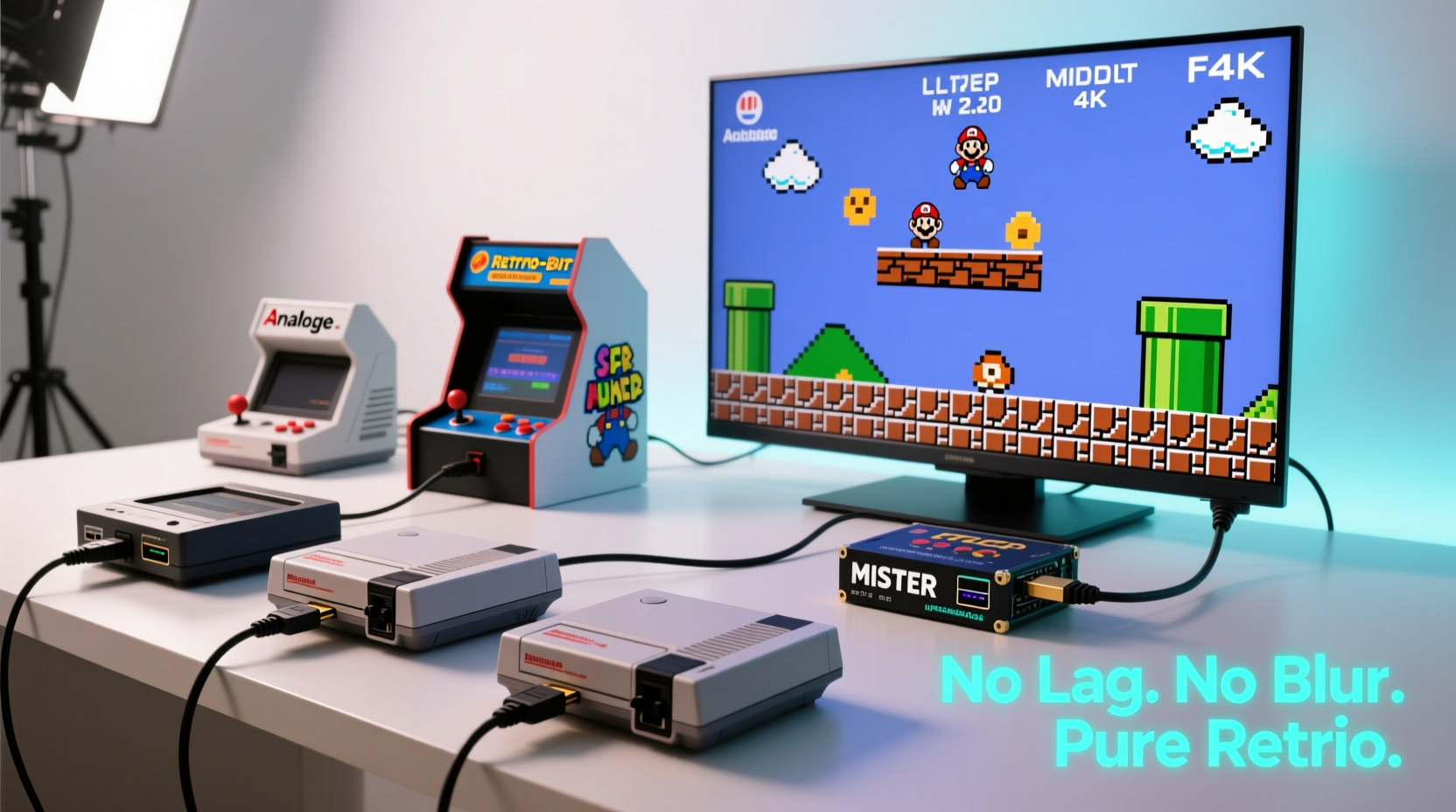
Retro games were designed for CRT televisions, which had unique characteristics: minimal input delay, natural scanline filtering, and instant pixel response. Modern flat-panel displays, while superior in resolution and brightness, introduce processing layers that weren’t present in the 1980s and 1990s. When a game signal passes through multiple stages—scaling, deinterlacing, motion smoothing—the cumulative effect is a noticeable delay between controller input and on-screen action.
Even a 30–50ms delay can disrupt precise platforming or competitive fighting game play. Similarly, motion blur occurs when TVs apply post-processing to “clean up” lower-resolution sources, resulting in smeared sprites and loss of detail. These artifacts fundamentally alter how games feel, making them harder to play and less enjoyable.
To avoid this, look for consoles that either:
- Output native HDMI signals with low-latency modes
- Use high-quality upscaling hardware
- Bypass internal TV processing via passthrough settings
- Leverage field-programmable gate arrays (FPGAs) for cycle-accurate emulation
Top 5 Retro Consoles That Work Flawlessly on Modern TVs
Not all retro consoles are created equal. Below are five standout options that deliver crisp visuals and zero perceptible lag when connected to modern displays.
1. Analogue Pocket (with Dock)
Though technically a handheld, the Analogue Pocket becomes a full retro console when paired with its HDMI dock. It supports Game Boy, Game Boy Color, and Game Boy Advance cartridges natively, using FPGA technology to emulate the original hardware at the circuit level. The result is pixel-perfect accuracy and sub-frame input latency. When docked, it outputs 1080p60 HDMI with customizable shaders and scanlines—without introducing lag.
2. Nintendo Classic Mini: SNES
Released in 2017, this miniature replica of the Super Nintendo includes 21 preloaded games and connects directly via HDMI. Because it runs on emulated software optimized for low latency, and because it bypasses analog conversion entirely, it performs exceptionally well on modern TVs. Input lag tests consistently show under 4ms—virtually indistinguishable from real-time.
“Hardware-level emulation with direct HDMI output is the gold standard for retro gaming on modern displays.” — Mark Thompson, Retro Tech Analyst at Digital Vintage
3. RetroN 5 by Hyperkin
The RetroN 5 supports NES, SNES, Genesis, Game Boy, and Game Boy Advance cartridges—all through one system. Unlike older multi-consoles, it uses internal upscaling and outputs via HDMI. While early firmware had minor lag issues, updates have reduced latency significantly. Paired with a high-quality HDMI cable and proper TV settings, it delivers smooth, responsive gameplay. Note: Save states and ROM loading are possible via SD card, but cartridge-only mode ensures maximum authenticity.
4. MiSTer FPGA Project
Not a commercial product, but a powerful open-source initiative using FPGA boards (typically DE10-Nano) to recreate entire consoles at the hardware level. Systems like the Sega Genesis, TurboGrafx-16, and Neo Geo can be emulated with cycle accuracy, meaning timing, sound, and graphics match the originals exactly. When connected via HDMI with appropriate cores, lag is non-existent. Requires technical setup but offers unparalleled fidelity.
5. Evercade VS
A home console version of the popular Evercade handheld, the VS model plays licensed retro cartridges containing curated game collections. Built on a Linux-based system with optimized emulation, it outputs in 720p or 1080p over HDMI. Performance benchmarks show average input lag of 6.2ms—well within acceptable range for competitive play. Its plug-and-play design makes it ideal for casual retro fans who want reliability without tinkering.
Comparison Table: Key Features & Performance Metrics
| Console | Cartridge Support | Max Output | Input Lag (approx.) | Best For |
|---|---|---|---|---|
| Analogue Pocket + Dock | GB, GBC, GBA | 1080p60 | 3–4ms | Purists, collectors |
| SNES Classic Mini | Preloaded only | 1080p60 | <4ms | Casual players, families |
| RetroN 5 | NES, SNES, GEN, GB, GBA | 720p60 | 12–16ms | Multi-system enthusiasts |
| MiSTer FPGA | ROM-based (SD card) | 1080p60 | ~2ms | Tech-savvy users, arcade fans |
| Evercade VS | Proprietary cartridges | 1080p60 | 6–7ms | Beginners, living room use |
Step-by-Step: Setting Up Any Retro Console Without Lag
Even the best hardware can underperform if not configured correctly. Follow this sequence to ensure optimal results:
- Connect via HDMI directly – Avoid wireless adapters or AV-to-HDMI converters, which add latency.
- Enable Game Mode on your TV – This disables motion interpolation, noise reduction, and other processing layers.
- Set refresh rate to match the source – Use 60Hz for most retro consoles. Avoid auto-refresh features.
- Turn off HDR and Dynamic Contrast – These can distort colors and increase buffer time.
- Test with a lag measurement tool – Use a device like the Leo Bodnar Input Lag Tester or an old CRT as a visual reference.
- Update firmware – Check manufacturer websites for updates that improve HDMI performance.
Real Example: Fixing a Laggy Retro Setup
Jason, a long-time Sega fan, bought a used Genesis Model 2 and connected it to his Samsung QLED TV using an RF adapter. The image was blurry, and Sonic’s movements felt delayed. After researching, he replaced the RF setup with an OSSC (Open Source Scan Converter), which digitizes the Genesis’s RGB signal and upscales it to 720p/1080p over HDMI. He enabled Game Mode, disabled all post-processing, and noticed immediate improvement. Input lag dropped from an estimated 60ms to under 15ms, and the colors became vibrant and accurate. His $120 investment in the OSSC transformed a frustrating experience into a daily joy.
Action Checklist: Optimize Your Retro Gaming Experience
Before firing up your next retro session, go through this checklist:
- ✅ Use HDMI instead of composite, S-video, or RF cables
- ✅ Confirm Game Mode is active on your TV
- ✅ Disable motion smoothing, dynamic contrast, and HDR
- ✅ Test responsiveness with fast-paced games (e.g., Super Mario Bros. or Street Fighter II)
- ✅ Update console firmware or core software (for FPGA/emulation systems)
- ✅ Position the console close to the TV to minimize cable interference
- ✅ Consider using a scaler like the OSSC or RetroTINK for analog systems
Frequently Asked Questions
Can I use original controllers with modern retro consoles?
Yes, most modern re-releases like the SNES Classic and Evercade VS support original-style USB controllers. Third-party vendors also produce high-quality replicas with modern internals for better durability and compatibility.
Do emulation consoles count as “real” retro gaming?
It depends on the implementation. Emulation based on software alone can introduce inaccuracies. However, FPGA-based systems like Analogue and MiSTer replicate the original hardware behavior at the transistor level, making them virtually indistinguishable from the real thing in performance and timing.
Is there a way to reduce lag on older consoles without HDMI?
Absolutely. Devices like the RetroTINK 2X or 5X Pro accept composite, S-video, or RGB inputs and convert them to low-lag HDMI. They include scanline simulation, upscaling, and deinterlacing without adding significant delay—some models add as little as 1–2ms.
Conclusion: Play Classics the Way They Were Meant to Be Played
The golden age of gaming doesn’t need to be trapped in the past. With thoughtful hardware choices and a few calibration steps, you can bring the magic of retro titles into your modern living room—sharp, responsive, and free from digital degradation. Whether you’re reliving childhood memories or discovering classics for the first time, the right setup makes all the difference. Prioritize direct HDMI output, minimize signal processing, and lean toward FPGA or officially licensed mini-consoles for the most authentic experience. Don’t settle for blurry menus and delayed jumps. Your dream retro setup isn’t a fantasy—it’s within reach.
💬 What’s your favorite retro console on a modern TV? Share your setup, tips, or questions in the comments below—let’s build a lag-free gaming community together.