The iPad remains one of the most versatile devices on the market, blending productivity, creativity, and entertainment in a sleek, portable form. However, not every user needs the latest Pro model or premium accessories to get exceptional value. For students, casual users, and budget-conscious professionals, pairing a cost-effective iPad with smart accessory choices can yield near-flagship performance at a fraction of the price.
The key lies in balancing capability with cost. With thoughtful selection, you can build a capable iPad setup that supports note-taking, media consumption, light design work, and remote learning—all without breaking the bank. This guide explores the most practical, high-value iPads and accessories that deliver real-world utility without unnecessary frills.
Choosing the Right iPad for Value
Apple offers several iPad models, but not all are created equal in terms of price-to-performance ratio. For most users, the base-model iPad (often referred to as the iPad 9th or 10th generation) provides the strongest balance of features and affordability.
Equipped with the A13 or A14 Bionic chip, these models handle everyday tasks like web browsing, video streaming, document editing, and even light photo editing with ease. They support the first-generation Apple Pencil and Smart Keyboard Folio, opening up creative and productivity possibilities without requiring a $600+ investment.
For those needing more screen space, the iPad Air strikes a middle ground. Though pricier than the standard iPad, its M1 chip, USB-C port, and compatibility with the second-gen Apple Pencil make it future-proof for years. If purchased during back-to-school promotions or through certified refurbished programs, the iPad Air can still represent excellent long-term value.
Tip: Consider buying a previous-generation iPad during holiday sales or education discounts—savings of $50–$100 are common.Essential Accessories That Maximize Utility
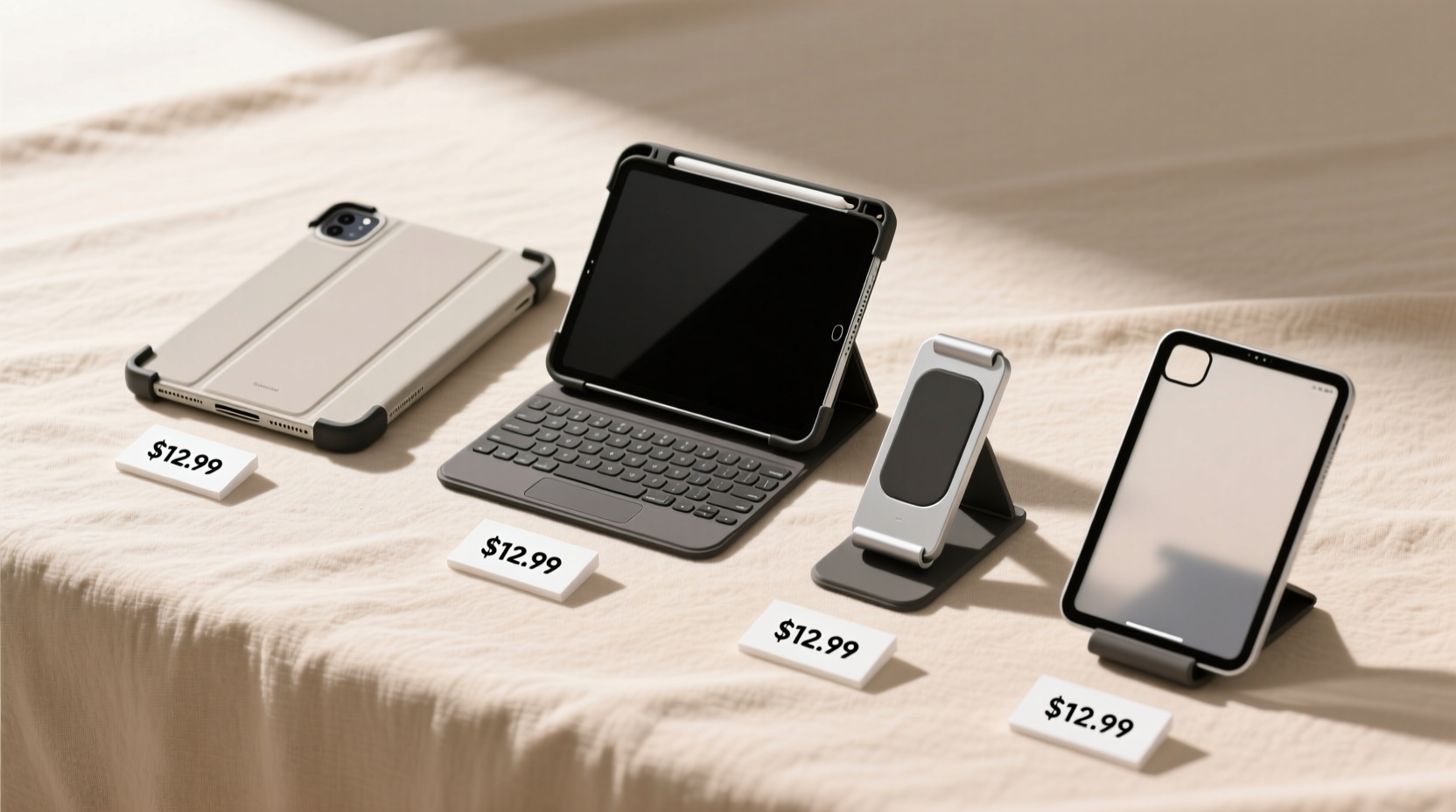
An iPad’s functionality expands dramatically with the right add-ons. But premium Apple accessories come at a steep markup. Fortunately, third-party alternatives offer comparable performance at lower prices.
Stylus Options: Precision Without the Premium
The Apple Pencil is excellent, but at $99 (first gen) or $129 (second gen), it doubles the cost of a budget iPad setup. Fortunately, reliable alternatives exist.
Brands like Logitech, Adonit, and Zagg offer active styluses with palm rejection, tilt sensitivity, and low latency for $40–$70. While they may lack pixel-perfect precision under extreme use, they perform admirably for note-taking, sketching, and marking up PDFs.
Keyboards: Typing Comfort on a Budget
If you plan to write essays, emails, or reports, a keyboard is essential. Apple’s Smart Keyboard Folio costs $159—a steep addition. Instead, consider third-party Bluetooth keyboards with built-in stands.
Models from Logitech (K380, K310), Jelly Comb, and ELECOM offer full layouts, comfortable key travel, and multi-device pairing for $30–$60. Some fold into protective cases, eliminating the need for a separate cover.
Cases: Protection Meets Functionality
A good case protects against drops and doubles as a stand. Apple’s cases start at $49, but durable options from UAG, SUPCASE, and JETech offer similar drop protection and adjustable viewing angles for $20–$35.
Look for cases with auto wake/sleep functionality—this small feature extends battery life by turning the screen off when closed.
“Value isn’t about spending less—it’s about getting more for what you spend. A well-chosen accessory ecosystem turns a basic iPad into a tool that grows with you.” — Marcus Lin, Tech Education Consultant
Comparison Table: Best Value iPad Setups
| Setup Tier | iPad Model | Stylus | Keyboard | Case | Total Estimated Cost |
|---|---|---|---|---|---|
| Entry-Level | iPad 10th Gen ($329) | Logitech Crayon ($69) | Jelly Comb Foldable ($35) | SUPCASE Unicorn Beetle ($25) | $458 |
| Balanced | iPad Air (Refurbished, $449) | Adonit Dash 4 ($59) | Logitech K380 ($59) | Zagg Rugged Slate ($39) | $606 |
| Premium Value | iPad 9th Gen + Pencil 1 ($399 + $99 used) | Apple Pencil 1st Gen | Apple Smart Keyboard Folio ($129) | Apple Case ($49) | $676 |
Note: Refurbished or lightly used accessories from trusted sellers (e.g., Amazon Renewed, Back Market) can reduce costs by 20–40% without sacrificing reliability.
Mini Case Study: A Student’s High-Value Setup
Jamie, a university freshman majoring in psychology, needed a portable device for lectures, reading, and essay writing. With a $500 budget, she opted for the iPad 10th generation ($329), a refurbished Logitech Crayon ($55), a foldable Bluetooth keyboard ($32), and a rugged case ($24). Total spent: $440.
This setup allowed her to annotate PDFs, take handwritten notes in GoodNotes, type papers, and watch recorded lectures. She saved over $200 compared to an iPad Pro bundle and found the performance more than sufficient for two academic years. By avoiding Apple’s premium ecosystem lock-in, she gained flexibility and room in her budget for apps and cloud storage.
Step-by-Step Guide: Building Your Budget iPad Kit
- Define your primary use: Determine if you need the iPad mainly for reading, writing, drawing, or multimedia.
- Select the iPad model: Choose based on screen size, processor, and Pencil compatibility. The iPad 10th gen is ideal for most; go Air if you anticipate heavier use.
- Prioritize accessories: Rank must-haves (e.g., stylus for art students, keyboard for writers).
- Shop across tiers: Compare Apple originals vs. reputable third parties. Read verified reviews focusing on latency, durability, and connectivity.
- Buy refurbished or wait for sales: Target Black Friday, back-to-school events, or Apple’s Certified Refurbished store.
- Optimize software: Install free or low-cost apps like Freeform, Notability (free tier), and Microsoft Office to maximize functionality.
Common Pitfalls to Avoid
- Overinvesting in unused features: Don’t buy an iPad Pro just for web browsing. Match specs to actual needs.
- Skipping protection: Even a $30 case prevents costly screen repairs.
- Ignoring compatibility: Verify that styluses and keyboards work with your specific iPad model and OS version.
- Assuming “cheap” means “bad”: Many third-party brands undergo rigorous testing. Look for warranties and return policies.
FAQ
Can I use a non-Apple stylus with good results?
Yes. Many third-party styluses now support palm rejection and pressure sensitivity. Brands like Logitech and Adonit integrate well with iOS and popular note-taking apps. Performance may vary slightly, but for general use, the difference is negligible.
Is a keyboard really necessary?
If you type more than occasional notes or emails, yes. On-screen typing is inefficient for long-form writing. A physical keyboard improves speed, accuracy, and ergonomics, especially when paired with a stand.
Are refurbished iPads safe to buy?
Yes, if purchased from Apple’s Certified Refurbished program or reputable retailers like Best Buy or Amazon Renewed. These devices are tested, cleaned, and come with warranties, often at 10–20% off retail.
Final Checklist: Your Value-Focused iPad Build
- ✅ Chose iPad model based on actual use case, not brand prestige
- ✅ Compared Apple vs. third-party accessories for cost and function
- ✅ Selected a compatible stylus with low latency and palm rejection
- ✅ Picked a responsive Bluetooth keyboard with good battery life
- ✅ Invested in a protective case with auto wake/sleep
- ✅ Shopped during sales or considered refurbished options
- ✅ Installed essential free apps to enhance productivity
Conclusion: Smart Spending, Lasting Value
The best iPad setup isn’t defined by price tags—it’s measured by how well it serves your daily needs. By focusing on compatibility, durability, and real-world performance, you can assemble a powerful, affordable system that rivals much more expensive configurations. Whether you're a student, a creative hobbyist, or a remote worker, value comes from intentionality, not extravagance.
💬 Found a hidden gem accessory or deal? Share your experience in the comments and help others build smarter, more affordable iPad setups.